Go workspaces
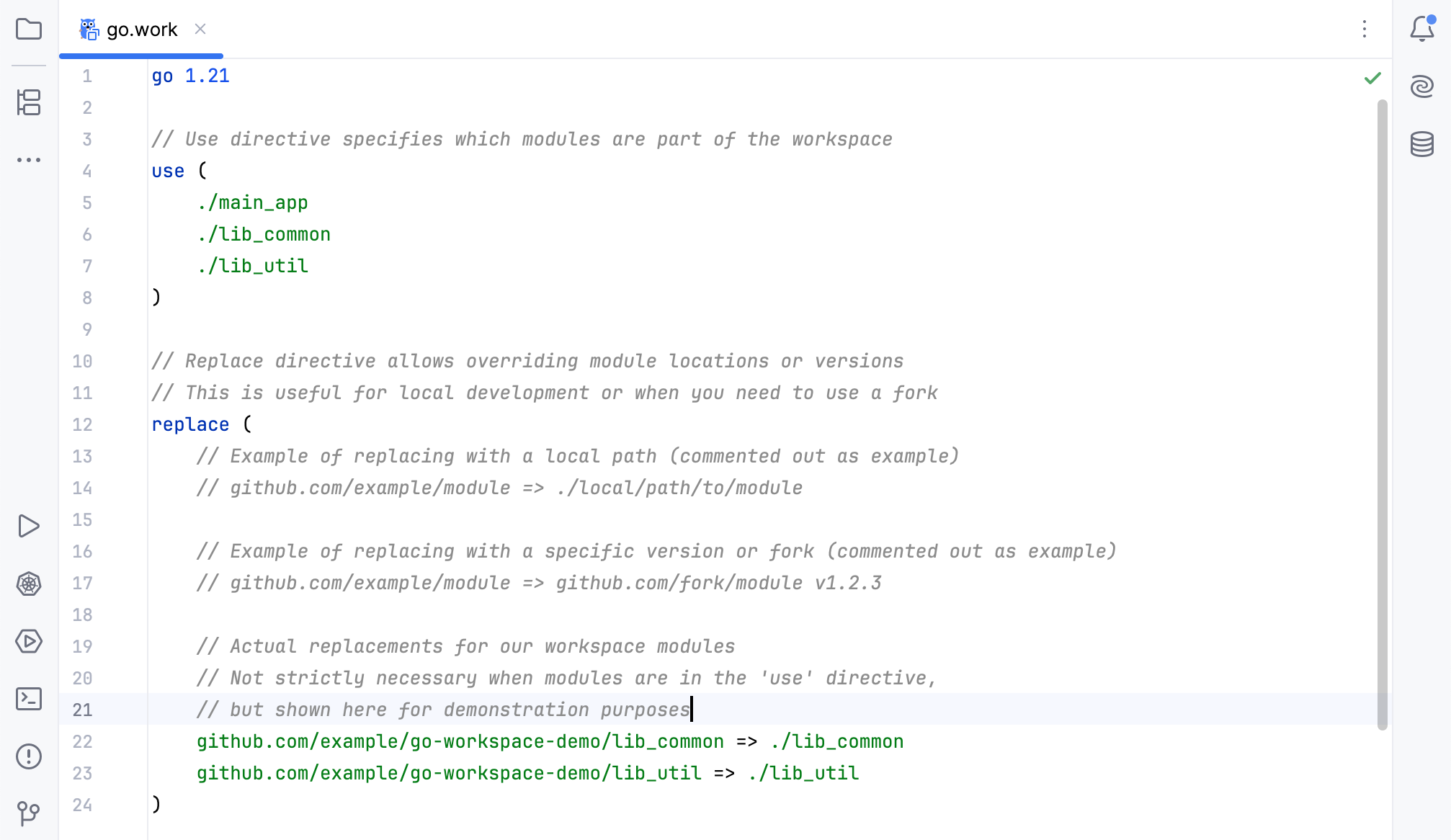
A Go workspace uses a go.work file to work with multiple modules in one project. The file lists the modules that Go treats as main modules when it resolves dependencies.
When you create a go.work file, GoLand automatically includes all modules in the current project.
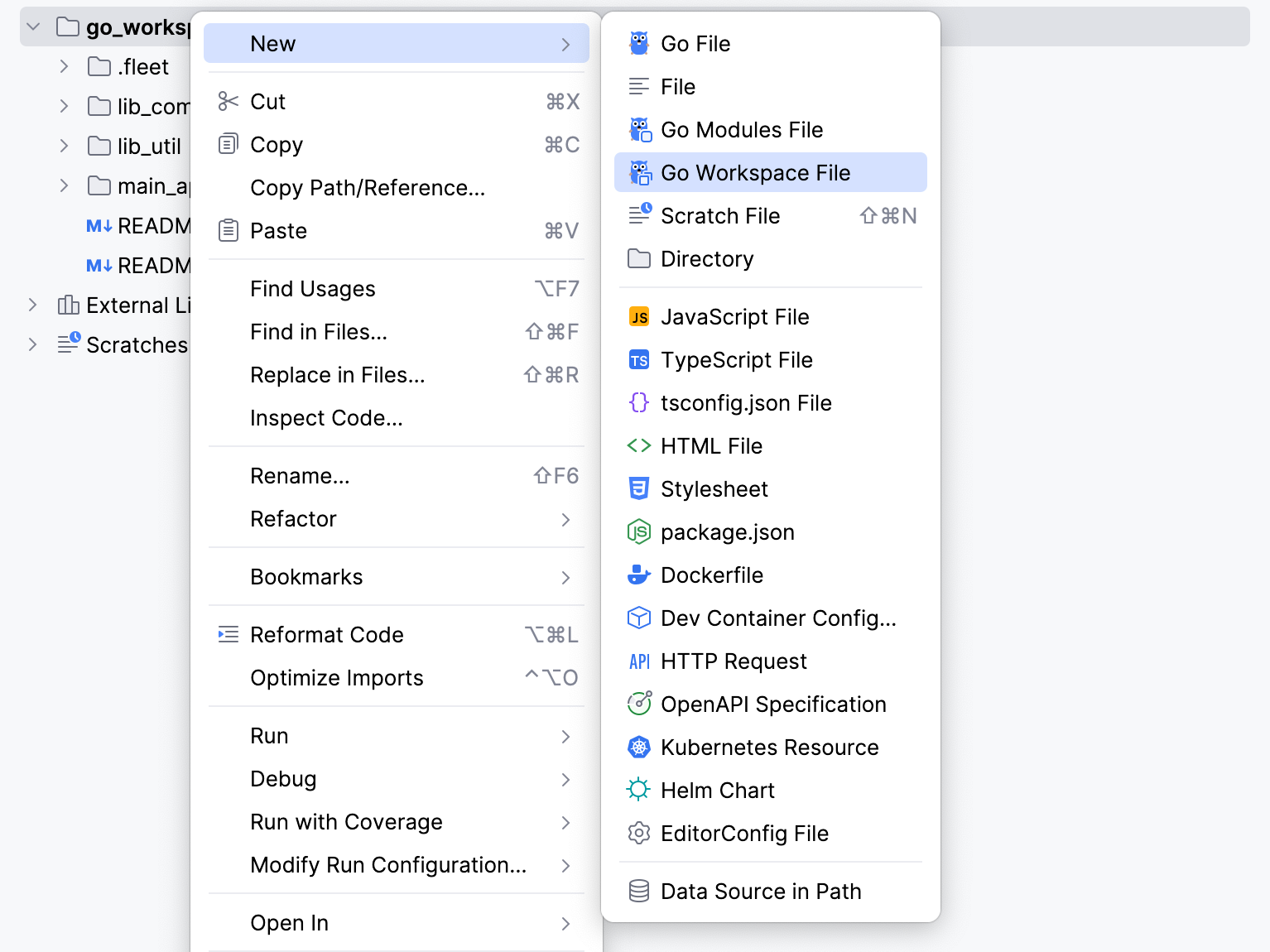
Create a workspace
Right-click the parent directory of your project. Then select .
Add local replacement modules to a workspace
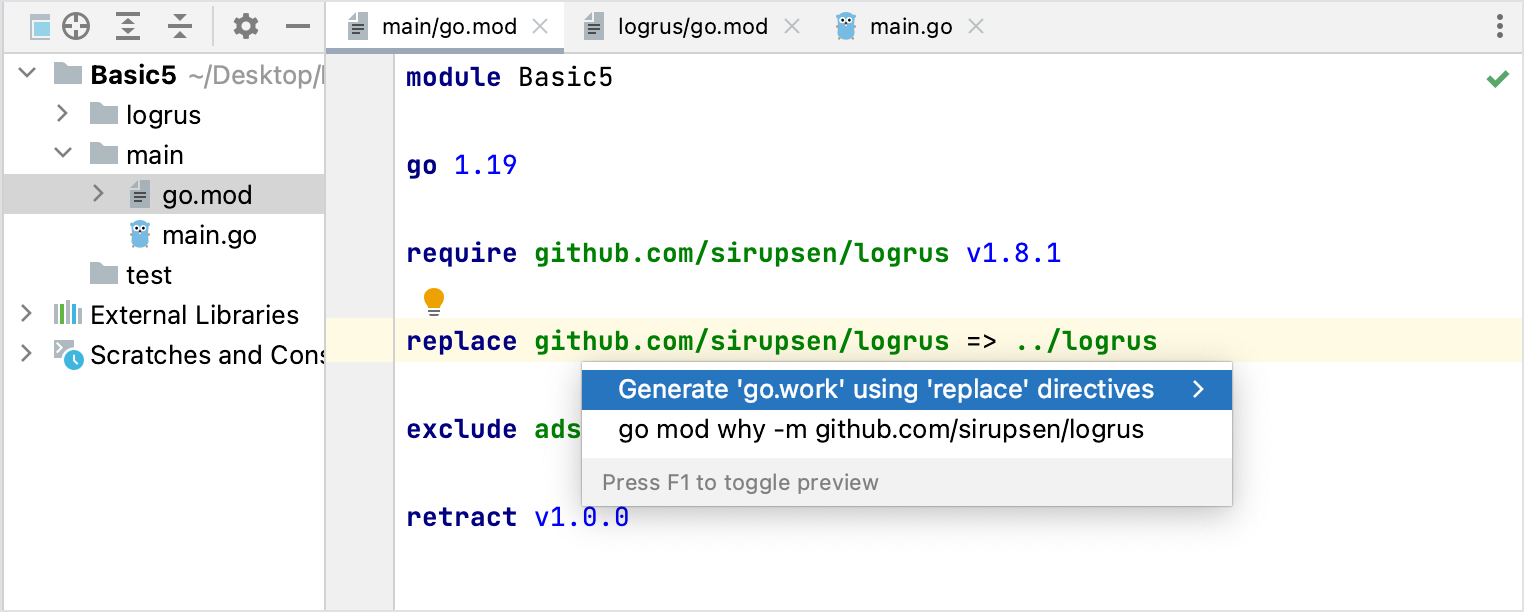
In a go.mod file that contains relative
replacedirectives for modules in the project, place the caret at a directive, press Alt+Enter, and select Add all locally replaced modules to workspace.If no workspace exists, GoLand creates a go.work file that includes the main module and its local replacements. Otherwise, it adds the replacements to the existing workspace.
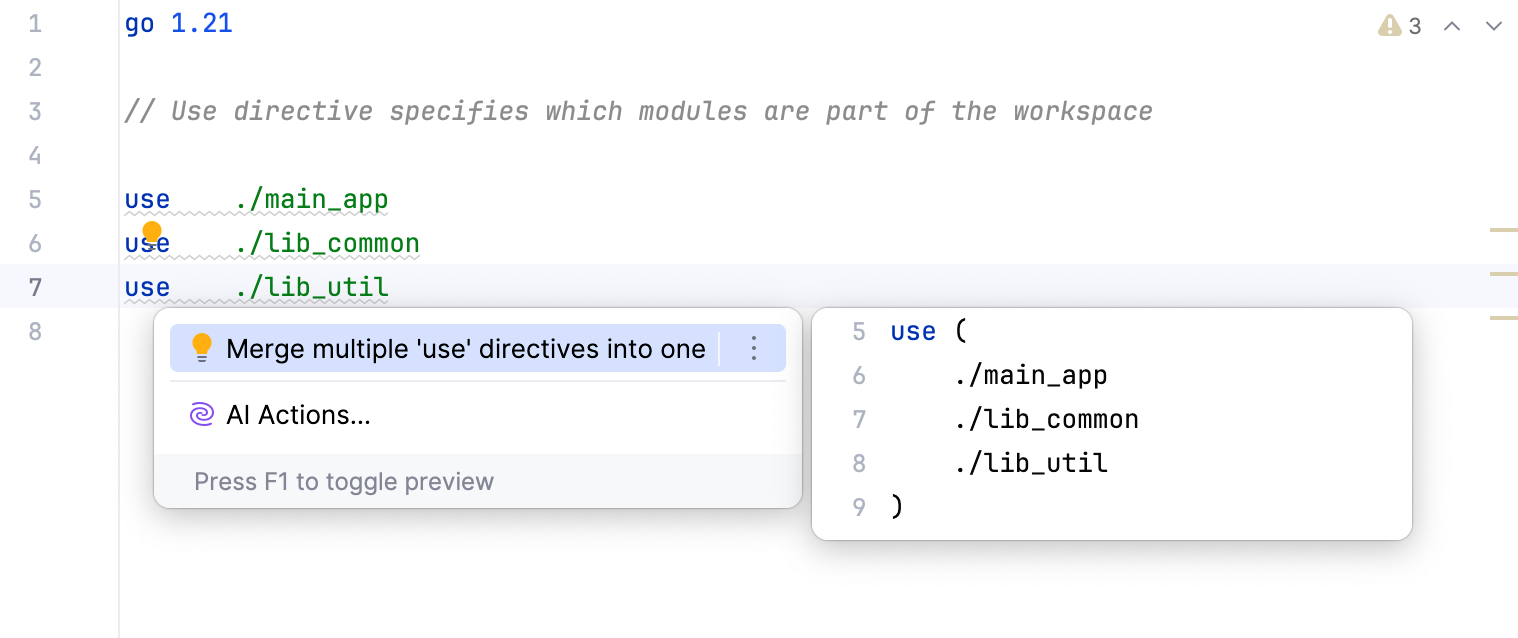
Merge several use directives into one directive
Click a
usedirective, press Alt+Enter, and select Merge multiple 'use' directives into one.