Properties files
Properties files are text files with the .properties extension, containing localization strings in the form of key and value pairs that can be accessed and rendered in the UI.
GoLand marks these files with the following icon:  .
.
GoLand also recognizes properties files in XML format. They are marked with the icon  .
.
Several properties files with the same base name and a language-specific suffix can be combined into a resource bundle for convenience.
Create a properties file
From the context menu of the target directory, choose .
In the New File dialog, type the filename with the corresponding extension .properties, and click OK.
Encoding of properties files
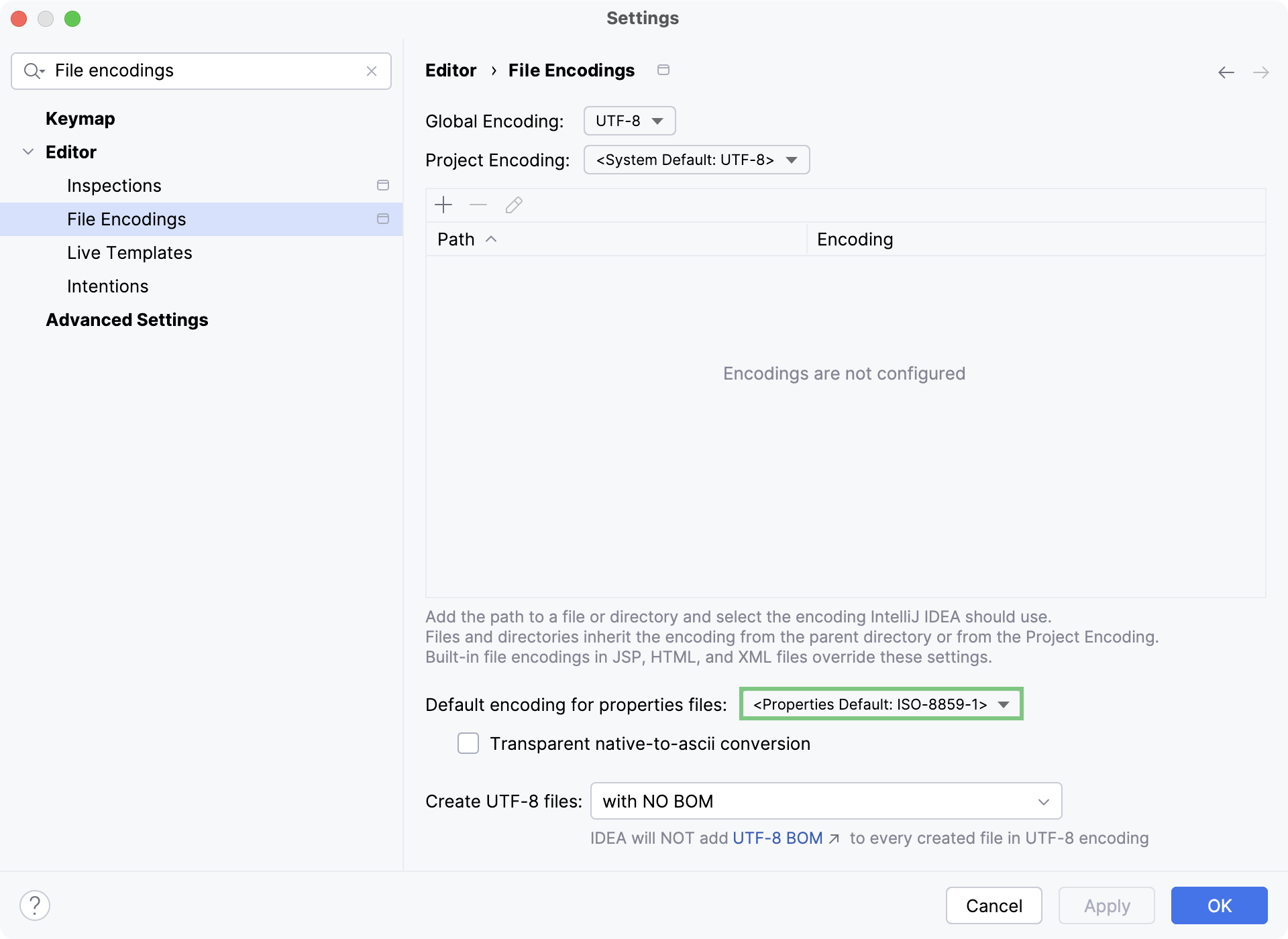
Configure default encoding for properties files
In the Settings dialog (Ctrl+Alt+S) , select .
Select the encoding from the Default encoding for properties files list.
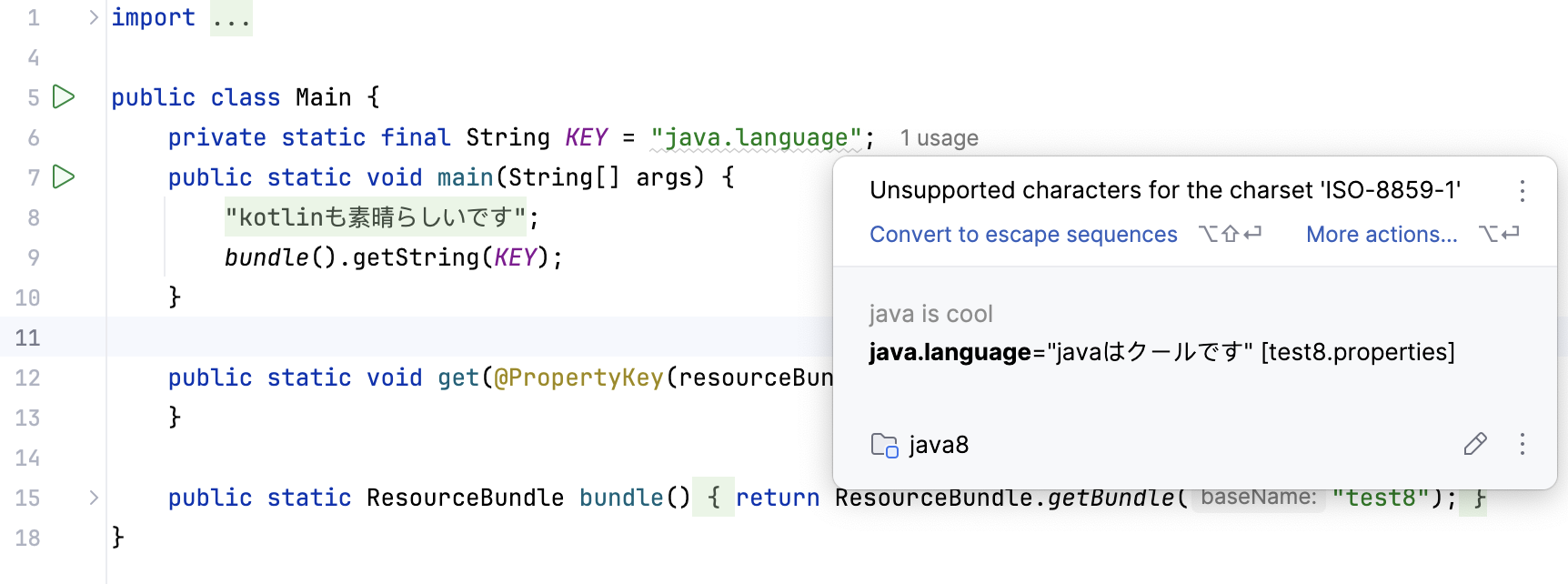
If necessary, enable Transparent native-to-ascii conversion to show native characters (those not defined in ISO-8859-1) in place of the corresponding escape sequences.