Add Credentials to Your Account
You can use any set of credentials as a Hub login. If you prefer to use a username and password that is not already saved as your primary login for Hub, you can add them as a new set of credentials.
To add them successfully, the password must meet the password strength requirement that is set for the Hub authentication module.
To add credentials to your account:
Click your avatar in the application header, then select the Profile link.
Switch to the Account Security tab.
In the Credentials section of the page, click the Add credentials button.
The Add Credentials dialog opens.
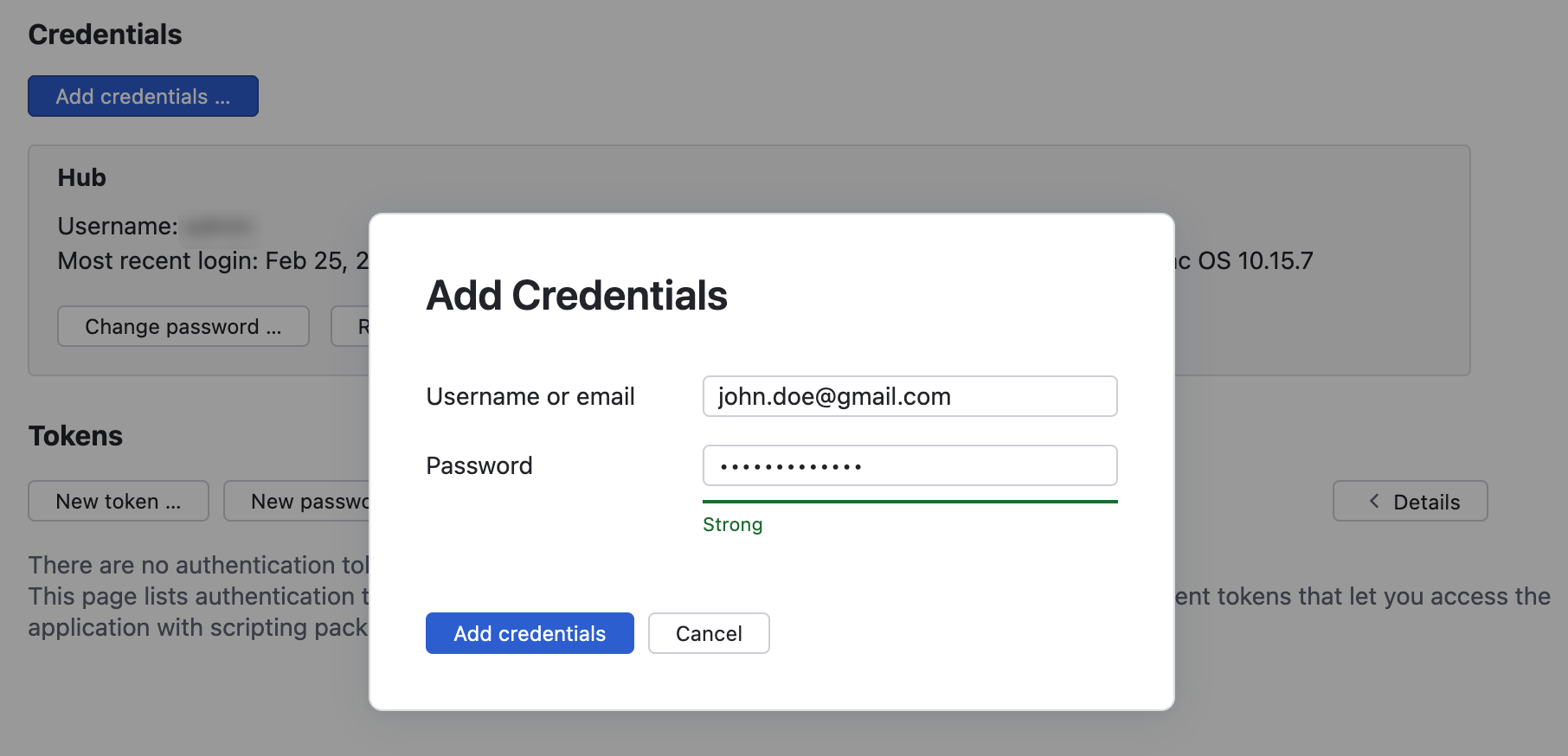
Enter the username/email address and password that you want to add to your account.
Click the Add credentials button.
The selected credentials are added as logins to your user profile.
25 February 2026