Big Data Tools
The Big Data Tools tool window shows your connections to remote storages, such as Amazon S3, Google Cloud Storage, Azure, HDFS, and SFTP servers. Use it to work with data files on these storages.
Install the Remote File Systems plugin
This functionality relies on the plugin, which you need to install and enable.
Press Ctrl+Alt+S to open settings and then select .
Find the Remote File Systems plugin, and click Install. Restart the IDE if prompted.
Once the plugin is installed, the Big Data Tools window appears in the rightmost group of the tool windows. You can also access it using .
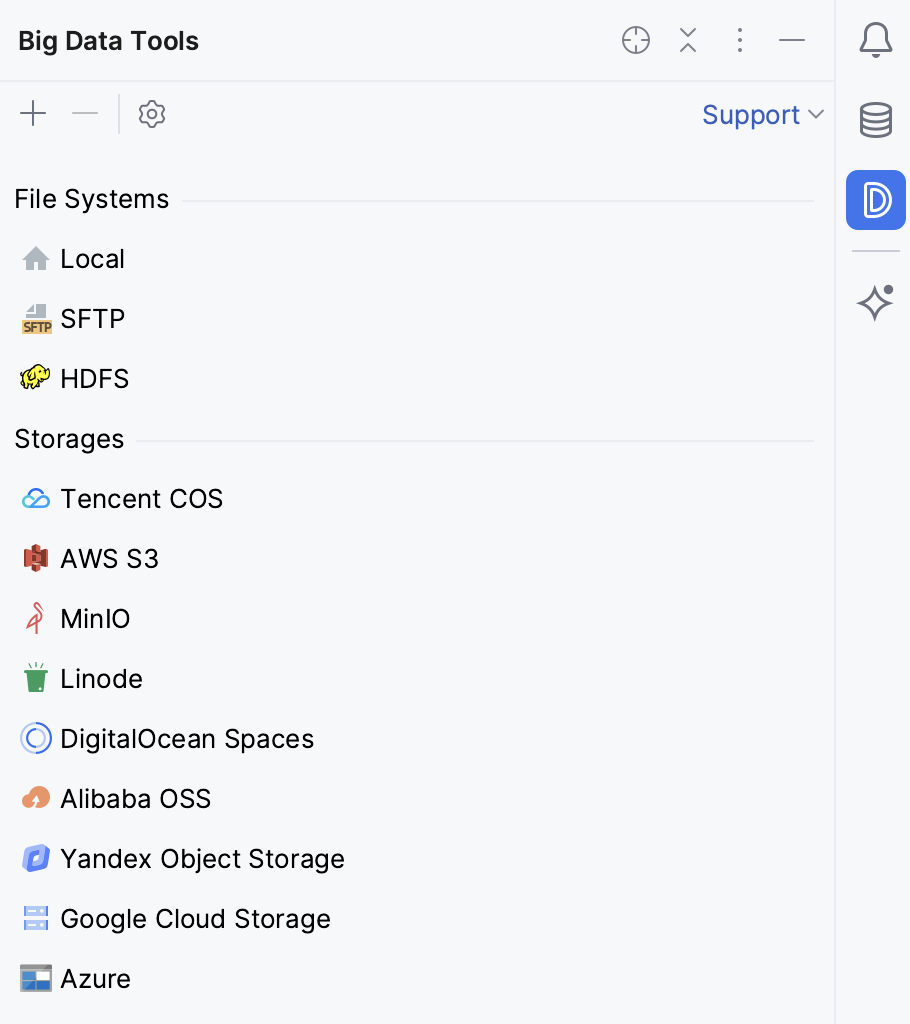
For the basic operations with the remote file systems, use the tool window toolbar:
Item | Description |
|---|---|
| Add a new connection to a server |
| Delete the selected connection |
| Refresh the selected connection |
| Open the connection settings |
| |
| Open the selected storage, bucket, or folder in a separate tab of your editor |


To add or edit connections, go to . To authenticate HDFS connections, you can use Kerberos.