Code Style. Go
Use this page to configure formatting options for Go files. When you change these settings, the Preview pane shows how this will affect your code.
Tabs and Indents
Indentation widths are measured in spaces, not in tab characters. For example, an indent of 4 with a tab size of 4 uses one tab when Use tab character is selected.
Item | Description |
|---|---|
Use tab character | Use the Tab key for indentation. When the checkbox is cleared, IntelliJ IDEA uses spaces instead of tabs. This checkbox is selected by default. |
Smart tabs |
The Smart tabs checkbox is available if the Use tab character option is enabled. This checkbox is cleared by default. |
Tab size | In this field, specify the number of spaces included in a tab. Default value: |
Indent | In this field, specify the number of spaces to be inserted for each indent level. Default value: |
Continuation indent | Specify the indentation for lines that continue from the previous line, making it clear that they are part of the same statement or block of code. Continuation indents are used when a single statement is too long to fit on one line. Default value: |
Keep indents on empty lines | If this checkbox is selected, IntelliJ IDEA will keep indents on the empty lines as if they contained some code. If this checkbox is cleared, IntelliJ IDEA will delete the tab characters and spaces. This checkbox is cleared by default. |
Wrapping and Braces
Configure wrapping options and the usage of braces.
Item | Description |
|---|---|
Hard wrap at | Use the Hard wrap at field to specify a margin space required on the right side of an element. If you select the Default option, then a value of the right margin from the global settings is used. |
Wrap on typing | Use the Wrap on typing settings to specify how the edited text is fitted in the specified Hard wrap at:
|
Visual guides | Use the Visual guides field to specify multiple right margins. You can leave a default value or enter the number of spaces for your margin. If you want to specify several margins, enter numbers separated by comma. |
Function call arguments | Select wrapping options for function call arguments. In Go, function call arguments are the values that are passed to a function when it is called. You can select between the following options:
You can apply the previous options to opening and closing parentheses:
|
Composite literals | Select wrapping options for composite literals. In Go, a composite literal is a compact notation for creating a value of a composite type, which includes arrays, slices, maps, and structs. You can select between the following options:
You can apply the previous options to opening and closing parentheses:
|
Function parameters | Select wrapping options for function parameters. In Go, function parameters are variables that are declared as part of a function signature and are used to pass data to the function when it is called. The values passed to the function as arguments are assigned to the function's parameters, allowing the function to operate on the data. You can select between the following options:
You can apply the previous options to opening and closing parentheses:
|
Function result parameters | Select wrapping options for function result parameters. In Go, result parameters appear after the parameter list in a function signature. They define the values that the function returns. You can select between the following options:
You can apply the previous options to opening and closing parentheses:
|
Imports
Configure code style rules for the import section.
Item | Description | ||||
|---|---|---|---|---|---|
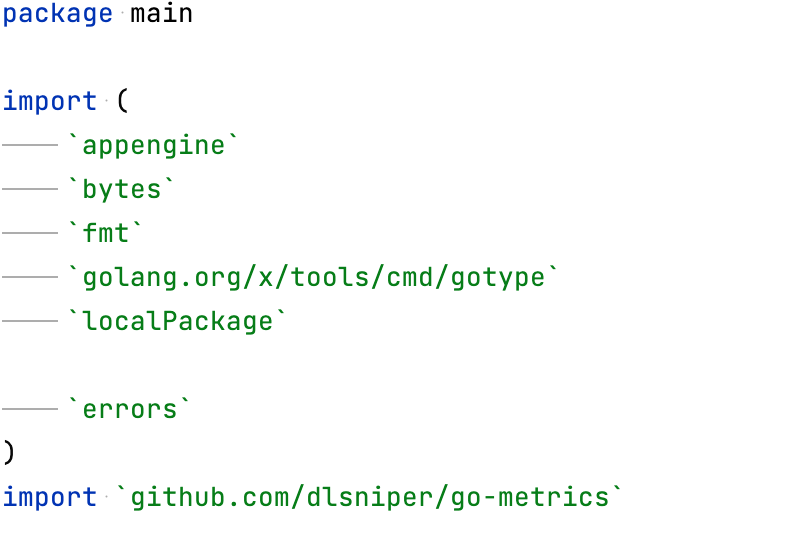
Use backquotes for imports | Replace double quotes with backquotes.
| ||||
Add parentheses for a single import | Add parentheses around a single | ||||
Remove redundant import aliases | Remove an import alias when it matches the package qualifier and no other qualifier is required. For example, the
import (
logrus "github.com/sirupsen/logrus"
)
| ||||
Sorting type | Select what style to use for sorting the import statements. You can select between the following options:
| ||||
Move all imports to a single declaration | Combine non-C imports into one
| ||||
Group packages from Go SDK | Put imports from Go SDK packages in a separate group. For example, imports from
The formatter keeps imports in separate groups when blank lines separate them. To put Go SDK imports from all groups together, select Move all packages to a single group. 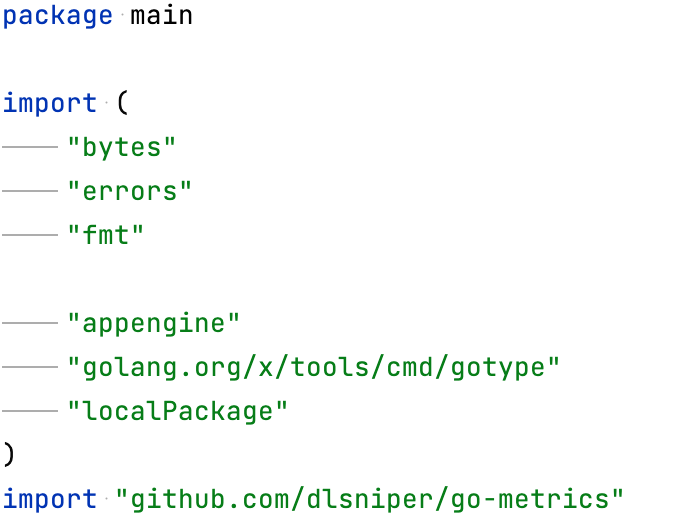 | ||||
Group | Select Group to create a separate group for local imports. Then select one of the following options:
|
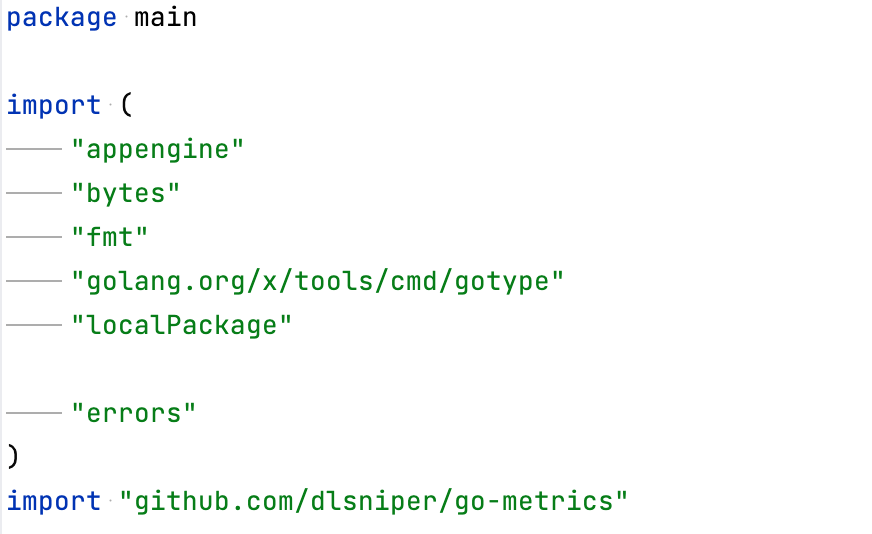
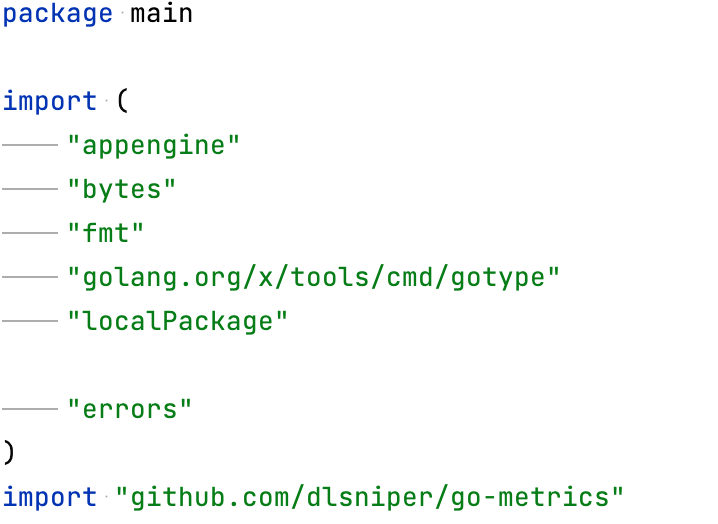
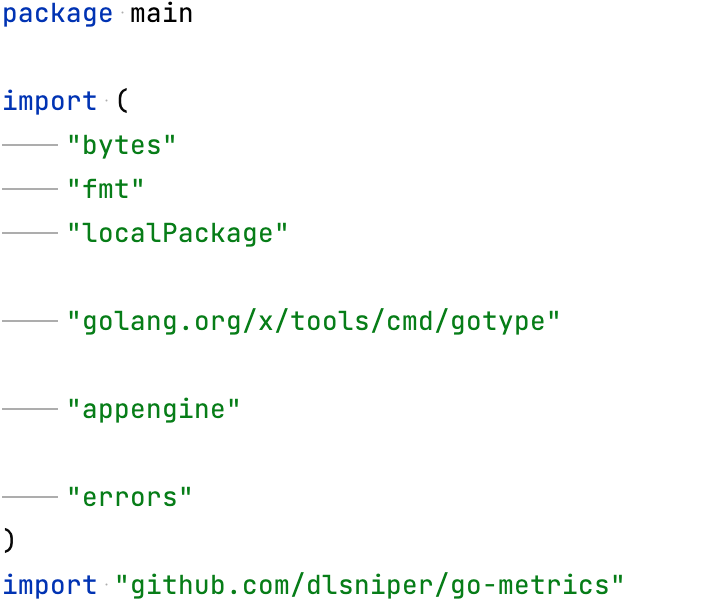
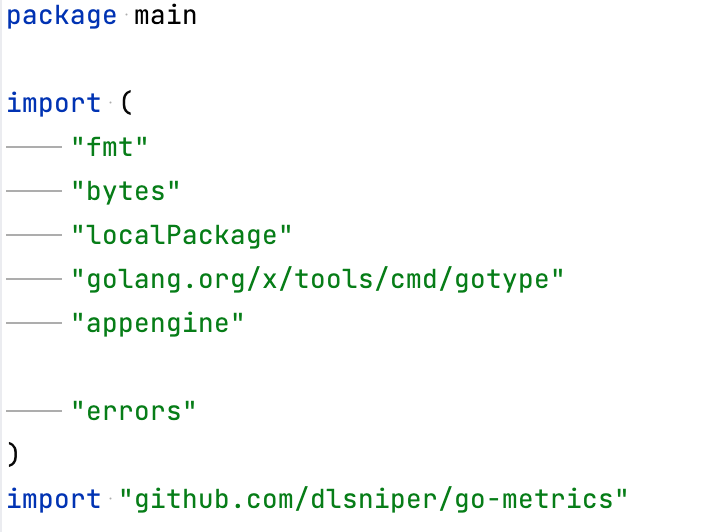
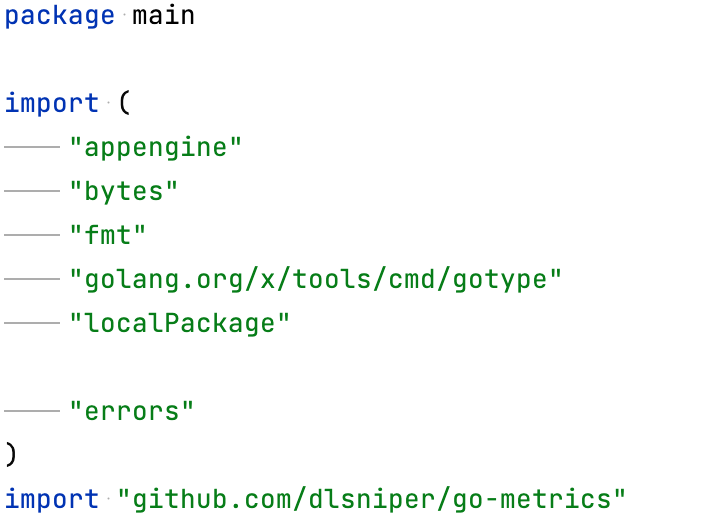
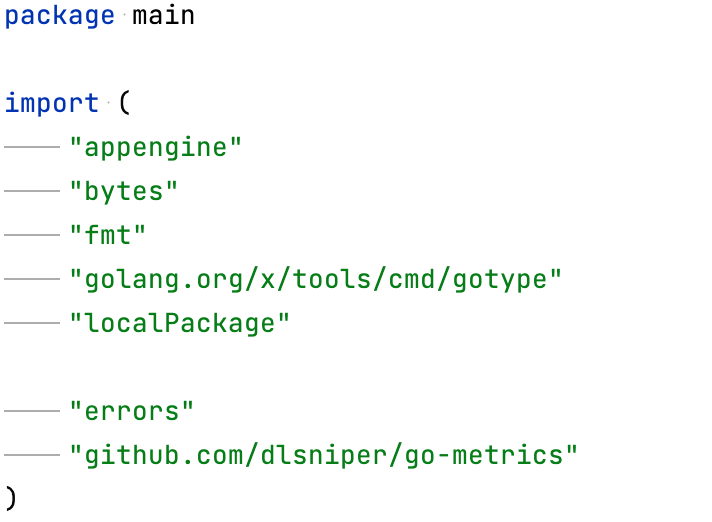
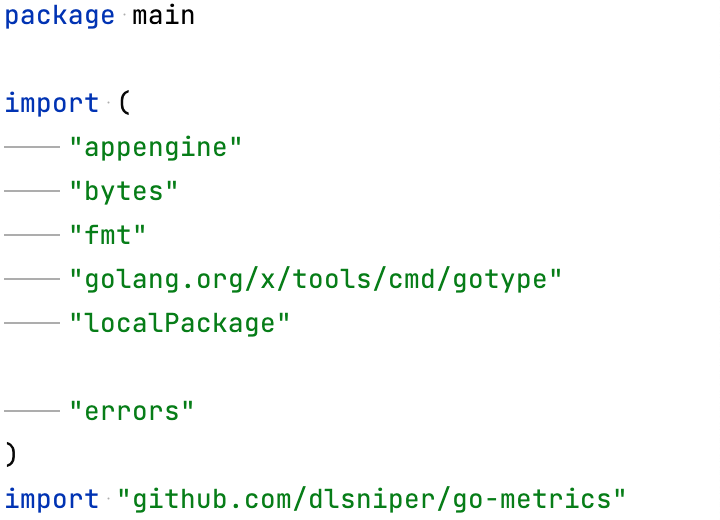
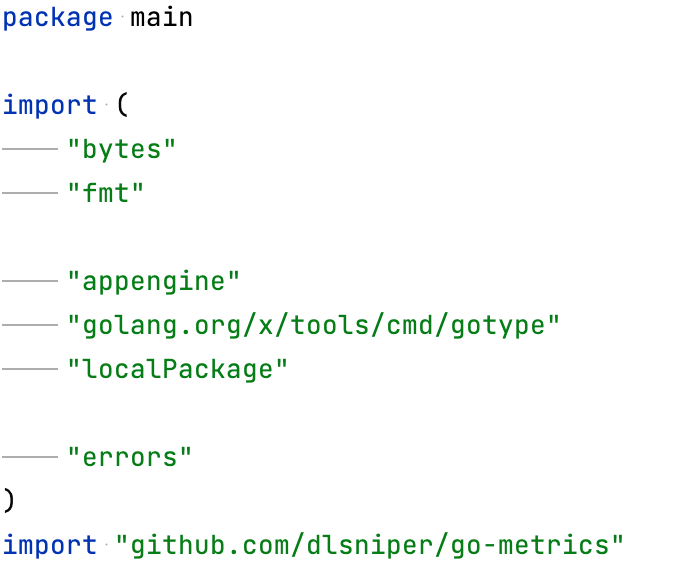
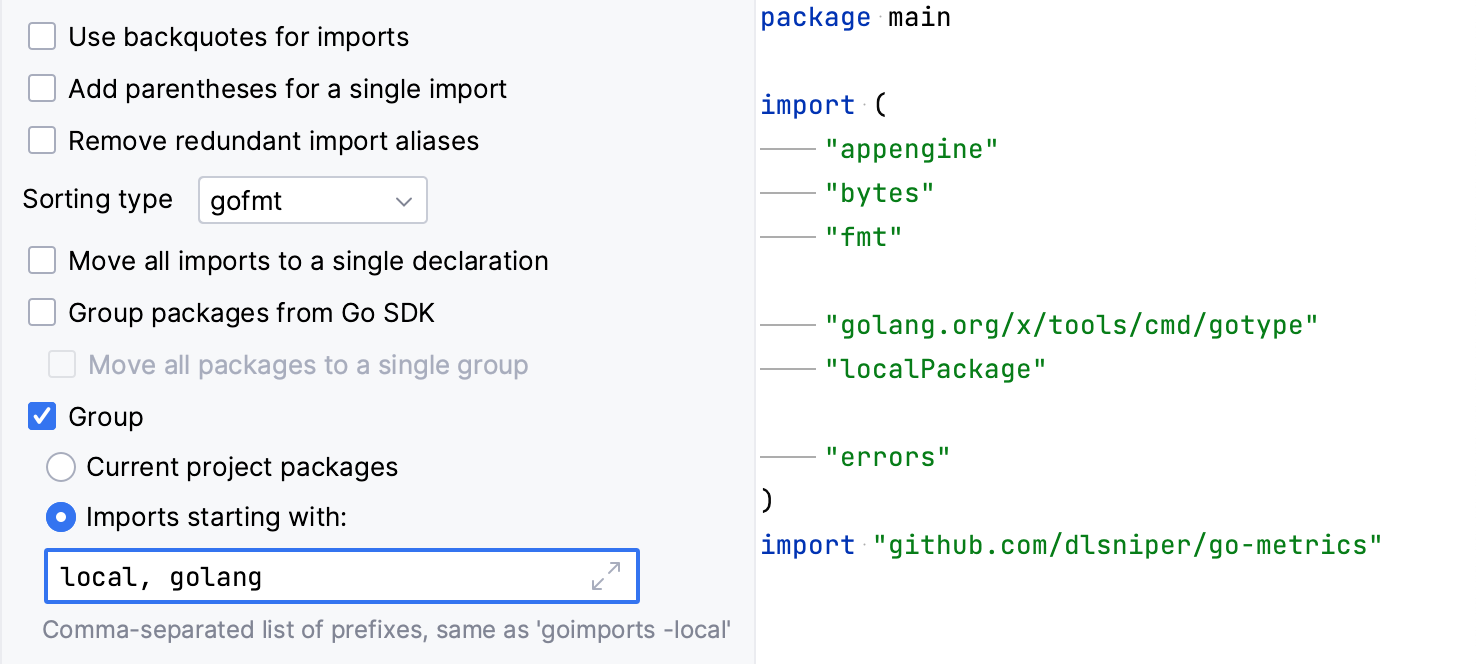
Other
Item | Description | ||||
|---|---|---|---|---|---|
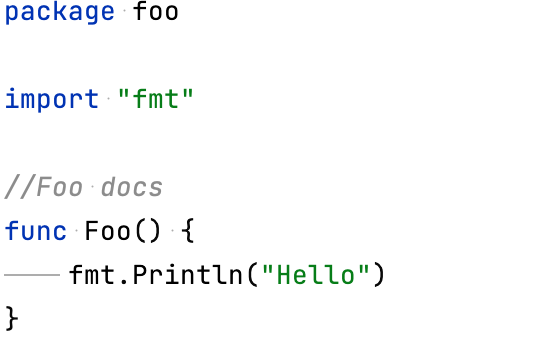
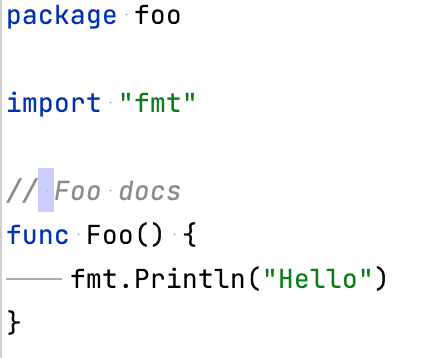
Add a leading space to comments | Add a space after
To exclude comments that start with a specific prefix, click the Add icon ( 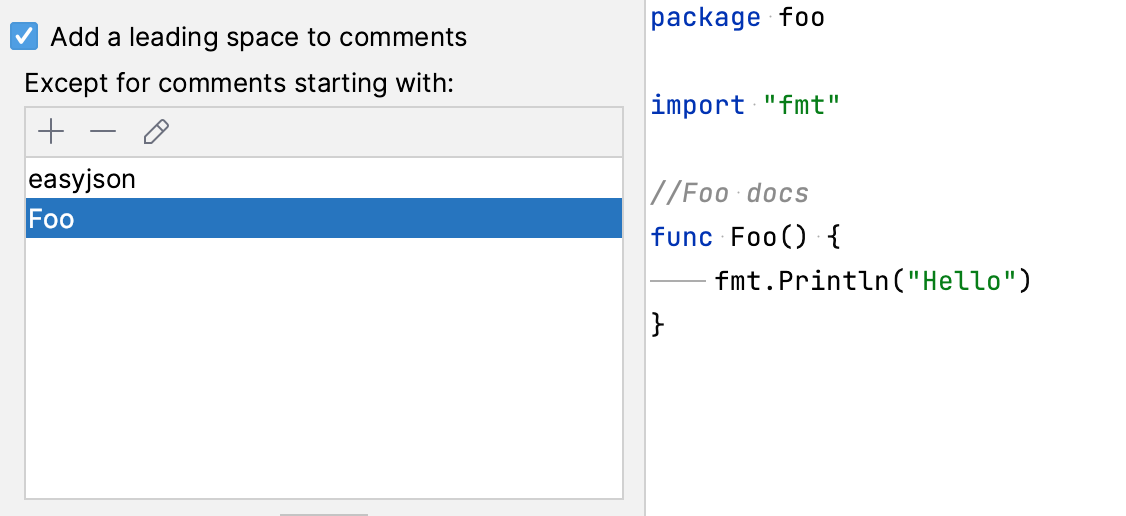 | ||||
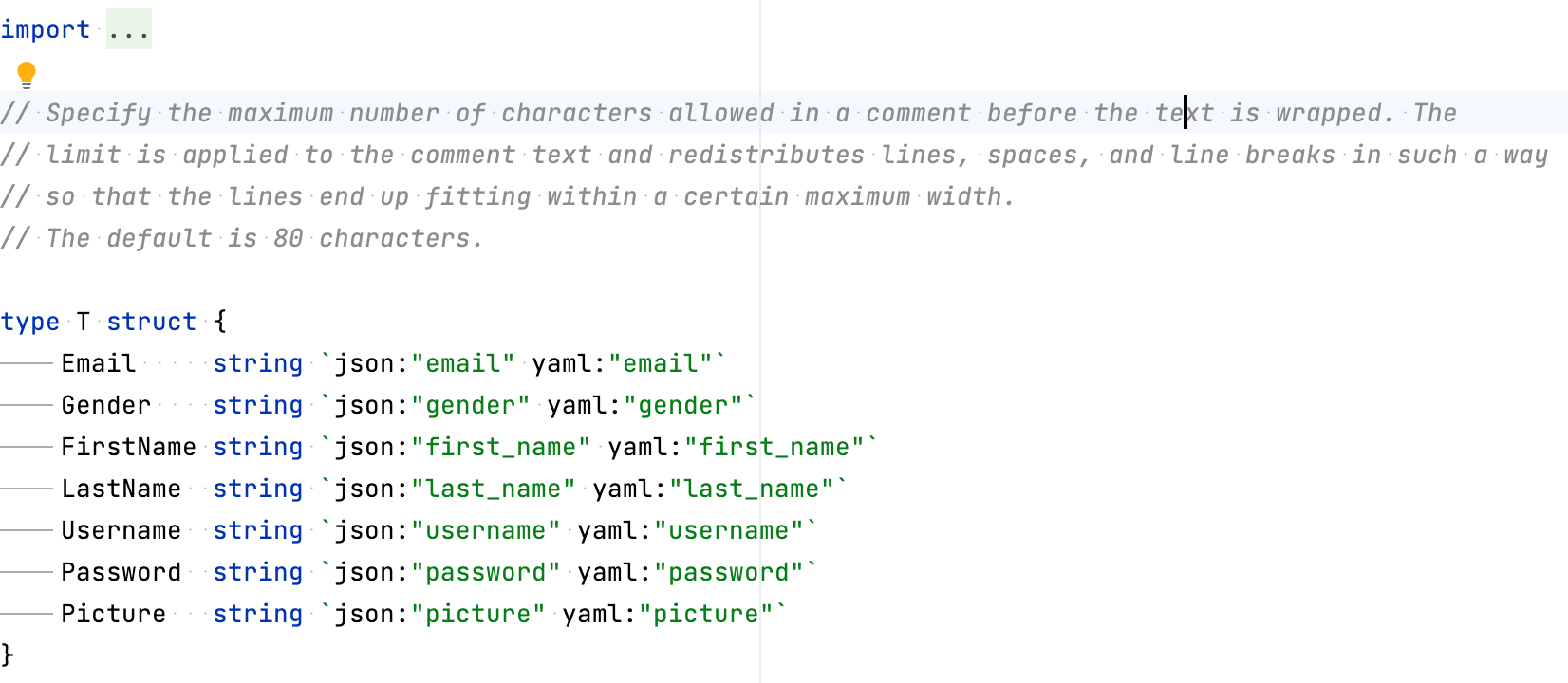
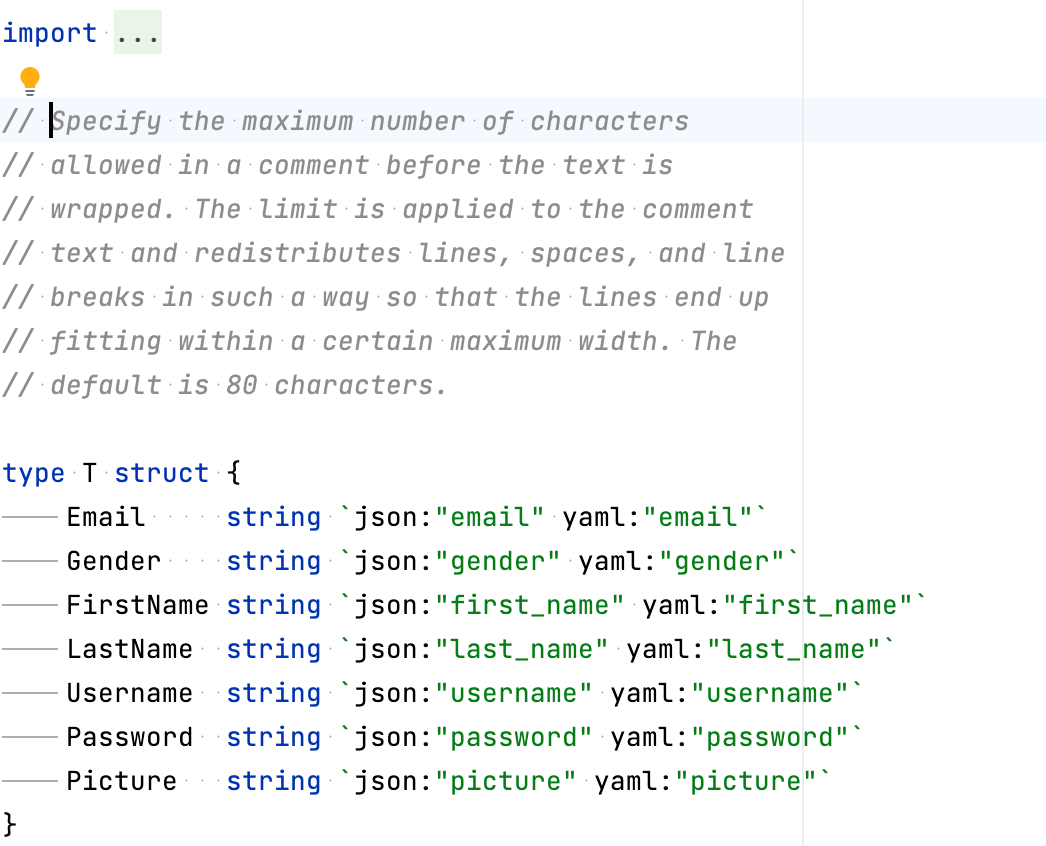
Column width for Fill paragraph | Set the maximum line width that the Fill Paragraph action uses in Go comments. The action uses a smaller width when indentation and the editor right margin leave less space. The default is 80 characters.
| ||||
On Reformat Code action | Run |
 ), type the prefix, and click