Configure the IDE
IntelliJ IDEA allows you to configure the settings on several levels: the module level, the project level, and globally.
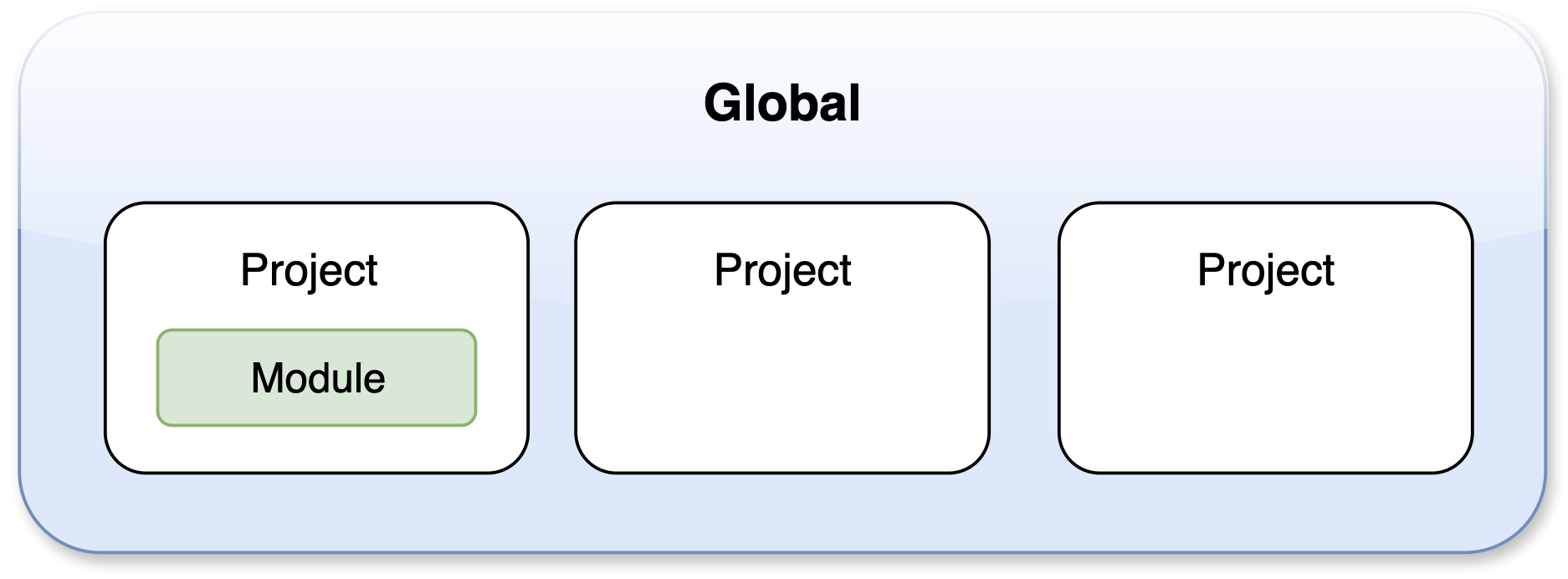
Global settings apply to all projects that you open with a specific installation or version of IntelliJ IDEA. Such settings include IDE appearance (themes, color schemes, menus, and toolbars), notification settings, the set of installed and enabled plugins, debugger settings, code completion, and so on. Global settings are stored in the configuration directory.
Project settings apply to the current project only unless you configure them as default settings for new projects. Such settings include VCS configuration, code style options, the list of language inspections, and so on.
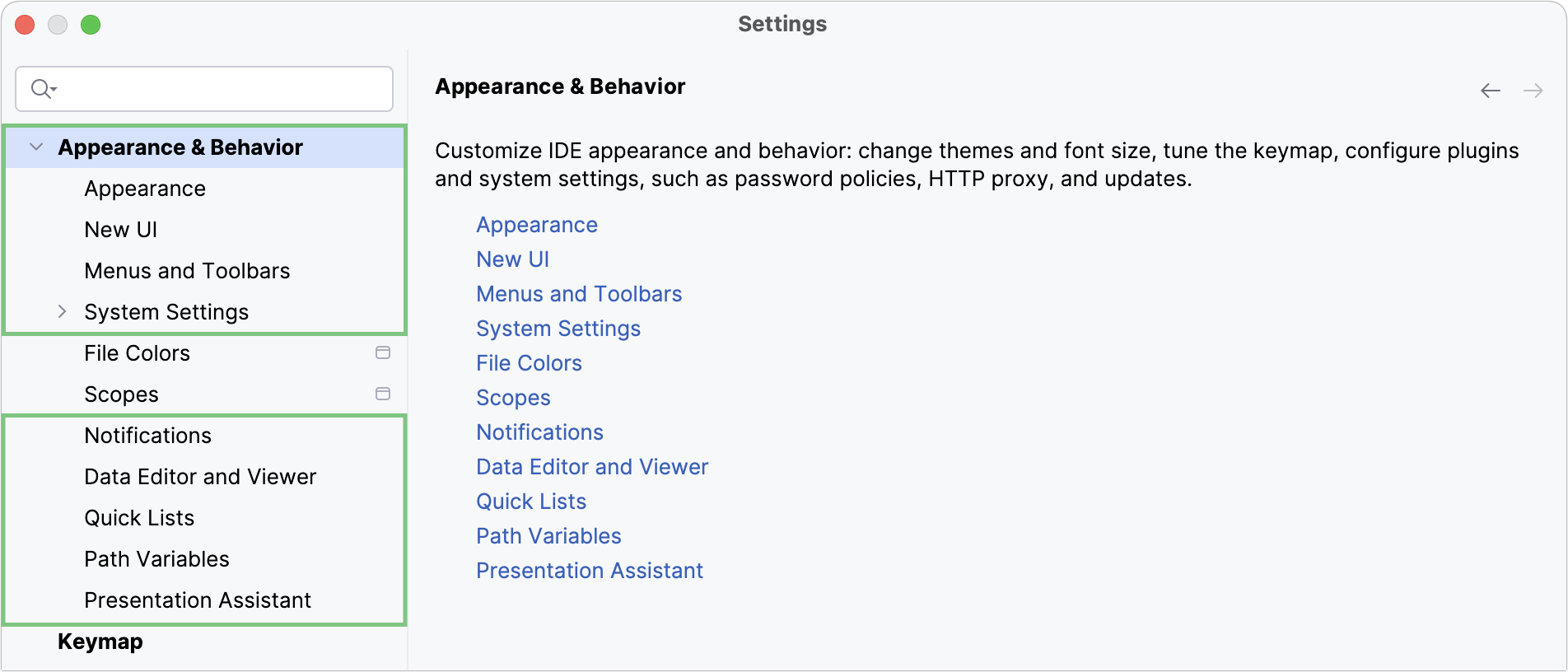
To configure your IDE, select for macOS or for Windows and Linux. Alternatively, press Ctrl+Alt+S or click  on the toolbar.
Settings that are NOT marked with the  icon in the Settings dialog are global and apply to all existing projects of the current IntelliJ IDEA version.