Docker Compose settings
Enable the Docker plugin
This functionality relies on the Docker plugin, which is bundled and enabled in IntelliJ IDEA by default. If the relevant features are not available, make sure that you did not disable the plugin.
Press Ctrl+Alt+S to open settings and then select .
Find the Docker plugin and click Enable.
Configure how IntelliJ IDEA detects Docker Compose files and completes services in them.
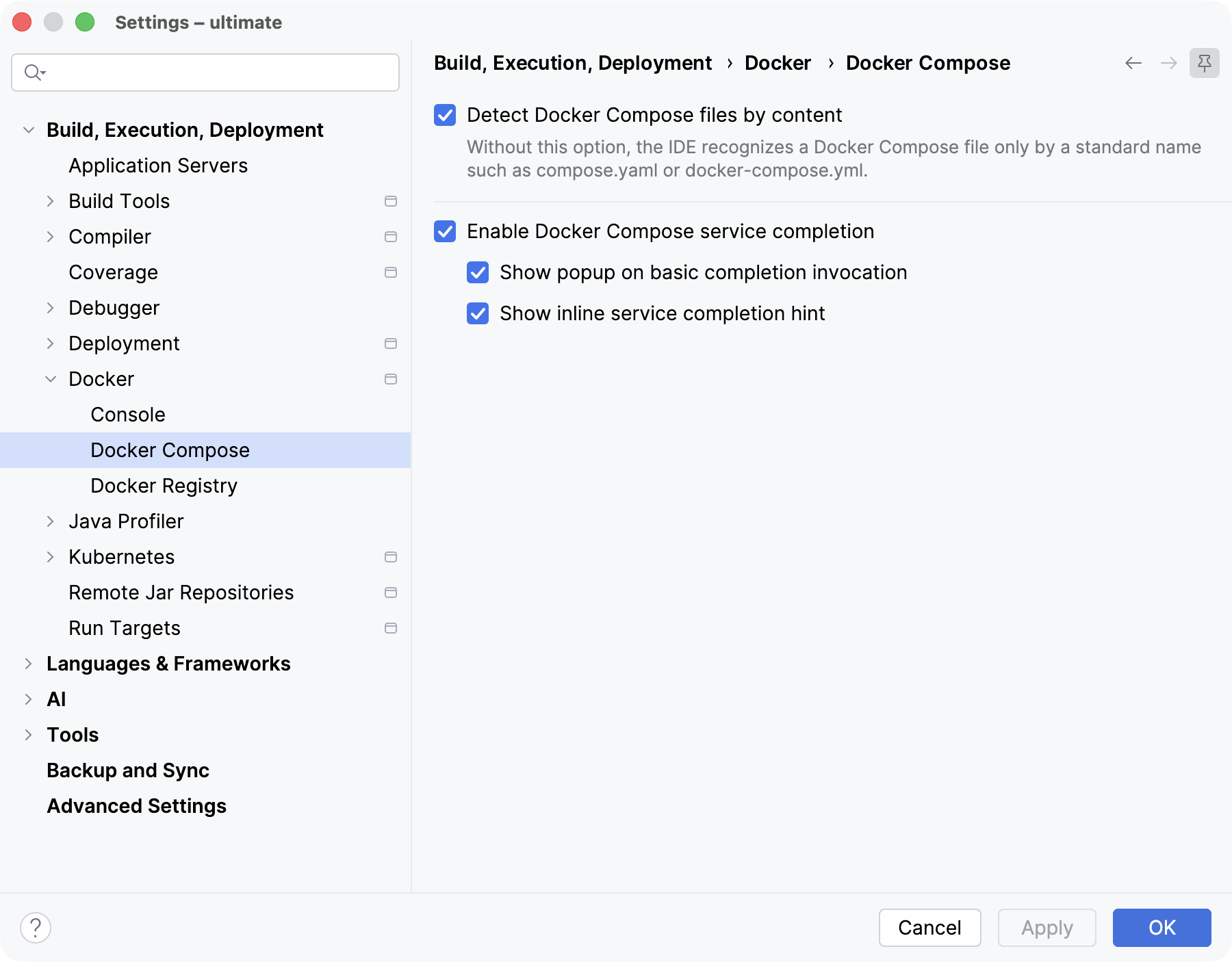
- Detect Docker Compose files by content
Select the option to recognize YAML files as Docker Compose files by their content, not only by their names.
If you clear the option, only files with standard names, such as compose.yaml or docker-compose.yml, and files that you marked as Keep as Docker Compose are recognized. For more details, refer to Docker Compose.
- Enable Docker Compose service completion
Select the option to enable automatic completion of service configurations in Docker Compose files. For more details, refer to Complete a service configuration.
- Show popup on basic completion invocation
Select the option to use the basic completion shortcut (Ctrl+Space) to invoke the Services popup.
- Show inline service completion hint
Select the option to display a hint in the editor, guiding how to add a service by its name or from the available list.