Server Certificates
IntelliJ IDEA provides its own storage for trusted certificates.
Server certificates are used to establish secure connections for various tools and services you may have configured in the IDE. These certificates affect tools such as Gradle and Maven, as well as remote deployment servers and web services or APIs using HTTPS. Adding a trusted certificate ensures that these tools and services can trust the specified certificates.
The Git command-line tool that IntelliJ IDEA runs does not use these certificates and relies on its own certificate configuration. On Windows, you can make Git use the Windows certificate store: in , select Use Windows certificate store.
IntelliJ IDEA trusts server certificates through the JDK's default trust store (cacerts), which contains well-known root certificate authorities. If a certificate is not in there, you can either add it to IntelliJ IDEA's own trust store (affects only the IDE) or to the JDK trust store (affects all Java apps using that JDK, including Gradle and Maven).
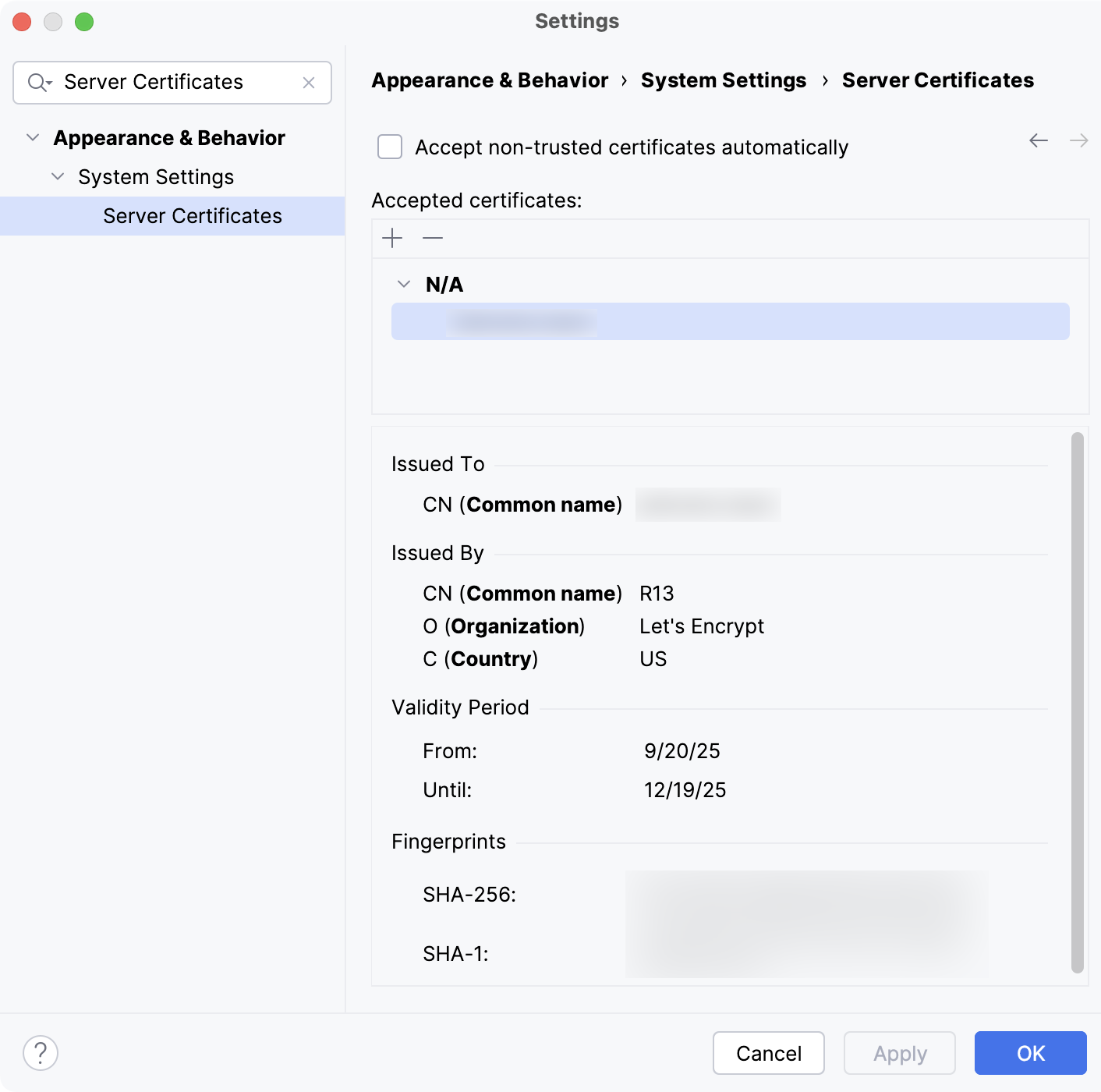
Item | Shortcut | Description |
|---|---|---|
Accept non-trusted certificates automatically | Select this option if you want non-trusted certificates (that is the certificates that are not added to the list) to be accepted automatically, without sending a request to the server. | |
| Alt+Insert | Add a trusted server certificate to the list, for example, the root certificate of your corporate or internal certificate authority. Select the certificate file in the dialog that opens. The certificate file should have an extension .crt, .cer or .pem. For a trusted certificate, the certificate information is shown in the lower part of the page. |
| Alt+Delete | Remove the selected trusted certificate from the list. |


The information about added certificates is stored in ssl/cacerts inside the IDE configuration directory.
Untrusted server certificate
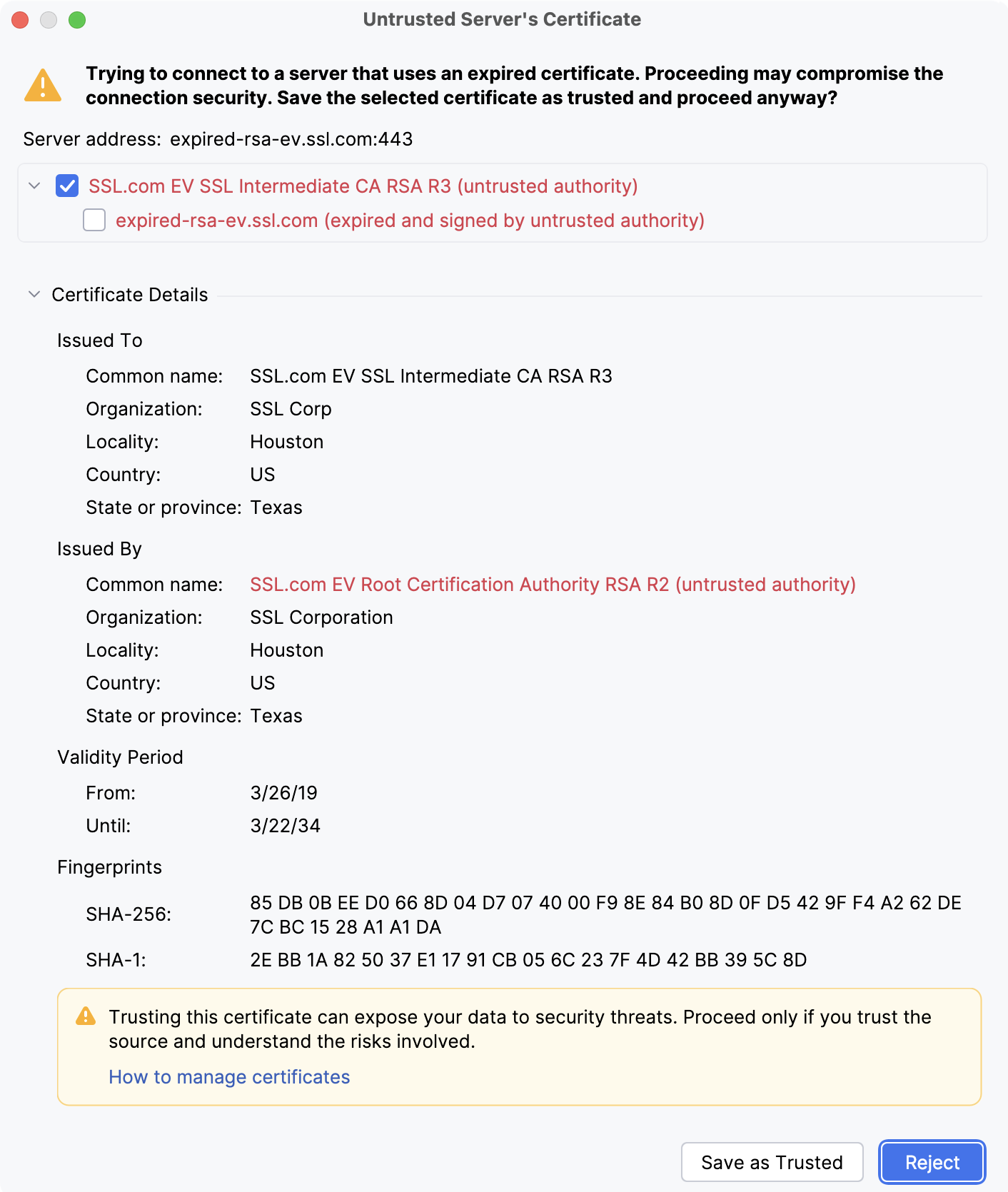
IntelliJ IDEA displays an Untrusted Server's Certificate warning when connecting to services it does not trust.
Learn more about possible reasons and solutions from the Support Knowledge Base in YouTrack.