Scala code editing
In addition to the Scala-specific capabilities described in this section, IntelliJ IDEA provides a range of general IDE features that work with Scala code in the same way they work with other supported languages:
Basic code completion and Postfix completion to reduce the amount of typing and speed up your work.
Smart keys to make typing and editing code faster.
Live templates to help you avoid repeatedly typing common code patterns.
Indentation syntax support
Scala 3 introduces indentation-based syntax instead of traditional braces {}. IntelliJ IDEA provides a dedicated option to control whether the IDE formats Scala code in this syntax.
Indentation syntax for new projects
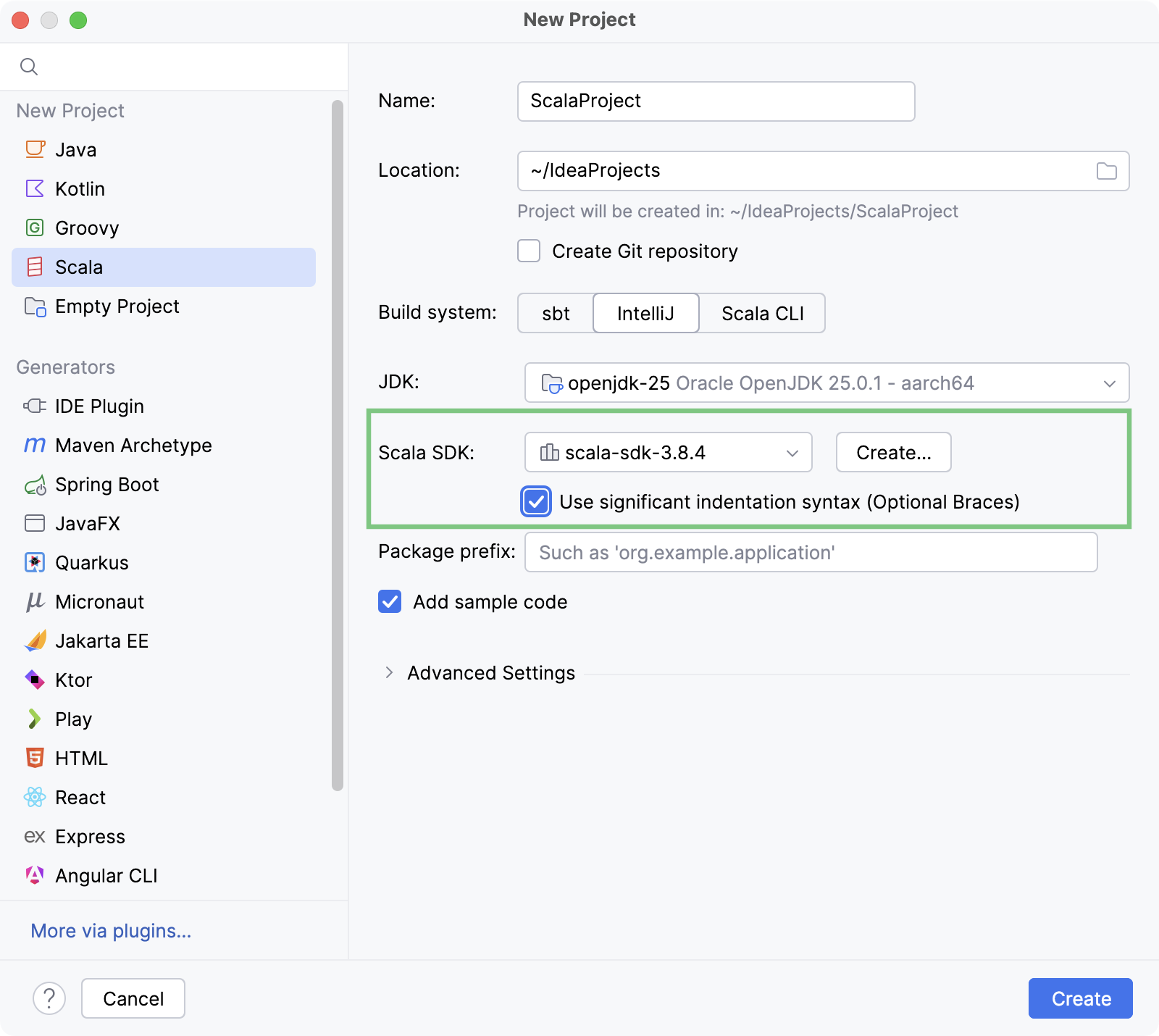
When creating a new Scala project, you can select Scala 3.x as the project SDK. An additional option, Use significant indentation syntax (Optional Braces), appears under the version selector.
Enable this option if you want to use Scala 3 significant indentation syntax in your project. IntelliJ IDEA will then recognize and process your code according to the Scala 3 syntax rules, providing correct highlighting and other IDE assistance for the indentation-based syntax.
Indentation syntax for existing projects
You can enable the indentation-based syntax support in existing projects written in Scala 3.
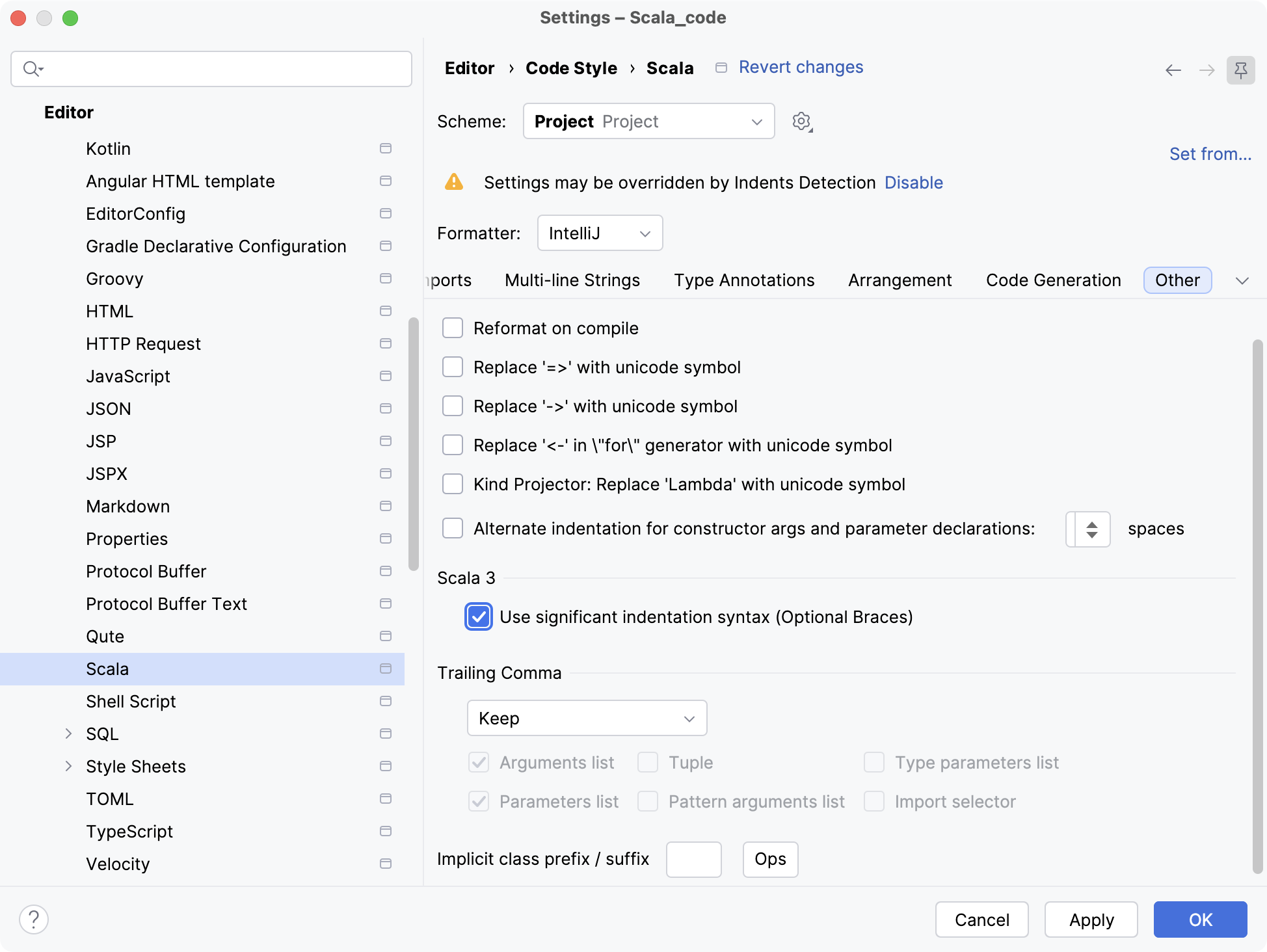
Press Ctrl+Alt+S to open settings and then select . Open the Other tab, and the select the Use significant indentation syntax (Optional Braces) checkbox in the Scala 3 section.