Cancel a subscription
You can cancel your organization's subscriptions at any time. Once canceled, they will remain active until the end of your current billing period and won't renew after they expire.
What happens when you cancel
When you cancel your commercial subscription, you’ll retain access until your current billing period ends. To see when your subscriptions expire, check the Valid till column in the license view.
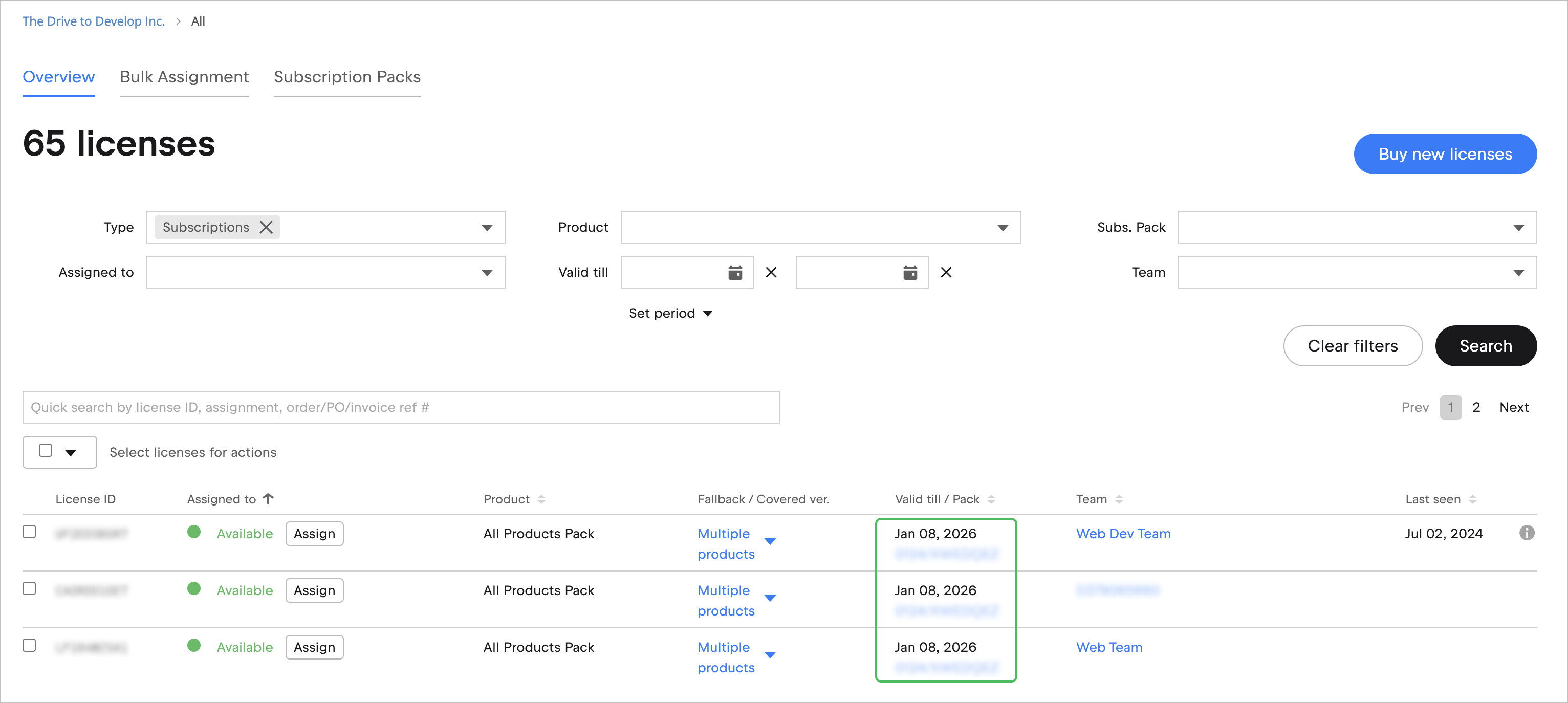
Your subscriptions will not renew after they expire, and you will no longer receive payment reminders. If you’d like to keep the reminders but don't want to be charged automatically, consider disabling automatic renewal instead.
Refunds
Canceling a subscription does not automatically result in a refund. If you’re eligible, you can request one within the specified timeframe. All requests are reviewed individually and granted at JetBrains’ discretion.
Cancel a subscription
Log in to JetBrains Console.
In the sidebar, under Licensing, select Licenses.
If you don't see this page, or the controls on this page are inactive, make sure your role has the necessary permissions.
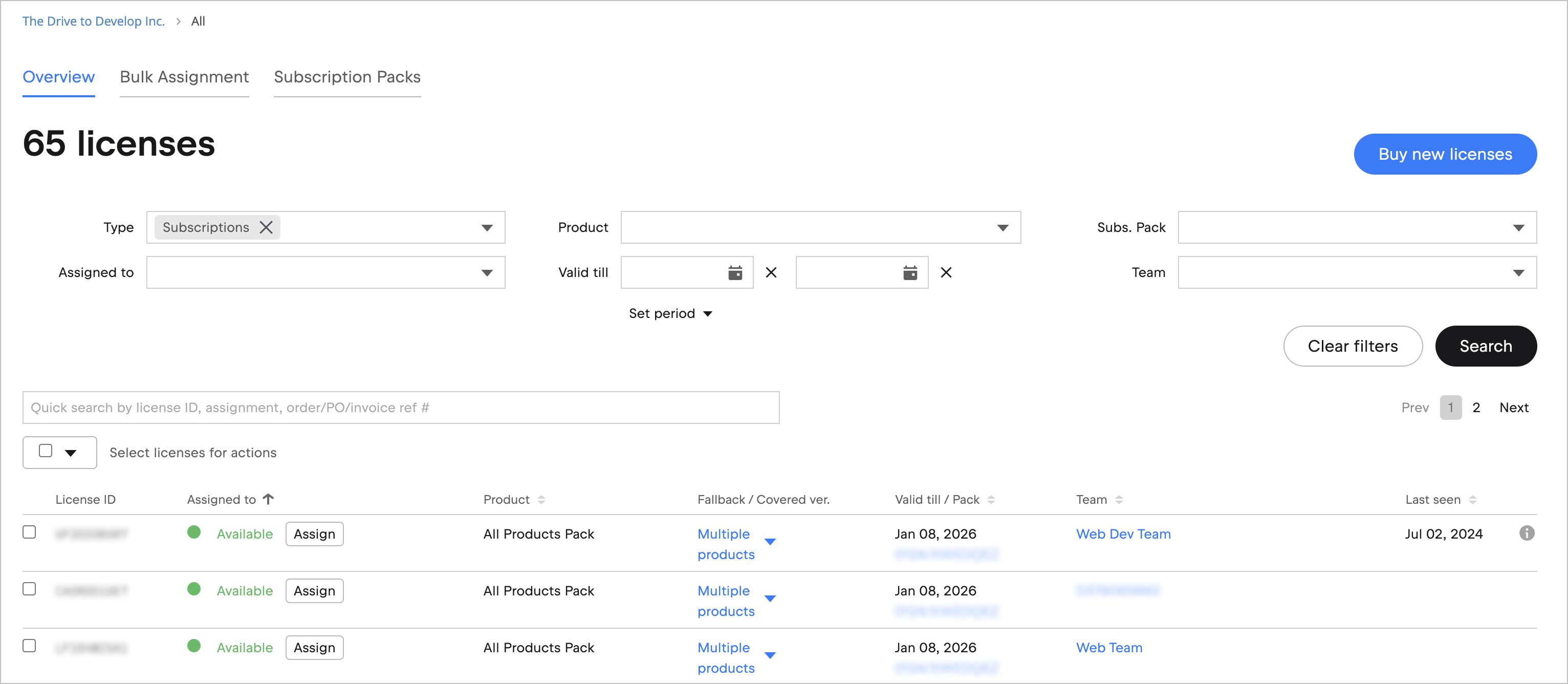
Use search and filters on the license view page to find the subscriptions you want to cancel.
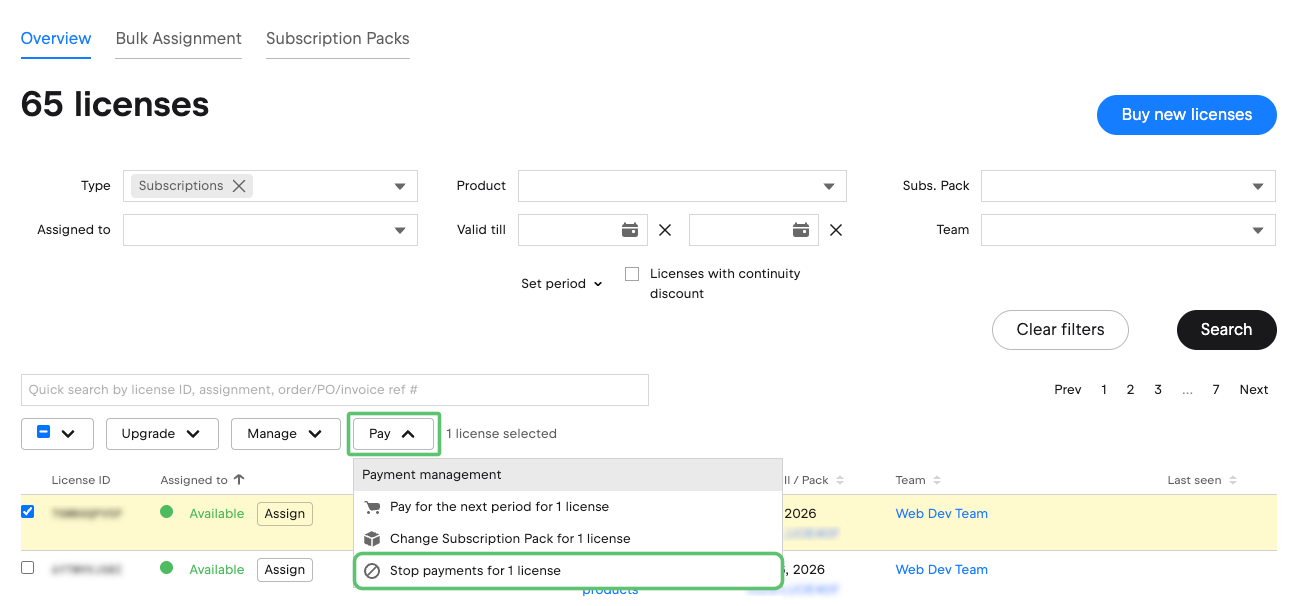
Select the subscriptions you want to cancel, click Pay, and then select Stop payments for X licenses.
In the dialog that pops up, click Confirm.