Update the credit card for automatic subscription renewal
You can update the payment method for automatic subscription pack renewals at any time.
Change the credit card
Log in to JetBrains Central Console.
In the sidebar under Billing select Subscription packs.
If you don't see this page, your role doesn't have the necessary permissions.
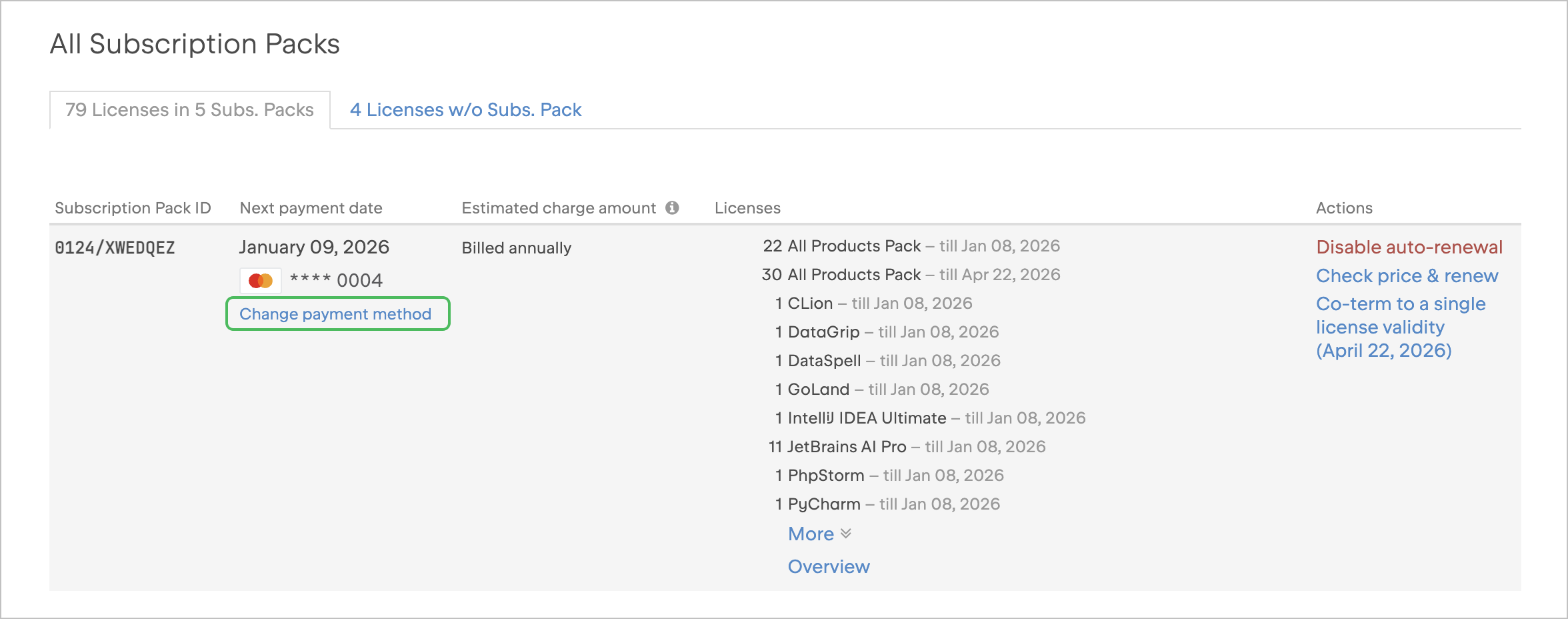
Navigate to the subscription pack you want to update and select Change payment method.
In the dialog that appears, select New card and enter the new card details.
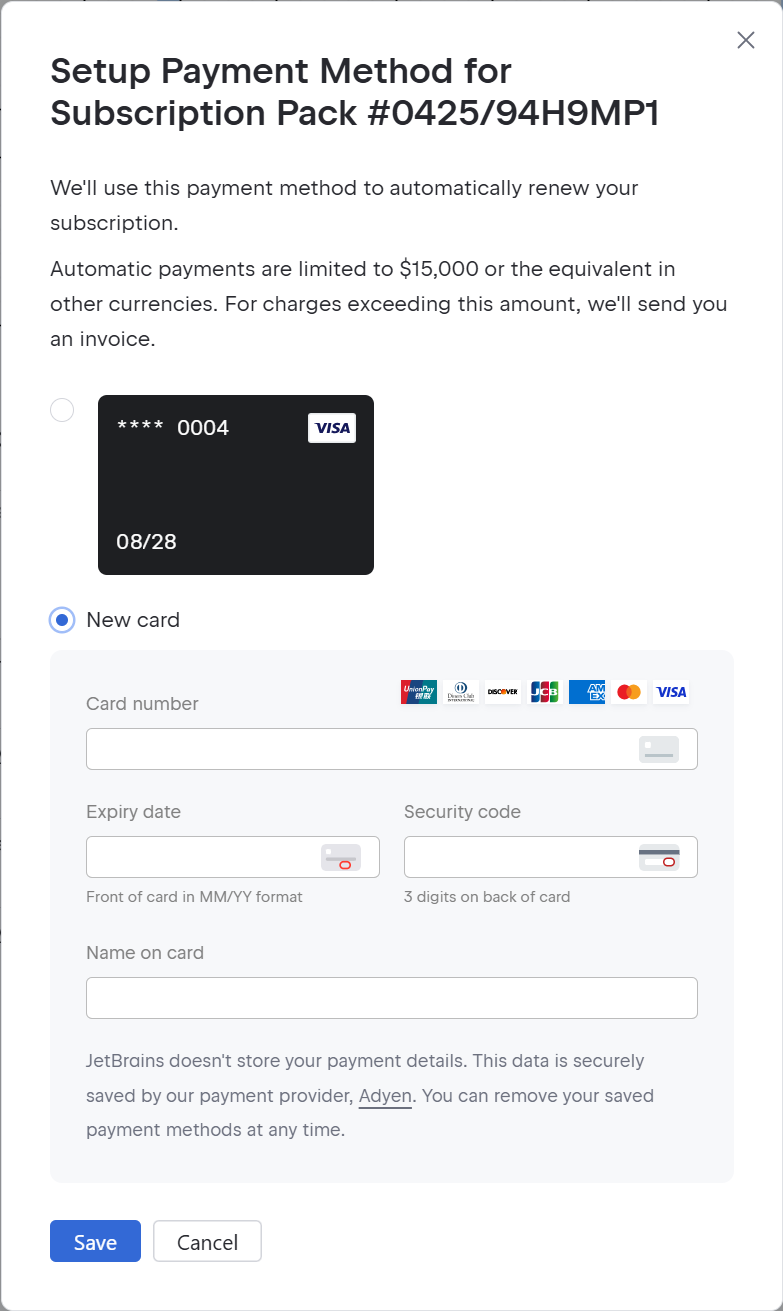
Click Save.
08 June 2026