How to install language plugins
MPS can be easily extended with additional languages. Languages come packaged as ordinary zip files, which you unzip into the MPS plugin directory and which MPS will load upon restart.
The most convenient way to install language plugins is through the Plugin Manager, which is available in the Settings dialog Ctrl+Alt+S.
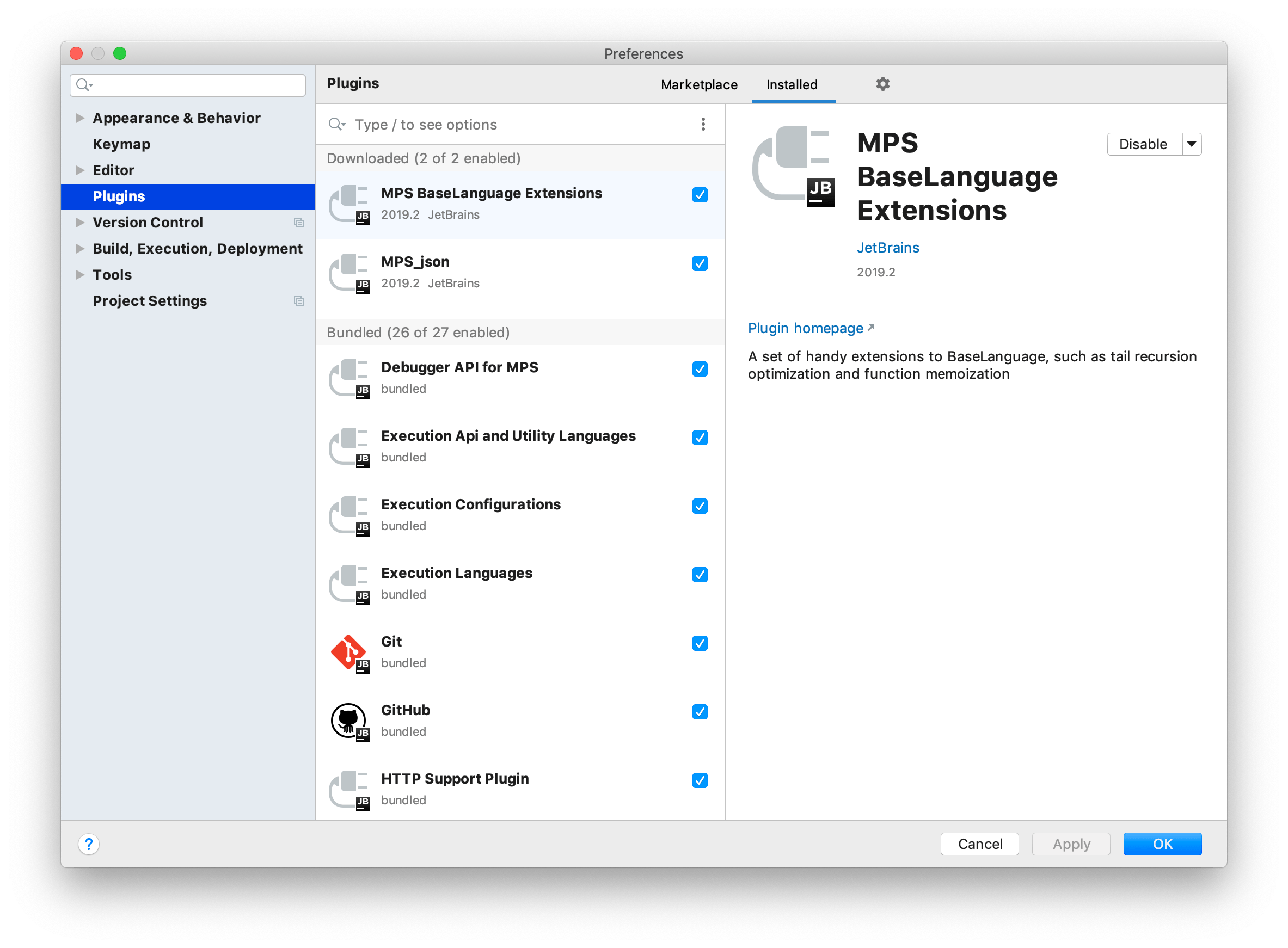
You can either install a zip file you've received previously (the Install plugin from disk option) or click the Browse repositories button and pick the desired plugin from those available on JetBrains Marketplace.
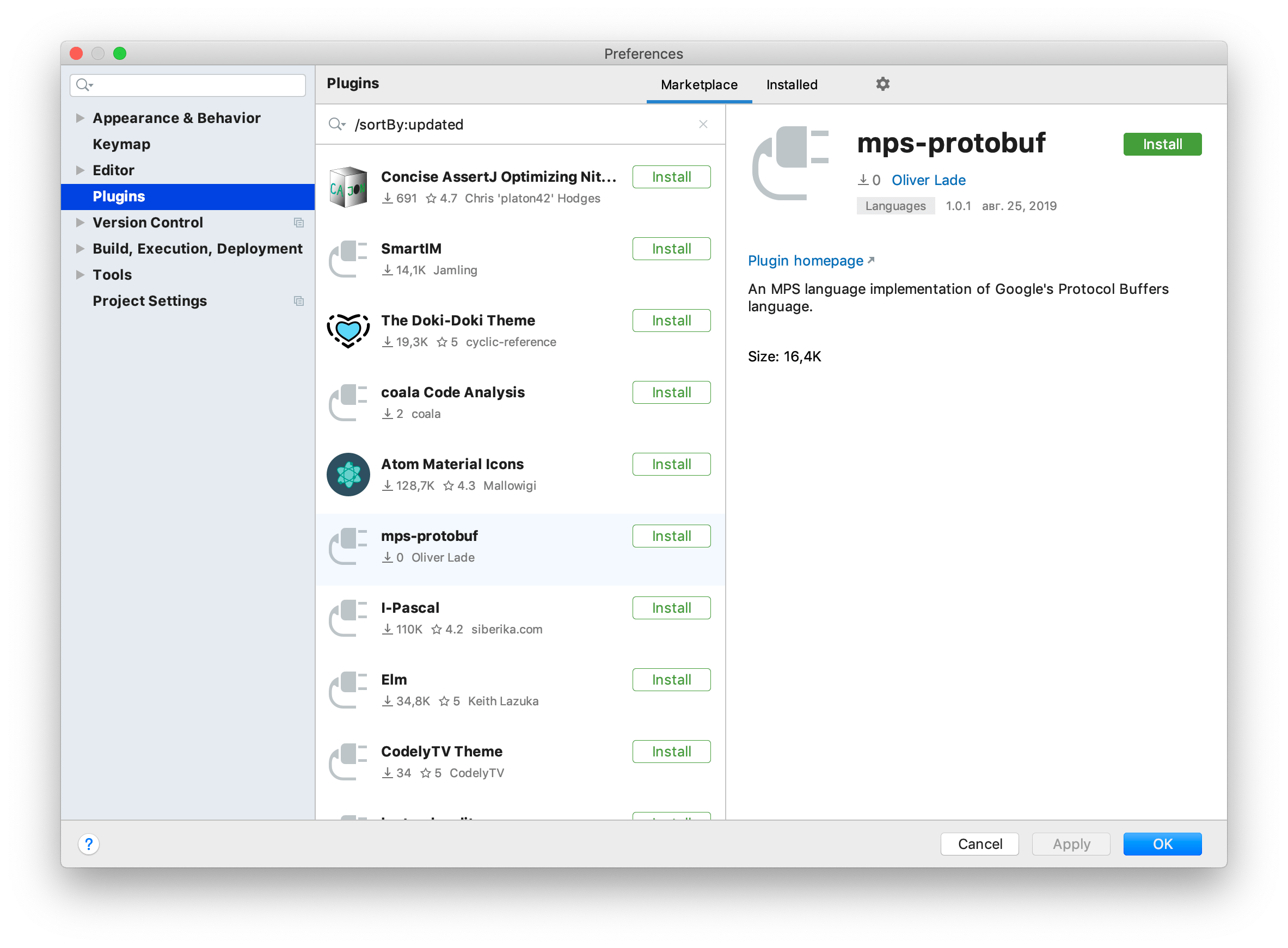
A handful of language plugins (both by JetBrains and third parties) for MPS as well as for IntelliJ IDEA have been made publicly available on JetBrains Marketplace:
MPS Languages Repository page in the documentation.
05 May 2026