Inspector
The Inspector window shows additional information related to the node selected in the main editor area. It allows the language designer to offload some of the less important editor elements from the main editor to reduce clutter in the editor. Some MPS built-in languages, like the editor definition or the generator macros, make heavy use of the Inspector window.
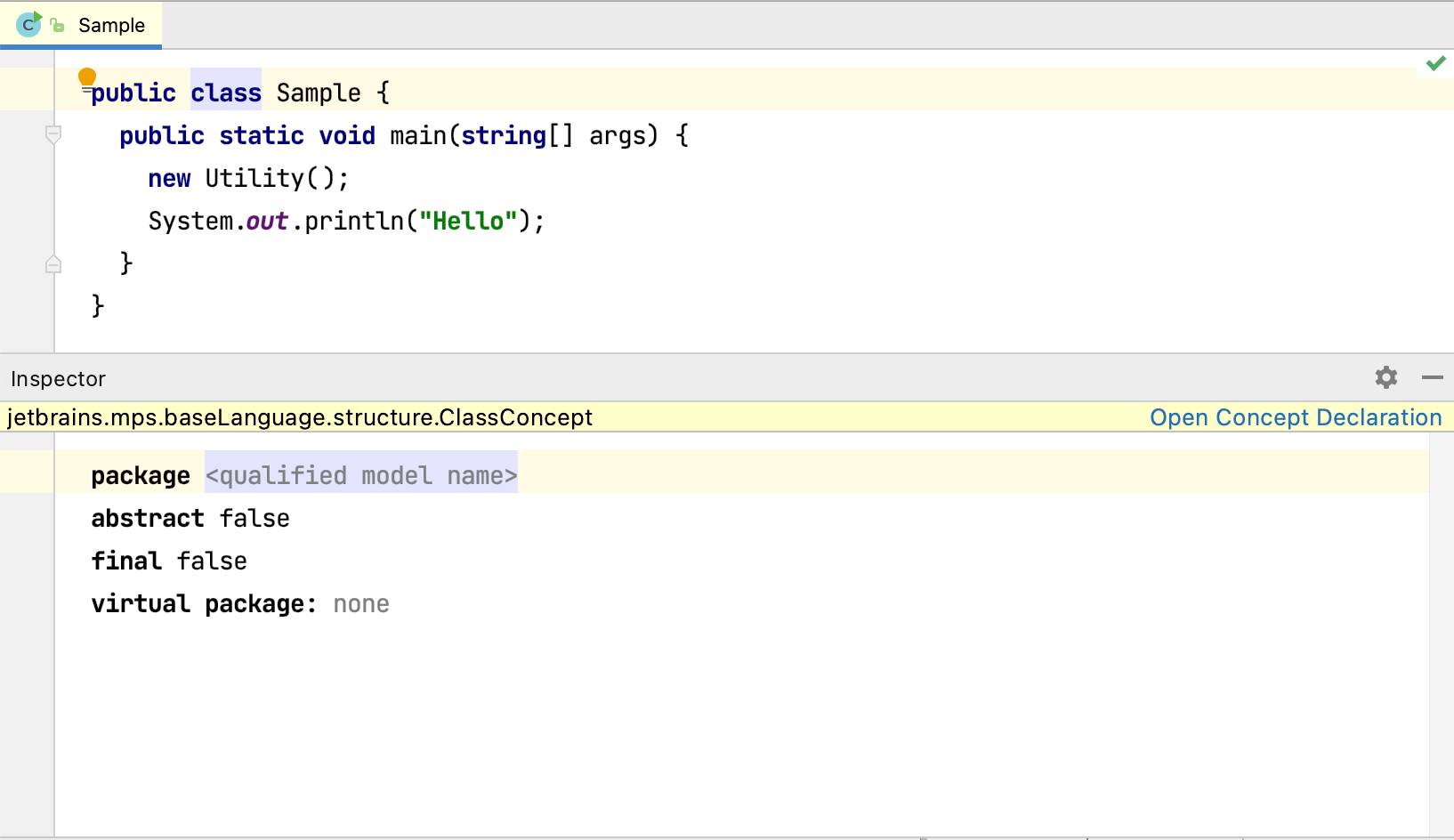
The Inspector window always shows the name of the concept of the node selected in the main area and offers a link to open the concept declaration. The additional editor content in the Inspector window is provided by the language designer. From the user's perspective, it behaves the same way as the main editor area.
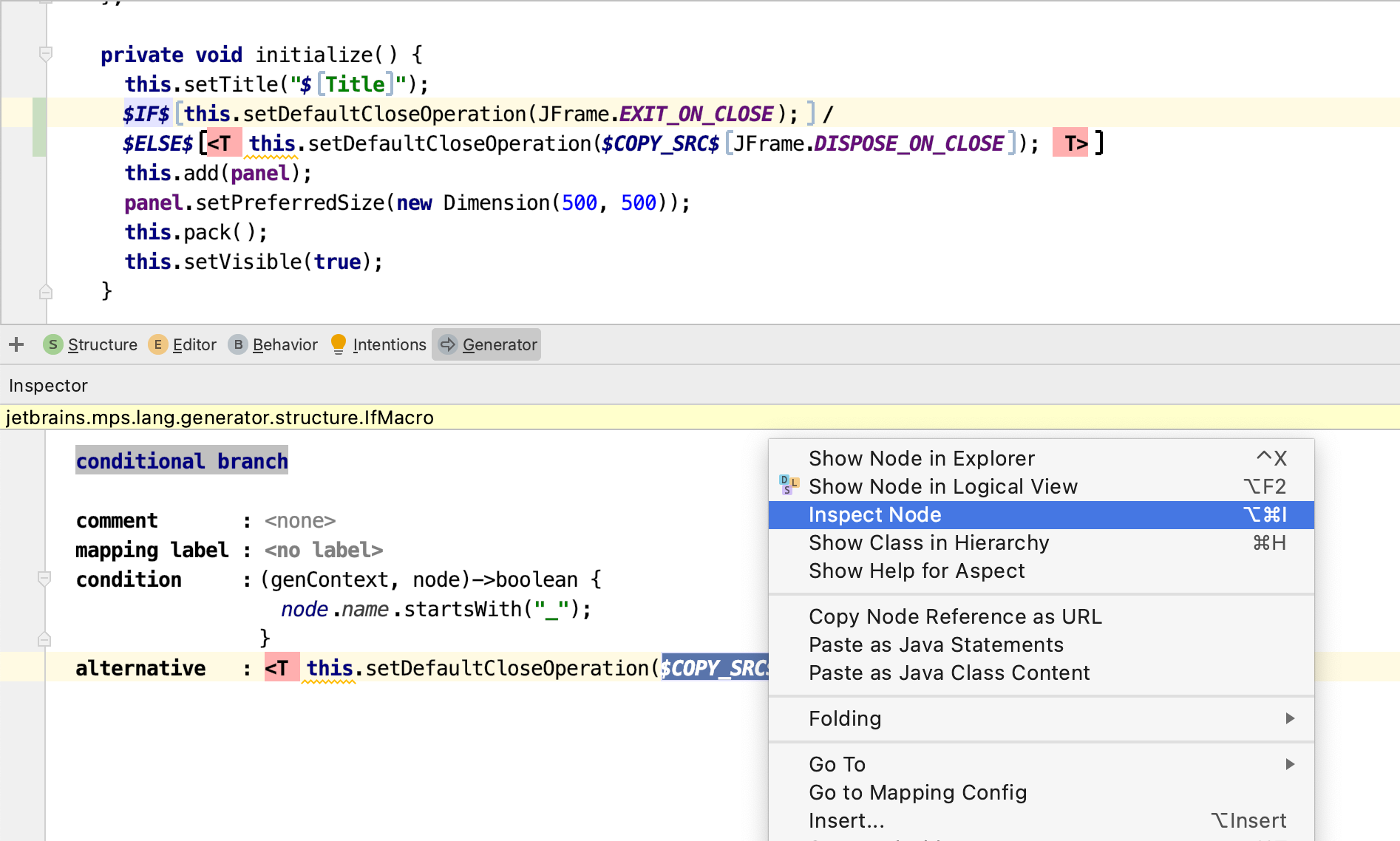
To see the Inspector window for a node that is already shown in the Inspector, you need to manually invoke the Inspect node action from the context menu.
To define the Inspector for your own language concepts, see the MPS Editor page.