Base Language
The BaseLanguage is MPS's counterpart to Java, sharing nearly the same set of constructs. BaseLanguage is the most common target of code generation in MPS and at the same time the most extensively extended language.
To simplify integration with Java, you can specify the classpath for all modules in MPS. Classes found on the classpath will then be automatically imported into @java_stub models and can be used directly in programs that use BaseLanguage.
The frequently extended concepts of MPS include:
Expression. Constructs that evaluate to a result, such as 1 or "abc".
Statement. Constructs that can appear at the method level, such as if, while, and synchronized statements.
Type. Types of variables, such as int and double.
IOperation. Constructs that can be placed after a dot, as in node.parent. The parent element is an IOperation here.
AbstractCreator. Constructs used to instantiate various elements.
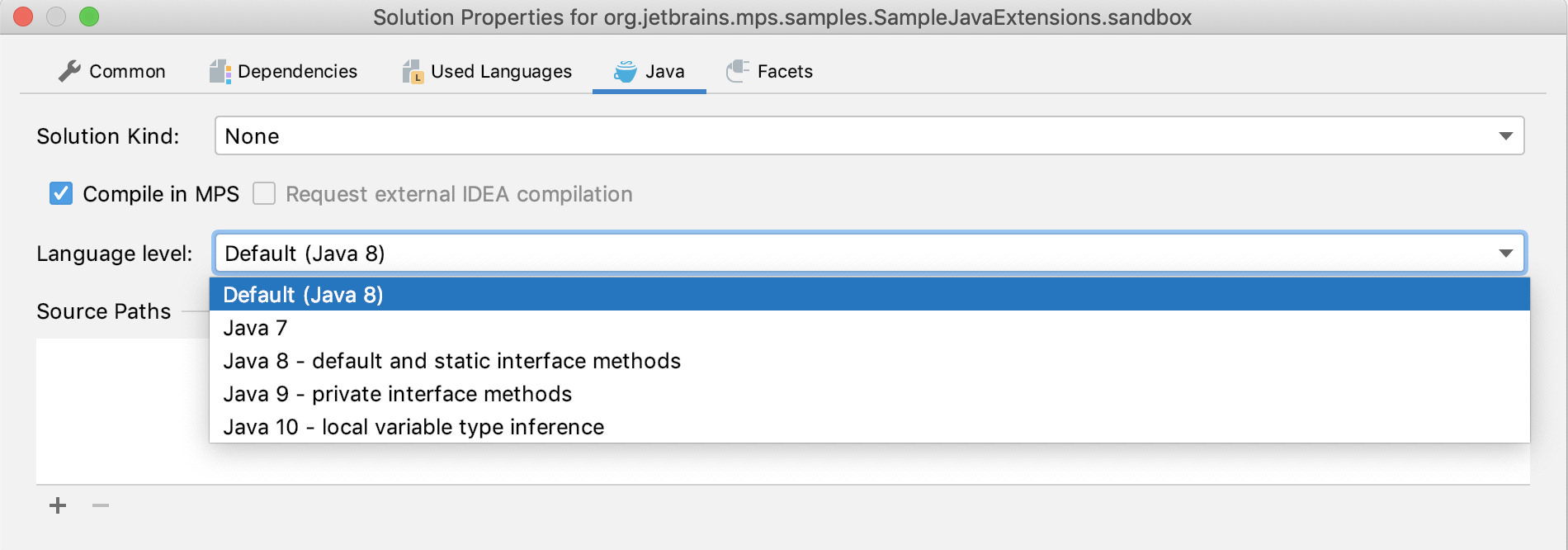
Although BaseLanguage was originally created using the Java 6 specification, it now includes features such as try-with-resources, catching multiple exceptions, local variable type inference, default and private interface methods, and the diamond operator from later Java versions. No additional language import is required to use these features since they are part of BaseLanguage itself. To maintain compatibility with build processes that require a specific Java language level, each solution can be configured on the Java tab of the module properties dialog to disallow language features that are incompatible with the required level.
Javadoc
Just like Java, BaseLanguage supports documentation comments in the javadoc style. The jetbrains.mps.baseLanguage.javadoc language must be imported for javadoc to be available. You insert a fresh skeleton of a javadoc comment either by an intention called "Add Documentation Comment" or by typing "/**" in front of a method or a (static) field declaration.
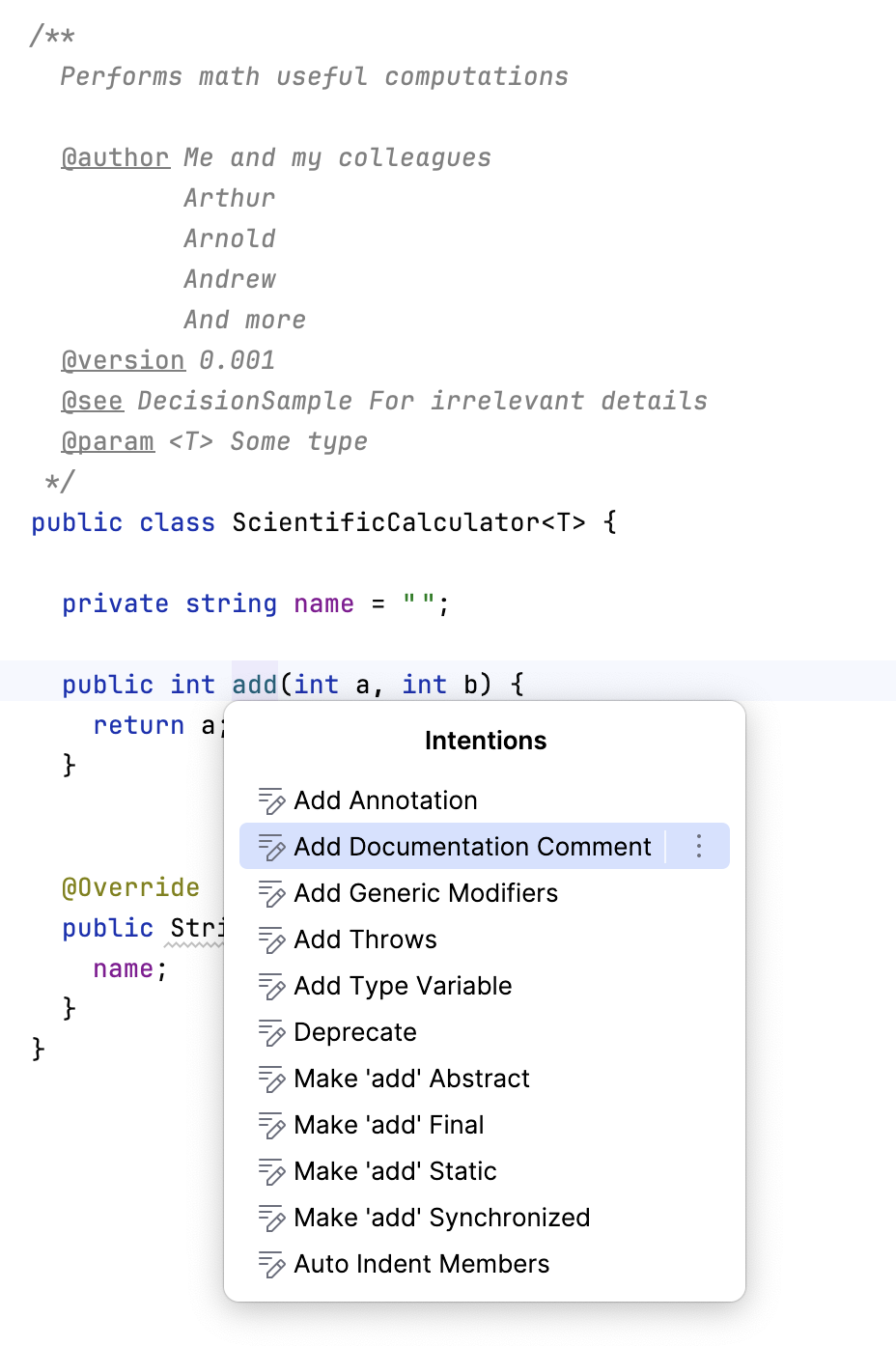
While editing a javadoc comment, side transformations as well as intentions are available to create inline and block tags (e.g. @author, {@link ...}, etc.), html markup or code snippets.
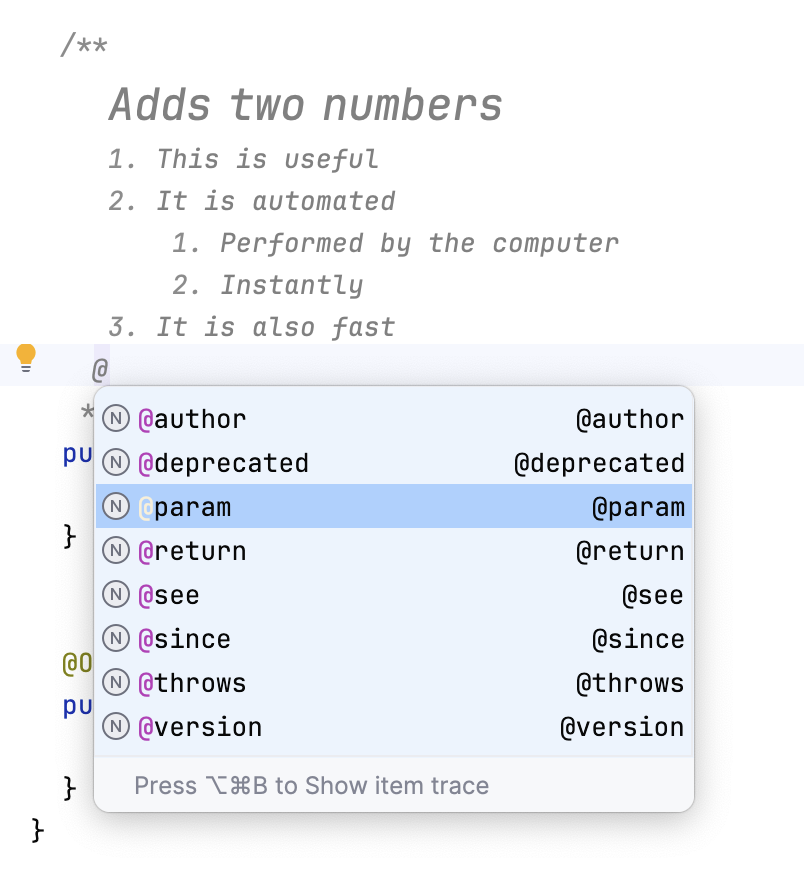
Since javadoc uses jetbrains.mps.lang.text under the hood, the editing experience is the same as in other "textual" languages in MPS. You can apply styles (e.g. bold) and formatting (e.g. header, bullet point, etc.). Copy/paste between these "textual" languages also works smoothly. See the documentation of the text language editing for more details on the subject.
Import textual Java
To help the users bridge the gap between textual Java and projectional BaseLanguage, several contextual actions are available in the pop-up menu when editing BaseLanguage code that can paste Java code from the clipboard. These actions trigger the built-in Java parser and insert projectional code that represents the original Java code using the concepts of BaseLanguage.
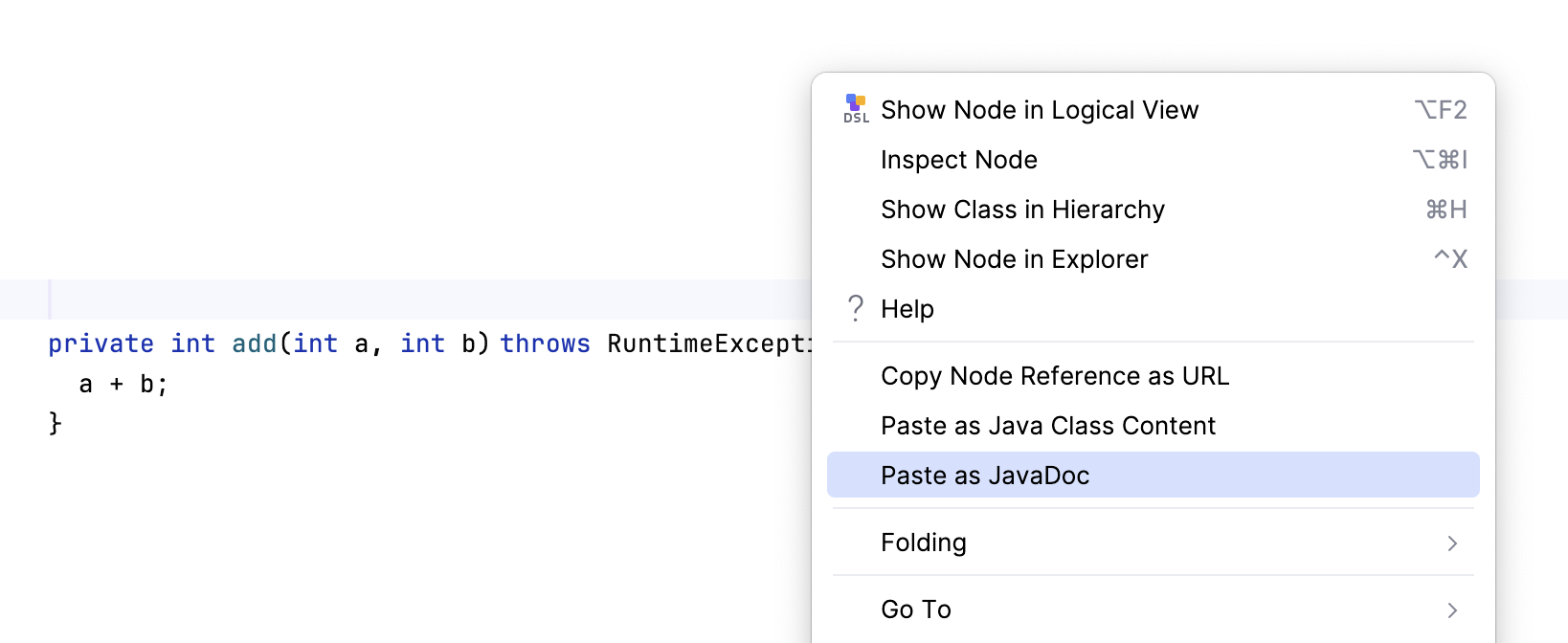
Paste as Java Class Content - parses the text from the clipboard and pastes it into a class/interface/enum definition and methods, fields and nested classes.
Paste as Java Statements - parses the text from the clipboard and pastes it into a BaseLanguage method as its body.
Paste as JavaDoc - parses the text from the clipboard and pastes it into a javadoc comment at the current position of the cursor. If the cursor is not positioned within an existing javadoc comment, the action attaches the parsed javadoc to the following field/method/class definition’s javadoc, creating a new javadoc for them, if needed.