Monitor IDE performance
In case of performance issues, you can use Activity Monitor to track the percentage of CPU consumed by various subsystems and plugins.
From the main menu, select .
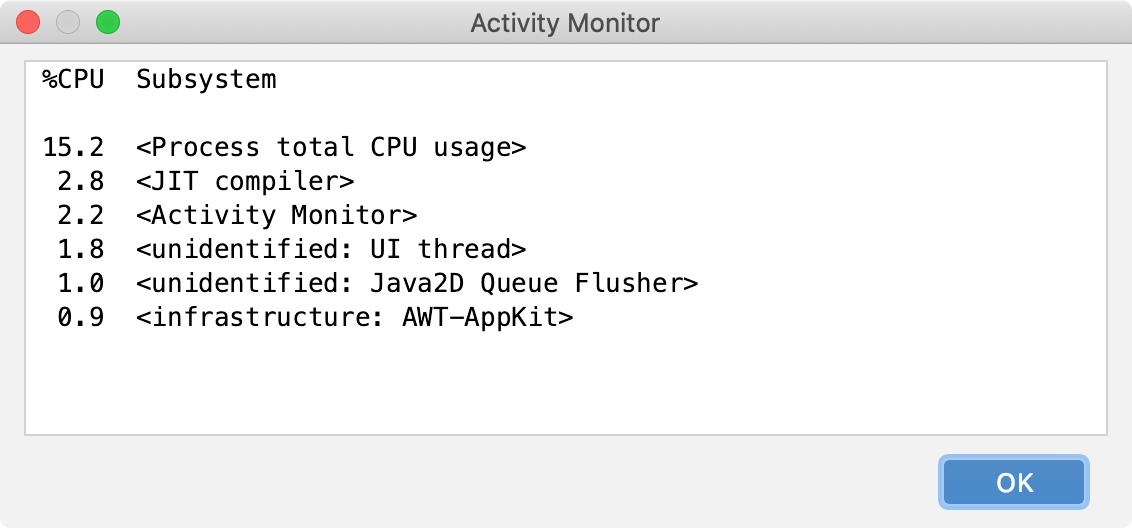
The Activity Monitor window lists all subsystems and plugins that are consuming CPU at the moment and arranges them by how much %CPU they are using:
Last modified: 08 March 2021