Merge teams
You may want to merge teams when rearranging the organizational structure via your JetBrains Console.
How team merging works
When you merge two teams, one team is deleted, and the other one inherits all the merged team licenses and properties. For example, when you merge Team A into Team B:
All licenses from Team A are transferred to Team B.
All admins of Team A become admins of Team B.
All bulk invitations created in Team A are transferred to Team B, including the expired ones.
Merge two teams
Log in to JetBrains Console.
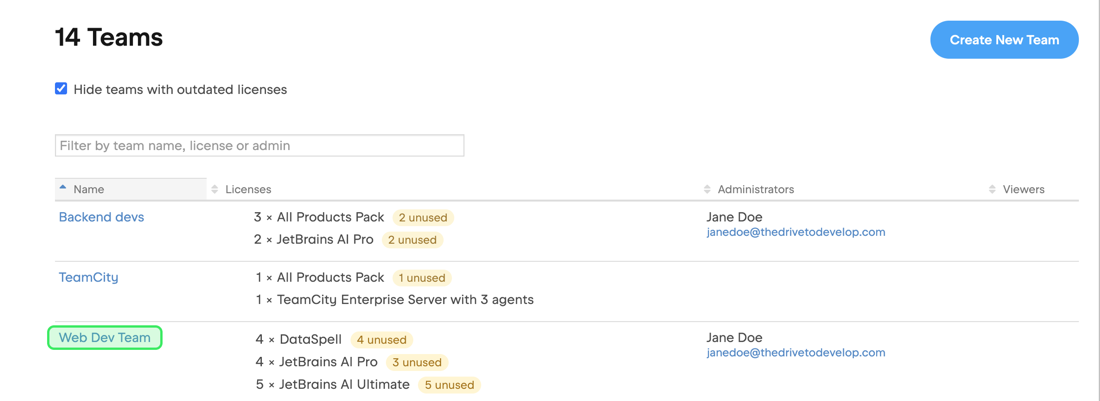
In the sidebar, select Licensing | Teams.
Click the name of the team you want to merge.
In the sidebar, select Administration.
Click the Merge button in the upper-right corner.

In the window that appears, choose the team into which you want to merge, and then click Merge to confirm this action.
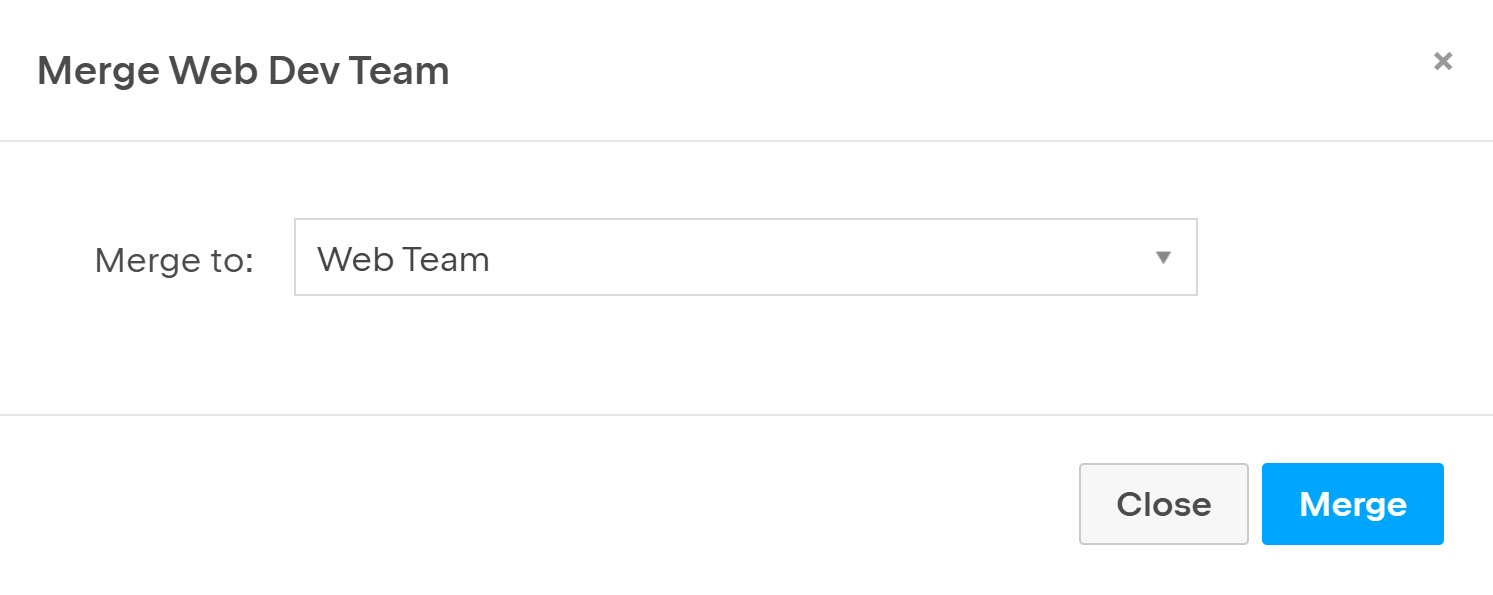
The team you selected in Step 3 is immediately merged into the team you selected in the window.