Processes
When lengthy processes are running, such as search and replace or VCS updates, PyCharm automatically moves their execution to the background. You can still view the progress of certain background processes.
To view processes running in the background, do one of the following
Click the Status bar to open the Processes dialog:

In the main menu, go to :
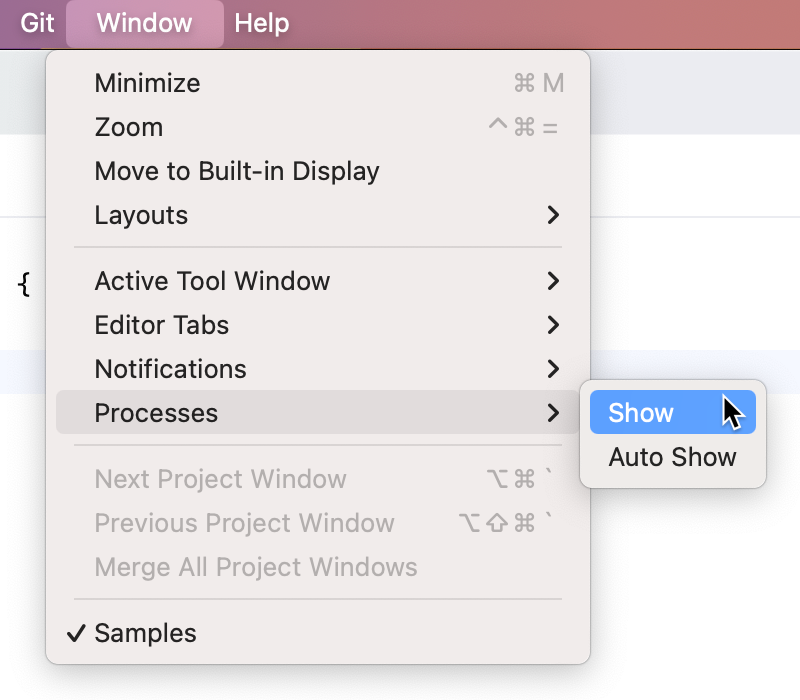
As a result, the Processes dialog opens, showing all the processes that are currently running in the background. You can review their progress, and if necessary, cancel the unnecessary processes by clicking  .
.
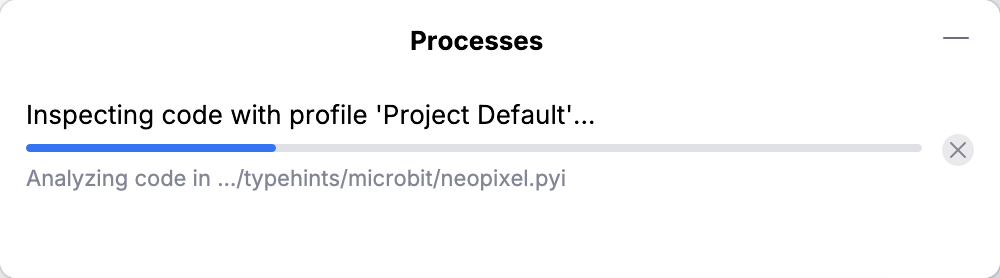
When the command is checked in , the Processes dialog opens automatically every time a process is launched in the background.
Sometimes, when PyCharm cannot predict the end time of a process, the Cancel button is not available. In most cases, this happens when analyzing the project or running project interpreter tasks. As a workaround, you can try to set another interpreter for the project.