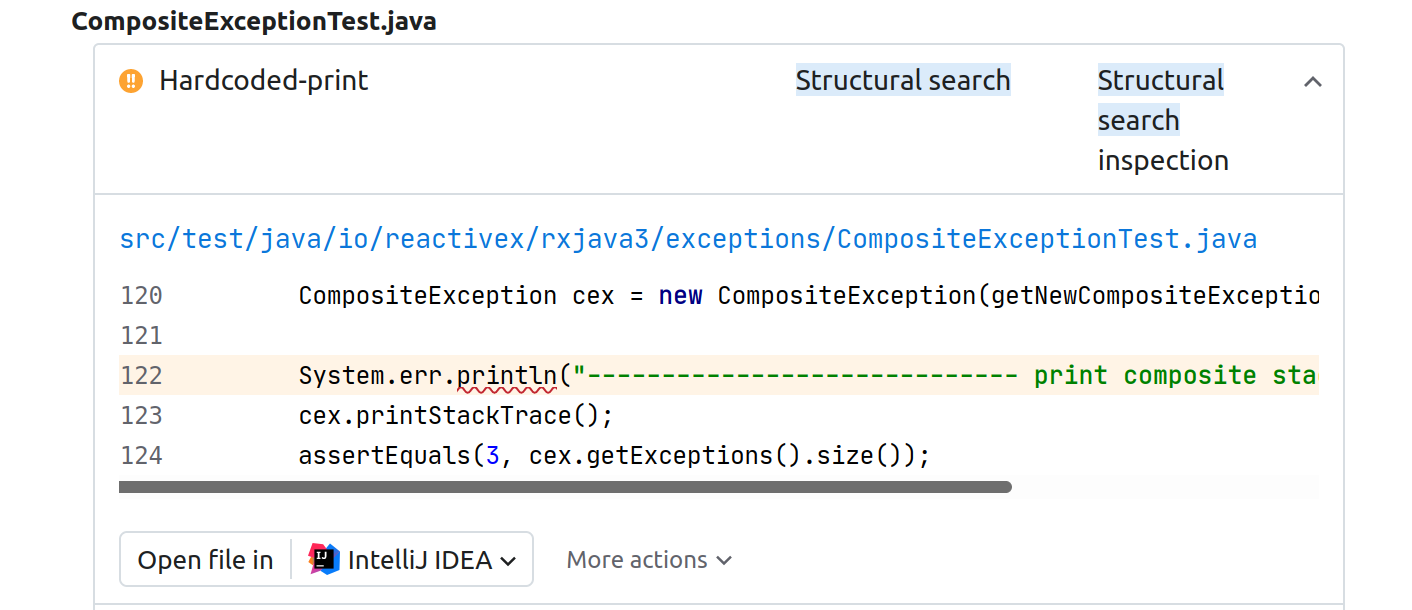
Structural search
Structural search is a powerful and flexible mechanism built into JetBrains IDEs. It employs search templates to let you analyze the codebase taking into account its semantics. You can create your own search templates and use them as Qodana inspections.
How structural search works
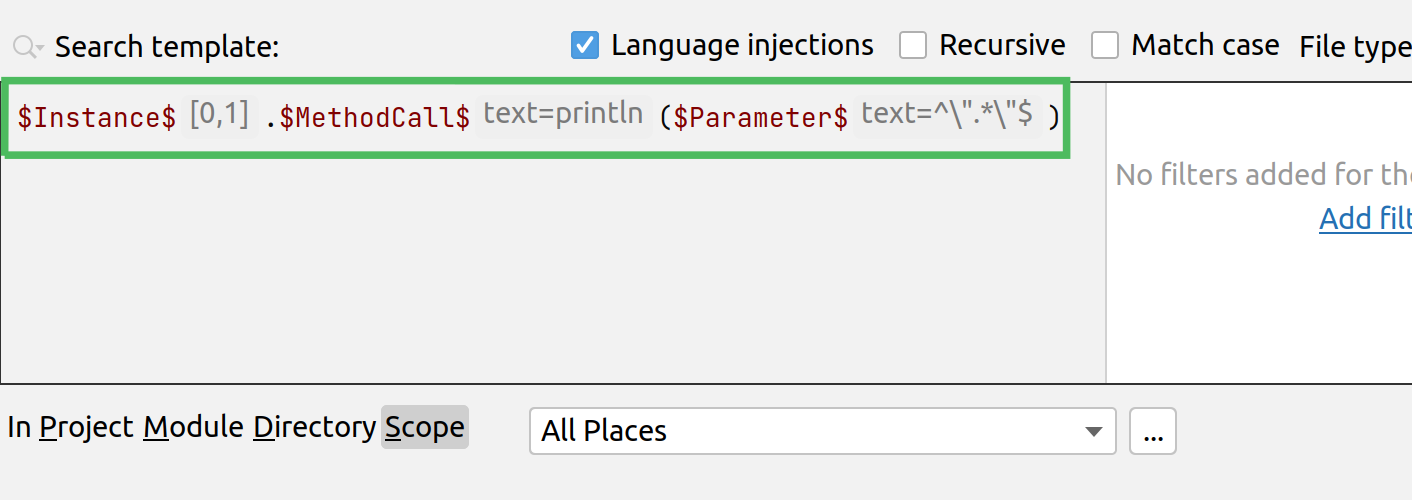
As an example, consider this search template:
It lets you detect the System.out.println() Java statement. To make it detect the statements with hardcoded text like System.out.println("Hardcoded text!"), the template should take the modifiers described below:
Variable | Value | Explanation |
|---|---|---|
$Instance$ | [0,1] | Accepts zero or one value. |
$MethodCall$ | text=println | Searching for the println method. |
$Parameter$ | text=^\".*\"$ | Any text enclosed in quote characters. |
This procedure explains how to use this search template for inspecting your codebase using Qodana.
Using the dialog of IntelliJ IDEA, create the template:
Convert the template to inspection as described on the Work with structural search and replace page of the IntelliJ IDEA documentation portal. For example, it can be saved as
Hardcoded-print.Use to enable the inspection in the group of inspections. For more details, see the Configure profiles page.
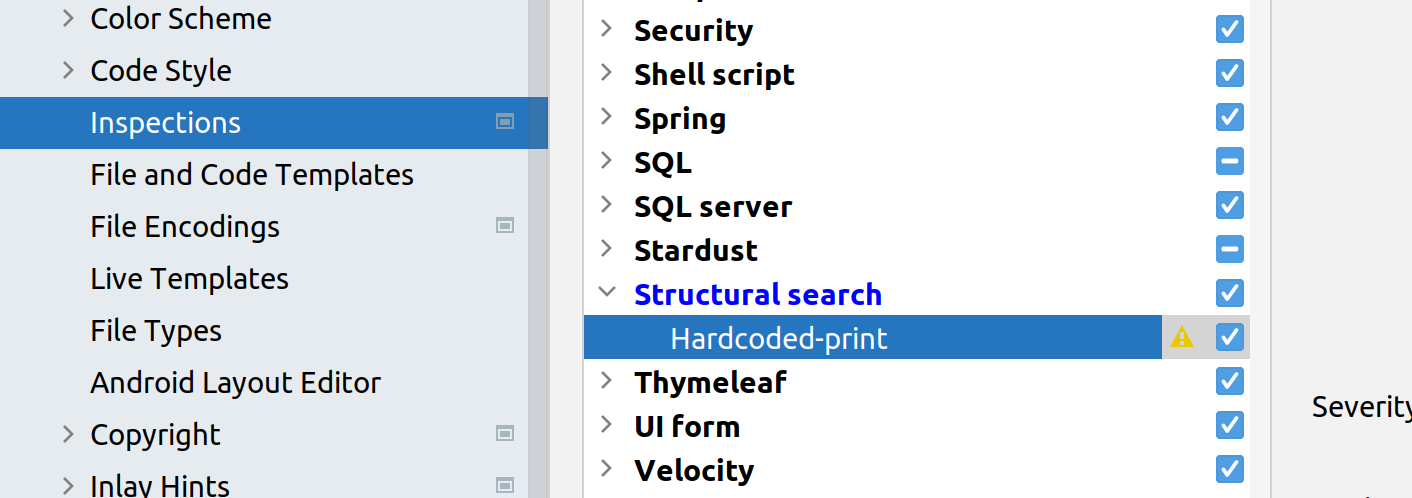
In the section of the dialog, export the updated profile.
In the project root directory, create the
qodana.yamlfile and specify the path to the profile location in it:profile: path: path/to/the/profile/fileAnalyze your code using Qodana:
docker run \ -v <project-directory>:/data/project/ \ -e QODANA_TOKEN="<cloud-project-token>" \ jetbrains/qodana-jvmYou can observe the problems detected by the structural search inspection under the category in the Qodana report.