Navigate To Function Exits
Ctrl+Shift+G | Function Exit(s)
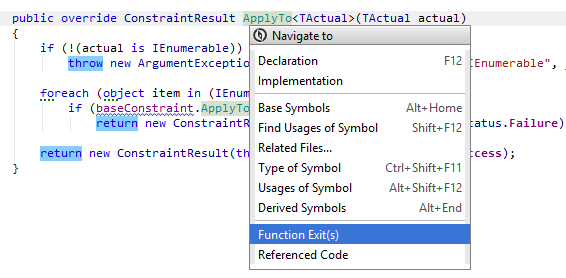
This command provides you an easy way to navigate to exit points of a function. You can find this command if you invoke Navigate To on the name of a function, getter or setter of a property, the name of constructor, return and throw statements.
JetBrains Rider treats return and throw statements as well as the closing bracket for functions with void return type as function exits.
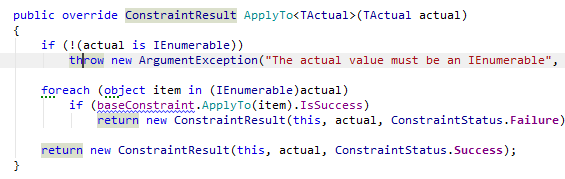
If there is only one exit point, JetBrains Rider navigates directly there. If there are several exit points, each of them is highlighted with blue.
Note that by default, JetBrains Rider automatically highlights all context exits when you set the caret at one of them.
Last modified: 08 March 2021