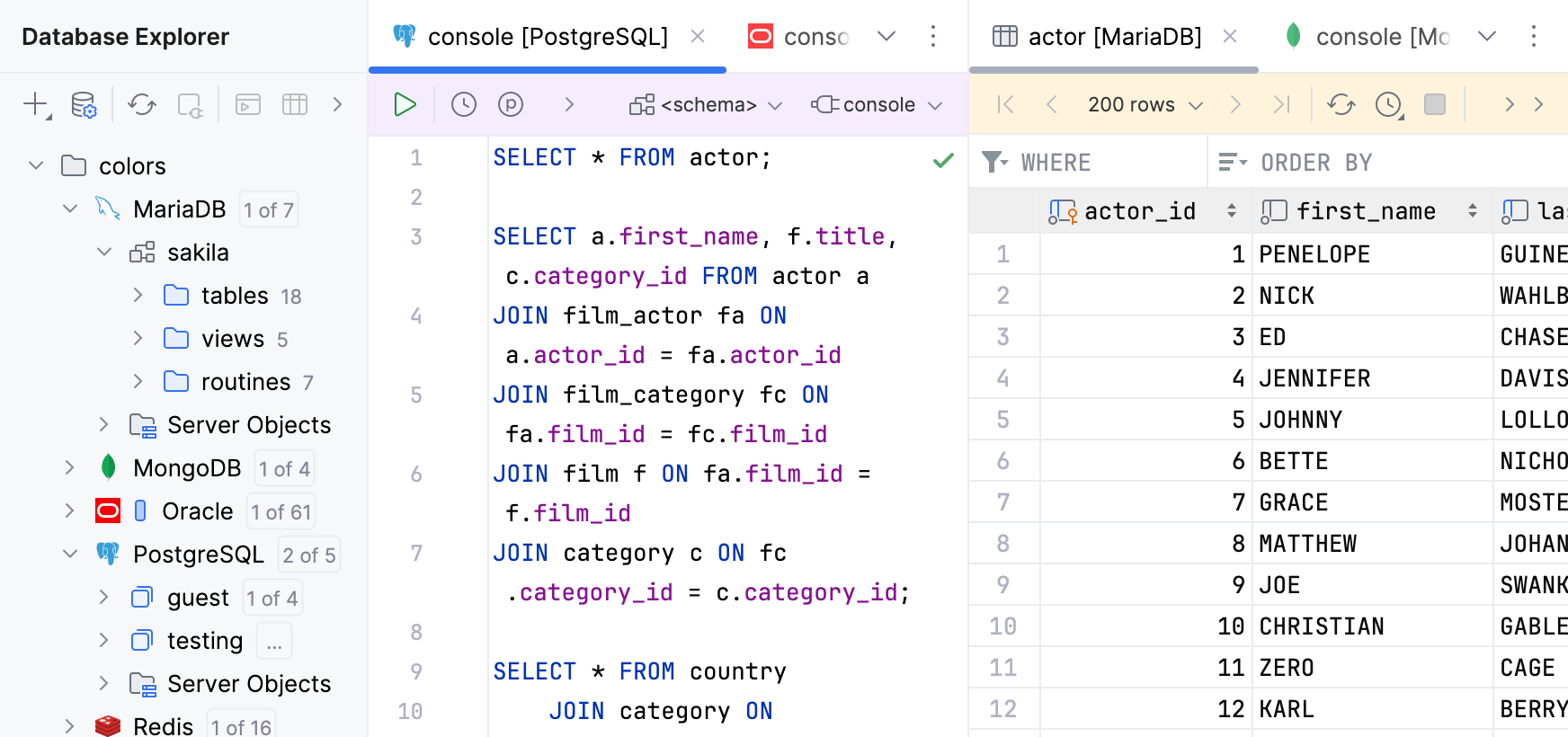
Database tool window
Filter
- Remember whether the filter is ON
Keeps the speed search filter in Database enabled for the next searches after you escape the current one by pressing Escape.
Database Colors
- Show database colors
Toggles the database colors display everywhere in the user interface.
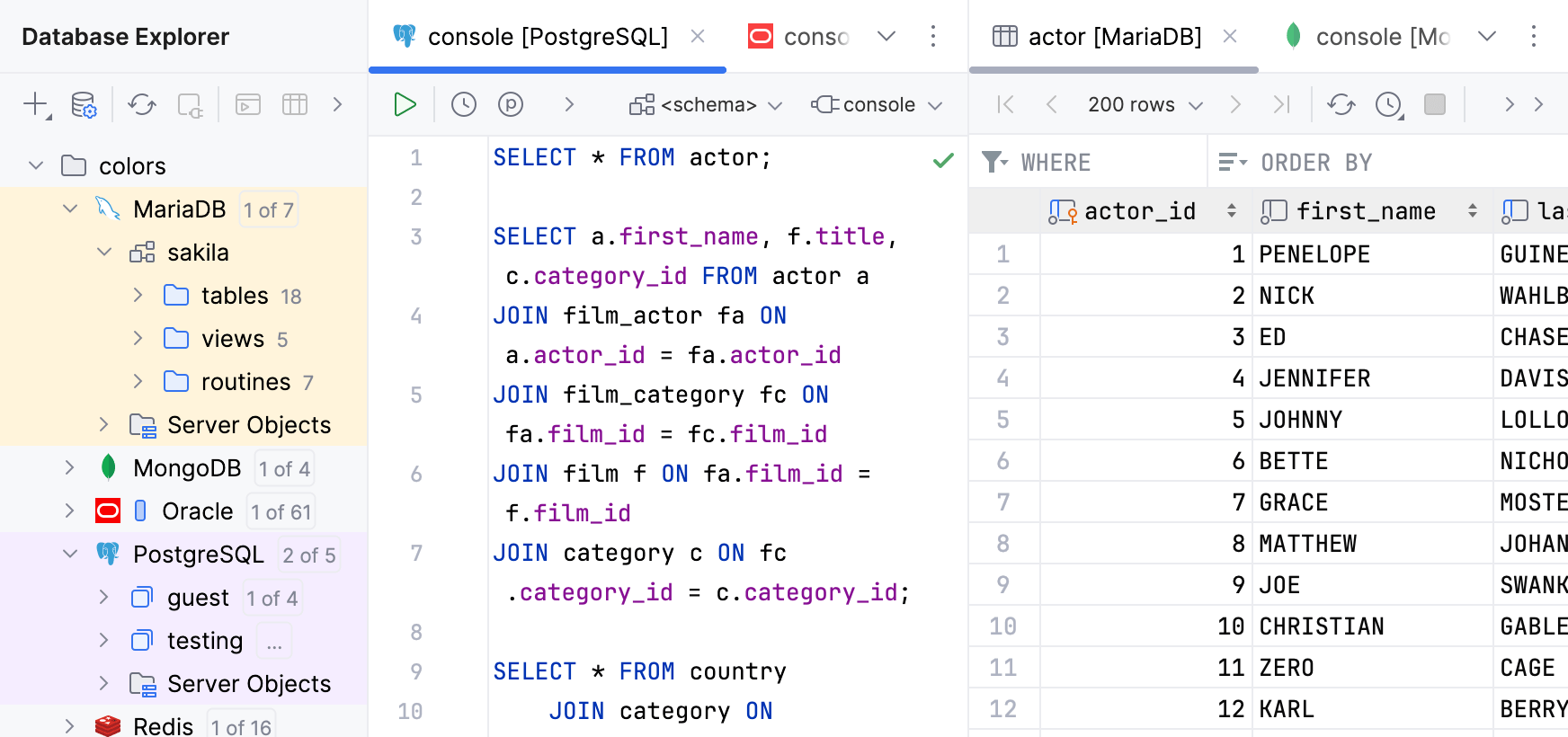
- Database tool window
Select the checkbox to apply a color to the database node.
When this option is on, database nodes have the color that you have selected.
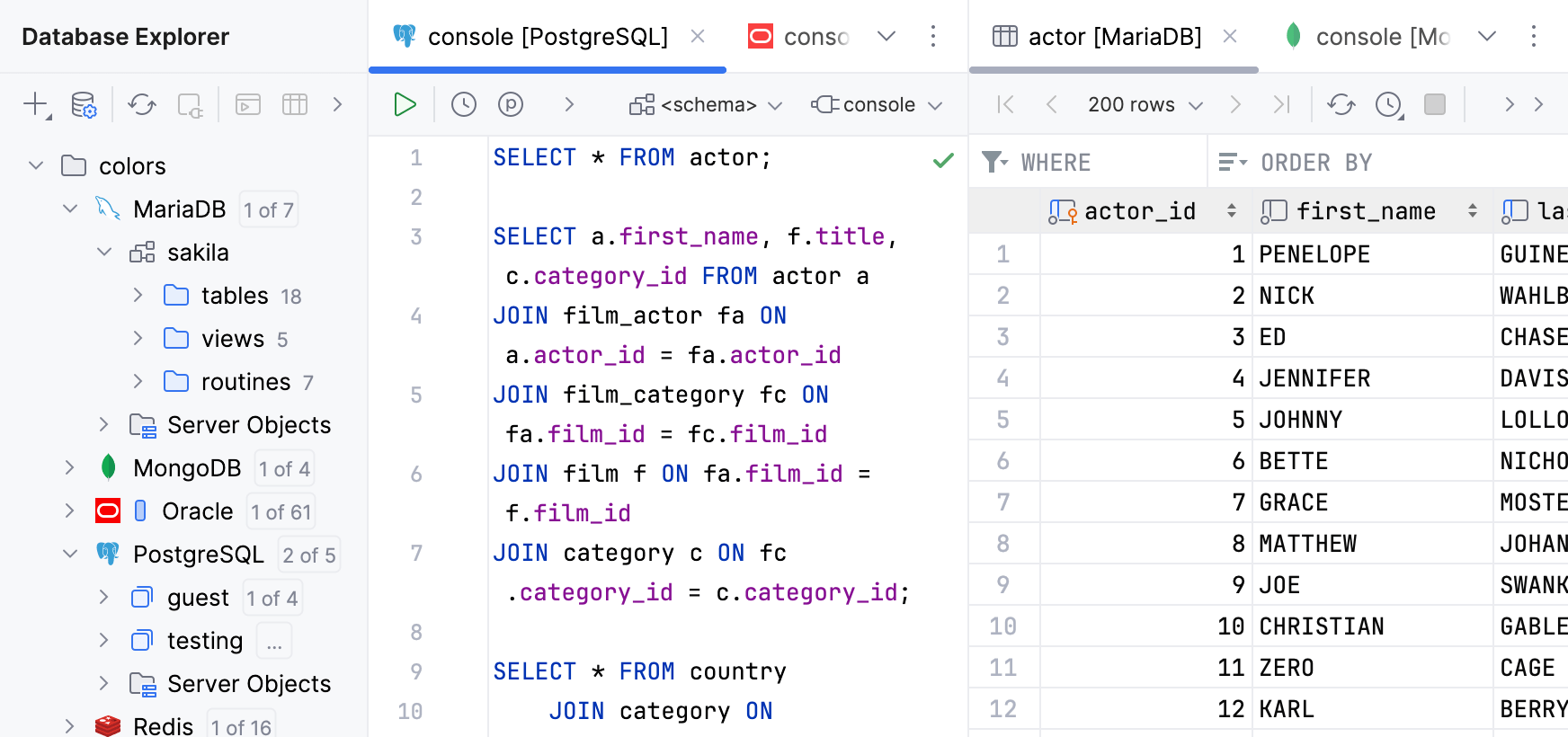
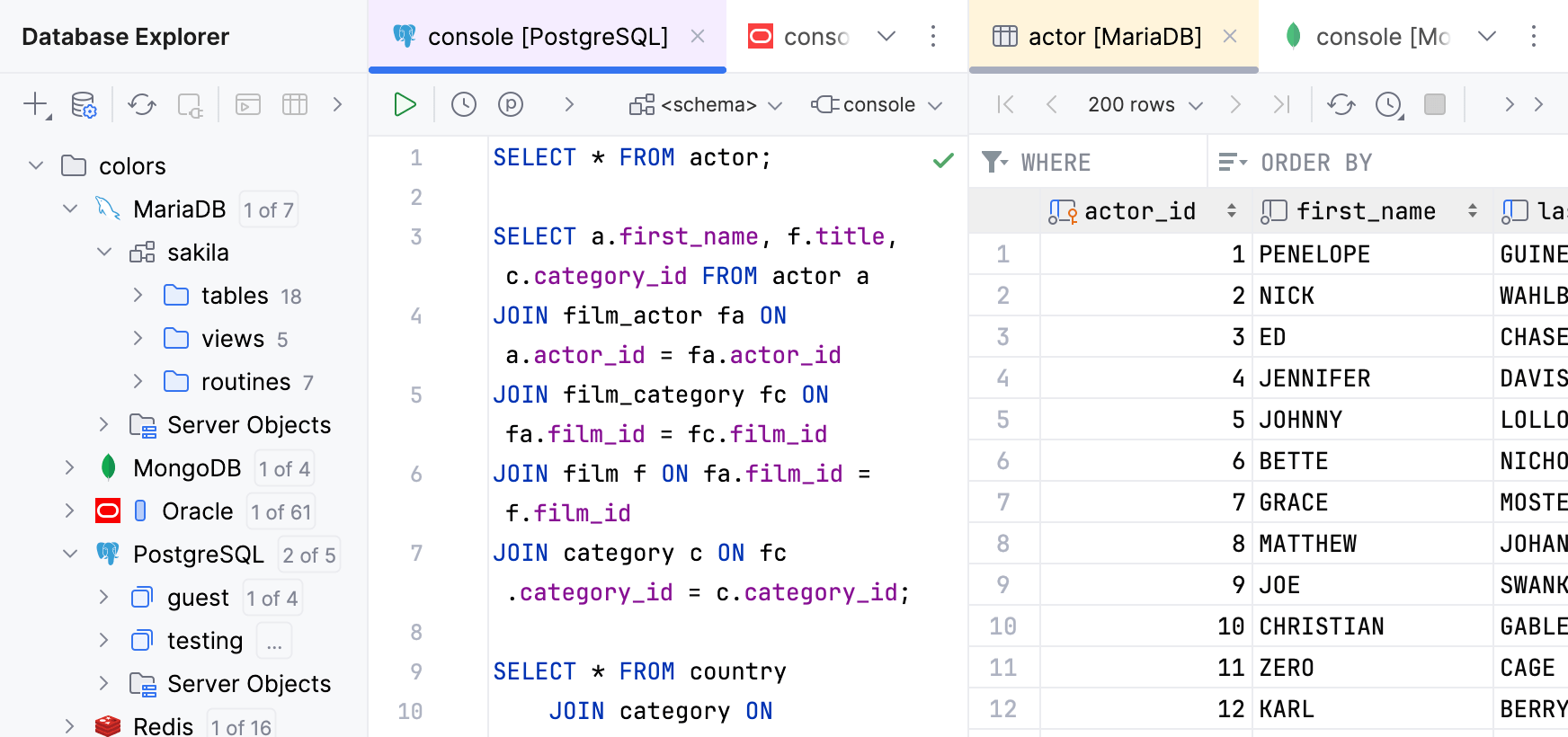
- Editor tab headers
Select the checkbox to use the database colors for editor tabs.
When this option is on, the tabs have the same color as the corresponding data source or table.
- Editor backgrounds
Select the checkbox to use the database colors for the editing area in query consoles and data editors.
When this option is on, the background of the editing area has the same color as the corresponding data source.
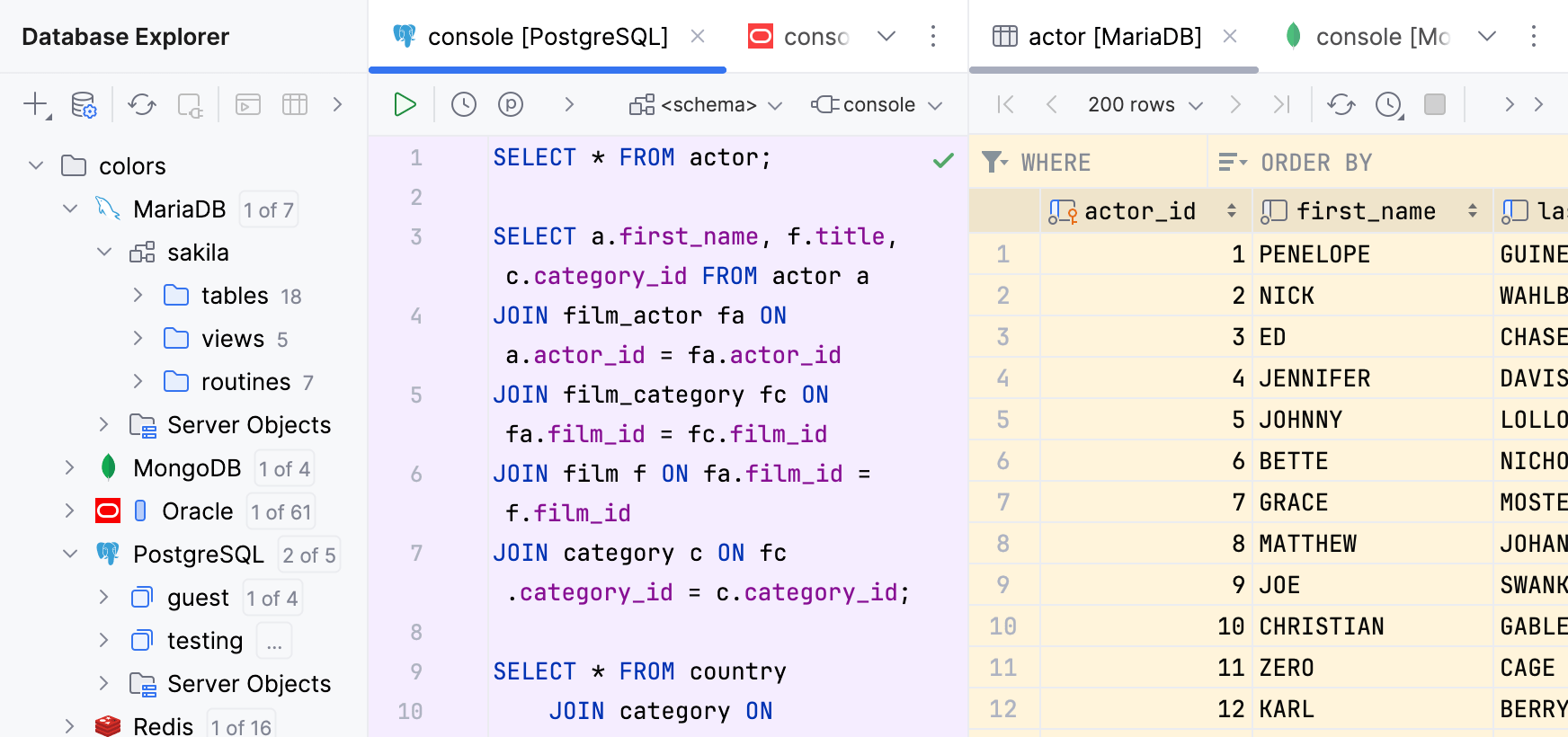
- Editor toolbars
Select the checkbox to use the database colors for the toolbars of query consoles and data editors.
When this option is on, the toolbar background has the same color as the corresponding data source.