Background tasks
When lengthy tasks are running, for example, search and replace, VCS update, and so on, JetBrains Rider automatically brings their execution to the background.

However, when a task of a certain type is brought to the background, you can still view its progress.
To view tasks running in the background, do one of the following
Click the Status bar to open the Background Tasks dialog:

In the Status bar, click
 .
.In the main menu, go to :
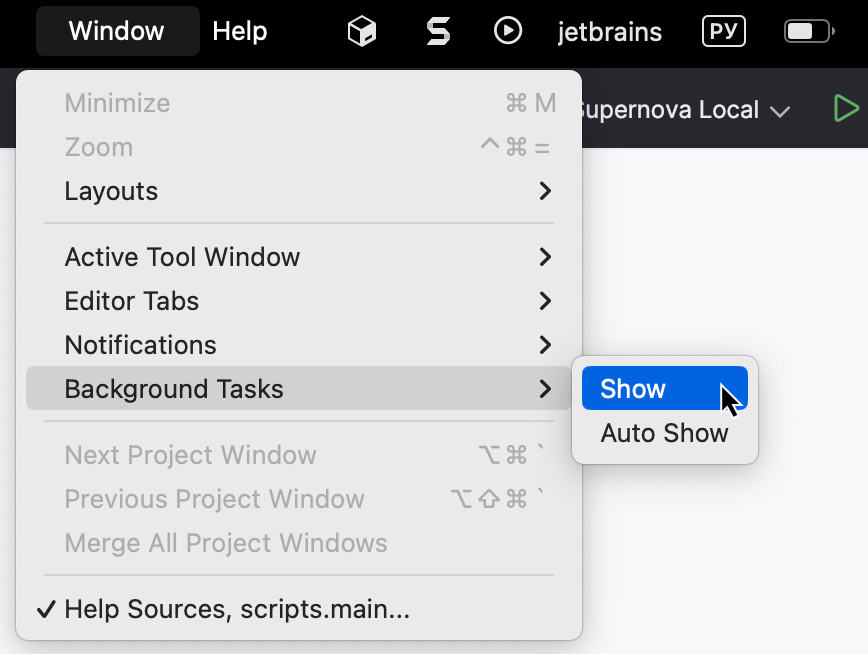
As a result, the Background Tasks dialog opens, showing all the tasks that are currently running in the background. You can review their progress, and if necessary, cancel the unnecessary tasks by clicking 
 .
.
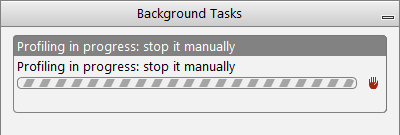
When the command is checked in , the Background Tasks manager opens automatically every time a task is launched in the background.
29 October 2024