Sorbet
RubyMine can infer many types directly from Ruby code. For example, it recognizes a string literal as String and determines that String#length returns Integer.
When a type cannot be inferred reliably, RubyMine can use Sorbet type signatures. You can declare signatures inline in Ruby code by using sig, or store them separately in .rbi files. RubyMine uses type information from both sources to determine the types of parameters, return values, variables, and expressions.
Add type signatures
To declare a signature directly in Ruby code, extend
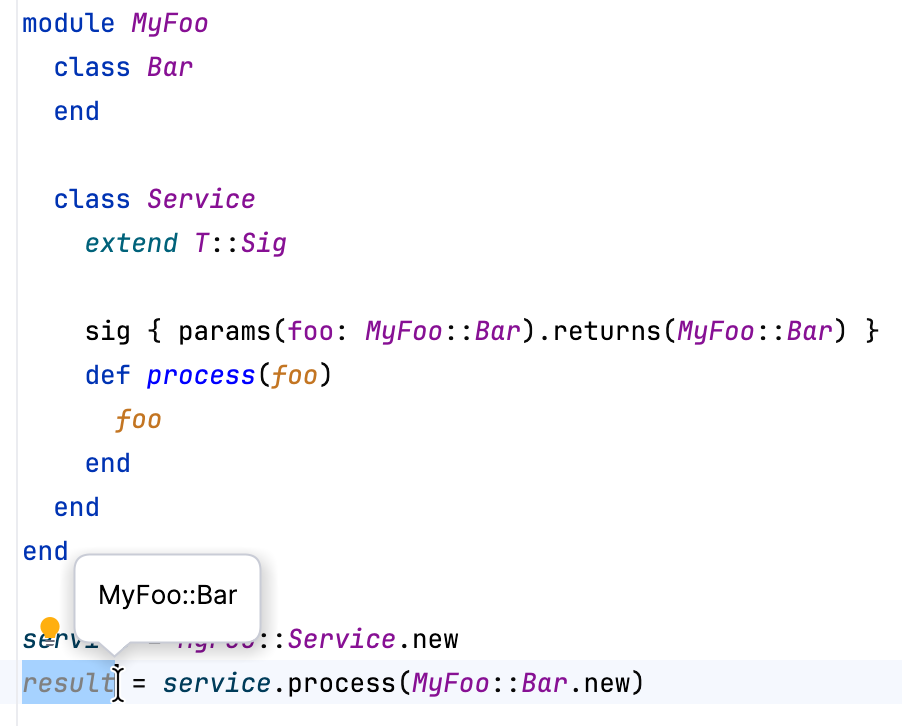
T::Sigand add asigdeclaration before the method:# typed: true module MyFoo class Bar end class Service extend T::Sig sig { params(foo: MyFoo::Bar).returns(MyFoo::Bar) } def process(foo) foo end end end service = MyFoo::Service.new result = service.process(MyFoo::Bar.new)The signature declares that
processaccepts and returns an object of typeMyFoo::Bar. RubyMine can therefore determine the types offoo, the method call, andresult.To keep the Ruby implementation free of Sorbet annotations, declare the corresponding types in a separate .rbi file:
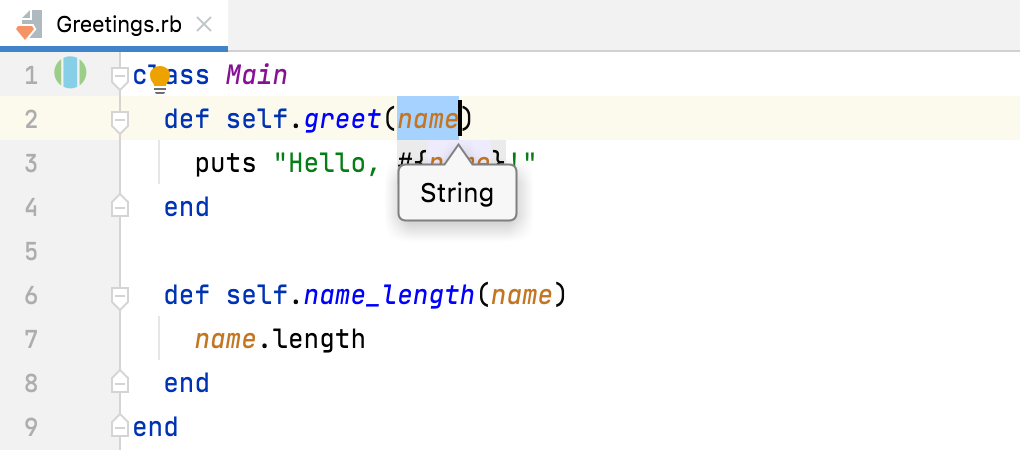
# typed: true module MyFoo class Bar end class Service sig { params(foo: MyFoo::Bar).returns(MyFoo::Bar) } def process(foo); end end endAn explicit
# typed:sigil is required. You do not need to addextend T::Sigto a declaration.
View the type info
Place the caret within the expression whose type you want to inspect. Then select or press Ctrl+Shift+P.
If several expressions are available at the caret position, RubyMine displays an expression chooser. Select the expression for which you want to view type information.
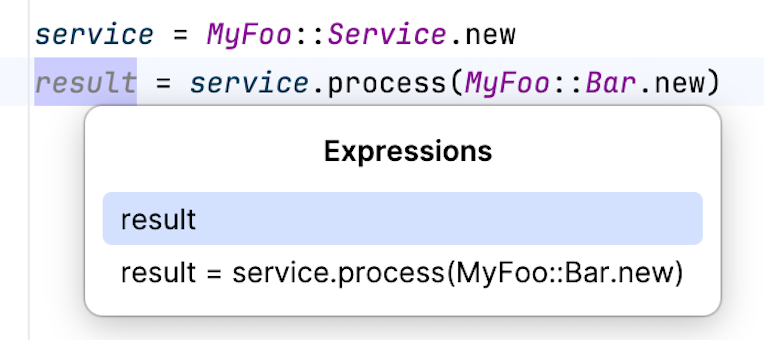
The following example shows type information obtained from a sig declaration written directly in Ruby code:
The following example shows type information obtained from a signature stored separately in an RBI file:
Check that the types match
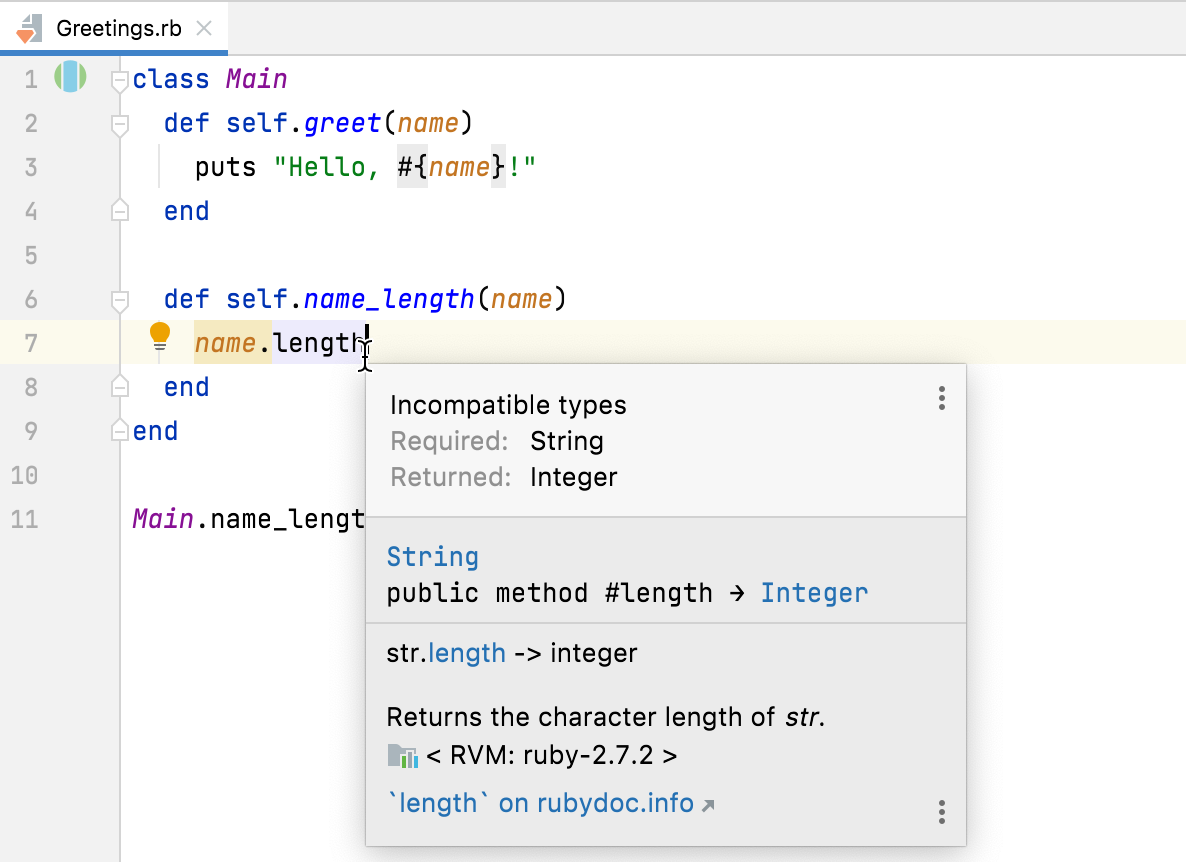
RubyMine warns you when a method argument or return value does not match its Sorbet signature. In the following example, the
Greeting#greetmethod expects an instance ofUser:module InspectionExample class User end class Greeting extend T::Sig sig { params(user: User).void } def greet(user) puts "Hello!" end end end greeting = InspectionExample::Greeting.new greeting.greet("Ruby")The call passes a
Stringinstead of the requiredUser. RubyMine highlights"Ruby"and reports:Expected type 'User', got 'String' instead.You can manage these warnings using the Mismatched argument type and Mismatched return type inspections.
Navigate between Ruby and RBI files
RubyMine enables you to navigate from a Ruby declaration to its type signature and from an RBI signature to its associated Ruby declaration.
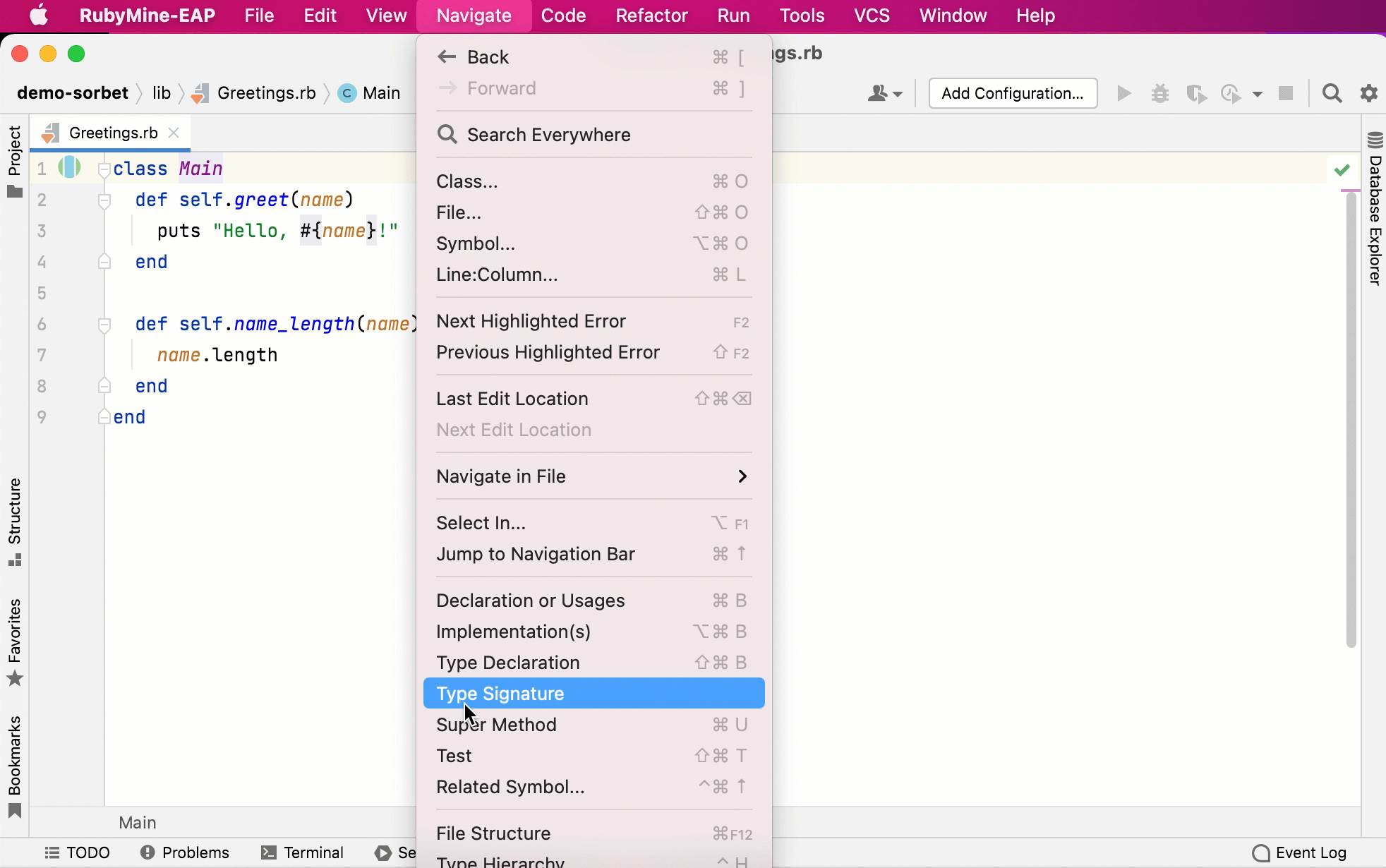
Go to the type signature
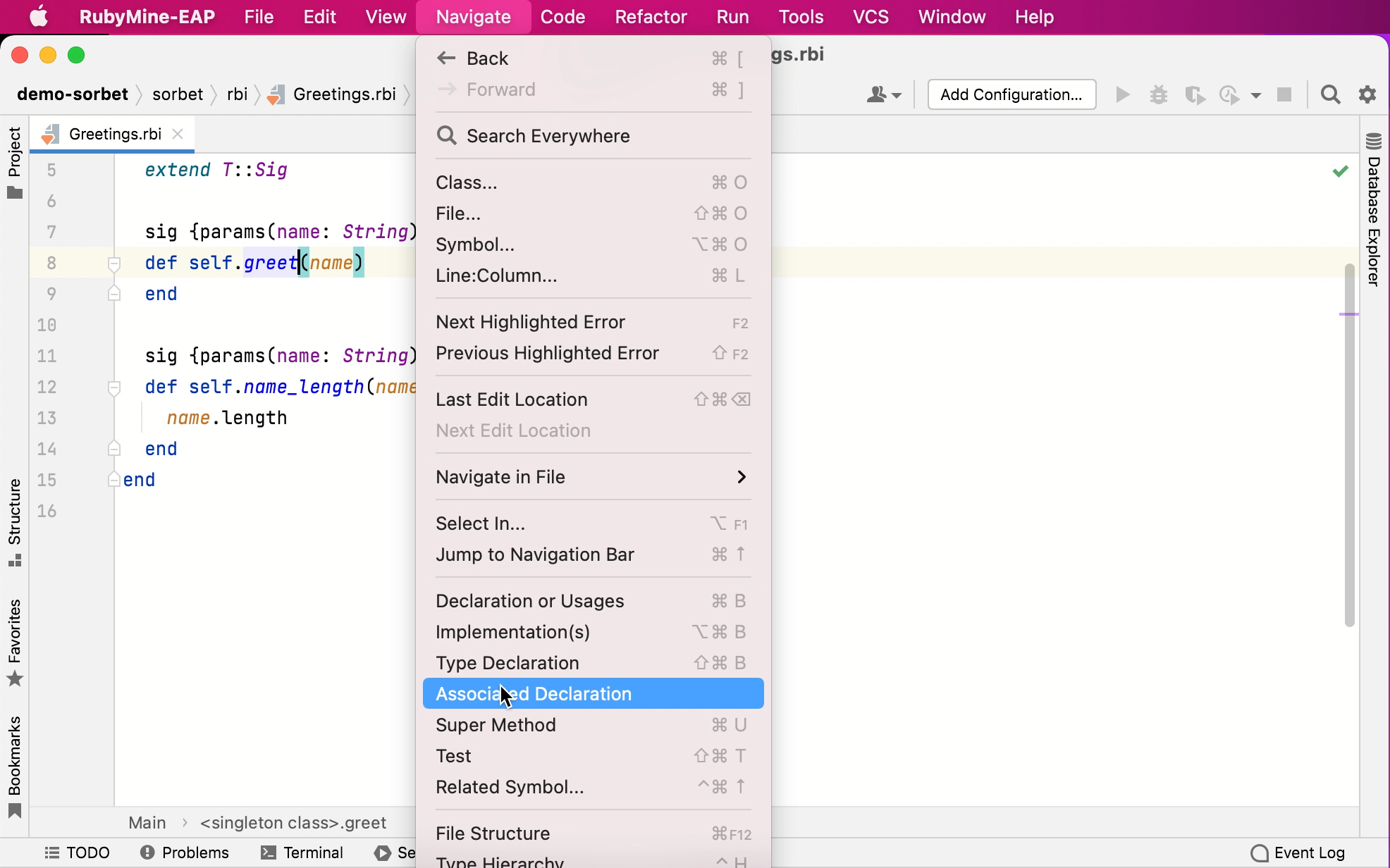
Select a Ruby declaration and go to in the main menu.
Go to the associated Ruby declaration
Select a type signature and go to in the main menu.