Docker Compose Installation
As an alternative to a Kubernetes cluster, you can run your SpaceCode On-Premises instance in a number of Docker containers configured with Docker Compose.
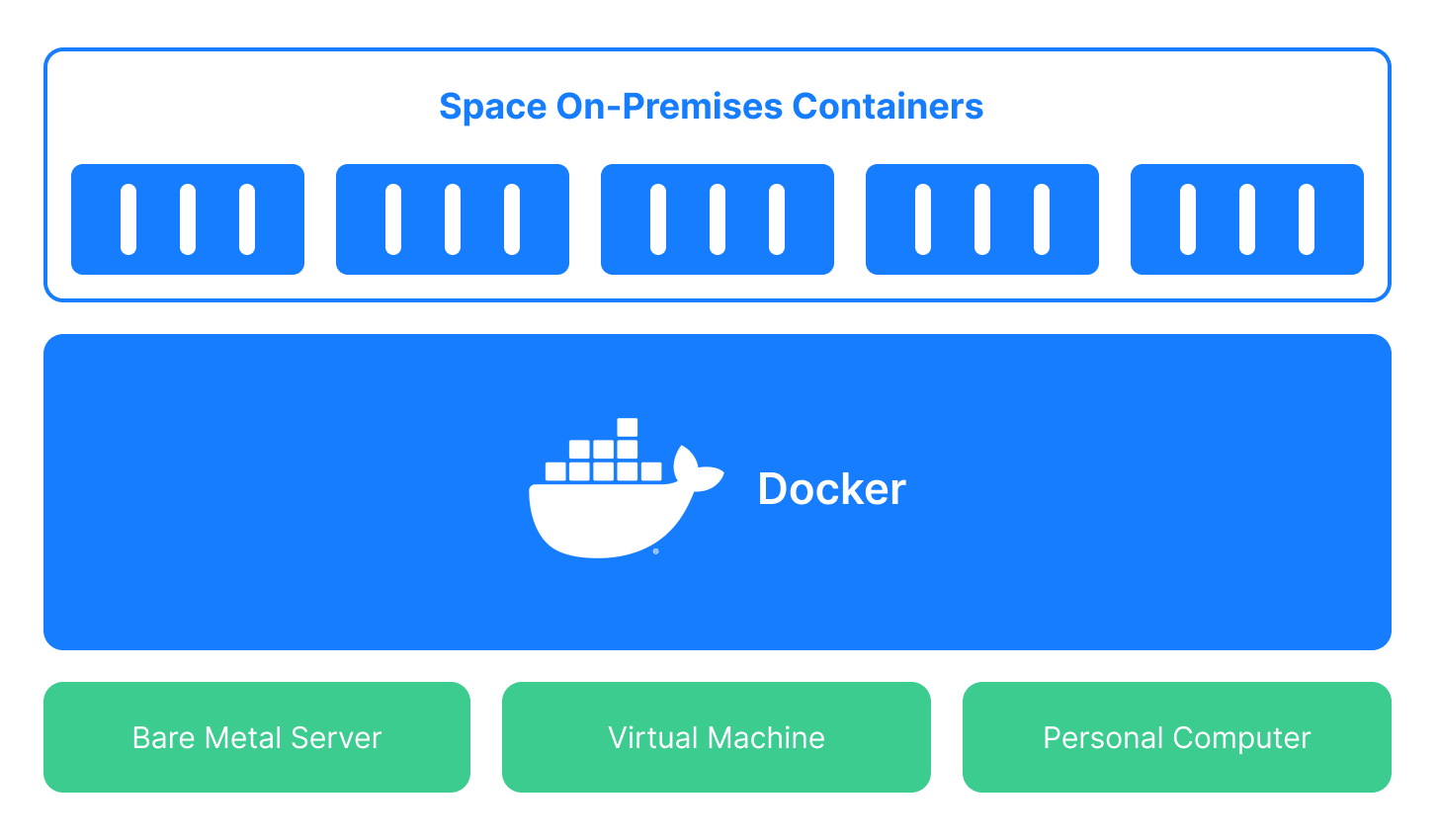
We recommend Docker Compose installation in two cases:
As a proof-of-concept installation that lets you test and familiarize yourself with SpaceCode before using it in a production setting.
As a production installation for small companies with few active SpaceCode users.
Recommended installation steps
Install SpaceCode On-Premises with Docker Compose.
Right after the installation, your SpaceCode On-Premises instance can serve only as a proof-of-concept instance: All SpaceCode components are deployed to Docker containers on a single host machine. This instance is available only as
localhostand has no mail server. If your primary need is to have a proof-of-concept instance, you can stop here.Configure SpaceCode On-Premises for production use.
If you plan to use SpaceCode On-Premises in production, you should further configure your instance: Make it network-accessible and enable the mail server. We also recommend that you provide Postgres, Elasticsearch, and a MinIO-compatible storage as external services running on separate machines.
Set up backup for PostgreSQL and MinIO.
SpaceCode uses two services to store persistent user data: PostgreSQL and MinIO. As this data is critical for SpaceCode's operation and cannot be easily recreated, it's essential to set up a backup and restore mechanism for both services.