Find a Code Review
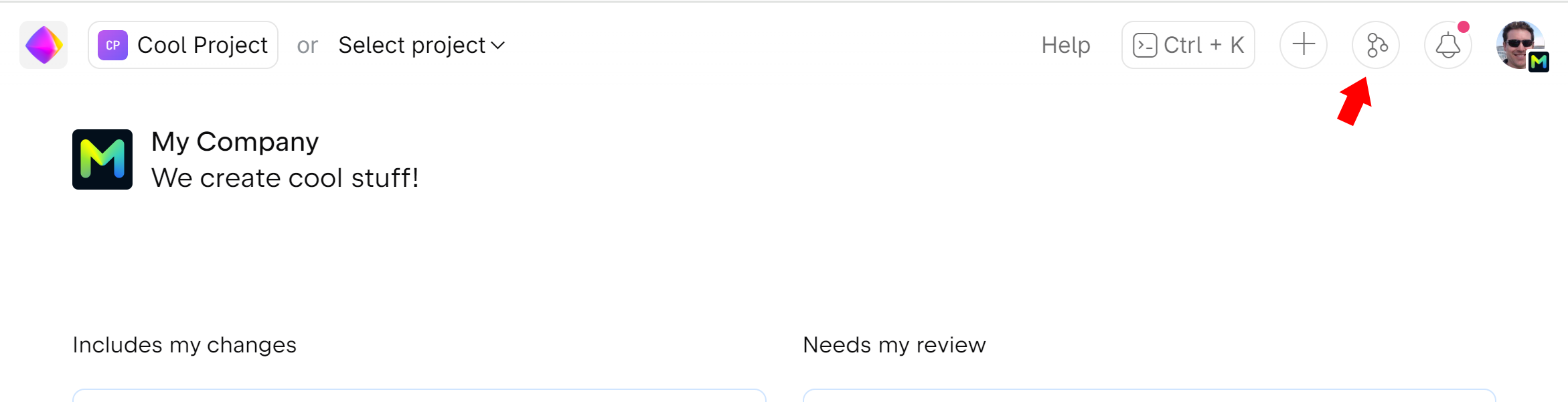
To search all code reviews and merge requests across all projects, click  on the top right:
When you are on a repository page, go to the Reviews tab to see code reviews and merge requests from this particular project.
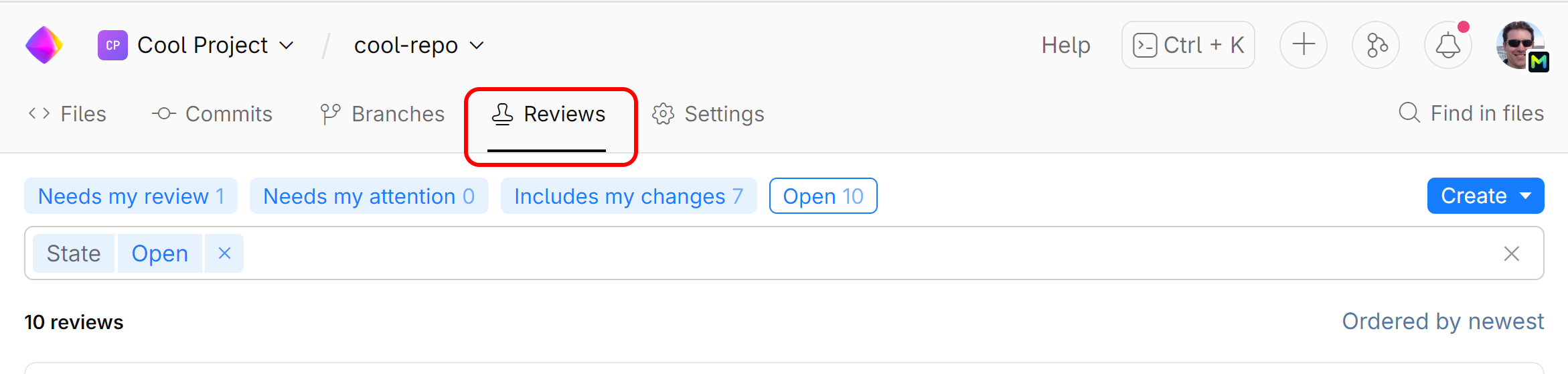
Now you can scroll through the reviews and filter them out using different search criteria.
Find a review by title, branch, or ID
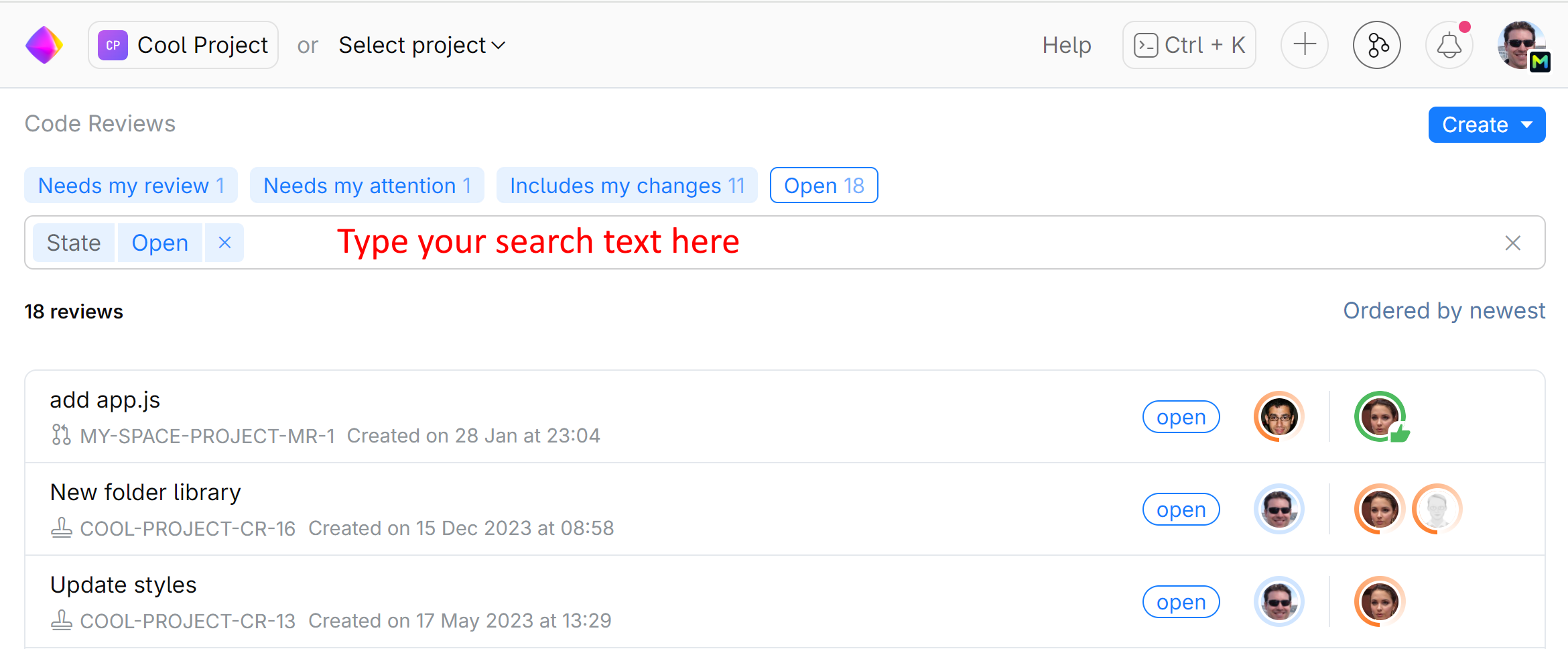
To search for reviews by words contained in a review title or a branch name, just enter your query into the search field. You can find a review by its full ID as well:
Find reviews that may need your attention
Use the Quick filters to search for reviews that you are expected to or already participating in:
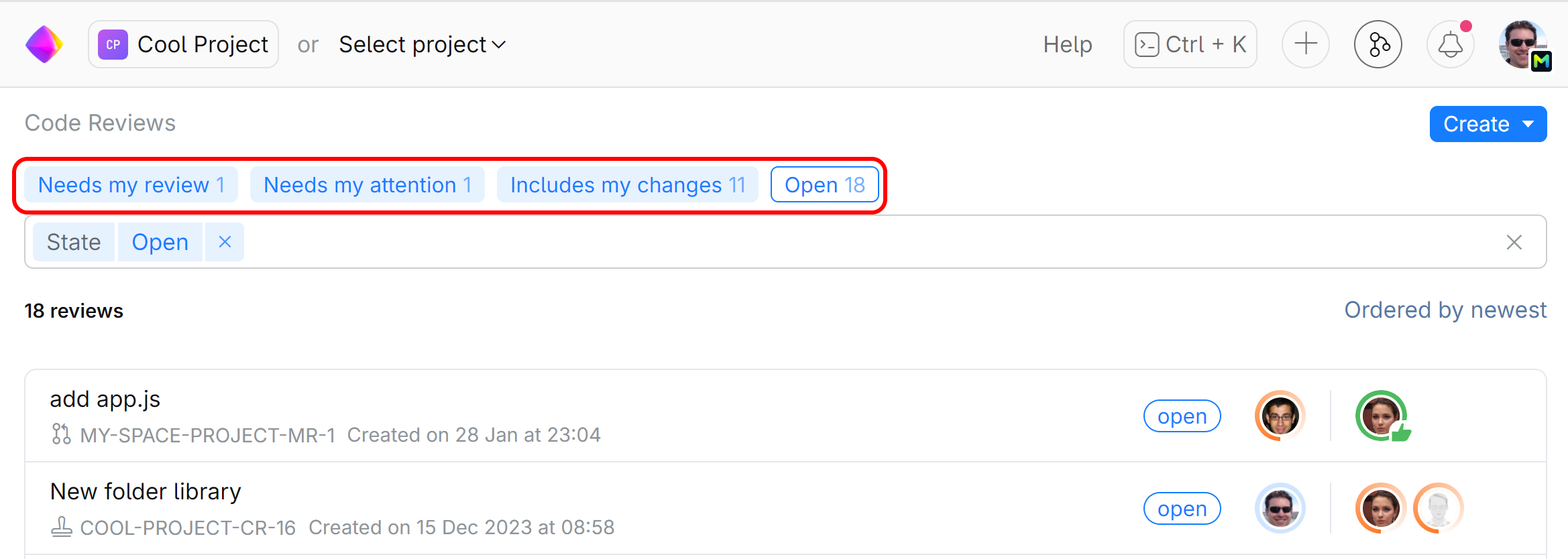
Needs my review — code reviews that need your attention as a reviewer.
Needs my attention — code reviews that need your attention as an author.
Includes my changes — code reviews in which you participate as an author.
Filter reviews by its state, author, reviewer, date, project
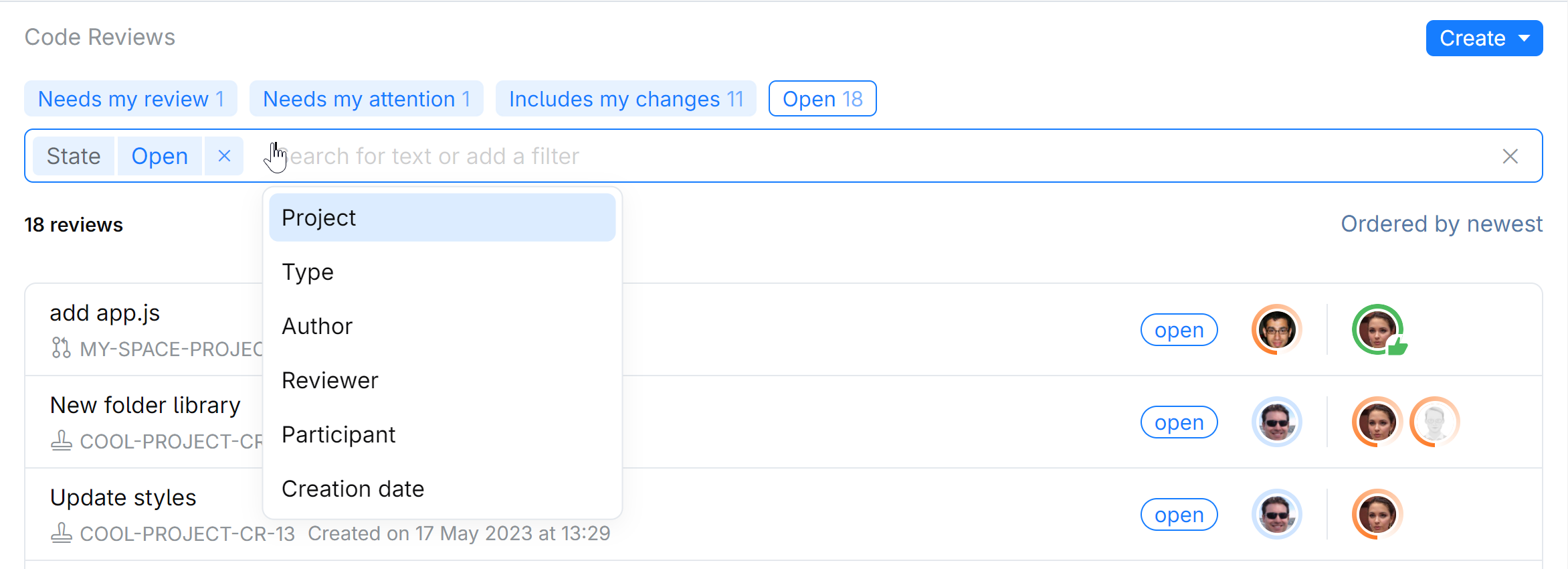
Narrow down your search by using the filter menus, picking a specific review state, author, reviewer, and a time period within which the review was created:
View all reviews in the project
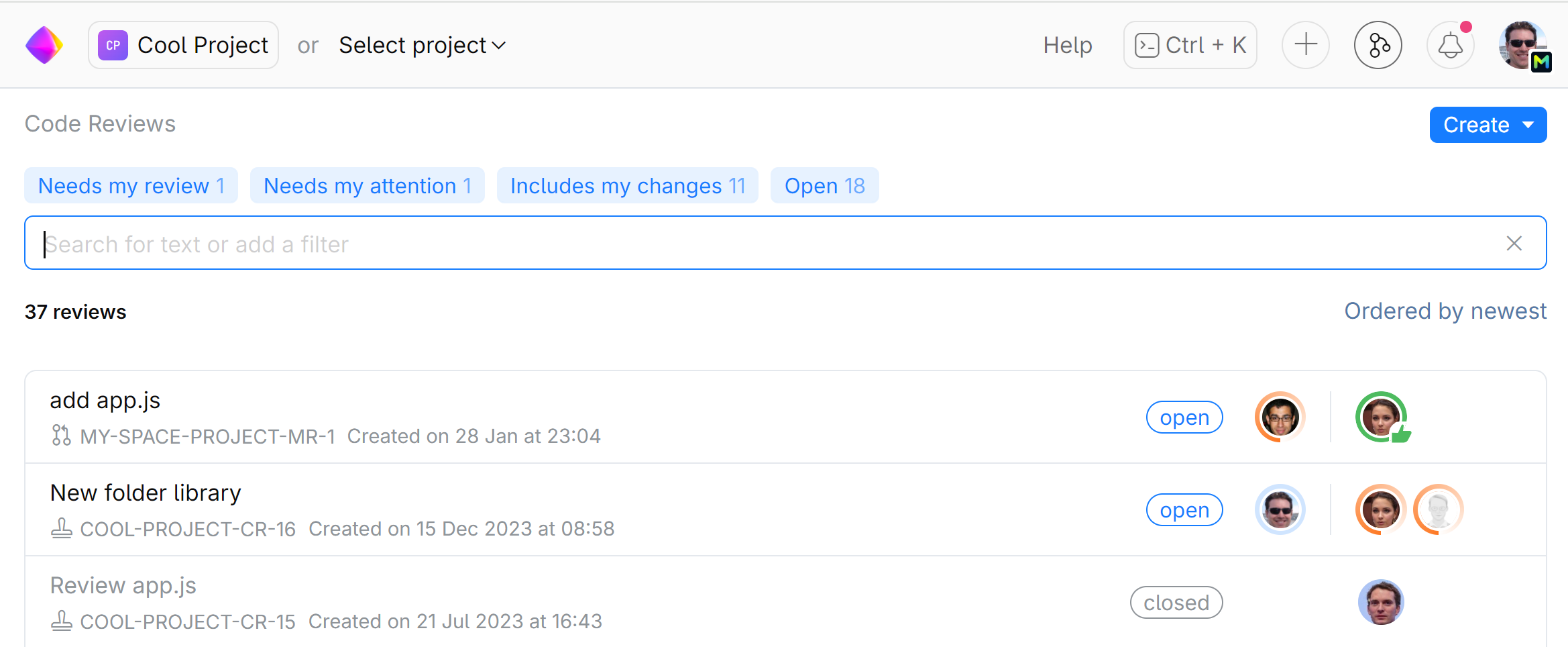
To see all reviews in the project, open and closed, just remove all the filters:
You can also locate a review by scrolling through the commit list on the project page:
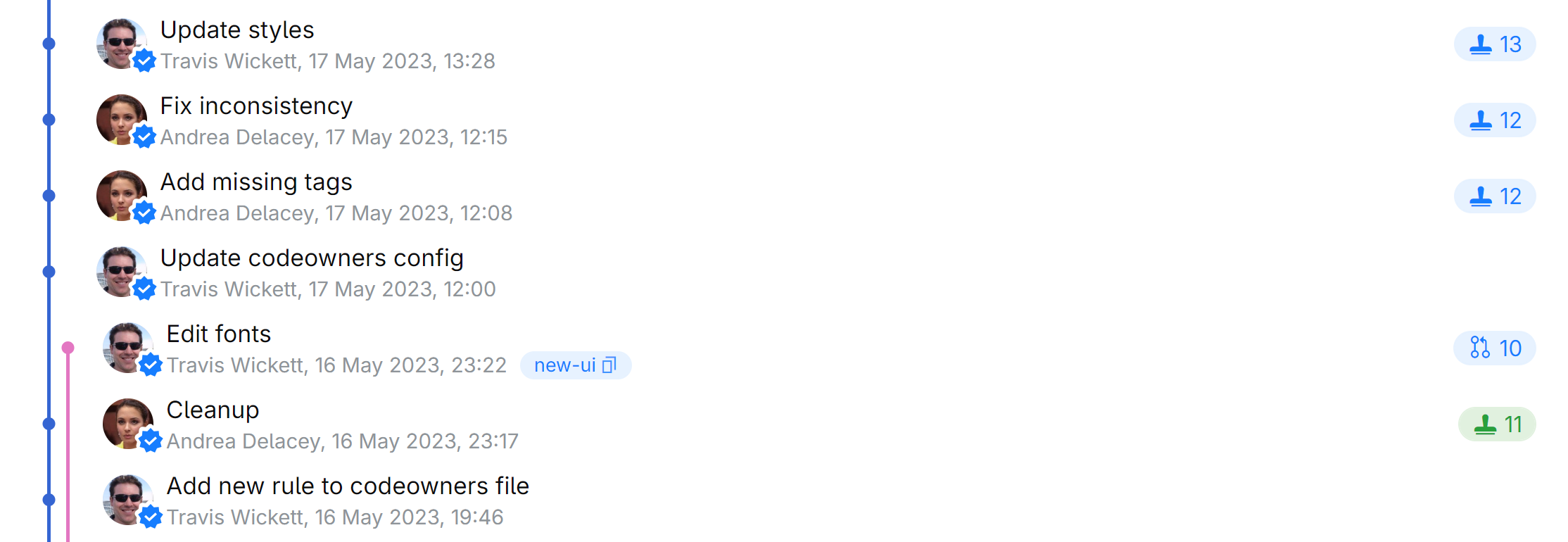
Revisions under a code review display a tag linking to the review page.