View and Compare Branches
The Branches page allows you to monitor the activity across branches in a selected repository. You can view and compare the branches and see which ones are active or stale.
Open the repository and go to the Branches tab:
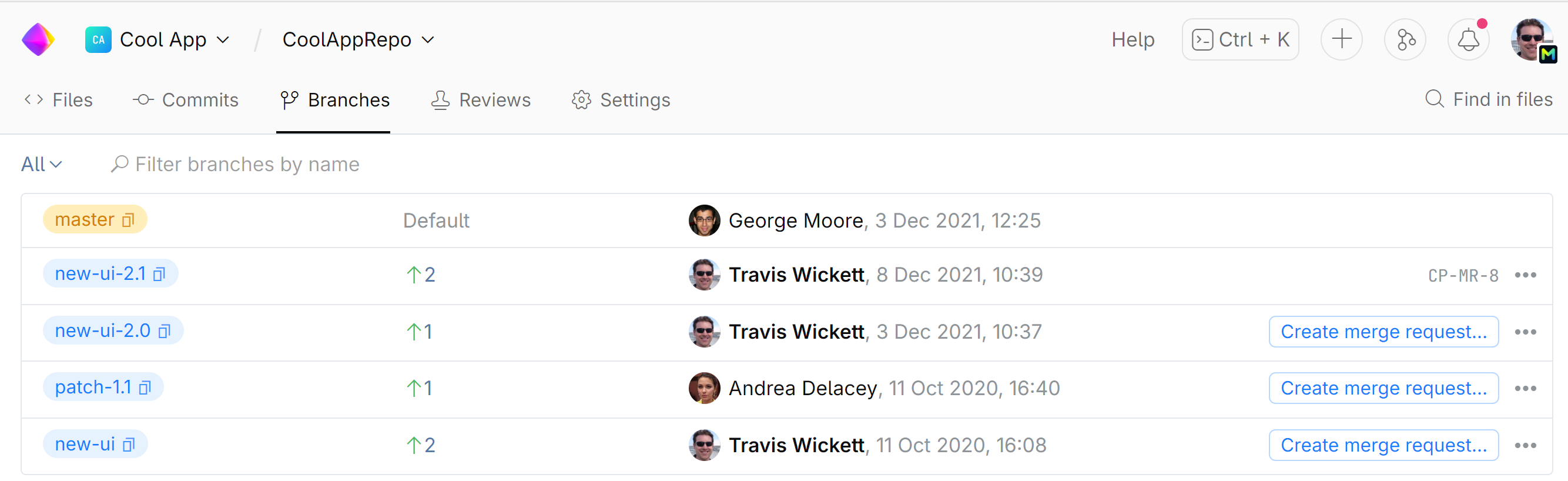
To view a commit list for a particular branch, locate the branch and click it.
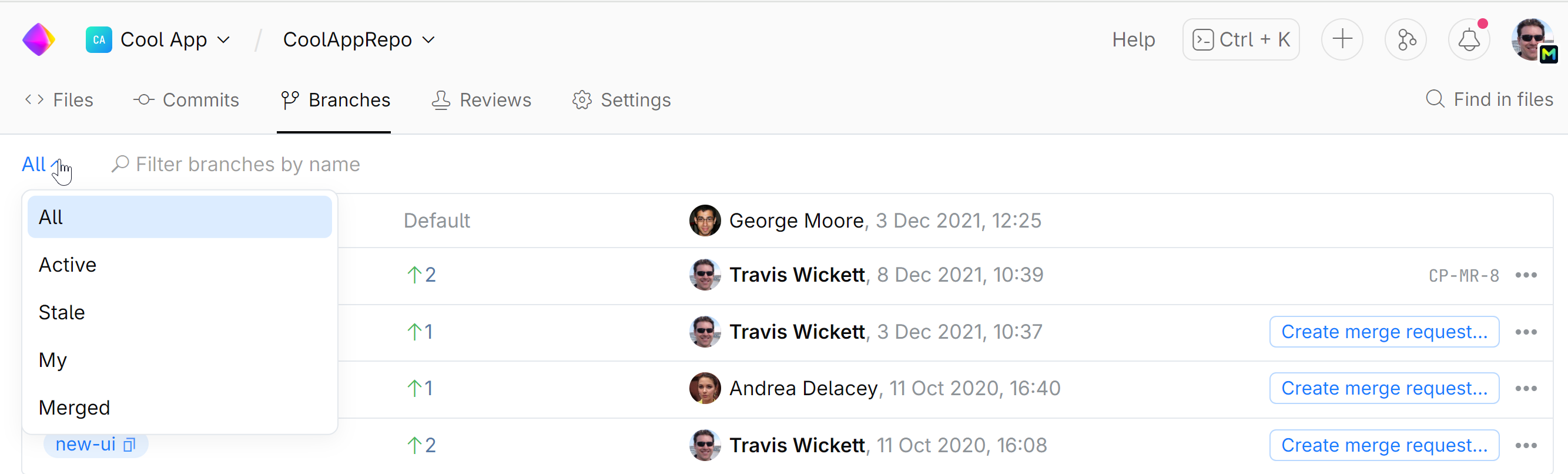
You can search branches by name or filter them by various criteria:
To compare a branch to the default branch (e.g. main or master), just click
 next to the branch and choose Compare: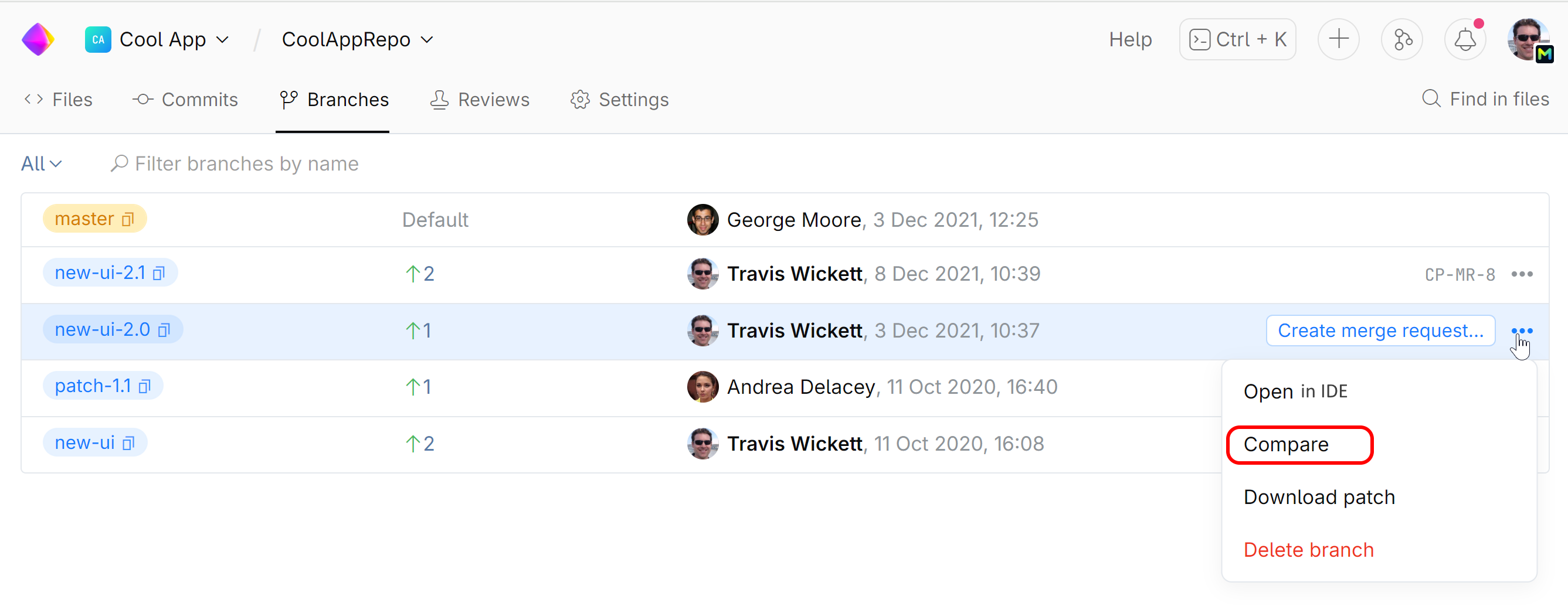
Last modified: 24 May 2024