Ordering Projects and Build Configurations
By default, TeamCity displays projects, their subprojects, build configurations, and templates in the alphabetical order.
Project administrators can change this default order:
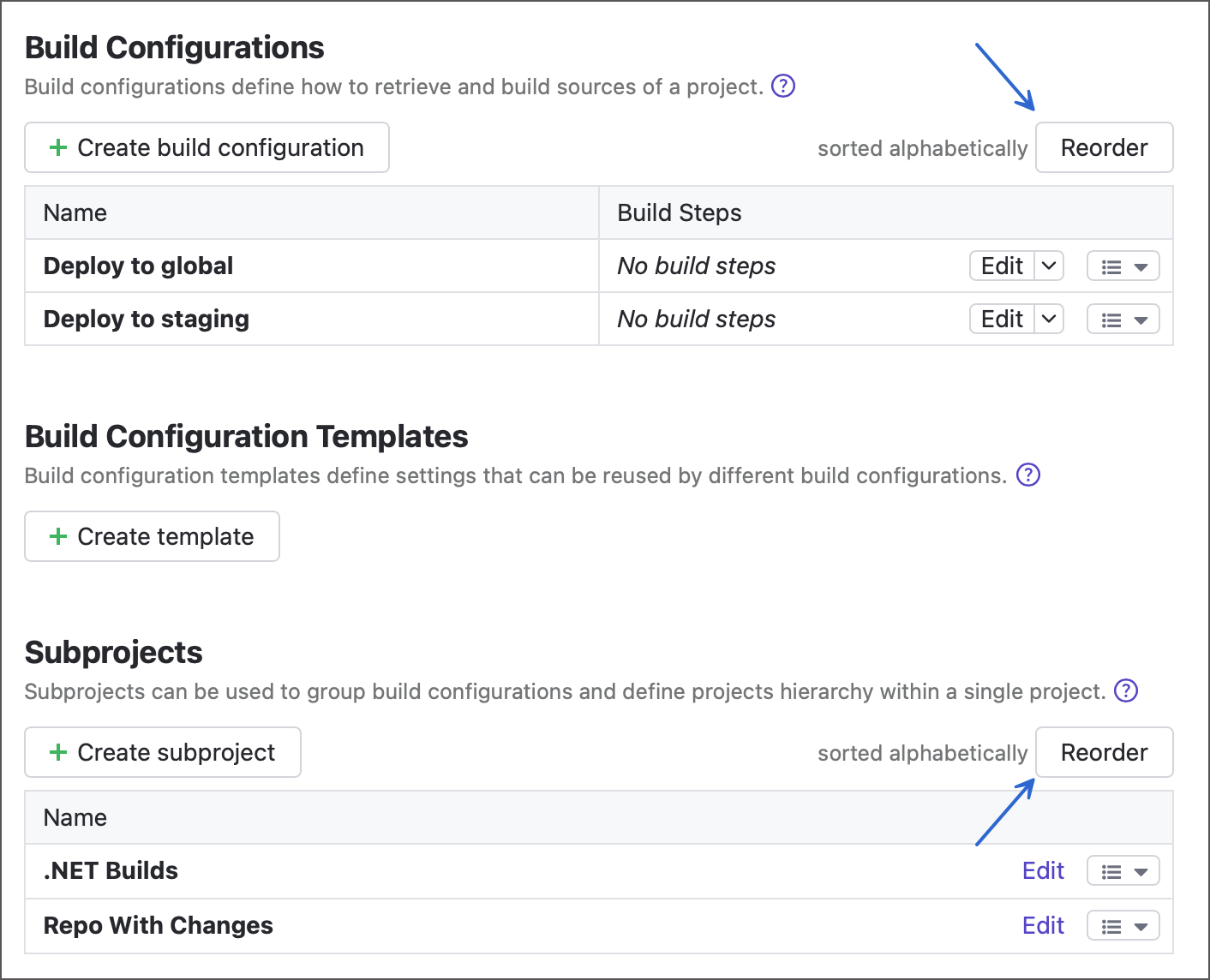
Open project settings and navigate to the General settings tab.
Click Reorder in the subprojects or build configurations section.
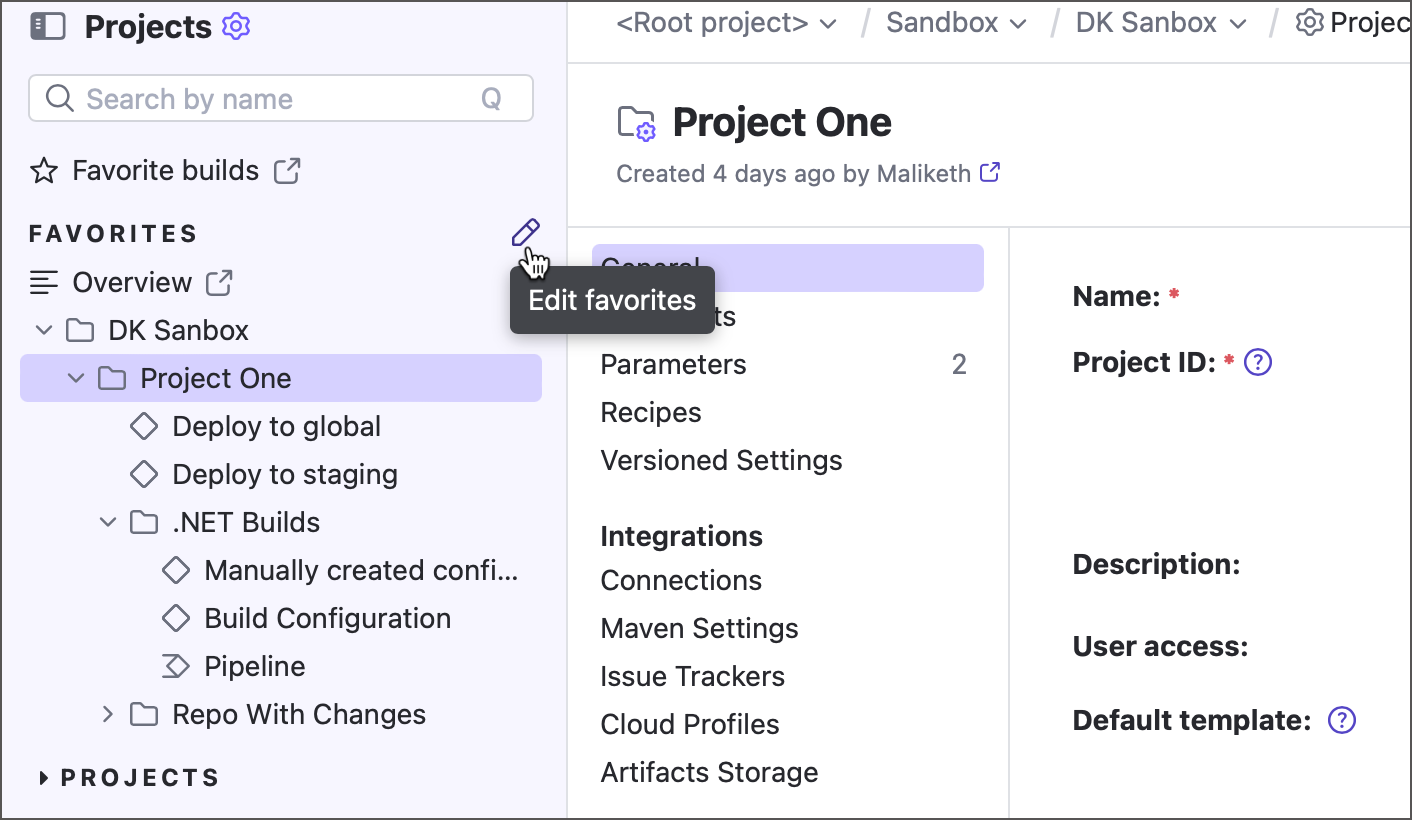
Users can customize their Favorites list to quickly access selected projects. Projects are added automatically for their creators. To edit the list or reorder projects, click the pencil icon next to Favorites in the TeamCity sidebar.
Note that if a project has archived subprojects/paused build configurations, they will also be displayed on the Overview page and will be marked correspondingly.
27 May 2025