Scripting and Automation
TeamCity CLI provides several output formats and features designed for scripting, automation, and CI/CD integration.
JSON output
Many commands support a --json flag for machine-readable output. List commands also accept optional field selection.
Basic usage
Discovering available fields
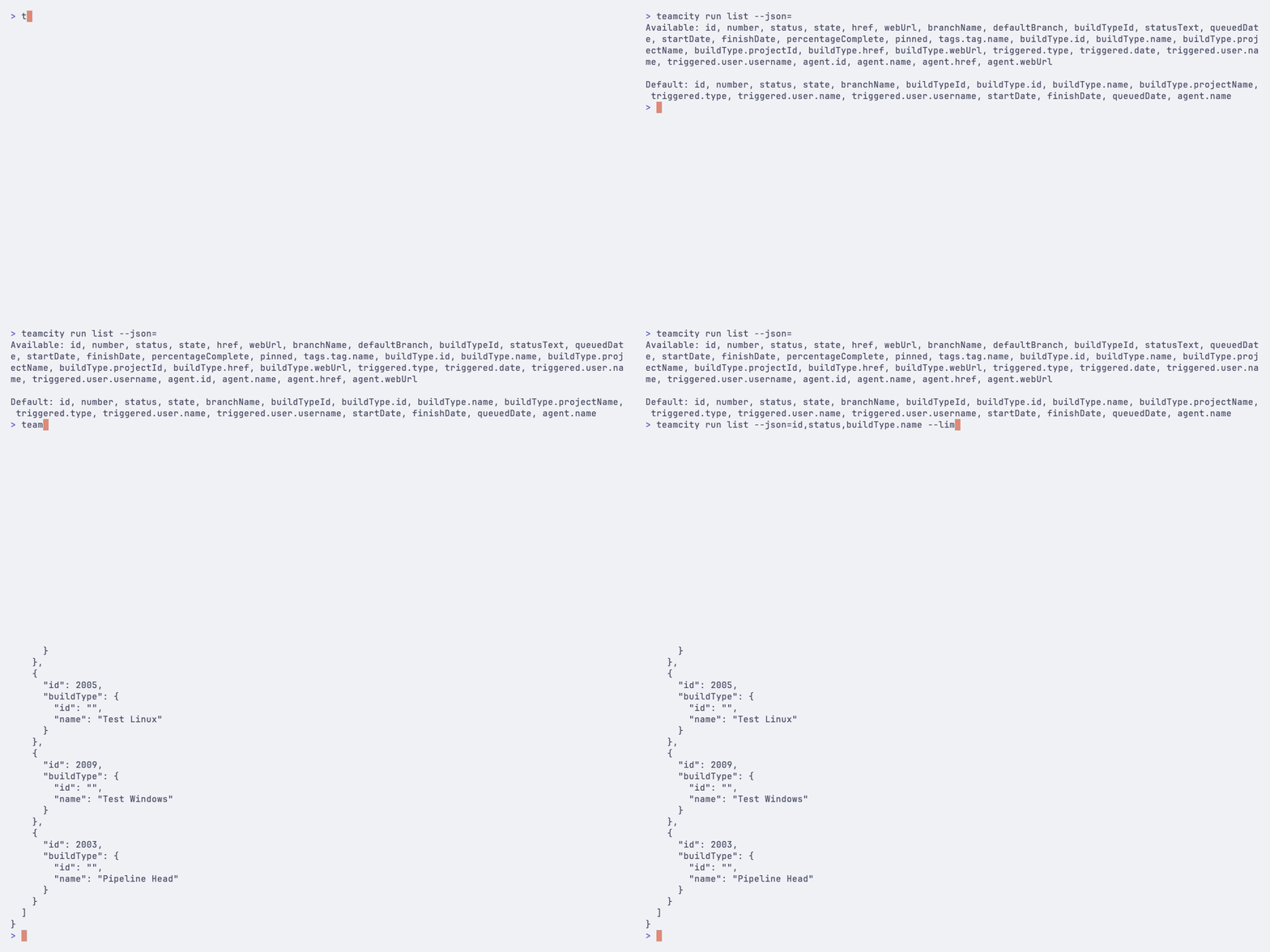
Pass --json= (with an empty value) to see all available fields for a command:
Selecting specific fields
Specify a comma-separated list of fields:
Field selection (--json=...) is available on list commands only. View and inspection commands accept --json without field selection.
Nested fields
Use dot notation to access nested fields:
JSON for view and inspection commands
Available fields by command
Command | Example fields |
|---|---|
|
|
|
|
|
|
|
|
|
|
|
|
Plain text output
Use --plain for tab-separated output that is easy to parse with standard Unix tools. This flag is available on all list commands and on agent jobs and param list:
Omit the header row for cleaner piping:
Scripting examples
Get IDs of failed builds
Export build data to CSV
Get web URLs for queued builds
Count builds by status
Wait for a build to finish
Or start and watch separately:
Cancel all queued builds for a job
CI/CD integration
Environment variable authentication
In CI/CD pipelines, use environment variables for authentication:
PowerShell:
CMD:
See Authentication for details.
Non-interactive mode
Use --no-input to disable interactive prompts in automated environments. The CLI uses sensible defaults when prompts are suppressed:
Alternatively, use --yes on commands that support it:
Read-only mode
Set TEAMCITY_RO=1 to prevent any write operations. In this mode, commands that would modify data (triggering builds, canceling, pinning, changing parameters, and so on) are rejected before a request is sent:
This is useful for monitoring dashboards, reporting scripts, and shared environments where accidental modifications must be prevented. The flag also blocks write operations through teamcity api with non-GET methods.
See Configuration for accepted values.
Quiet mode
Use --quiet to suppress non-essential output:
Exit codes
Most commands return exit code 0 on success and 1 on failure. The teamcity run watch flow (including teamcity run start --watch) returns:
2when a run is canceled124on timeout
Structured errors
When --json is active and a command fails, the error is written to stderr as structured JSON instead of plain text:
Error codes:
Code | Meaning |
|---|---|
| Token is invalid or expired |
| Insufficient permissions |
| Requested resource does not exist |
| Cannot reach the server |
| Write operation blocked by |
| Invalid input (flags, arguments) |
| Unexpected error |
The suggestion field is omitted when there is no actionable fix. The code field is always present and is safe for programmatic matching.
JSON compatibility policy
The --json output is a machine-readable contract. The following rules apply:
No field removals or renames without a deprecation period in a prior release.
Additive fields are always allowed — new keys may appear in any release.
Error codes are stable — existing codes will not change meaning.
Envelope structure is fixed — success output is the resource data; error output uses the
{"error": {...}}envelope on stderr.
Consumers should ignore unknown fields and avoid relying on field ordering.
Raw API access
For operations not covered by dedicated commands, use teamcity api to make direct REST API requests:
See REST API access for details.