Assigning Responsibility for Build Problem
When for some reason a build fails, TeamCity provides handy means of figuring out which changes might have caused the build failure and lets you assign responsibility for this build. When responsibility is set, the assignee receives a notification. Responsibility can be assigned to a whole build or with per-test granularity. For each project you can also see all of the currently assigned responsibilities in a single place.
To set responsibility for a failed build:
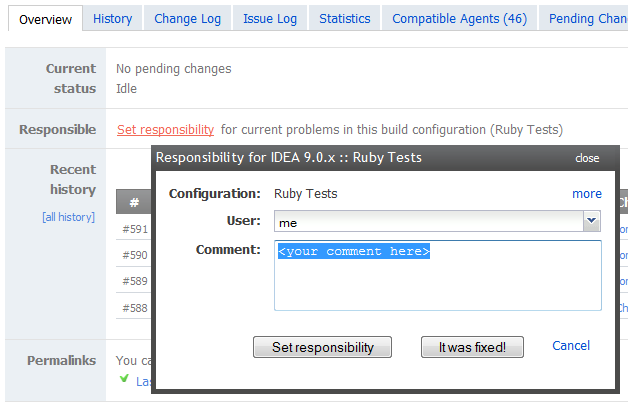
Navigate to Overview of the Build Configuration Home page, or Overview tab of the Build Results Home Page.
Select team member's name from the Who drop-down list and click Set responsibility.
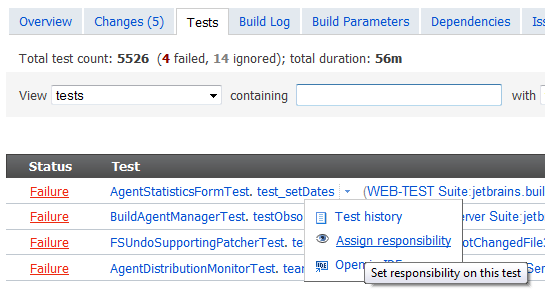
To set responsibility for a particular test, navigate to the Viewing Tests and Configuration Problems of the Build Results page, click the arrow next to the test name and select Assign Responsibility: