Advanced completion
Statement completion
You can create syntactically correct code constructs by using statement completion. It inserts the necessary syntax elements (parentheses, braces, and semicolons) and gets you in a position where you can start typing the next statement.
To invoke statement completion, start typing a code construct and press Ctrl+Shift+Enter.
Complete a method or function declaration
Start typing a method or function declaration and press Ctrl+Shift+Enter after the parenthesis. WebStorm creates an entire construct of a method and places the caret inside the method body.
function padLeft/*caret*/function padLeft(/*caret*/){ }Alternatively, press Ctrl+Shift+Enter later, after the opening parenthesis.
Complete a code construct
Start typing a code construct and press Ctrl+Shift+Enter.
WebStorm automatically completes the construct and adds
end. The caret is placed at the next editing position.function padLeft(value : string, padding : string | number) { if /*caret*/ }function padLeft(value : string, padding : string | number) { if (/*caret*/) { } }
Hippie completion
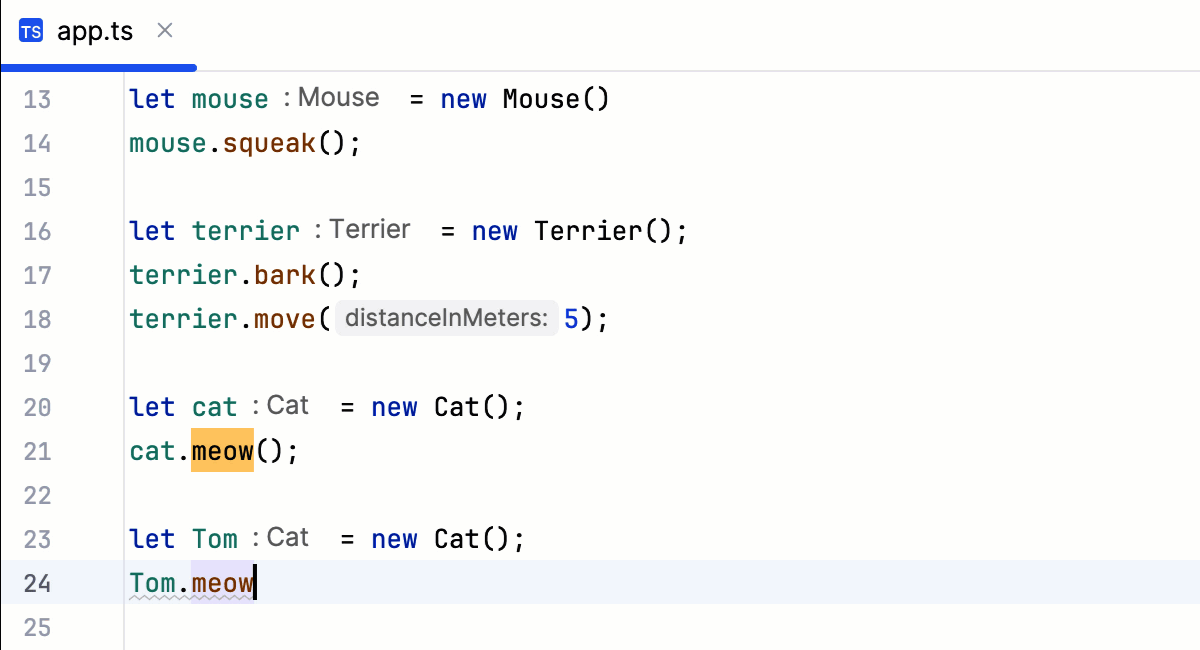
Hippie completion is a completion engine that analyses your text in the visible scope and generates suggestions from the current context. It helps you complete any word from any of the currently opened files.
Expand a string at caret to an existing word
Type the initial string and do one of the following:
Press Alt+/ or choose to search for matching words before the caret.
Press Alt+Shift+/ or choose to search for matching words after the caret and in other open files.
The first suggested value appears, and the prototype is highlighted in the source code.
Accept the suggestion or hold the Alt key and keep pressing \ until you find the word you need.
Completion of tags, attributes, and properties
WebStorm automatically completes names and values of tags and attributes in many file types:
HTML/XHTML, including completion for CSS classes and for HTML tags inside JSX.
XML/XSL, including completion for namespaces.
JSON. For more information, refer to Editing package.json.
Completion of tags and attribute names is based on the DTD or Schema the file is associated with. If there is no schema association, WebStorm will use the file content (tag and attribute names and their values) to complete your input.
WebStorm also provides completion for tags and attributes in .vue and .svelte files.
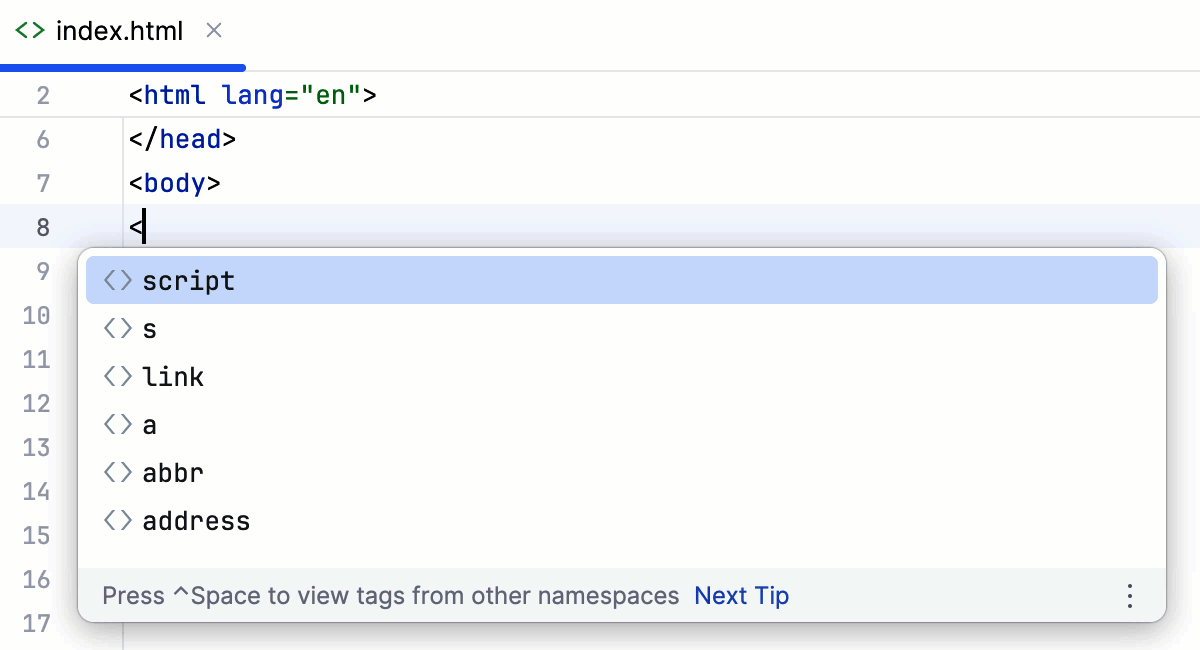
Type the opening
<and then start typing the tag name. WebStorm displays the list of tag names appropriate in the current context.Use the Up and Down keys to scroll through the list.
Press Enter to accept a selection from the list. If your file is associated with a schema or a DTD, WebStorm automatically inserts the mandatory attributes according to it.