Delete an Organization
When you encounter organizations in YouTrack Cloud that are no longer used or relevant, you can delete them from the system. You can delete organizations from the Organizations list, or directly on the profile page of the organization itself.
Deleting an organization does not delete any of the resources that are assigned to it. For example, the projects that are assigned to the deleted organization are retained in the system. Instead of being grouped by their parent organization, the projects are listed independently.
To delete one or more organizations in the Organizations list:
From the main navigation menu, select
 .
.Select an organization from the list.
Click to open the
 icon in the list or the sidebar, then select the Delete option.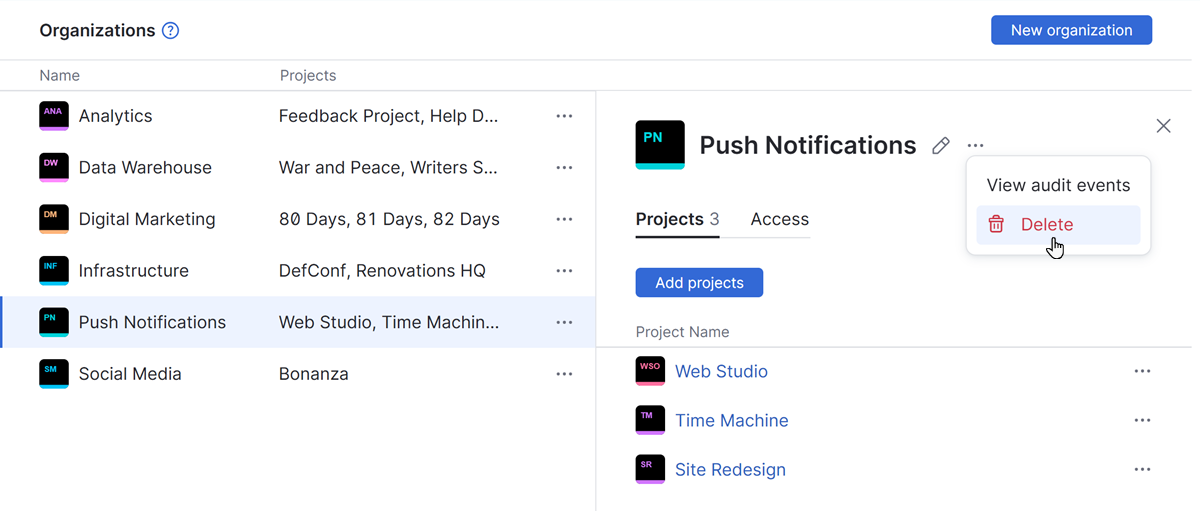
Click the Delete organization button to confirm this action.
The organization is deleted from YouTrack.
Any project that was assigned to the deleted organization is now listed as an independent project on the Projects list.