Search for Groups
Searching for Groups and Teams
The Groups page features a search box that lets you filter the list.
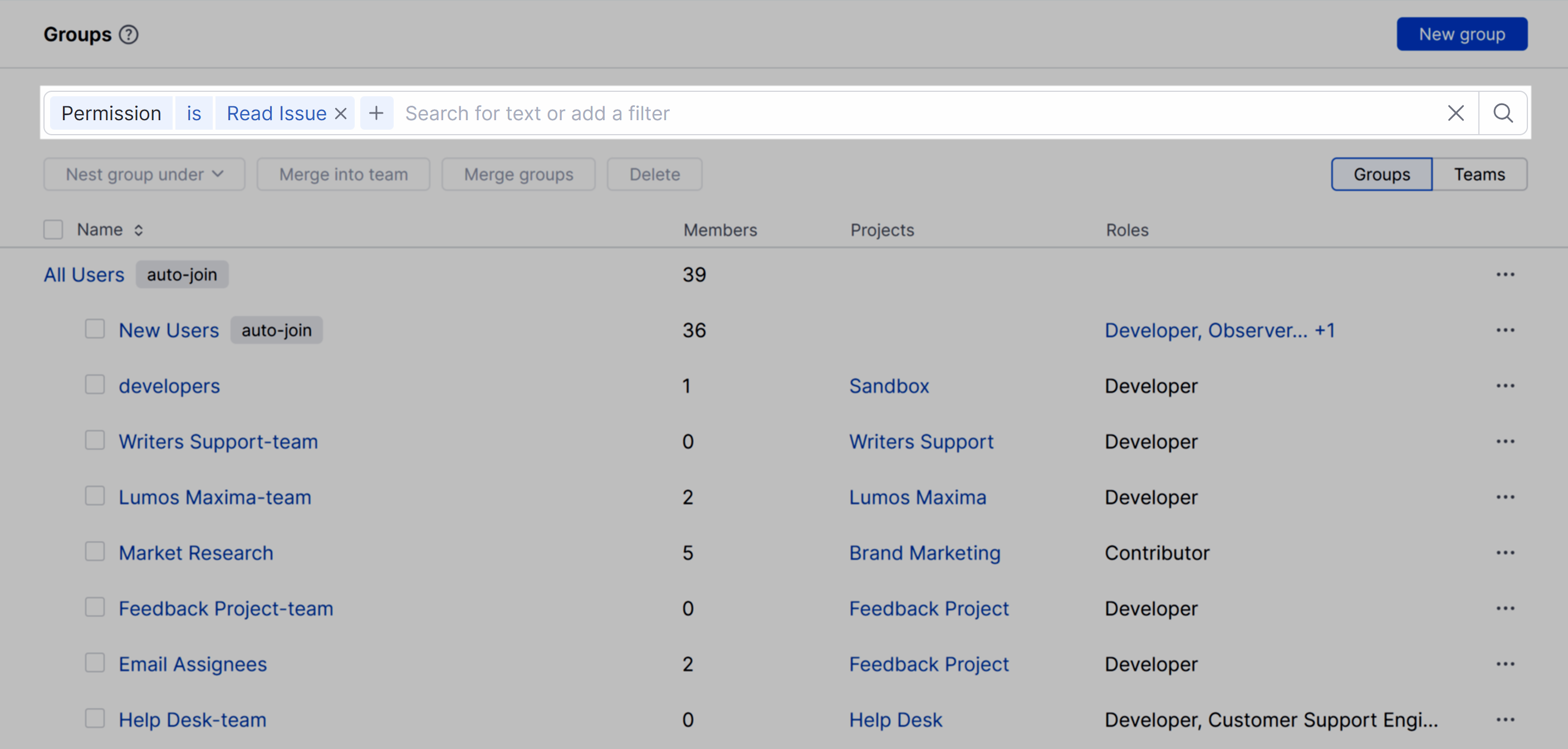
YouTrack supports the following attributes in search queries that are applied as a filter on the Groups page.
Attribute | Description |
|---|---|
Auto-join | Returns groups for which the auto-join option is currently enabled. |
Has subgroups | Returns groups that have at least one subgroup. |
Is project team | Returns groups that are or are not a project team. |
Member | Returns groups where a user with the selected username is a member. |
Parent group | Returns subgroups of the specified parent group. |
Permission | Returns groups that have been granted the selected permission. |
Project team | Returns groups that have been added to the selected project team. |
Requires 2FA | Returns groups for which the option to require two-factor authentication (2FA) is currently enabled. |
Role | Returns groups that have been assigned the selected role. |
To apply a filter, start typing in the search box. YouTrack will suggest available attributes that match your input as you type. When you select an attribute, YouTrack automatically inserts a search operator and suggests possible values. From there, you have the following options:
Click the operator to change the search criteria.
Enter the value or values you want to filter for.
Click the
 icon to remove a parameter.