Dashboards
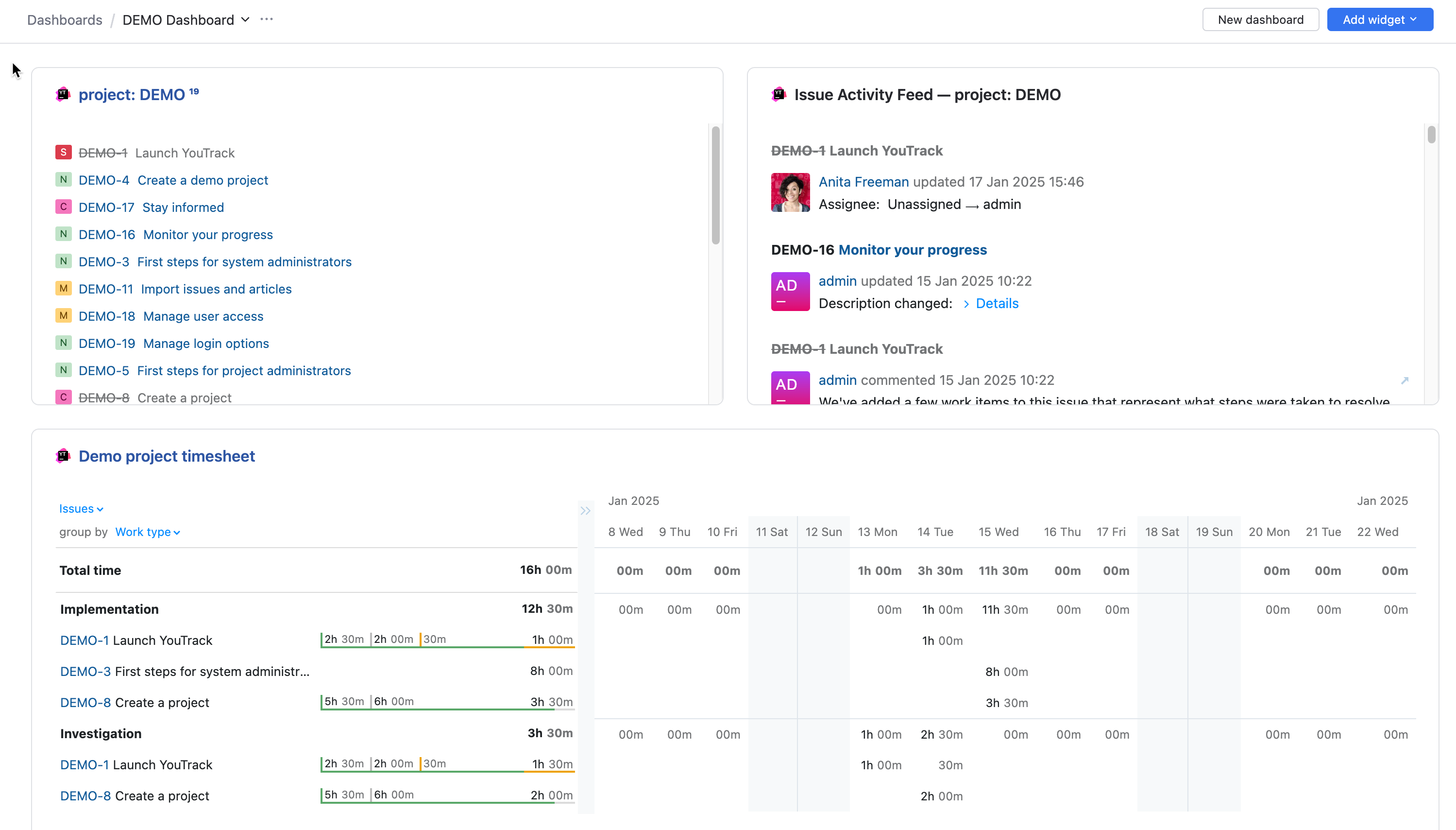
Dashboards provide an at-a-glance view of your tasks, team activity, and other information in YouTrack. Create dashboards for different purposes and customize them with widgets that display the information you want to monitor.
Set Up and Manage Dashboards
Create and manage dashboards — Create dashboards, switch between them, organize their content, and manage their settings.
Share a dashboard — Give users and groups permission to view or edit a dashboard.
Clone a dashboard — Copy an existing dashboard together with its widgets and sharing settings.
Configure default dashboards — Customize the dashboard that provides a common starting point for registered users.
Configure a guest dashboard — Present selected project information to visitors when guest access is enabled.
Use dashboard keyboard shortcuts — Navigate dashboards and work with widgets without using a mouse.
Manage Widgets
Manage dashboard widgets — Add, configure, move, share, refresh, clone, or remove widgets.
Install additional widgets — Install apps that provide dashboard widgets from JetBrains Marketplace.
Choose a Widget
Choose a widget based on the information or activity you want to include on your dashboard.
Monitor Issues
Issue List — Display issues that match a search query, saved search, project, or tag.
Issue Activity Feed — Monitor recent changes to selected issues.
Due Date Calendar — Display issues on a calendar according to their due dates.
Issue Distribution Report — Visualize issue counts across selected fields.
Monitor Projects and Agile Boards
Reports — Display the results of an existing YouTrack report.
Project Team — Display the owner and members of a project team.
Agile Chart — Display a burndown chart or cumulative flow diagram.
Agile Board Status — Display board or sprint progress as a bar chart.
Track and Export Time
Time Tracking Report — Monitor report or timesheet data.
Personal Time Tracking — Monitor your own time entries.
Work Item Exporter — Export recorded work items to a file.
Share Information
Quick Notes — Display formatted notes, links, and shared messages.
Document List — Display knowledge base articles that match a search query.
Administration
Access Eraser — Remove a user's access to groups, teams, project roles, and login methods.