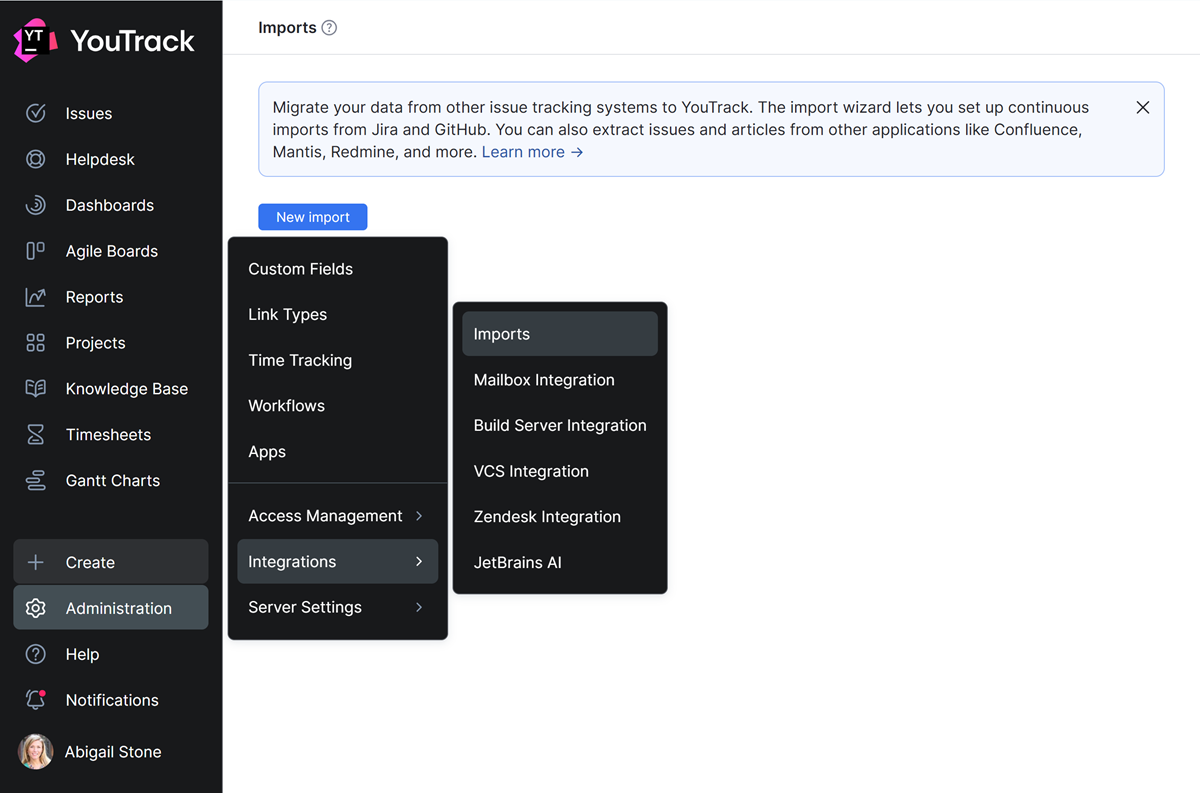
Imports
The Imports feature lets you migrate your data from other tools to YouTrack. When you import your data from another service, you can pick up right where you left off in the previous application.
The import wizard lets you set up continuous imports from Jira, Jira Service Management, GitHub, GitLab, monday.com, Zendesk, ClickUp, and Confluence. You can also extract issues from other tools like Mantis, Redmine, and more.
YouTrack provides predefined import scripts for popular issue trackers and project management tools. Predefined imports don't use a single shared file format. Each import connects to the source application directly and reads data using the settings and API that are supported by that service.
If you want to import content from any source that isn't supported by a predefined script, you can write a custom import script. For instructions, see Custom Imports.
To access the import configuration settings, open the  Administration menu and select .