Reviewing Your Tickets
You can view all your tickets, including pending and closed ones, in one place in YouTrack under Tickets. This comes in especially handy when you have several ongoing discussions with support and you want to switch between them quickly.
To view all your tickets:
Log in to YouTrack.
To log in, either follow a link from the email notification about a ticket, or log in using your email and the password if you have set one. For details, see Logging in to YouTrack.
From the main navigation menu, select
 Tickets.
The list of all tickets reported from your email address opens.
On the Tickets page, you can review and post replies to your tickets and create new tickets that'll be linked to your account.
To open a ticket in single-ticket mode, double-click a ticket on the list or single-click the ticket summary.
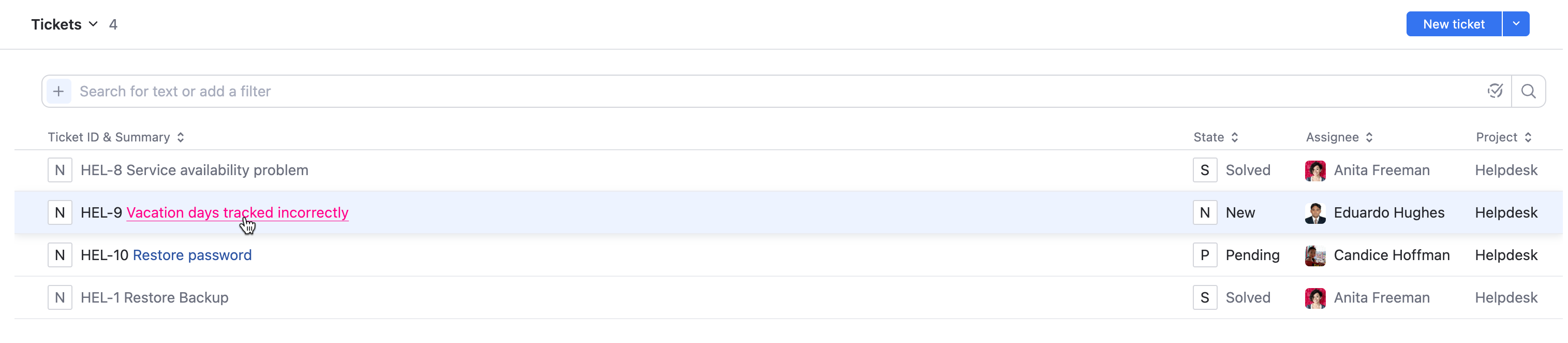
To sort tickets by one of the ticket fields or attributes, click the name of the corresponding field or attribute in the table header.
Click the attribute name once to sort tickets in ascending order of the selected attribute value. Click the attribute name again to sort tickets in descending order.
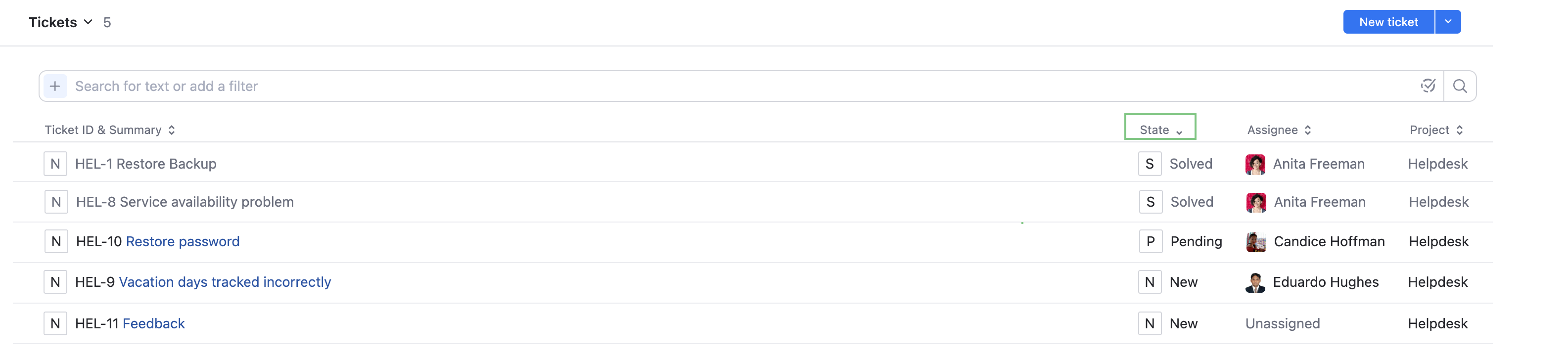
You can only sort tickets by one attribute at a time.
To filter tickets by one or more keywords, type these keywords in the filter bar.

For more details about text search in YouTrack, see Text Search.
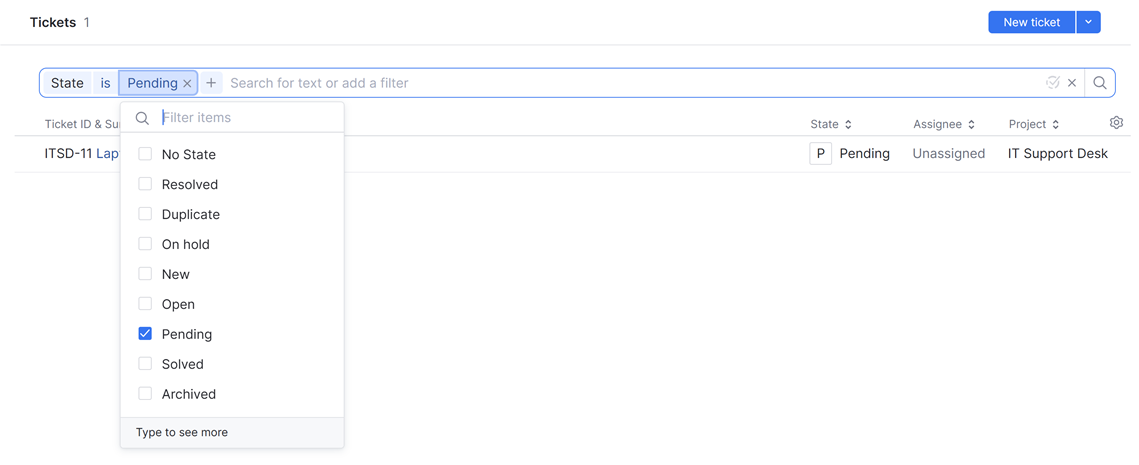
To filter tickets by state, add the State filter to the search box and select one or more states from the list.
To submit a new ticket, click the New ticket button in the header.
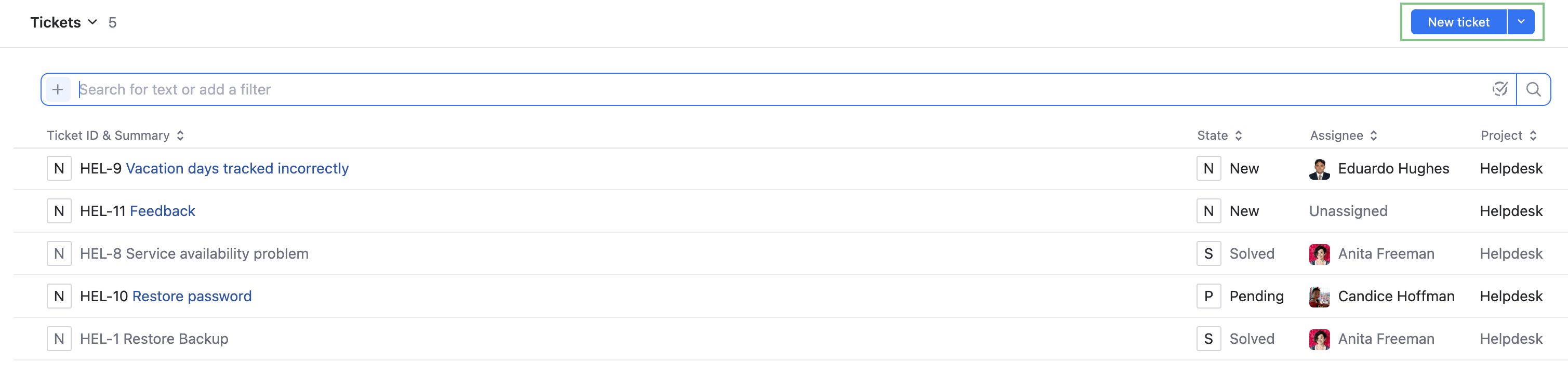
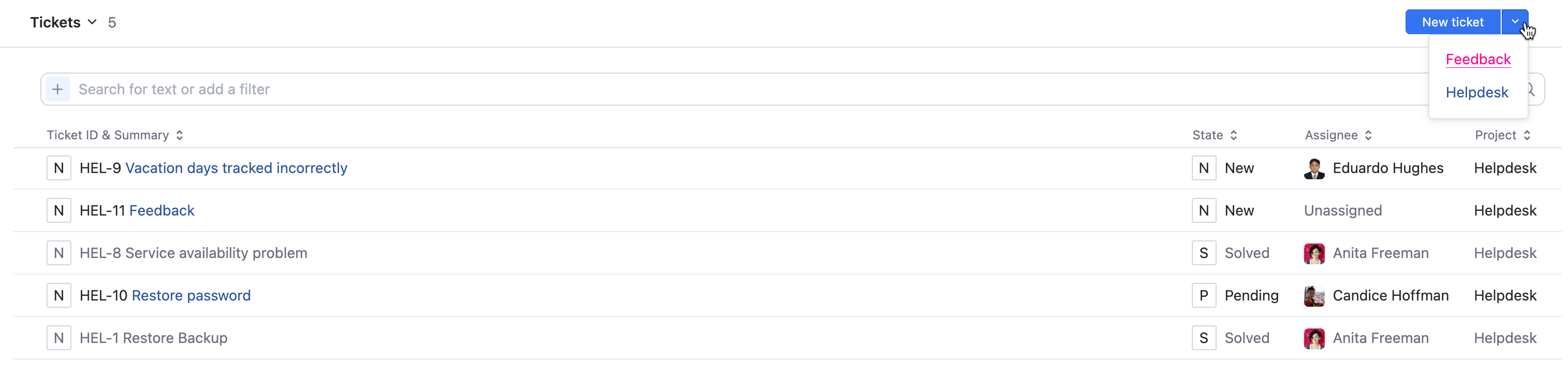
To submit a new ticket to a project of your choice, use the dropdown menu next to the New ticket button in the header.
To open the form for new tickets in the selected project, click the corresponding project name in the dropdown menu.