Qodana / Static Code Analysis Guide / Introduction to Source Code Management
Source code management (SCM) is the process by which developers collaborate on code and work together. It helps them track and control all changes to the source codebase over time. As projects become bigger and developers work from different places, SCM becomes crucial for maintaining the organization and preventing mistakes that can compromise your entire application. Read on to learn how to use SCM for better code quality and security. We’ll also share some insights into choosing the right SCM tool and how it can integrate with Qodana.
Source code management is a method for managing changes to your codebase as it evolves with new features, bug fixes, refactoring, and performance enhancements. Source code management tools record these changes in a structured way, enabling teams to see who made what changes, when, and why. With this history, you can speed up recovery from mistakes, audit development work, and enjoy smoother release cycles.
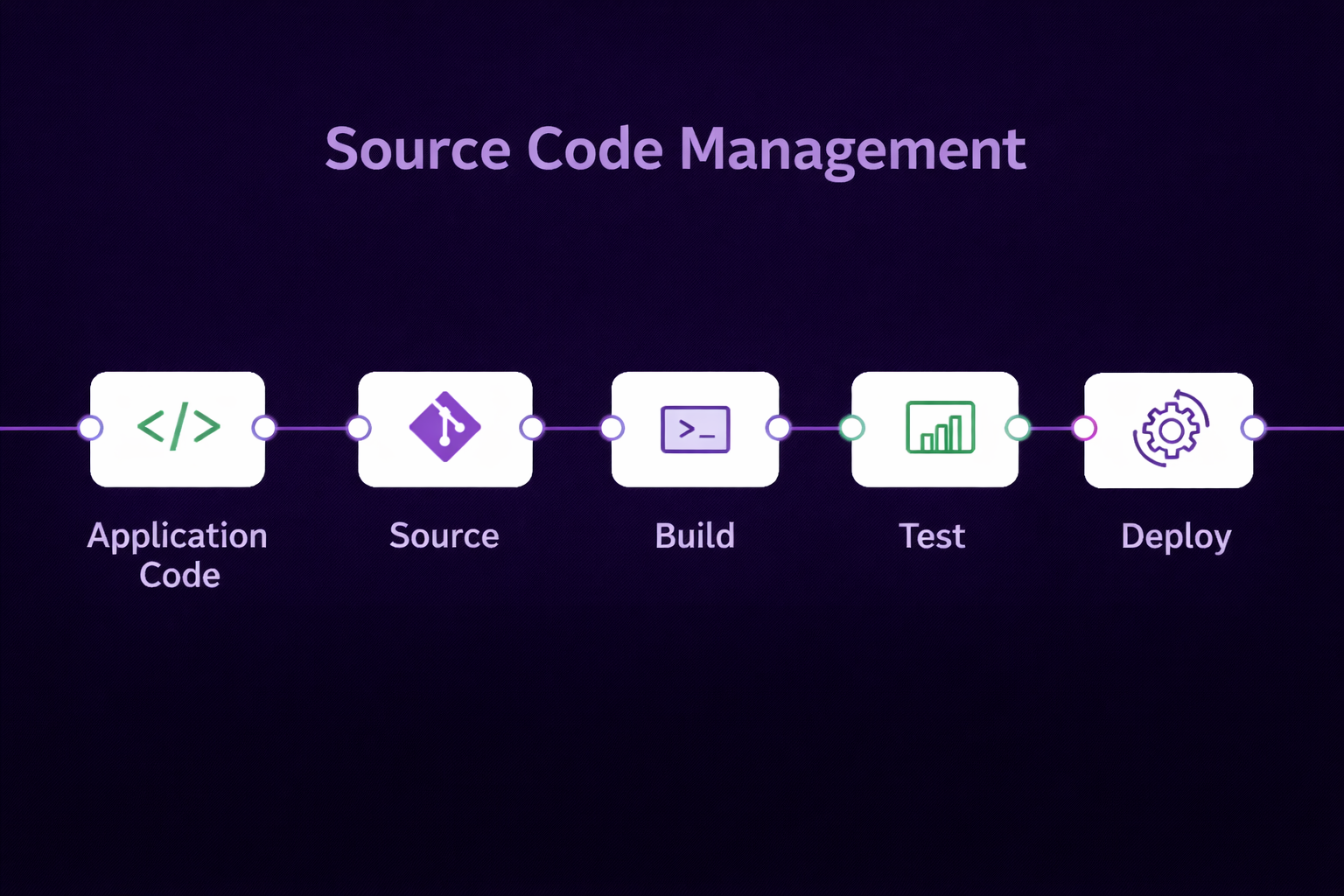
For example, imagine you're building an e-commerce site with five other developers. One person is working on the checkout process. Another is tweaking the search algorithm, and someone else is implementing dark mode. Without source code management, merging these changes would be a nightmare. SCM addresses this issue with distributed version control, most commonly using Git.
This way, each developer creates a branch, works separately, then submits a pull request when they’re ready. Code reviewers can see what’s changed, test and approve it, before merging with the main branch.
Source code management enhances the workflows and outcomes of the development process in a number of ways.
Source code management keeps a complete history of your code. Not just file-level snapshots but also line-by-line tracking. This log means you can:
For example, if you push new code on your live website and something breaks. You can immediately inspect the recent commits to find the problem.
Source code management enables multiple people to work on the same project simultaneously without interfering with each other's work. With branching, developers create separate spaces for features, bug fixes, experiments, or release versions. Then merging brings everything back together.
This approach helps teams to work on new features or fixes without affecting the mainline code. They can experiment and try things in environments with reduced risks. A developer may create a feature branch for a new dashboard, test it independently, and then merge it once everything works as expected.
Code reviews improve code quality, and source code management facilitates the process. With pull requests or merge requests, developers can check each other’s work and:
You can set rules to ensure that no one pushes code to the main branch without an approved code review and a passing CI build. This process builds accountability into the culture of how your team works.
Modern SCM does not work alone. It triggers continuous integration (CI) and continuous delivery (CD). Every time you push a commit, your CI system can automatically:
The integration gives quick feedback and confidence that your code is ready for production.
Your source code holds a lot of value. Use SCM tools to manage access, determine who can make changes, and enforce thorough code reviews. You can:
These restrictions prevent unauthorized changes and ensure compliance with development standards. Both of which are crucially important if you work in regulated industries and handle sensitive data.
You don’t get SCM benefits just by using Git. You get them by using it well. Let’s look at some best practices for getting the most out of source code management.
Small, frequent commits make it easier to track progress and fix issues. Each commit should represent one logical change. Avoid bundling unrelated changes together, and write descriptive commit messages for every change. For example, "Fix login bug" doesn't say much. "Fix null pointer exception in AuthController when user has no email" gives more details. Every commit should be meaningful and easy to understand and review.
Never develop new features on the main branch. Instead, use branches you can test and review independently. Branching models, such as Git Flow or trunk-based development, offer structured workflows for organizing branches. Whatever you choose, be consistent. Protect your main branch, and delete branches after merging to keep things tidy.
Set up CI pipelines to build, test, and scan your code whenever you make changes. Include linting, security scans, and static analysis tools like Qodana to check every commit or pull request for issues automatically. This automation ensures that all code committed to your main branch meets your team's quality standards.
No one on your team should merge code without having it reviewed by another team member first. Require at least one approval, passing tests, and no merge conflicts. Use pull requests to initiate review workflows and integrate Qodana to flag quality issues. Make it clear who owns what code, and encourage constructive feedback.
Restrict access to production branches. Use branch protection rules. Require status checks before merging. Ensure you connect to your code from other places using safe methods like SSH or HTTPS. Change passwords and access keys regularly, and keep your login information clean and secure.

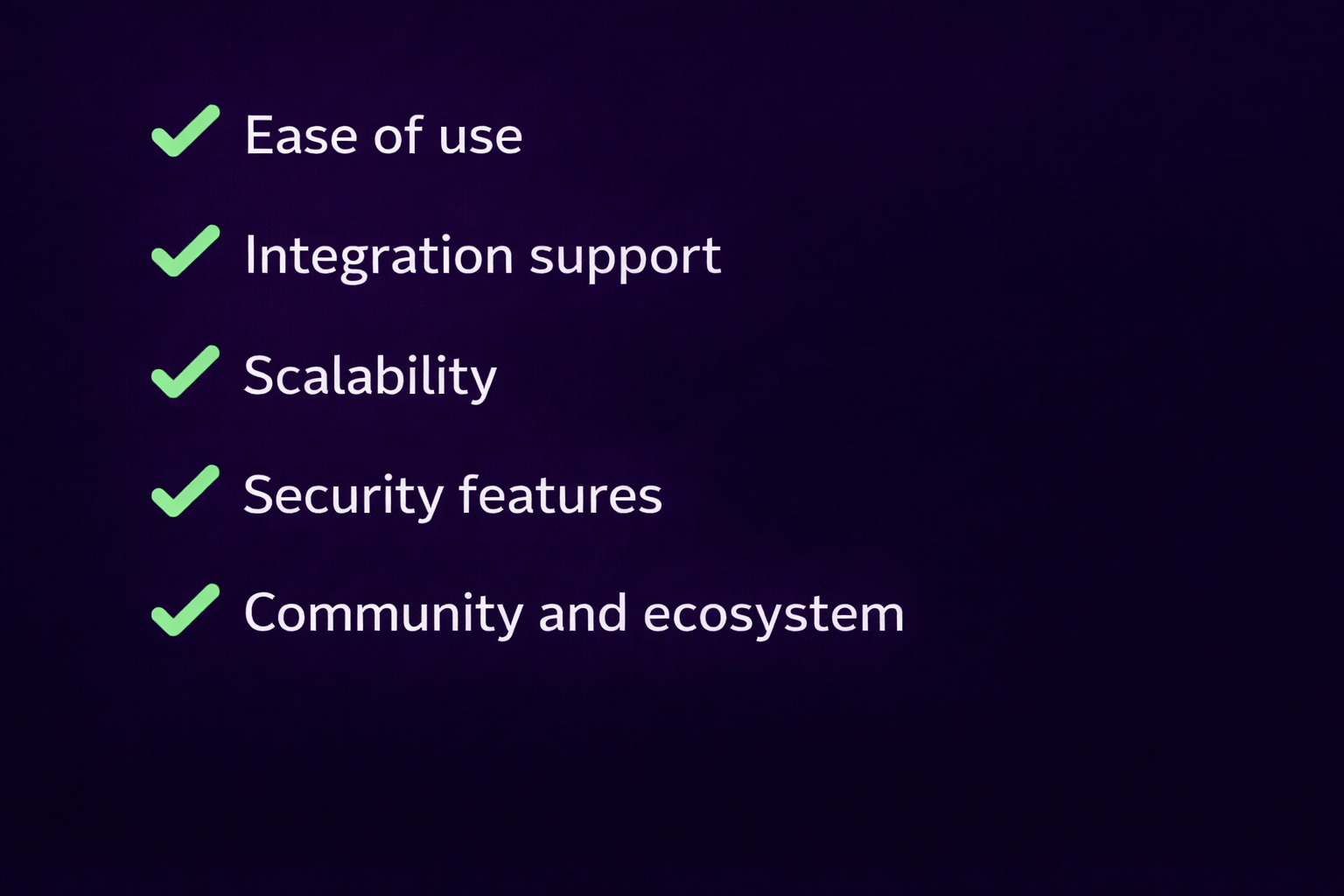
There are a few reputable source code management tools available, but the best one for your team depends on your specific needs and context. Look out for:
A clean, intuitive interface encourages adoption across the team. If your tool requires extensive training or introduces confusion to the existing workflow, developers will likely make mistakes or avoid using it altogether. Tools that integrate directly into IDEs, like Git integration in JetBrains IDEs, reduce friction.
Source code management tools must work with your CI system, project management tools, and code quality platforms. Qodana, for example, works directly with GitHub Actions, GitLab CI/CD, and JetBrains TeamCity, among others. Your source code management software should support easy connections with these systems.
Can the SCM tool handle your expected growth? A scaling team needs support for thousands of repositories, granular access controls, and efficient branching and merging. Distributed systems, such as Git, handle scaling better than centralized ones. However, not all Git hosting platforms are equal. Check performance when working with large files or monorepos.
Look for features such as role-based access control, encrypted communication (HTTPS, SSH), activity logging and audit trails, and branch protection rules in your chosen source code management tool. These are especially important in regulated industries or enterprise environments.
An active community and healthy plugin ecosystem increase the long-term value of your SCM tool. Git has strong support across forums, books, and learning resources. JetBrains also offers good documentation and extensions that complement source code management workflows with tools like Qodana.
Static analysis isn't new, but connecting it directly with SCM and automated build systems is what makes Qodana stand out.
Most linters or analyzers operate independently. Developers run them by hand, if they remember to do so. Qodana flips this in many ways.
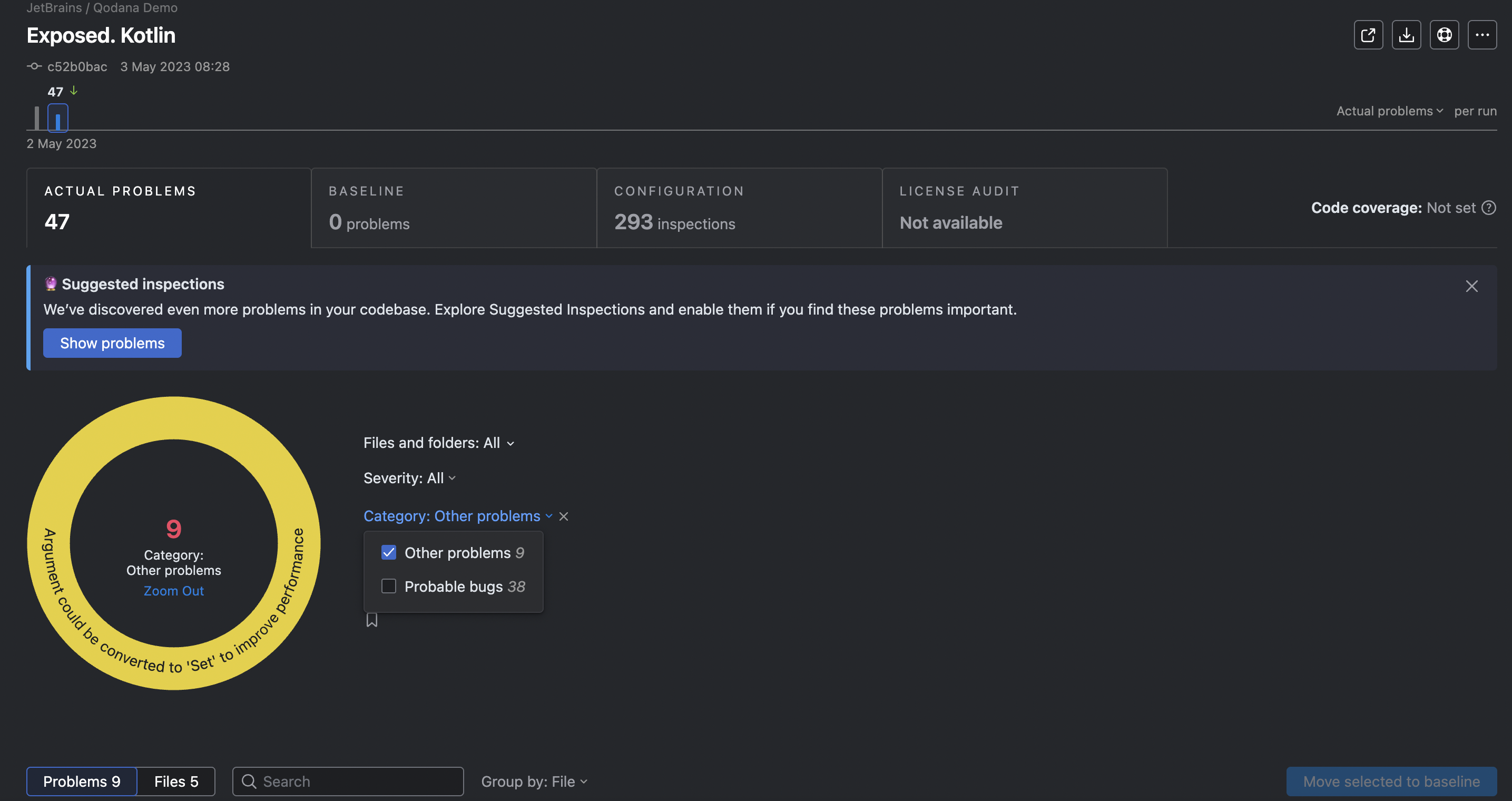
Qodana ensures code meets quality standards during the build process. It uses the same checks that JetBrains coding tools, like IntelliJ IDEA, use on your computer, and it generates easy-to-understand reports. When you use Qodana with SCM, it creates a feedback loop that keeps improving your code quality.
Let’s look at how it works:
Qodana supports multiple coding languages (Java, Kotlin, PHP, Python, JavaScript, and more) and configures to match your team’s needs. Start adopting good SCM practices today, and add Qodana to protect your codebase as your teams and projects grow.