Qodana / Static Code Analysis Guide / What is a software license audit?
What is a software license audit?
What is a software license audit?
Modern applications rarely stand alone. They’re built on top of open-source libraries, frameworks, and third-party components. Every one of those dependencies comes with a license – and those licenses define what you can and cannot do with your software.
A software license audit is the process of checking whether your actual software usage complies with the terms of those licenses. In practice, this means examining which components you use, what licenses they have, and whether those licenses are compatible with your project’s own license and distribution model.
Qodana brings this traditionally manual, legal-heavy process into your CI/CD pipeline by turning it into a repeatable static code and dependency analysis step.
Why do software license audits matter?
Ignoring dependency licenses can lead to:
Legal risk: Violating license terms (for example, accidentally including copyleft code in a closed-source product) can result in complaints, forced code disclosure, or lawsuits.
Financial impact: Non-compliance can trigger vendor or rights-holder claims, back payments, and unexpected license purchases.
Reputational damage: Compliance issues discovered by customers, partners, or the open-source community can undermine trust.
Traditional audits usually happen late – often when a vendor or customer asks difficult questions. Qodana’s license audit helps you shift left and continuously detect license issues while you develop.
License Audit in Qodana
Qodana includes a License audit feature as part of its software composition analysis (SCA) capabilities. It checks that your project’s own license is compatible with the licenses of its dependencies and flags anything that might cause compliance problems.
At a high level, Qodana:
1. Determines your project license
Qodana detects the project’s license text by looking for license files in your repository. If there are several license files in the root, a file with the LICENSE.* name has the highest priority and is treated as the project license.
2. Collects dependency information
Depending on the tech stack, Qodana inspects build files and manifests (for example, pom.xml, Gradle build scripts, npm/yarn lockfiles, Composer files) along with, if needed, dependency source files to identify all libraries you rely on.
3. Resolves dependency licenses
For every dependency, Qodana resolves its license metadata and builds a license map for your project.
4. Checks license compatibility
Qodana compares the licenses of your dependencies against your project license and the policies you’ve configured. Incompatible or risky combinations are highlighted as problems in the report.
5. Surfaces results in a dedicated License Audit tab
In the Qodana report (locally or in Qodana Cloud), the License audit tab shows the detected dependency licenses and highlights those that are incompatible with your project license, so legal, engineering, and compliance teams can triage them together.
Supported ecosystems
License audit is available for several major ecosystems and build tools. You can use it for projects that rely on:
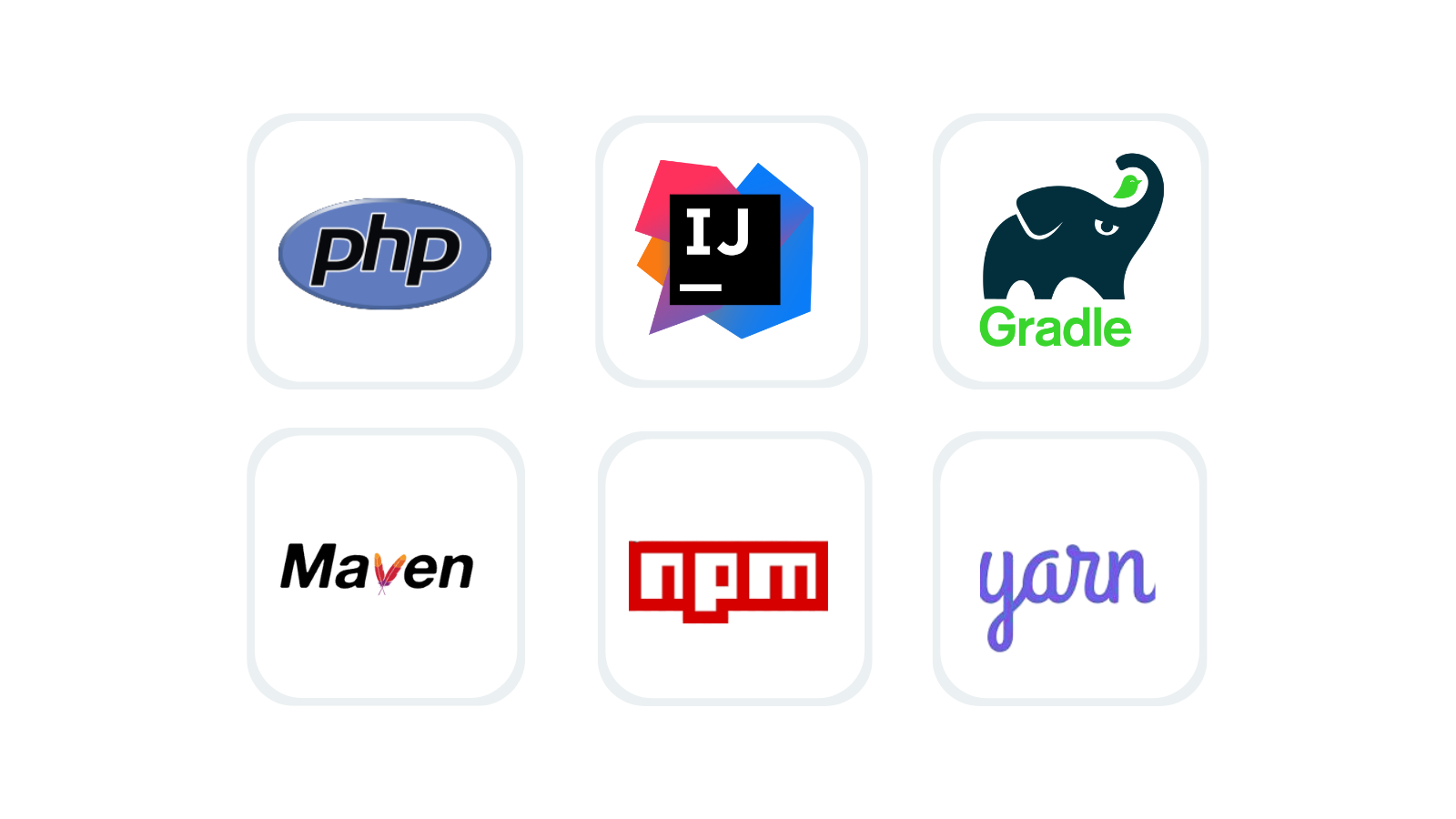
These are configured via qodana.yaml, where license audit support is documented and where you can also define additional dependencies that may not be visible from the sources (for example, externally pulled artifacts) using the customDependencies option.
Static code analysis and SCA: a single view of risk
License problems rarely exist in isolation. Qodana combines:
Static code analysis: to catch bugs, code smells, security issues, and architectural problems, and Software Composition Analysis (SCA): to monitor dependency licenses and vulnerabilities
in a single report. The same Qodana run that detects nullability issues or security flaws can also tell you if you’re pulling in, say, a GPL-licensed library into a proprietary module.
This unified approach means that your engineering teams see license issues right next to code problems. Your legal/compliance teams get a concrete, reproducible list of affected components.
And, your CI/CD pipelines can enforce license policies as part of a quality gate, preventing builds that violate your policy from progressing.
Reading the License Audit report
After Qodana finishes an analysis, the resulting report (locally or in Qodana Cloud) contains a License audit tab. There you can:
- See a list of all dependencies and their detected licenses.
- Quickly filter or search for specific licenses (e.g., GPL, AGPL, LGPL, Apache-2.0).
- Identify dependencies incompatible with your project license or policy – these are highlighted as problems.
- Navigate directly to the issues inside the codebase or configuration files.
This makes it easy to answer questions like:
“Which components are using copyleft licenses?”
“Do we depend on any libraries that restrict commercial distribution?”
“Where do we need to adjust licenses, replace dependencies, or seek legal approval?”
Configuring license policies
License audit behavior can be tuned via Qodana configuration:
- Allowed or forbidden licenses. Define which licenses are acceptable in your organization’s policy and let Qodana flag violations.
- Custom dependencies. Use customDependencies in qodana.yaml to include components that are not obvious from the source (for example, tools installed externally but shipped with your product).
IDE integration. The underlying inspection (CheckDependencyLicenses) is also available in JetBrains IDEs, so you can refine settings locally and then reuse them in Qodana.
Be audit-ready at any time
Using Qodana as part of your development and delivery process means you can be audit-ready at any time, keep an up-to-date picture of your dependency landscape and licenses. You can also catch issues early and detect incompatible licenses as soon as they’re introduced via a new dependency or version bump.
Standardize compliance and apply the same license policy across repositories, teams, and pipelines. Plus, reduce manual work by moving away from spreadsheets and ad-hoc scripts towards an automated, repeatable process built into CI.
Getting started
To start using license audit with Qodana:
- Set up Qodana in your preferred environment (JetBrains IDE, CLI, or CI pipeline).
- Add or review your
qodana.yaml, ensuring that license audit is enabled and any custom dependencies are declared. - Run Qodana and open the report locally or in Qodana Cloud.
- Go to the License Audit tab to inspect license compatibility and refine your policies.
By integrating Qodana into your workflows, a software license audit becomes not a one-time stressful event, but a continuous, automated check that runs every time your code changes.