Qodana / Static Code Analysis Guide / Understanding SAST: Key Benefits and Limitations
Understanding SAST: Key Benefits and Limitations
Your business is powered by software. Everything from operations and employee management to user experience relies on software working as intended. So security is paramount. If your systems go down due to a breach or attack, it can be disastrous, leaving you facing issues like productivity loss, reputational damage and potential data theft.
Identifying security risks and what caused them, and fixing issues before they become problems, is crucial to your software development lifecycle (SDLC). Doing so helps you significantly reduce the risk of cyber attacks, data breaches, and unauthorized access.
This is where application security testing (AST) comes into play, assessing your code for security weaknesses. It uses both automated and manual tools and techniques that complement each other and transform the way you tackle increasing software security.
Static Application Security Testing (SAST) is a core part of this code security practice. It helps you pick out security issues and eliminate them before you run the code or merge with the main codebase. This foundational element, when combined with other AST techniques, helps detect risks across multiple inputs, and strengthens your security by pinpointing potential vulnerabilities earlier, allowing you to address them before they can cause damage.
Let’s take a closer look at how SAST integrates with your security strategies and explore its benefits and limitations.
What is static application security testing?
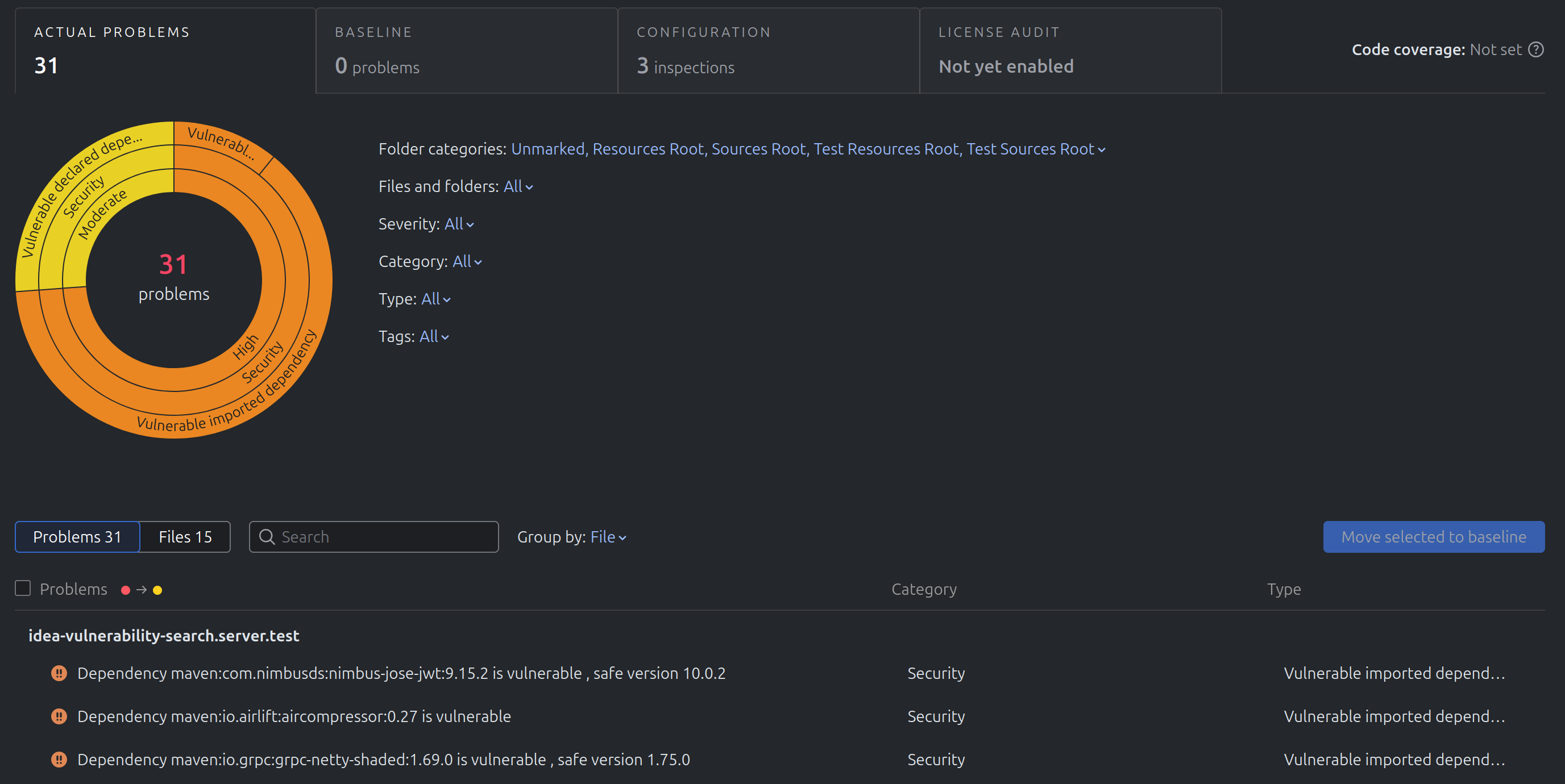
SAST is a type of static code analysis with a remit to focus on security. Often called white-box testing, it assesses your source code, bytecode, and binaries throughout the development process to identify potential security vulnerabilities. Like all forms of static code analysis, it does so without the need to run your code. So any security problems are wiped out before they ever reach the main branch.
SAST is a robust testing method that can catch various security issues, including:
- Syntax errors
- SQL injection
- Hard-coded credentials
- Insecure API usage
- Input validation issues
- Buffer overflows.

It also integrates into your existing Integrated Development Environments (IDEs). That means it can easily check for potential problems during the development cycle, making it quicker and cheaper to eradicate any security issues identified.
You’ve probably heard SAST talked about in the same conversations as Dynamic Application Security Testing (DAST). But although they serve similar purposes, there are some key differences.
DAST is a black-box testing method that operates without access to the source code. Instead, it focuses on the user interface and how inputs in a live setting impact security. But while the two are different, they’re arguably at their best when working together, with one form of testing sweeping up issues the other might miss.
Key SAST benefits
SAST tools offer several benefits. Let’s take a look at just a few:
Early detection, faster results
The biggest advantage of SAST tools is that they catch security issues early, allowing you to fix them before bugs escalate.
Its shift-left approach means security testing takes place earlier in your development process, letting you weed out bugs during the coding stage. This means developers can make fixes as they work, ensuring a quicker, cheaper path to secure code.
Protecting your codebase
SAST tools are transformational for your SDLC. Serving as a secure barrier that stops vulnerabilities from becoming part of your wider codebase entirely, they prevent security issues making it to runtime, minimizing risks and interruptions once your product ships.
Clearer identification and fixes
Its thorough code analysis means SAST points straight to the specific problematic line number and shows where and why your code is vulnerable. This includes wide coverage of custom code, complex control flow, and execution paths. That makes it easier to pinpoint where problems exist, which saves time unpicking issues, and makes it simpler to understand how to fix them.
Simpler integration
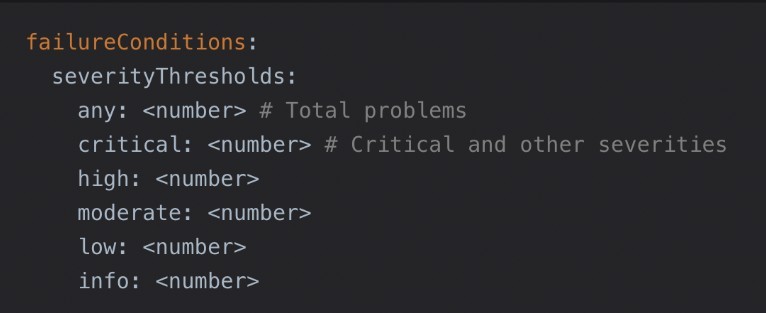
A major benefit for your developers is how easily SAST tools integrate into your existing CI/CD pipelines. This capability enables automation and scalability of security checks at critical development stages, including automated security gates before code merges.
Easier compliance
SAST also provides additional quality assurance benefits by identifying dead code and inefficient patterns, and supports secure coding practices. It helps your developers ensure compliance with OWASP guidelines and General Data Protection Regulation (GDPR) for data privacy. SAST tools can identify OWASP Top Ten issues and security risks in code, ensuring compliance before execution.
Lower risk
All of this helps save further spending by minimizing the risk of large fines and other costs associated with non-compliance and security weaknesses.
IBM’s Cost of a Data Breach report estimates that in 2025, the average cost of a data breach was $4.4 million. So tools that help mitigate this risk early are priceless for any development team.
Limitations of SAST
While SAST offers many benefits, it does still have some limitations. But knowing what these are helps you ensure your use is optimised.
The need for collaboration
SAST tools play a vital role, but they work better as part of a team than in silo. While they flag potential flaws, there are some issues that can sneak through these checks.
A lack of environmental context can mean missing issues that only appear during execution, like server configuration errors, memory leaks, and other environment-based issues.
Combining them with other AST techniques, such as Dynamic Application Security Testing (DAST), can help address these limitations.
False positives
While SAST flags plenty of legitimate problems, it can also generate some false positives. Some SAST tools may flag benign code as a security problem, for example. This can lead your team down dead ends, investigating trivial or non-existent issues, wasting time, and delaying releases.
Even worse, too many false positives cause alert fatigue, where actual problems are missed or unintentionally ignored.
Maintenance requirements
SAST needs regular tuning and skilled interpretation to work effectively. Rule configuration, developer training, and consistent maintenance take time and effort, which may impact productivity. Effective governance is also essential to prevent the signal-to-noise ratio from deteriorating.
AI and language limitations
Some SAST tools may lack support for AI-generated code and frameworks, which can lead to false positives and alert fatigue.
Many are also language-specific, so it can be difficult to find a solution where multiple languages or specialized frameworks are used, which can cause issues with scalability in larger, cross-functional teams.
How SAST fits into your security strategy
SAST is a priceless tool for detecting vulnerabilities early in your SDLC, but it works best with other AST methods for greater security coverage. Let’s take a closer look at SAST’s perfect partnerships.
Dynamic Application Security Testing (DAST)
DAST tools execute and analyze code as applications run, taking an outside-in approach, with no access to the source code or architecture. They complement your SAST tools by testing during live state to find vulnerabilities that SAST might miss, like injection flaws and authentication errors.
Interactive Application Security Testing (IAST)
Also using dynamic testing, IAST identifies security risks in running applications. Unlike DAST, IAST accesses the source code and analyzes the data flow and code execution to find the exact code lines causing errors. It complements SAST by following on after the development stage, particularly during testing and QA.
Manual review or penetration testing
Manual code reviews for security complement SAST by finding contextual issues and nuanced flaws automated SAST tools may miss. Penetration testing provides further security alongside SAST by simulating cyberattacks during execution that can pick up on exploitation risks and weaknesses.
Applying SAST to improve your code security
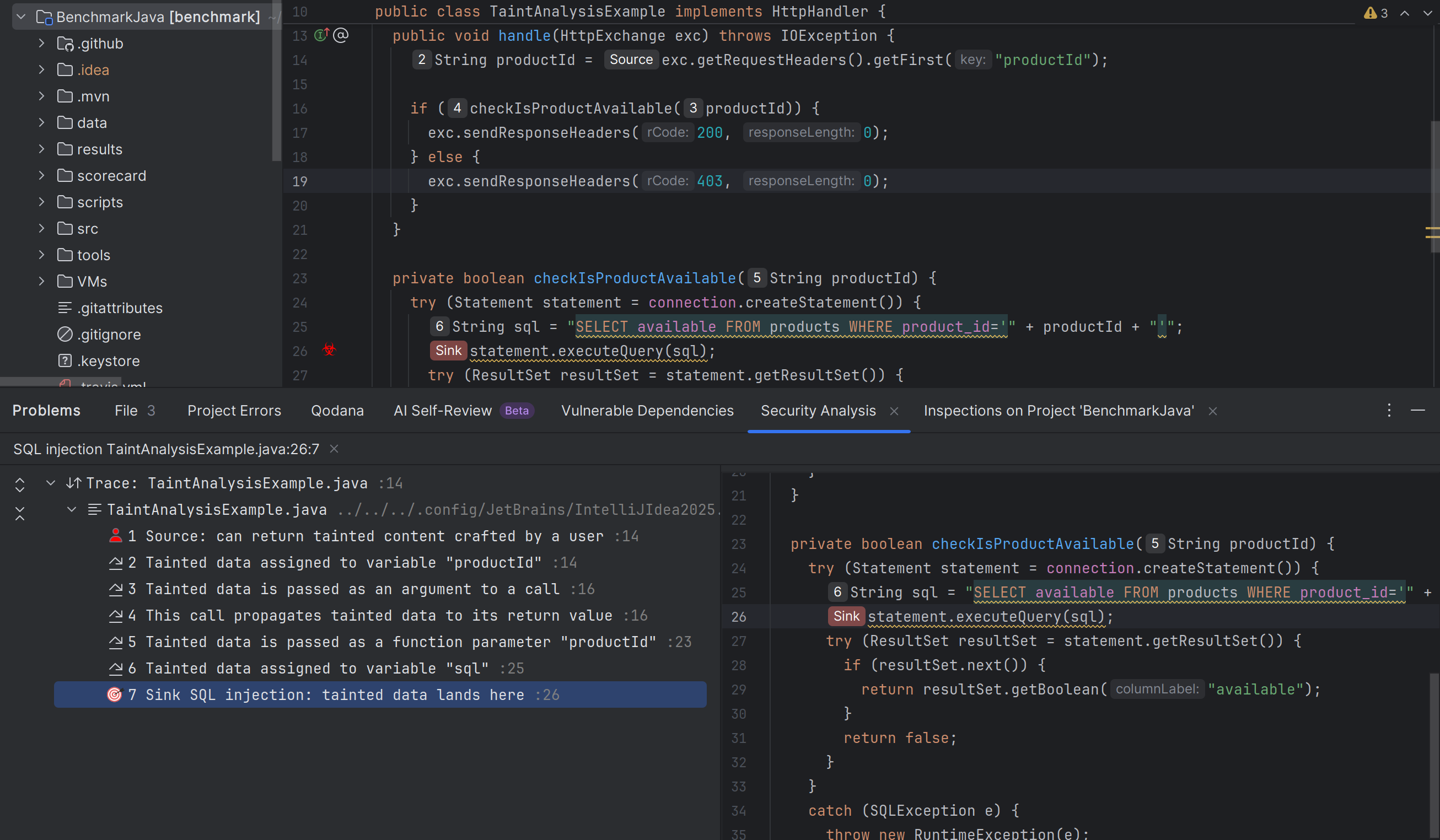
Effectively deploying SAST during development helps you quickly identify security weaknesses and delivers fast feedback for your developers to take action. Shifting left reduces the risk of flaws slipping through, saving time and money by addressing them early in the SDLC.
However, despite its clear strengths, SAST alone may not identify all security vulnerabilities. Creating your own code security team that lets it work with DAST, IAST, and other static code analysis tools allows for thorough checks and increased safety.
Find out more about code reviews for security, including tips and best practice techniques to identify and eliminate security flaws early in the development lifecycle.