运行 utPLSQL 测试
utPLSQL 是一个用于 Oracle 数据库的测试框架。 您可以使用 utPLSQL 测试包、函数、过程、触发器、视图以及其他可以在 PL/SQL 中使用的对象。
要使用 utPLSQL,请将该框架安装到您的 Oracle 数据库中。 请参阅 官方 utPLSQL 文档 中的安装说明。
要快速了解 utPLSQL 和示例,请参阅 utplsql.org 上的 TDD 和 utPLSQL 入门。
步骤 1。 启用 utPLSQL 架构
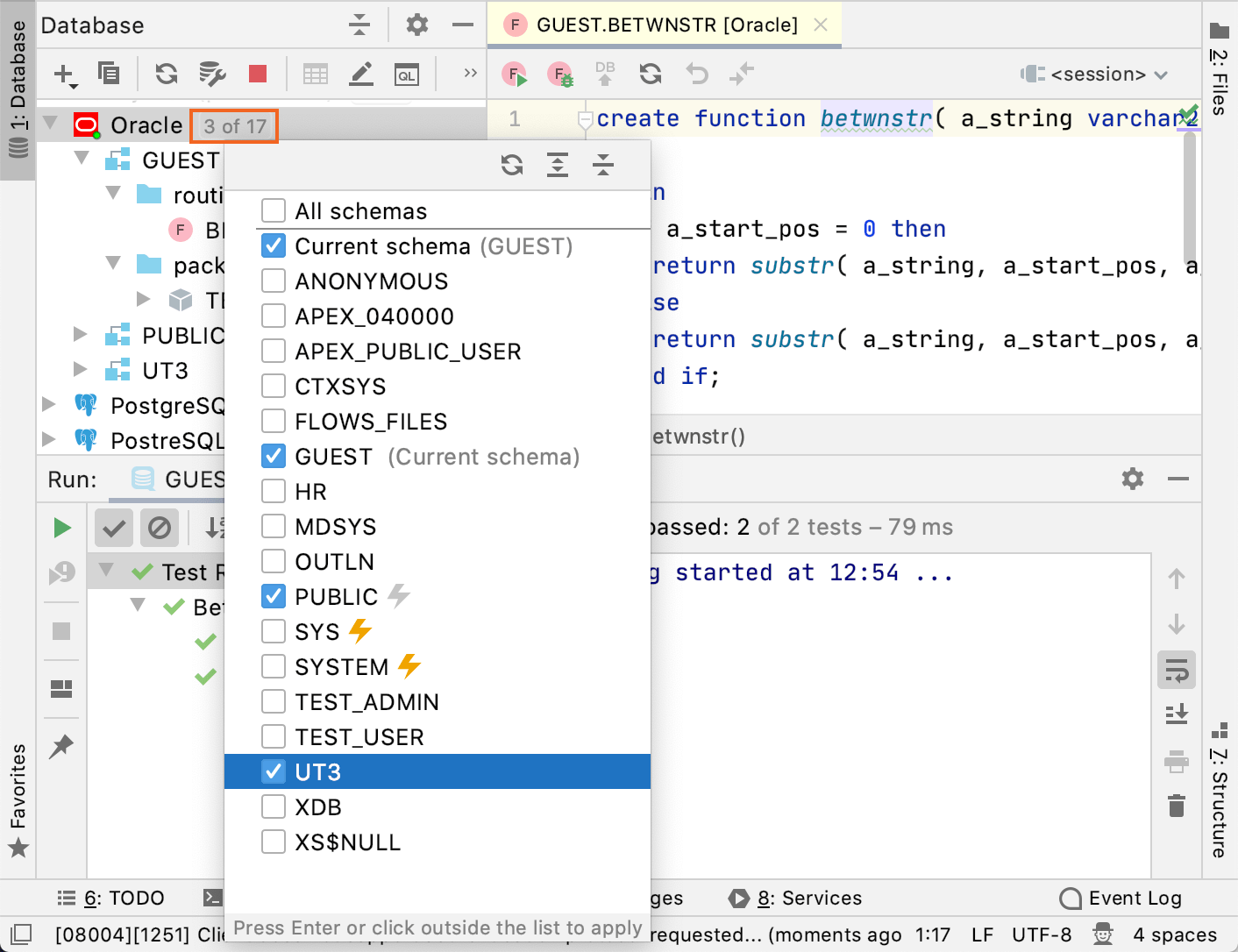
要在您的测试中使用 utPLSQL 对象,请在 DataGrip 中启用 utPLSQL 架构。
点击数据源名称旁边的 N 的 N 链接。 在架构选择窗口中,选择 utPLSQL 架构(例如,
UT3)。按下 Enter。
步骤 2。 创建要测试的函数
在 数据库资源管理器 中,右键点击 Oracle 数据源,然后选择 。
编写您想要测试的函数代码。 请参考以下示例:
create or replace function sub_str( received_string varchar2, start_pos integer, end_pos integer ) return varchar2 is begin if start_pos = 0 then return substr( received_string, start_pos, end_pos - start_pos ); else return substr( received_string, start_pos, end_pos - start_pos + 1); end if; end; /点击 执行 按钮(
 )或按 Ctrl+Enter。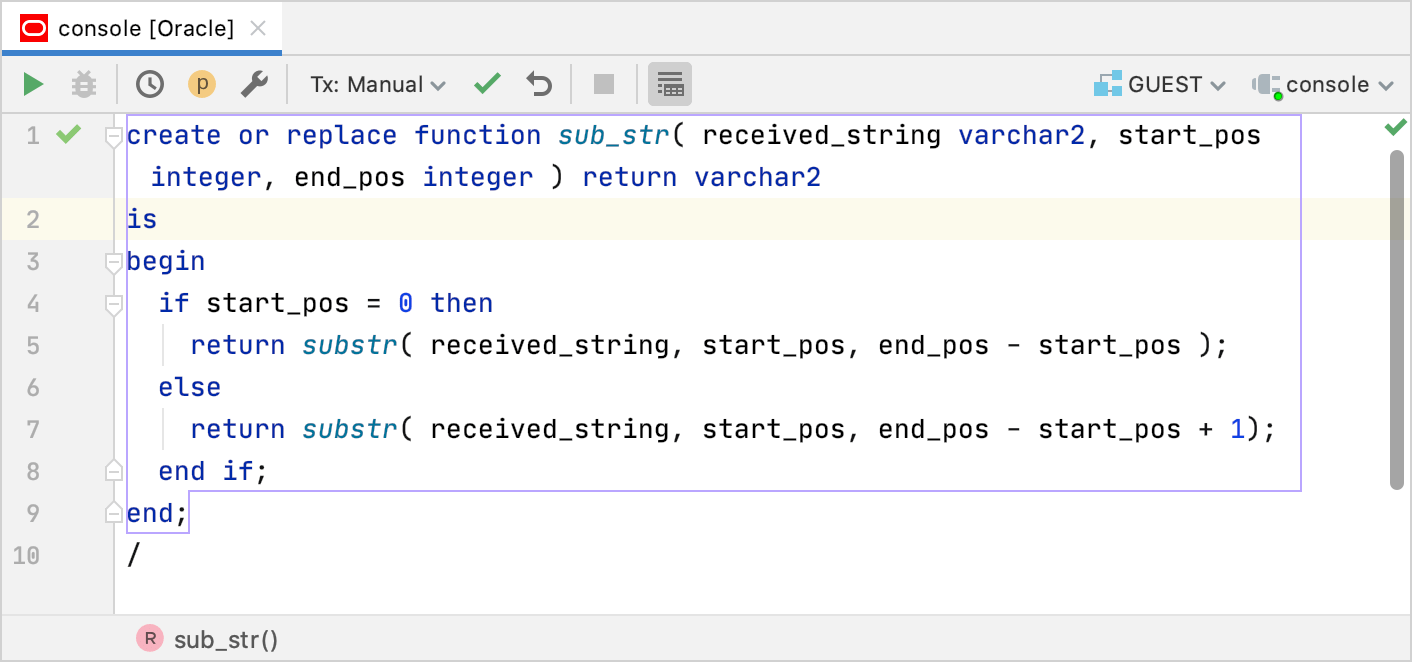
步骤 3。 创建一个测试包
在 数据库资源管理器 中,右键点击 Oracle 数据源,然后选择 。
在编辑器中输入列出所有测试的包代码。 请参考以下示例:
create or replace package example_package as --%suite(Checks a substring in a string) --%test(Returns a substring when the start position is not zero) --%tags(basic) procedure start_not_zero; --%test(Returns a substring when the start position is zero) --%tags(with_zero) procedure start_zero; end; /点击 执行 按钮(
)或按 Ctrl+Enter。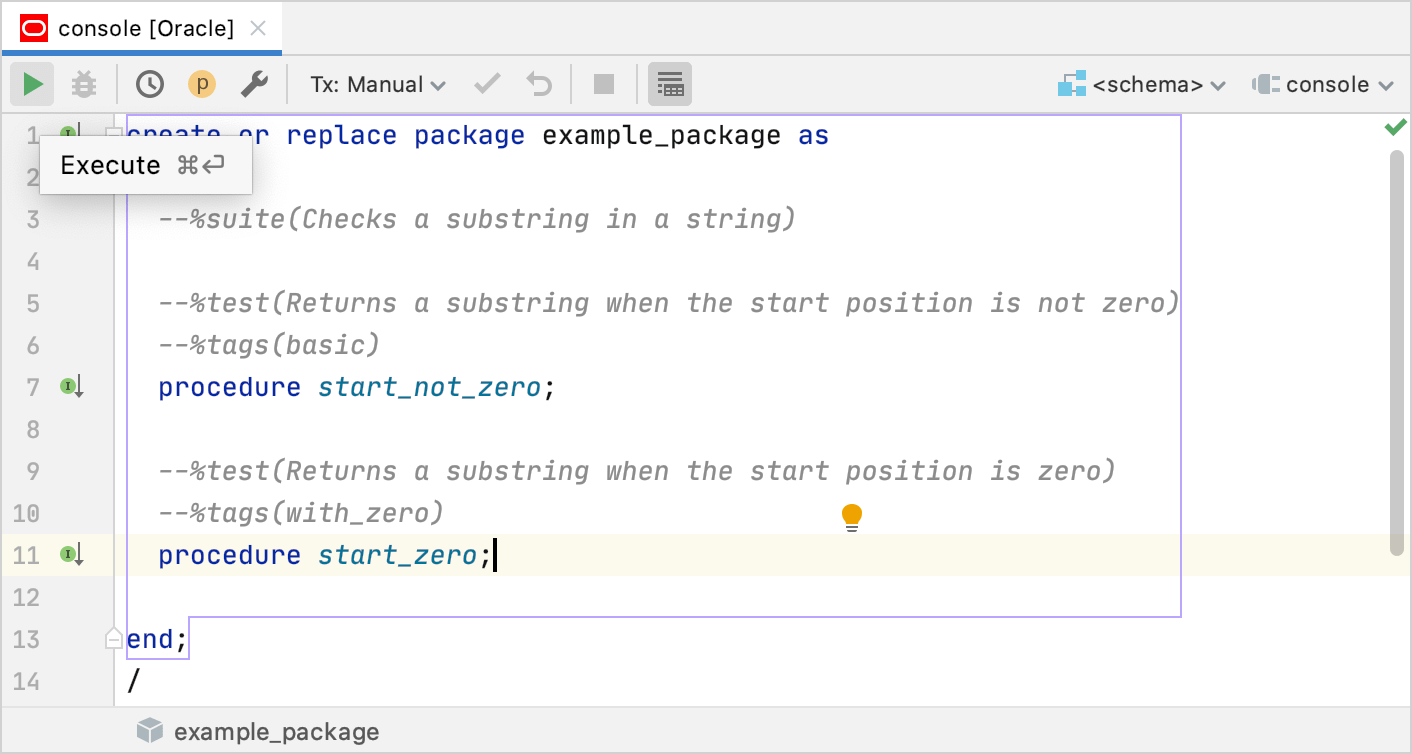
步骤 4。 在测试包中创建测试过程
在 数据库资源管理器 中,右键点击 Oracle 数据源,然后选择 。
在编辑器中输入测试过程的代码。 请参考以下示例:
create or replace package body example_package as procedure start_not_zero is begin ut.expect( sub_str( '1234567', 2, 5 ) ).to_equal('2345'); end; procedure start_zero is begin ut.expect( sub_str( '1234567', 0, 5 ) ).to_equal('12345'); end; end; /点击 执行 按钮(
)或按 Ctrl+Enter。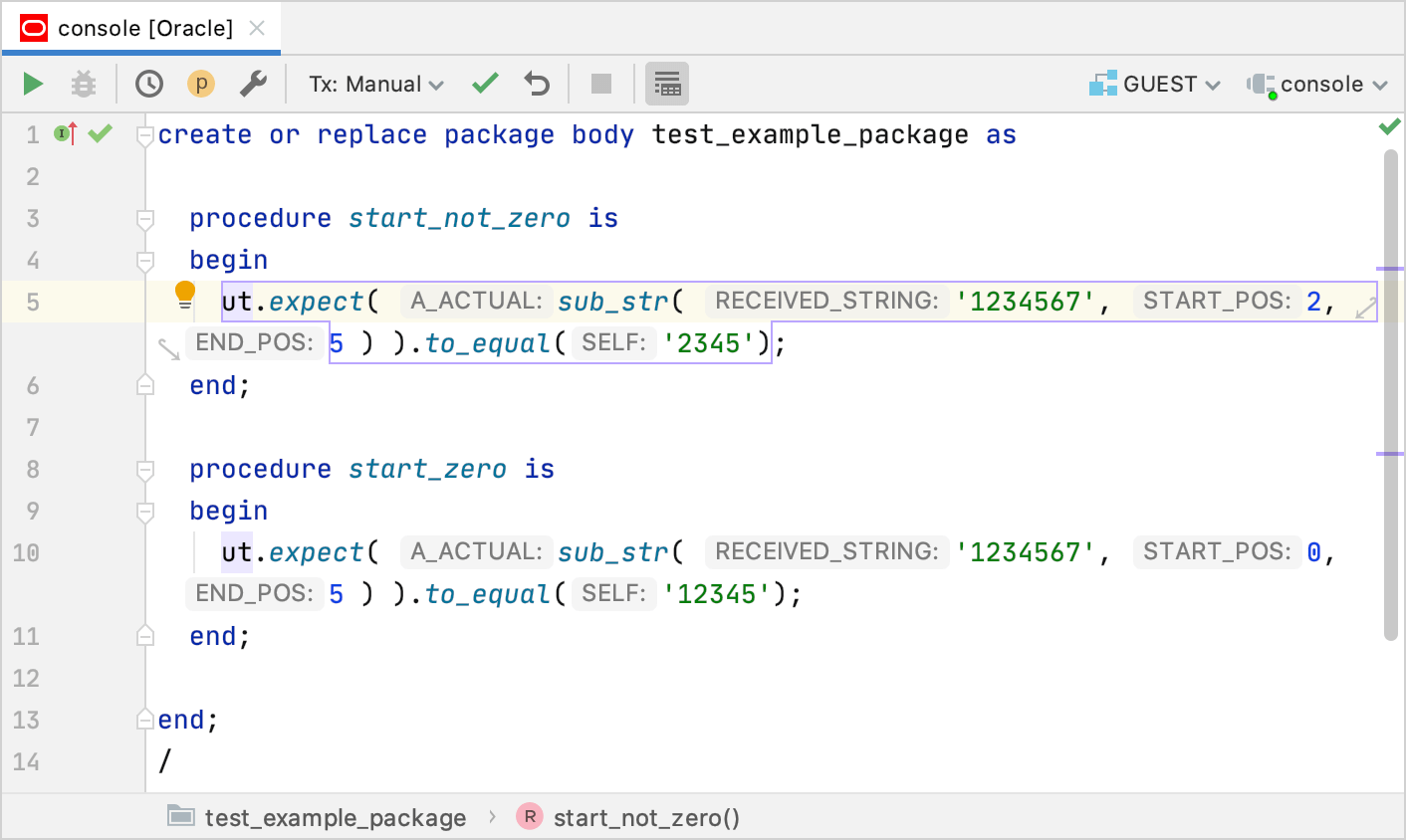
步骤 5。 通过运行配置运行 utPLSQL 测试
通过以下方法之一打开 运行/调试配置 对话框:
从主菜单中选择 。
在 Navigation bar 可见 () 的情况下,从运行/调试配置选择器中选择 。
请按 Alt+Shift+F10 然后按 0。
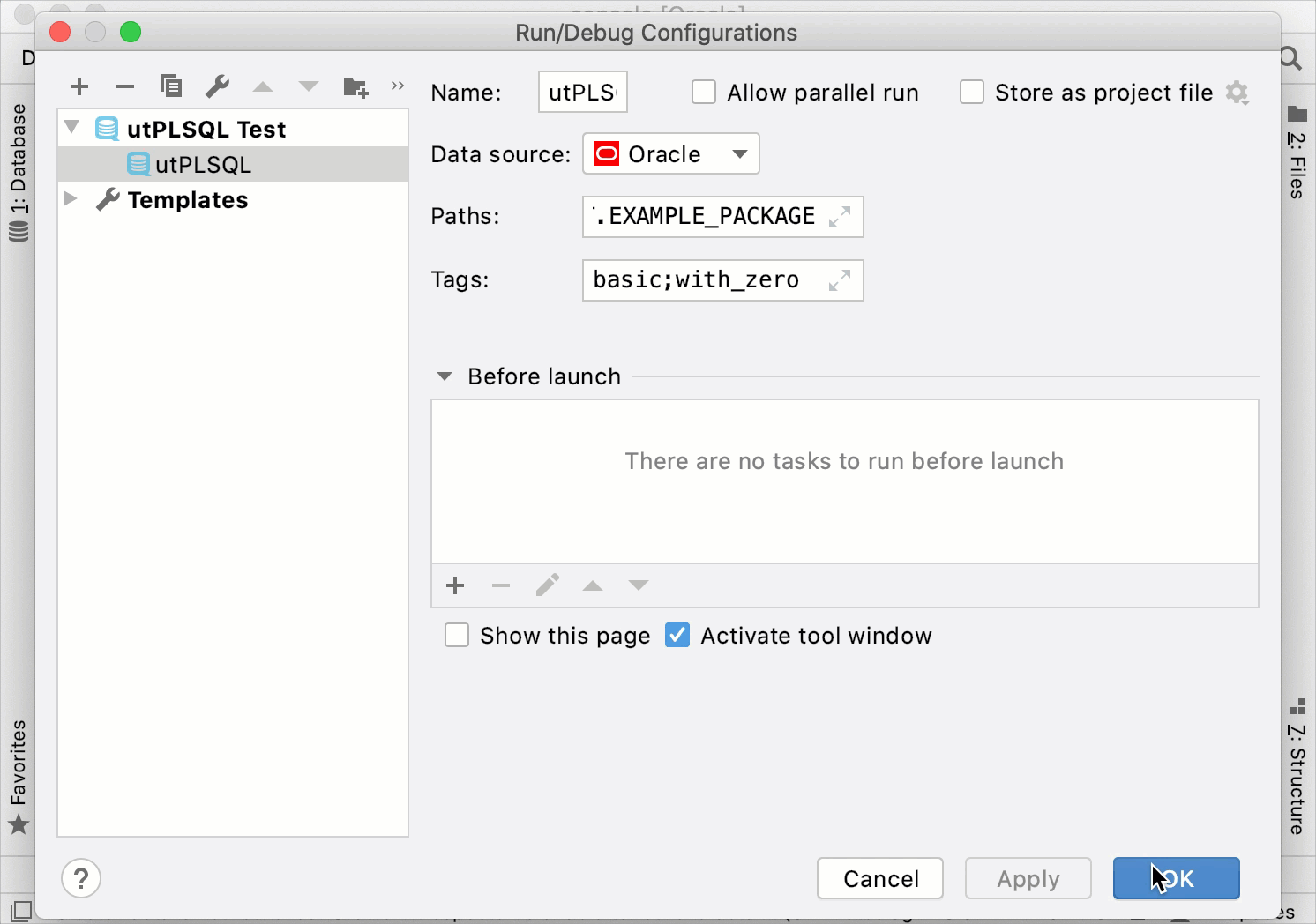
在 运行/调试配置 对话框中,点击 添加新配置 图标(
 )并选择 utPLSQL 测试。
数据源 :数据源的名称。 utPLSQL 支持 Oracle。
路径 :测试包的限定路径(例如,
GUEST.EXAMPLE_PACKAGE)。选项卡 :您想要运行的测试标签。 使用分号(
;)作为分隔符(例如,basic;with_zero)。
有关 utPLSQL 测试 配置类型设置的更多信息,请参阅 utPLSQL 测试。
您可以立即运行该配置,也可以保存配置以便稍后运行。
要保存运行配置以供稍后运行,请点击 确定。
若要立即运行此配置,请点击 运行。
提高效率的提示
从编辑器运行测试
在 数据库资源管理器 中,双击测试。
在编辑器中,点击位于边距的 运行 图标
并选择 运行 <procedure_name>。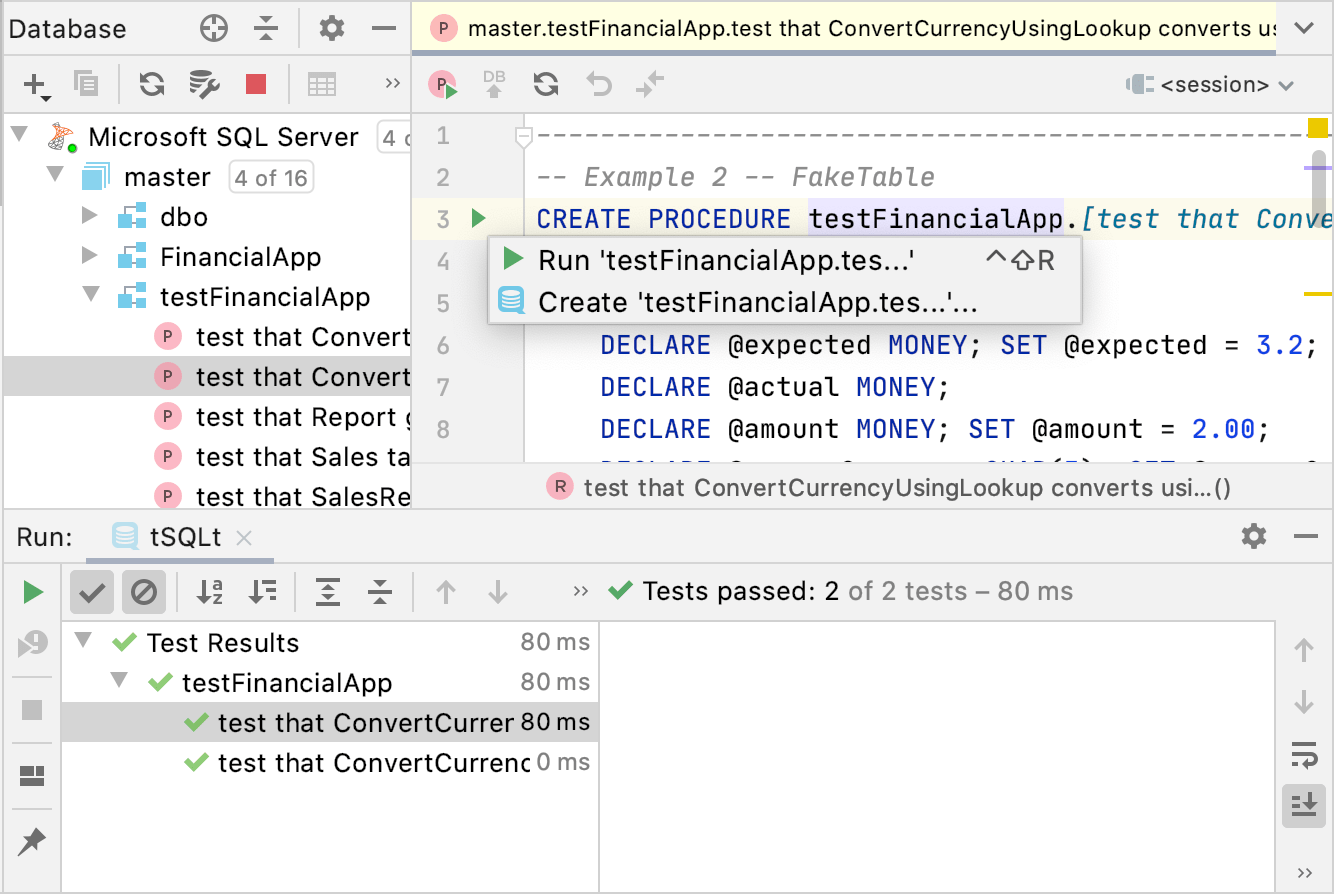
重新运行失败的测试
在 运行 工具窗口中,点击 重新运行失败的测试 按钮