Build tool window
The Build tool window helps you view the output of your builds that were done by IntelliJ IDEA, delegated to Maven or Gradle, and the results of the project synchronization.
The tool window becomes available after you build your code.
Build Output tab
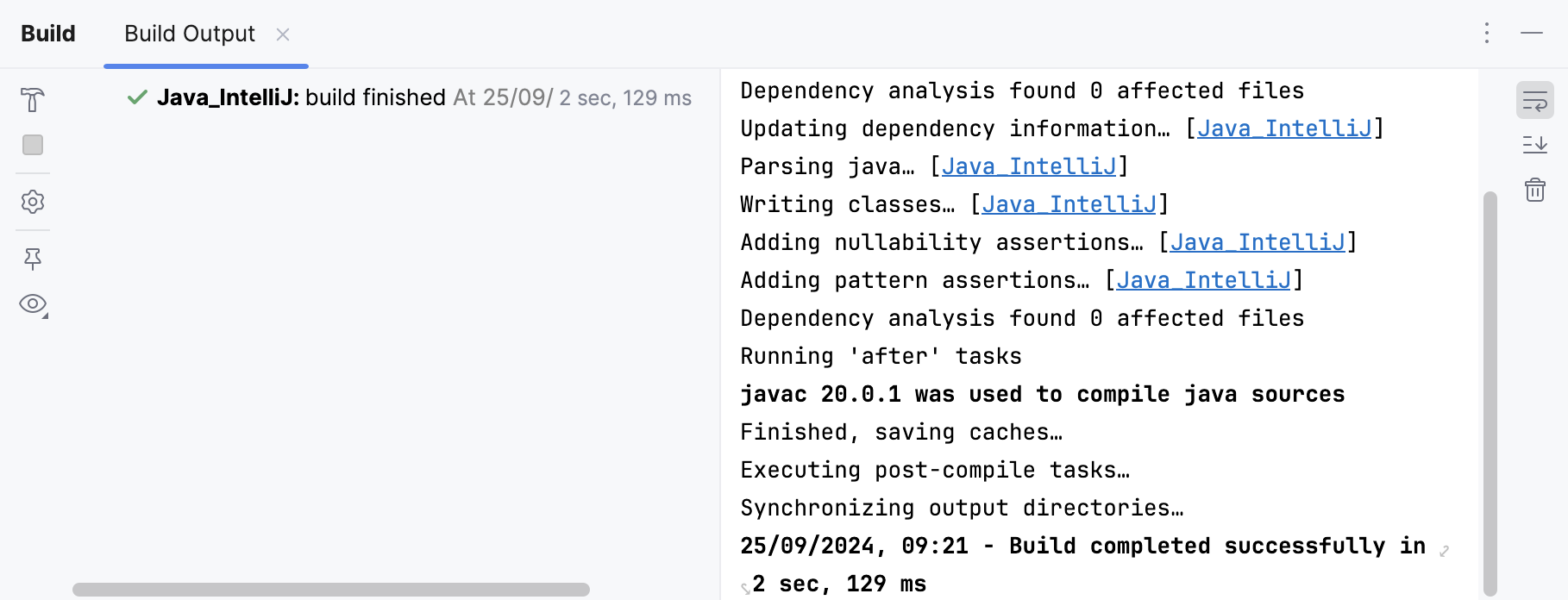
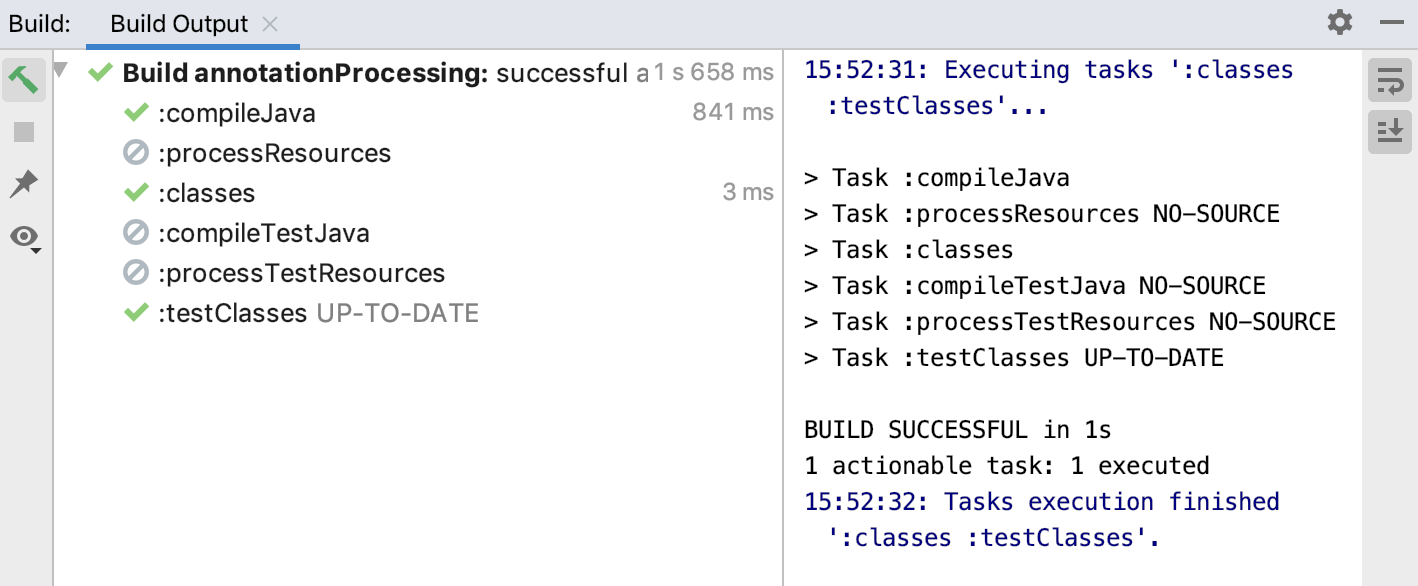
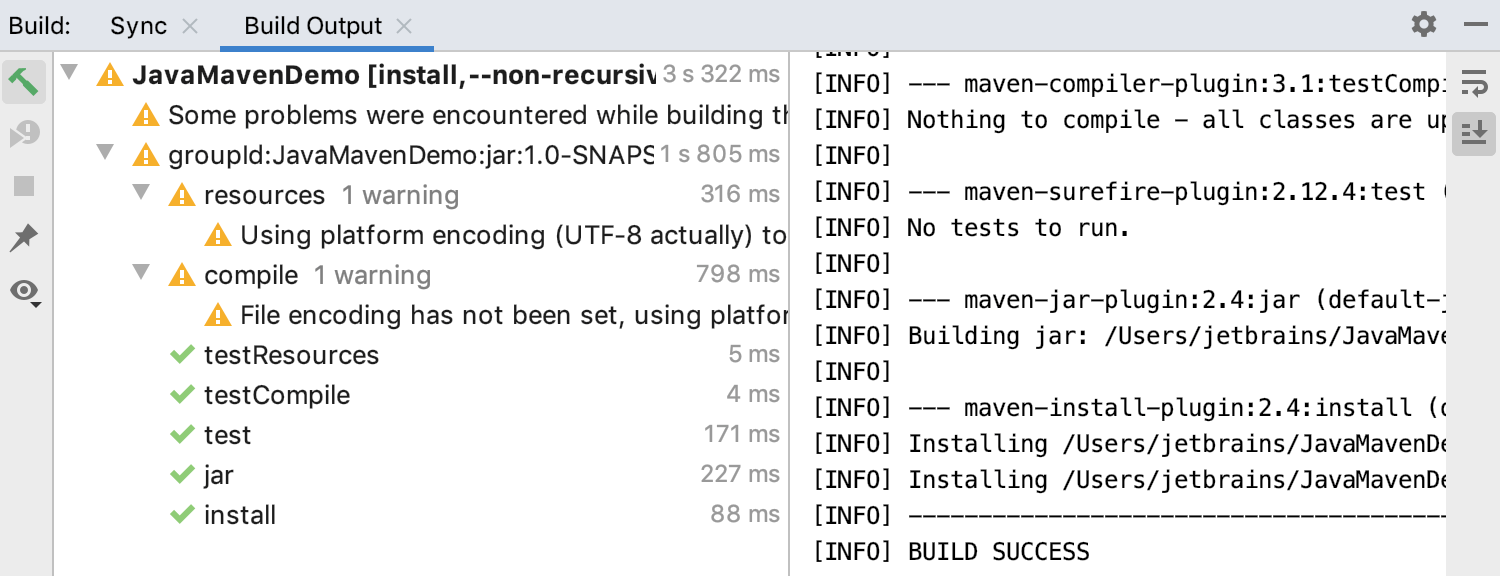
IntelliJ IDEA displays the result of your build in the Build Output tab. Depending on a project, the build output shows tasks, goals, and commands that were executed and error messages that were produced.
By default, the tab also displays all successful steps and warnings.
Build a project
In the main menu, go to or press Ctrl+F9.
Check the results in the Build tool window.
If the tool window does not open automatically, go to in the main menu.
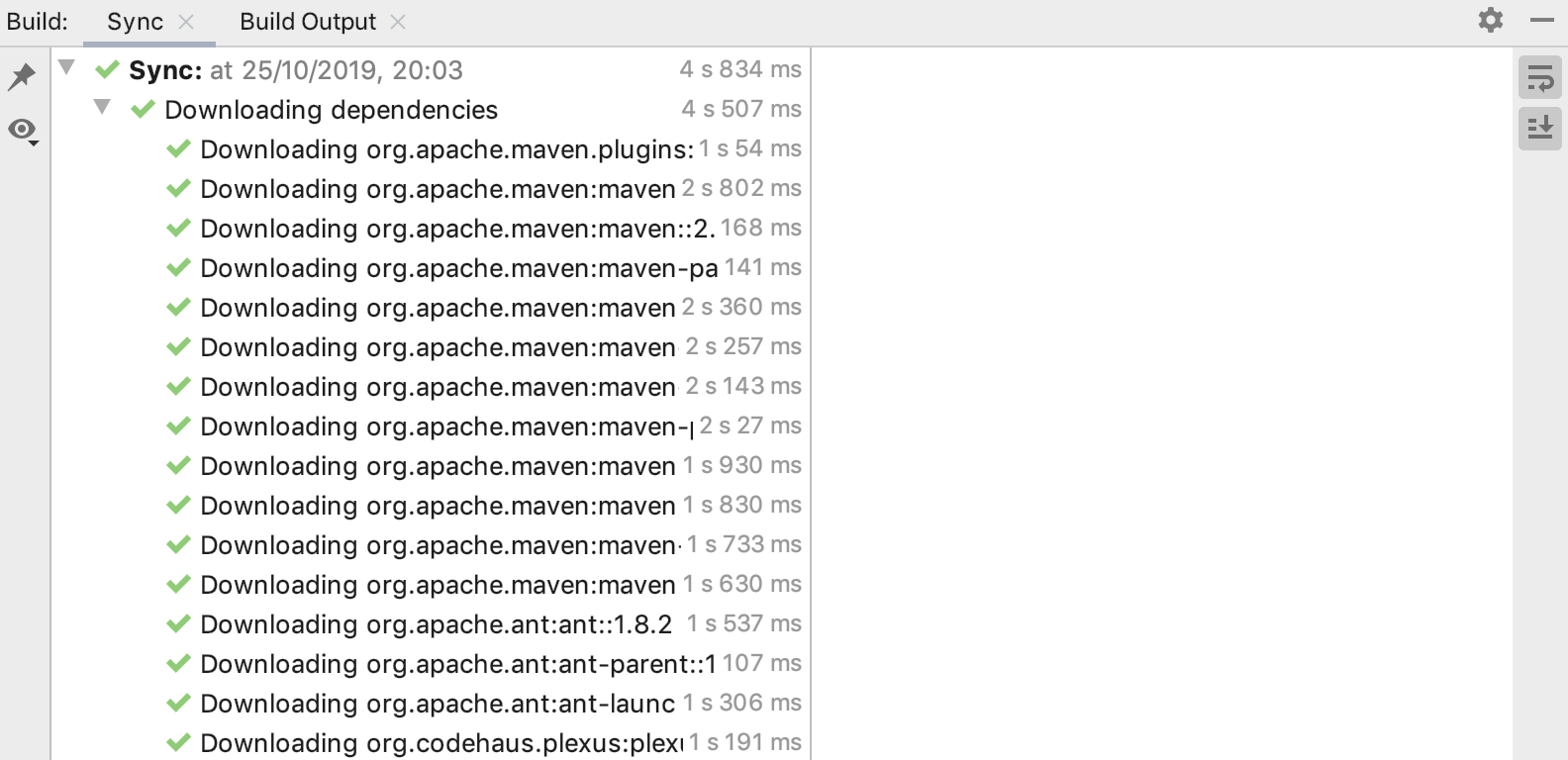
Sync tab
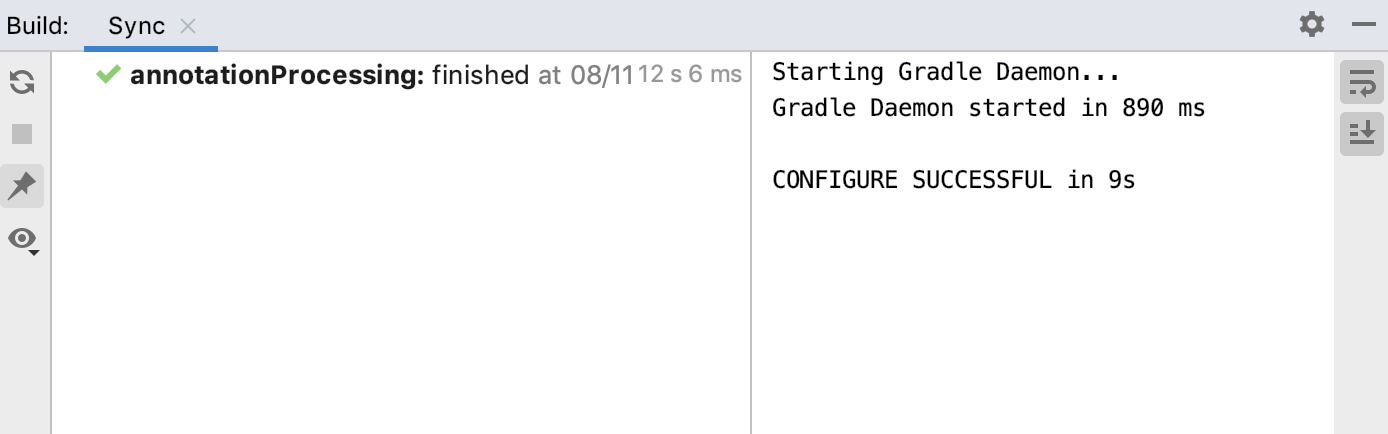
When you open a Gradle or Maven project, the sync is done automatically.
If you need, you can manually trigger the synchronization of your project.
Reimport a project
Right-click a project you want to sync, and from the context menu, select Sync Project for Maven or Reload Gradle Project for Gradle.
Check the results in the Build tool window.
Error handling
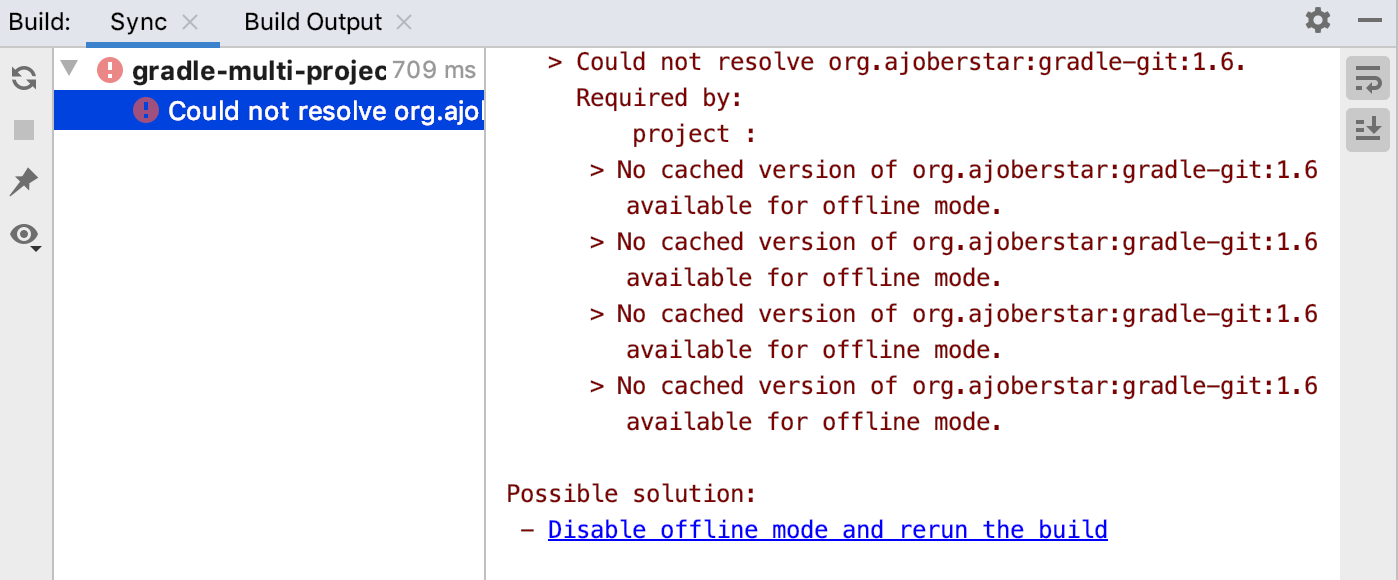
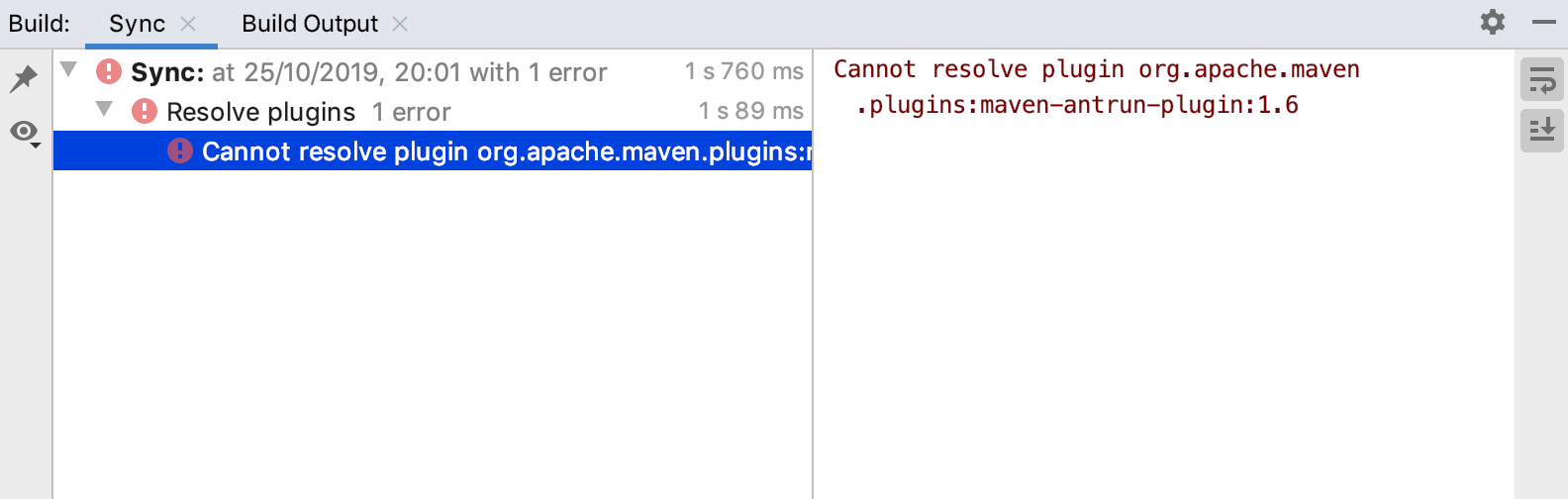
When an error occurs during the build process, IntelliJ IDEA displays an error message with the line and column number that could be easily located. If IntelliJ IDEA can locate the error place, it displays a link that you can click and navigate to the necessary line in the editor.
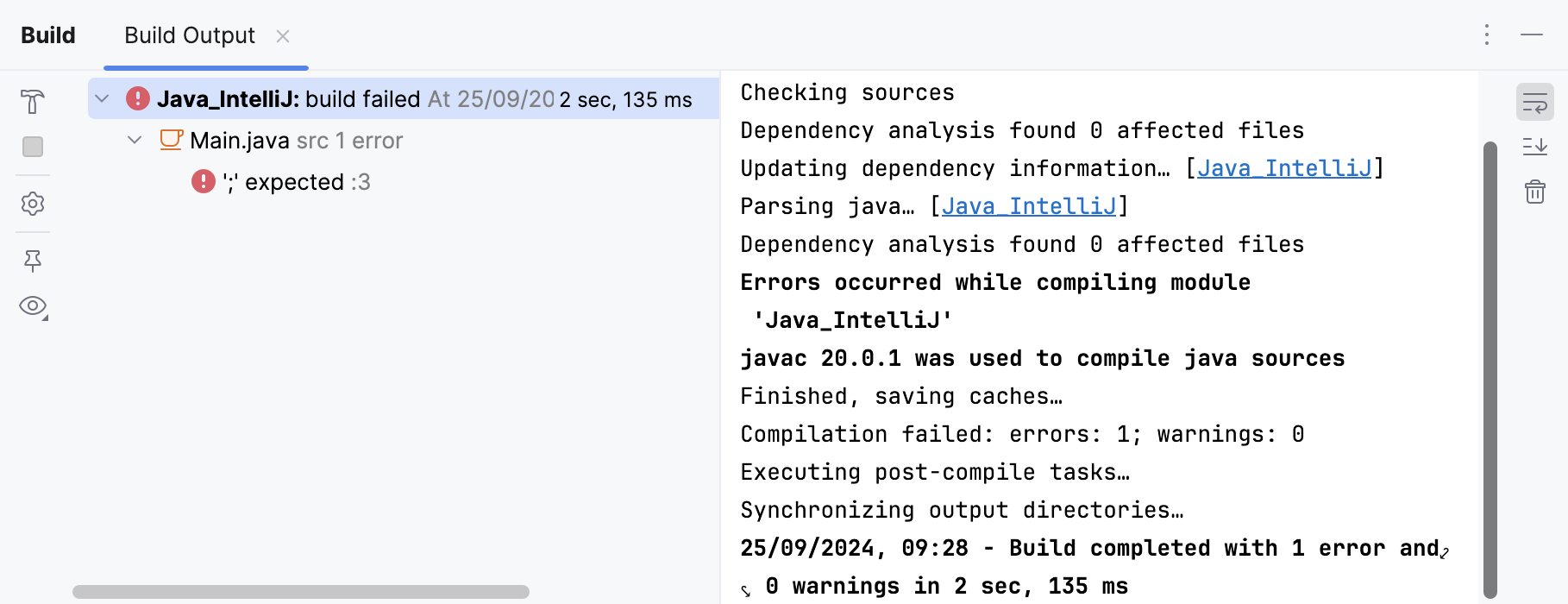
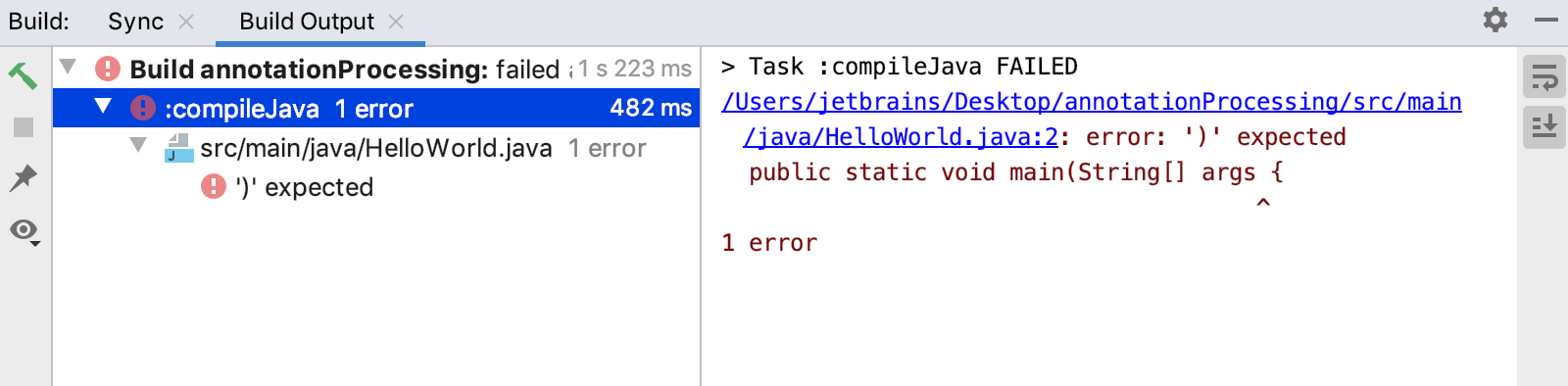
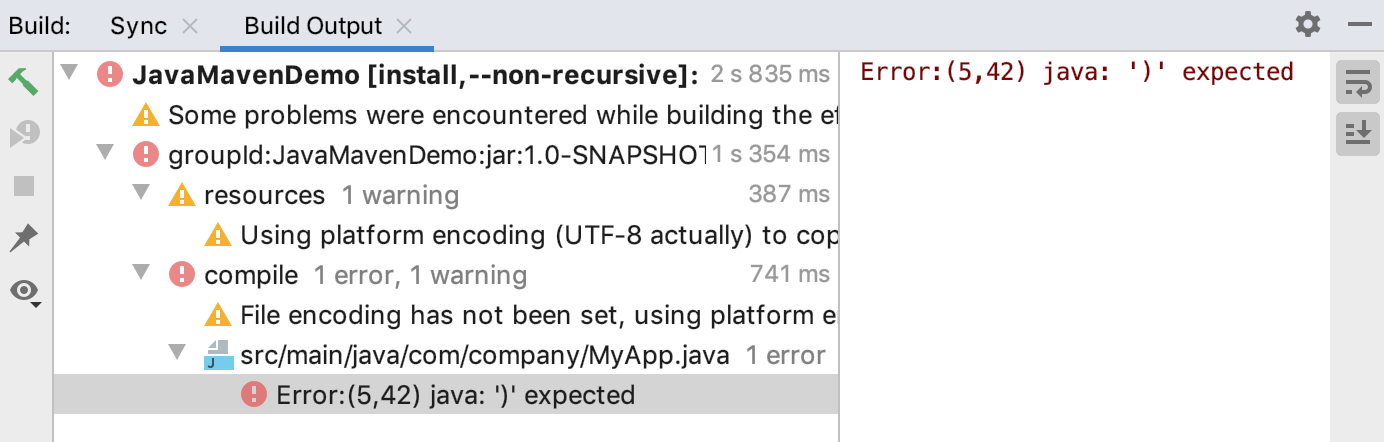
When the Build tool window displays multi errors or warnings, it enables you to navigate between the next or the previous problem from the context menu or using the Ctrl+Alt+Down and Ctrl+Alt+Up shortcuts.
If the error occurs during the synchronization process, IntelliJ IDEA displays an error message. IntelliJ IDEA also displays the issue description in the text console and offers a solution if possible.
Context menu
Several options such as Rerun and Stop are the same as in the side toolbar, the rest of the options are described in the following table:
Item | Shortcut | Description |
|---|---|---|
Jump to Source | F4 | Open the corresponding location in the editor. |
Show Warnings | Select this option for IntelliJ IDEA to display warnings. | |
Show Successful Steps | Select this option for IntelliJ IDEA to display all the steps of the build process. | |
Exclude from Compile | Exclude the relevant file from compilation. | |
Exclude from Validation | Exclude the relevant file from validation. | |
Previous Problem | Ctrl+Alt+Up | Navigate to the previous problem. |
Next Problem | Ctrl+Alt+Down | Navigate to the next problem. |
For the options in the context menu of the messages displayed in the right part of the output, use the following table:
Item | Description |
|---|---|
Compare with Clipboard | Compare the output in a built-in Diff Viewer. |
Fold Lines Like This | You can fold a line that is too long. |
Pause Output | Pause the compilation process. |
Clear All | Delete the output messages. |
Side Toolbar buttons
Icon | Tooltip | Description |
|---|---|---|
| Rerun | Rerun the compilation. |
| Stop | Stop the building process. Terminate compilation. This button is enabled when compilation is in progress. |
| Compiler Properties | |
| Pin Tab | Pin the tab with which you are working. The next time you build your code, the results will be displayed in a new tab. |
| Filters | Filter the output displaying or hiding warnings and successful steps. |
| Soft-Wrap | Creates soft wraps in the message text. |
| Scroll to End | Scrolls to the end of displayed messages. |


Upper Toolbar buttons
Icon | Tooltip | Description |
|---|---|---|
| Show Options Menu | Click this icon to open a menu with more options for managing the tool window such as displaying or hiding side toolbars, group tabs, selecting viewing mode, resizing, and so on. |
| Hide | Hides the tool window. To open it up again, go to in the main menu. |
