AppCode Features
Advanced Code Editor
Code-centric IDE for you and
your code
Integrated Environment
Do most of your daily work in
a single tool
iOS Development
Develop awesome apps for
iPhone and iPad
Extensibility & Customization
Tune your environment for yourself
to get most productive
Advanced Code Editor
Coding Assistance
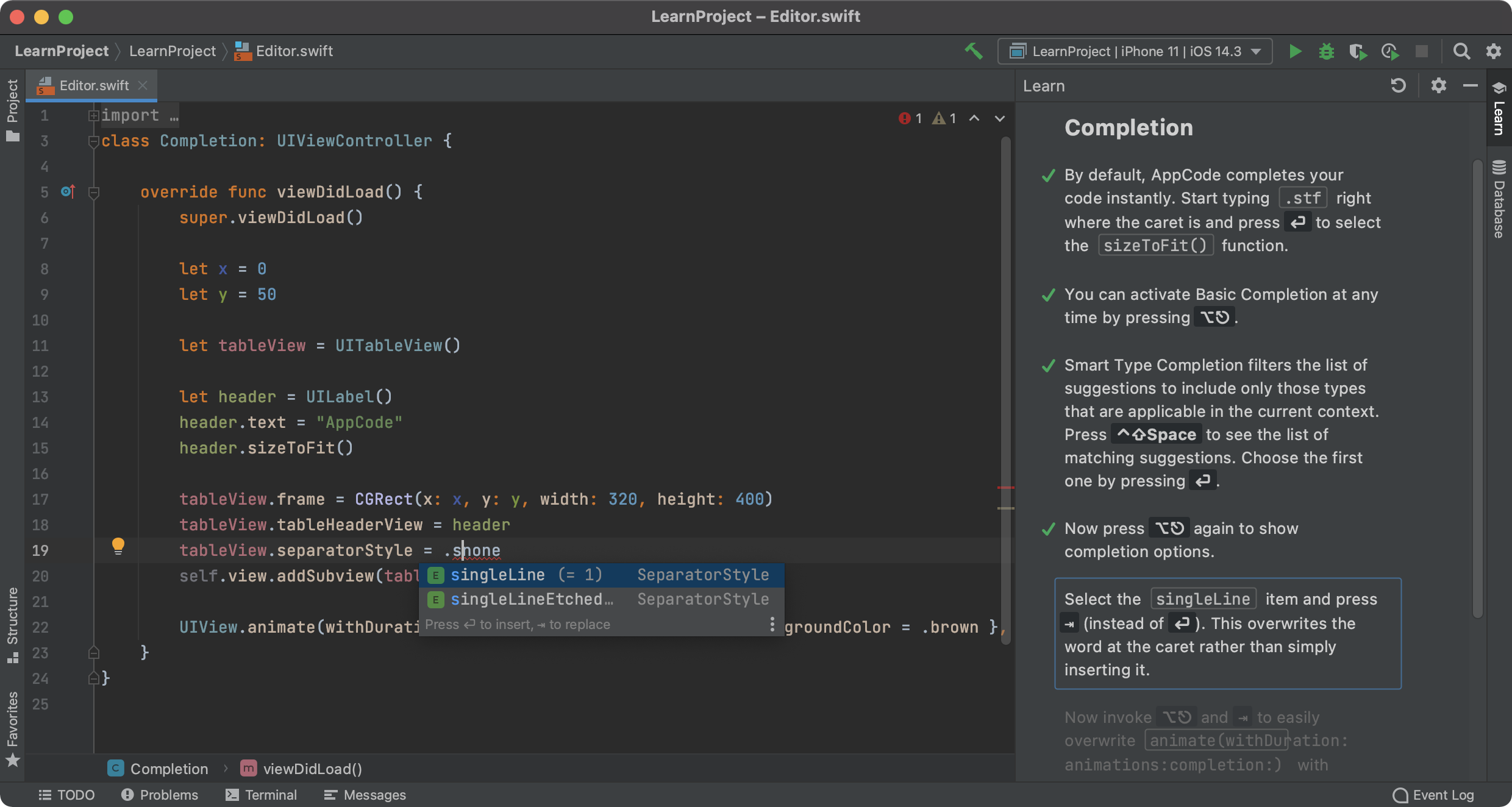
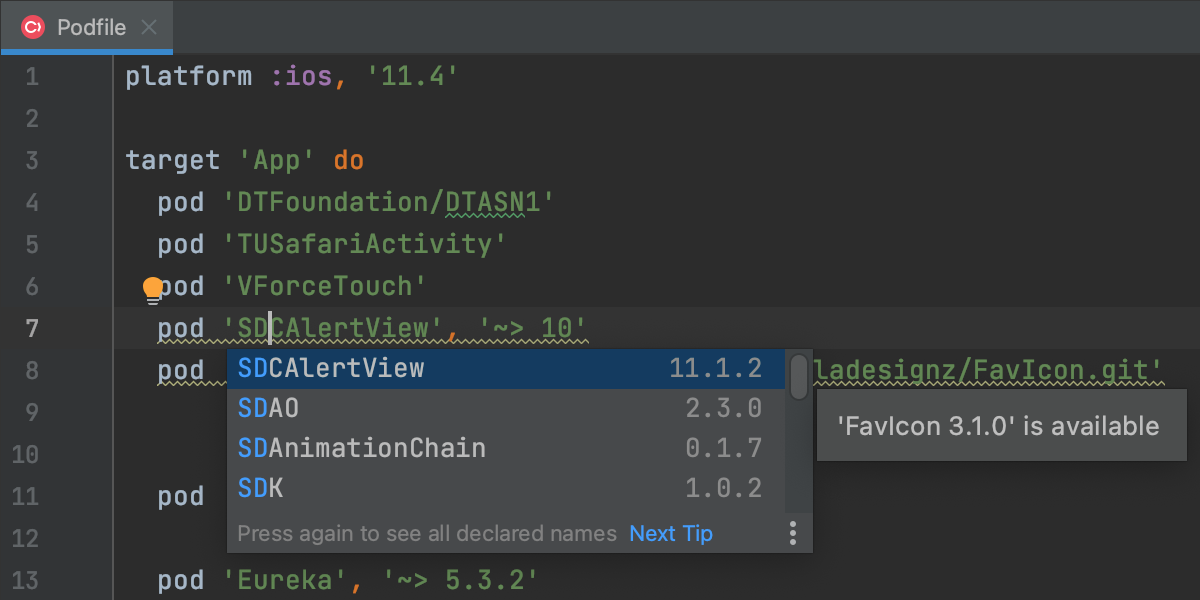
AppCode offers several Code Completions starting with basic completion as-you-type and including more advanced "Smart Type" and Class completion for more precise filtering of suggestions.
All completion results are ranged and ordered by relevance considering the caret position and surrounding code.
Parameter info popup helps specifying correct parameters for method calls.
AppCode adds required import statements for you as you code. The Imports Optimization routine allows for cleaning code from unneeded imports.

Code formatting works as you type but can also be invoked implicitly on a selected code fragment or on a file.
Save time declaring members, implementing or overriding methods using AppCode's code generation routines.

Live Templates are advanced code snippets that help creating complex language constructs with a couple of key strokes.
Wide Languages Range
AppCode is a powerful code editor not only in context of Objective-C and iOS or Cocoa but for a variety of other programming languages and technologies, such as C++, XML, JavaScript, HTML and CSS.

Code Navigation
Efficient project code navigation is crucial — not only when you research someone else's code but your own as well, especially as the project grows bigger and bigger.
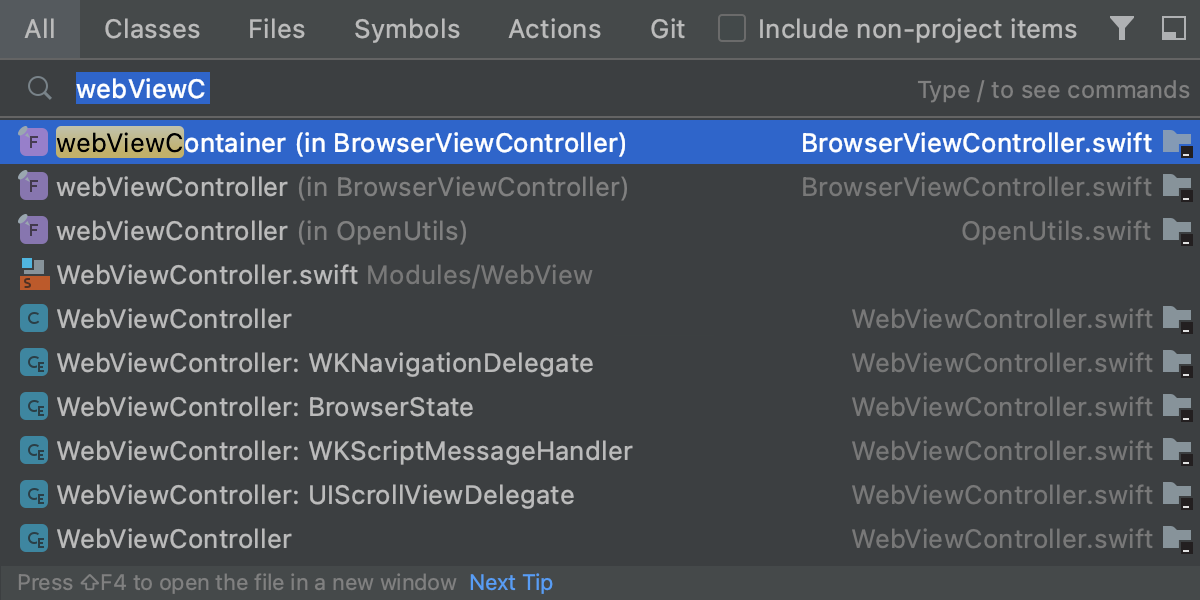
Go to Class/File/Symbol lets you quickly jump to the required place in code when you know what you need.
You want to get from a method call to declaration or vice versa? Go to declaration/definition does just what you need.
Navigating through Classes hierarchy is simple with AppCode's gutter navigation icons: go to implementation or super-class, switch between implementation and declaration, go to related files/classes, go to super method in interface/protocol.

It is often helpful to know where a method or variable is used. Usages Search will never miss a single reference and will get you to any of them in an instant.
Internationalization (i18n)
Are you developing a multi-lingual app? Very wise indeed! And AppCode also helps you with this. The IDE allows you to easily extract inline strings into resources using the "Localize the string" quick-fix () and provides a quick navigation to the resource files.

Code Analysis and Transformation
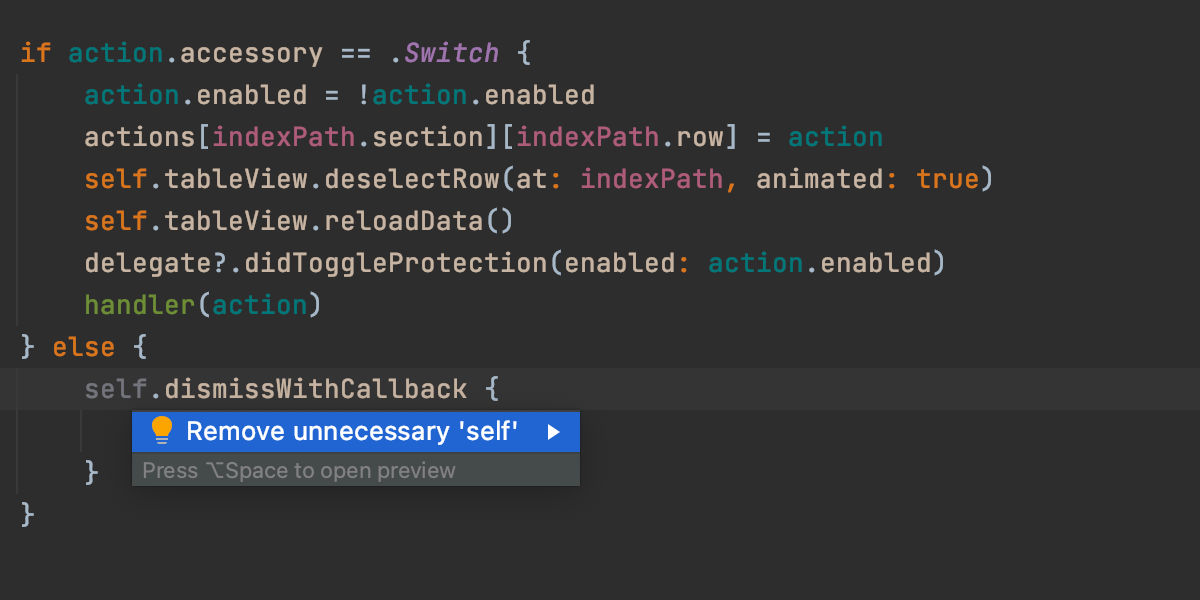
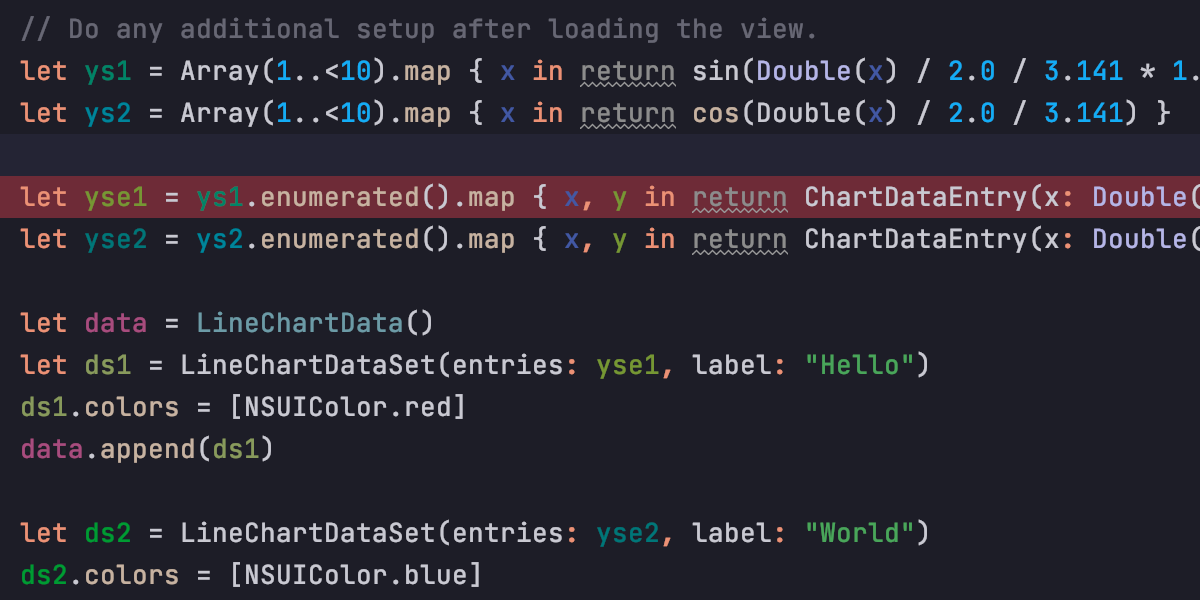
AppCode constantly keeps an eye on the quality of your code. No need to run additional tools: all errors and warnings are shown right in the editor. And for most of them, the IDE knows a quick fix suggestion.
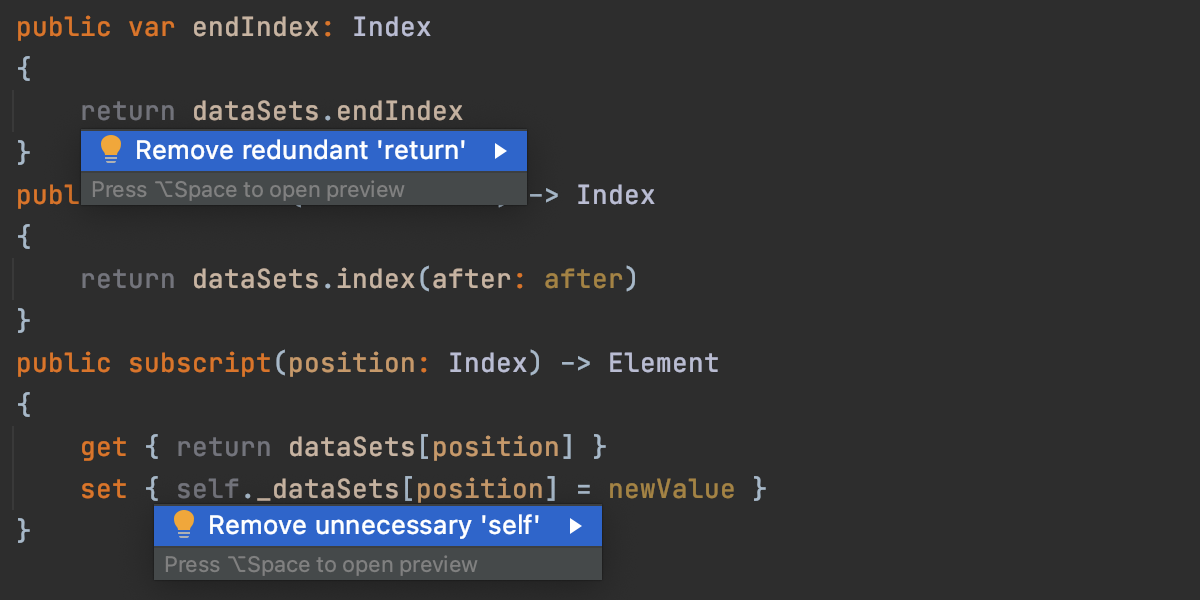
Over 60 Code Inspections just for Objective-C help you keep your code clean and avoid certain problems with memory management, data flow or detect "dead code" such as unused methods, variables or classes. Additional inspections verify XML, HTML, JavaScript inside your code and even spell-check it.

Quick-fixes are the helper actions that you can invoke when the IDE shows a warning or a hint 'light bulb', e.g. remove and unused import or release an unreleased instance variable.

With AppCode, you can code as you think.
If <condition> then doSomething().
No such method as doSomething()?
Intention actions are just the ticket. Invoke it on the method call and the editor will suggest to create a new method. You also benefit from this intentional approach when doing TDD (Test Driven Development).

Refactoring
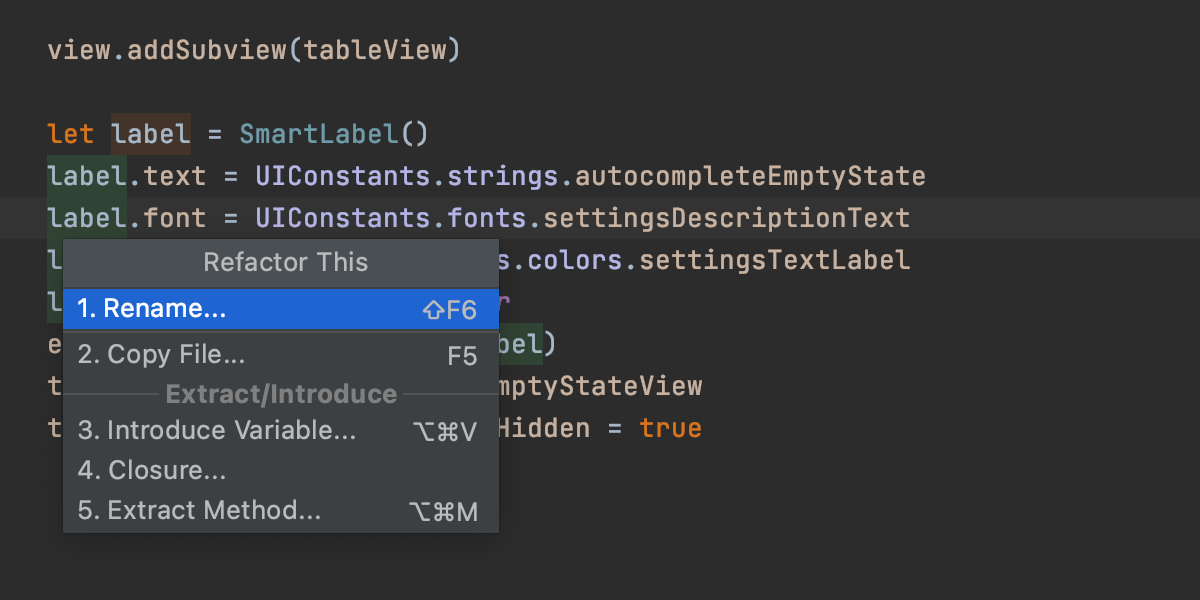
It is important to be able to easily improve code design as it evolves with time. AppCode provides a
solid set of reliable code refactorings to help you. They include such vital ones as
Rename, Extract Method, Introduce Variable and Inline, as well as more powerful ones e.g. Extract Block
Parameter
/Protocol/Category, Change Signature, Convert Method to Function and back, and others.
iOS Development
iOS 5 Supported!
AppCode completely supports the latest iOS 5 features, like Automatic Reference Counting.

Run/Debug on Device
Even though AppCode does not fully replace Xcode, you can do most of your coding without switching between the tools. And since running and debugging are part and parcel of coding, AppCode allows for running and debugging your apps directly on a connected iOS device.
iOS Simulator
When you have no real iOS device connected, or need to try a specific configuration, no worries — AppCode can run your code in Simulator.

Integration with Interface Builder
AppCode does not provide its own Interface Builder but seamlessly integrates with it instead. Just open an .xib file in AppCode and we'll open it in the Interface Builder (or in Xcode 4) automatically. Close it when done and go on coding.
Core Data model files (xcdatamodel) is another file type where Xcode is used for editing.
Integrated Environment
Version Control Integration
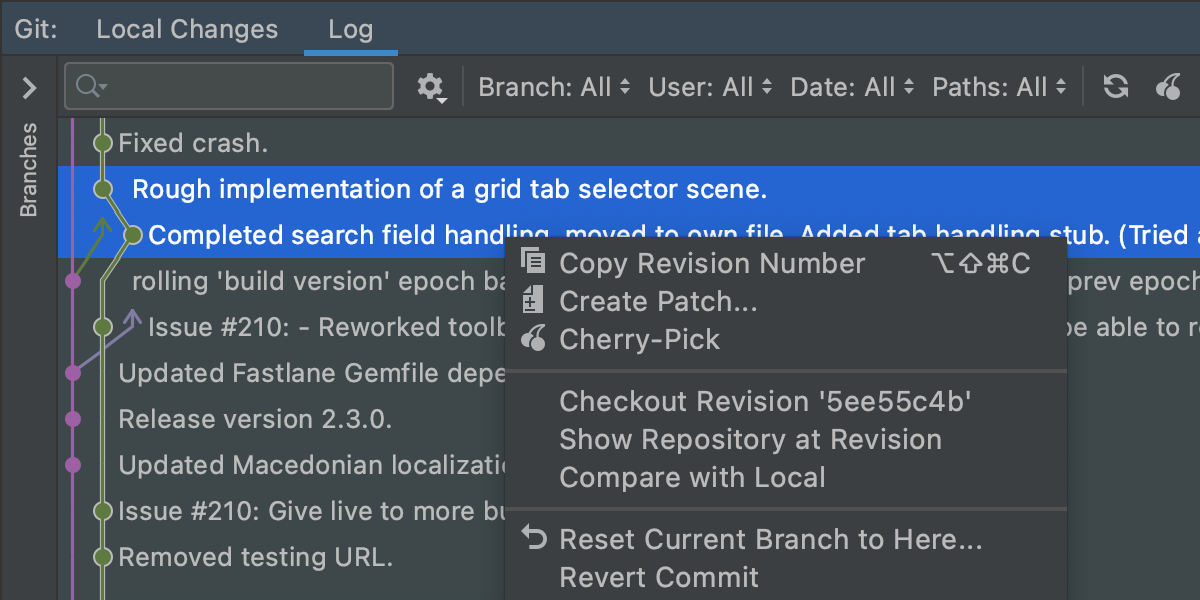
AppCode includes a complete first-class version control tool providing integration with most of the existing Version Control Systems. This includes both support of features specific for each VCS as well as a unified interface and management for common VCS tasks.
The following VCS are supported out of the box: Subversion, Git, Mercurial, CVS, Perforce.
All the tedious tasks (adding, removing, deleting files) are performed automatically. A built-in visual merge tool resolves all conflicts in a quick and intuitive manner. The changes made locally are highlighted as you type in the editor gutter, providing intuitive navigation and a 2-click rollback for individual changes.
The following features are available no matter which VCS you use:
- Integrated changelists — group your changes into multiple change lists for better organization
- Shelved changes — set aside some changes to restore them later
- Repository changes view — see what has been committed by other team members
- Incoming changes view — see the code changes not yet integrated into your local copy
- Outdated changes notification — get warned that a file you are working with has been changed after your last sync


Xcode Interoperability
AppCode is fully compatible with Xcode (up to v.4.4). You can open existing Xcode projects and work on a project in both IDEs in parallel. No additional configuration needed and your projects stay always 100% Xcode-compatible.
AppCode can create new Xcode projects. And you can add new files to a project in AppCode based on Xcode file templates.

AppCode will automatically navigate you to Xcode when working with specific files (like xib, storyboard, etc.).
Xcode versions 3 and 4 are supported on the corresponding versions of Mac OS X.
Documentation
Huge Xcode knowledge base of SDKs and APIs is at your fingertips, within AppCode or within Xcode documentation viewer.
Issue Trackers Integration
When your ToDo list is in an issue tracking system, you can configure AppCode to work with the issues without switching from the IDE. Just specify your issue tracker server and:
- Select tasks to work on from the list defined by your filter
- Automatically group VCS changes under a corresponding task
- Commit to VCS with task name/ID pre-filled for you
- Switch between tasks keeping IDE context saved (open editor tabs, breakpoints, etc.)
AppCode supports the following bug tracking systems: Atlassian JIRA, JetBrains YouTrack, Lighthouse, Pivotal Tracker, GitHub, Redmine, Trac.
Debugger
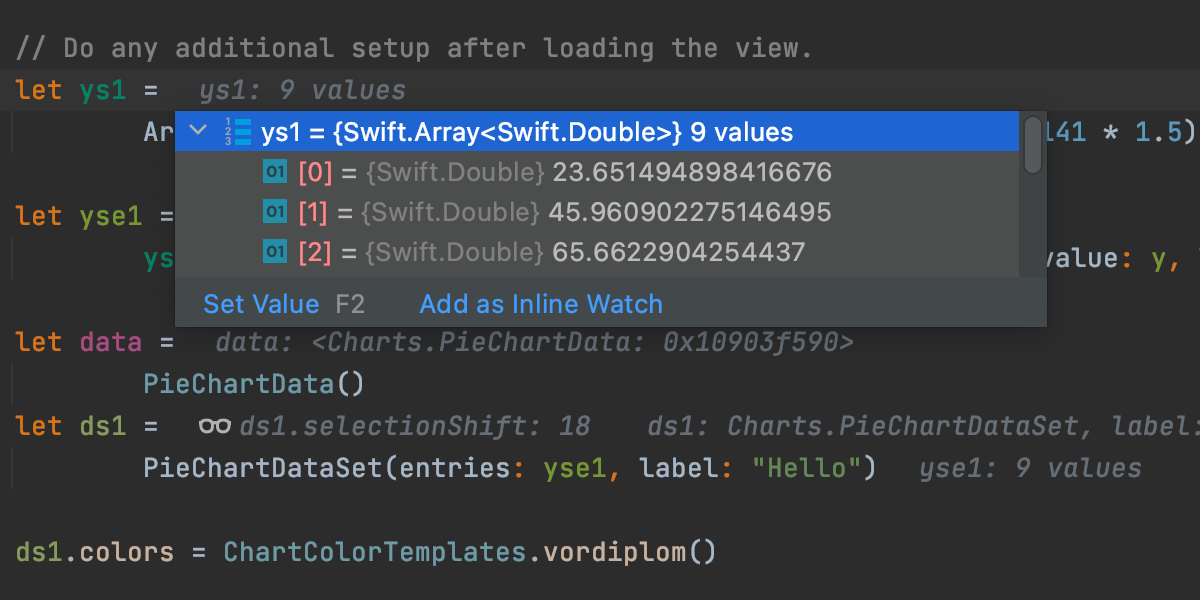
Being able to step through your code is critical when developing sophisticated software. In addition to the ability to run your code, AppCode includes a debugger with a simple, easy to use user interface with Frames, Variables and Watches views and an option to debug with either GDB or LLDB.

Conditional breakpoints allow more control and the option to log an evaluated message when a breakpoint is hit.
You can evaluate any expression or code fragment while debugging session is paused or a breakpoint is hit.


Unit Testing
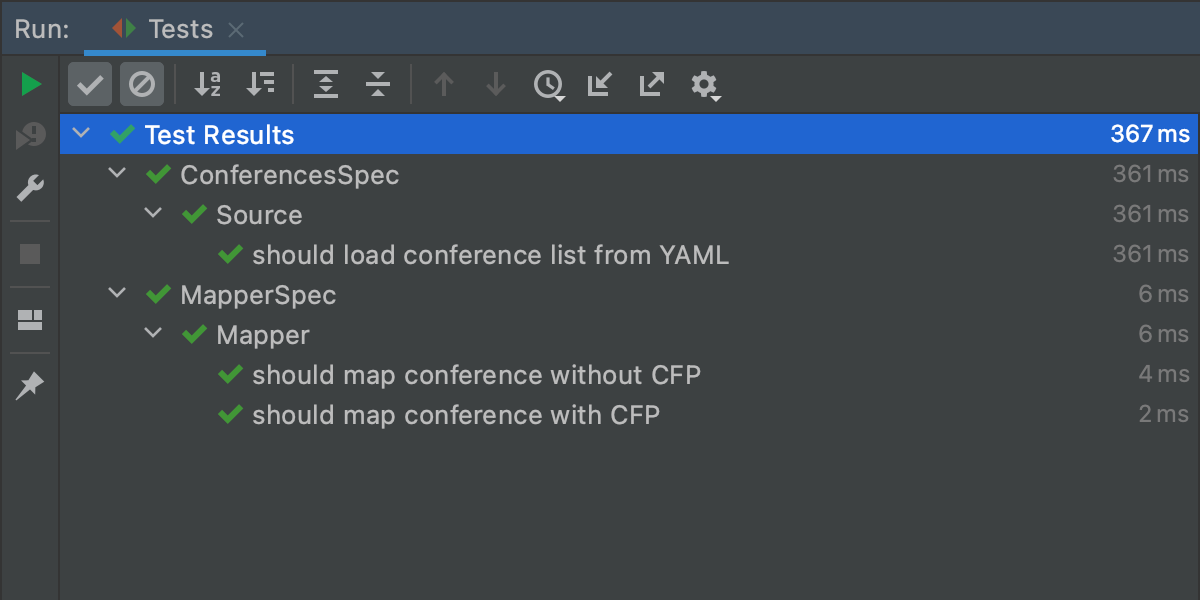
AppCode also provides you with the possibility to run OCUnit tests. You can either specify a particular unit test to run, or all unit tests in a specified class and run them all sequentially.
The specialized test runner UI offers on-the-fly statistics on currently run tests, and a quick navigation to an error line if a test fails.

And you can debug your tests too in AppCode.
Extensibility and Customization
Customizable UI
Are there any software developers who don't like to tweak their tools? We have yet to meet one, so we've made AppCode UI customization a breeze. Have plenty of screen estate? Turn the toolbars and pin the tool windows to always show. Coding on a 13" MacBook Air? Leave only editor displayed and show the rest only when needed.

Editor Color Themes
UI customizations would be incomplete without an ability to configure the editor itself. AppCode comes with several editor color schemes bundled and allows creating own custom schemes or modifying the existing ones.

Keyboard Schemes / Vim Emulation
For a higher productivity AppCode encourages you to use the keyboard for all your tasks.
For an easier start with AppCode, try the keyboard hotkeys you already know well. AppCode's keyboard layout is designed with your convenience in mind, but you can always choose specific layouts such as those from Xcode or IntelliJ IDEA, or just create your own.

Additionally, AppCode offers a powerful VI/Vim emulation mode giving you the best of both worlds.

Plugins
More than 10 years of IntelliJ platform development gives AppCode 50+ IDE plugins of different nature, including support for additional VCS, integrations with different tools and frameworks, and editor enhancements such as Vim emulation.
AppCode plugins can be browsed and managed from the Plugin Manager in IDE Settings.