Navigate compiled code
A solution is not limited to source code of your projects, it also contains references to libraries that are used in your solution. It is very convenient to have access and opportunity to navigate to symbols from those libraries as if they were a part of your solution. ReSharper provides a built-in decompiler and a lot of features that help you view and navigate through compiled code.
Code presentation of symbols from compiled assemblies depends on the settings, on the availability of PDB information, and on the applied navigation command.
There are two types of navigation commands that target library symbols:
Commands that explicitly specify where and how to represent library symbols:
Commands that may implicitly lead to compiled code when the target symbol is not in the source code of your solution. For example,
For the second type of commands, you can specify how ReSharper will represent library symbols. When this kind of navigation is performed for the first time, you will see a dialog where you can choose the default navigation action:
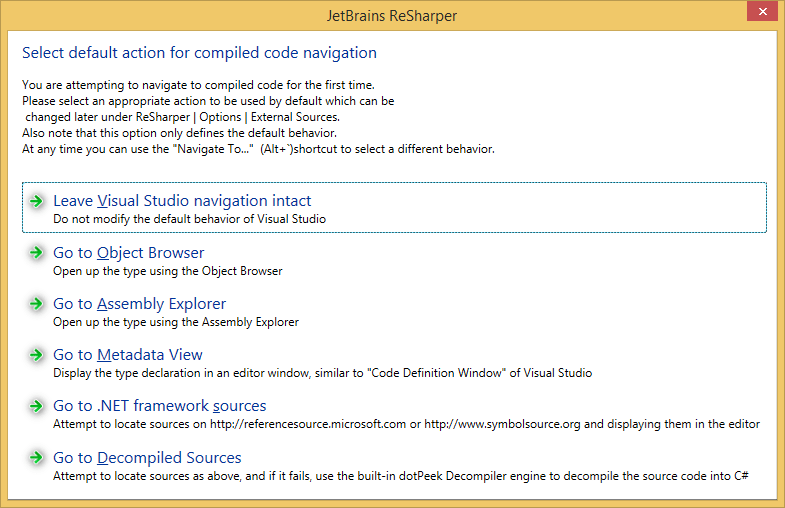
You can configure the default navigation on the page of ReSharper options Alt+R, O.
You can also explore the source code of any assembly outside your solution using the Assembly Explorer window. For more information, refer to Explore and decompile assemblies.