Web Proxy Settings
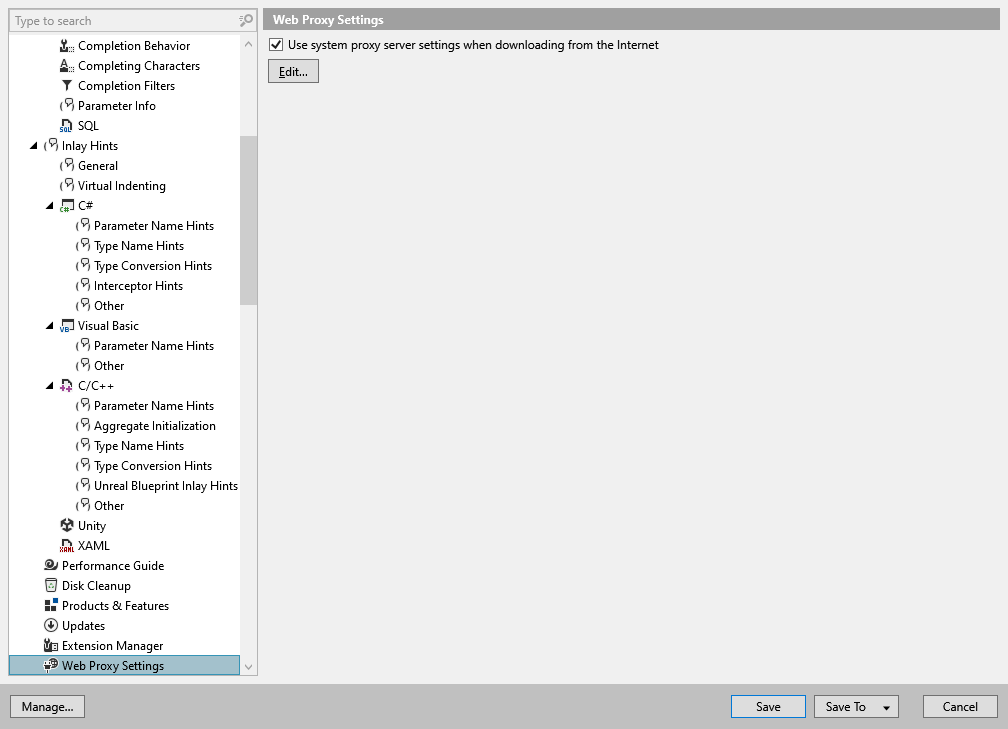
In this page of ReSharper options, you can adjust Web proxy settings for ReSharper's Internet activities. By default, ReSharper follows your system settings and if any proxy server is defined in your system, ReSharper will use it too for fetching sources from symbol servers, verifying license information, detecting updates, and so on.
Use system Web proxy settings when downloading from Internet | You can clear this checkbox to define custom proxy settings that ReSharper will use to connect to the Internet. |
Edit | This button appears when you choose to use system proxy server settings. By clicking this button you open the Internet Properties dialog, where you can switch to the Connections tab and then click LAN Settings to change your system Web proxy settings. |