Group with AI
The Group with AI feature is intended to speed up the review and validation process. It evaluates both committed and uncommitted changes, clusters them into task-level groups, prioritizes them by importance, and provides brief explanations of each update, allowing you to focus on the highest-impact changes first.
The changes are divided into three groups:
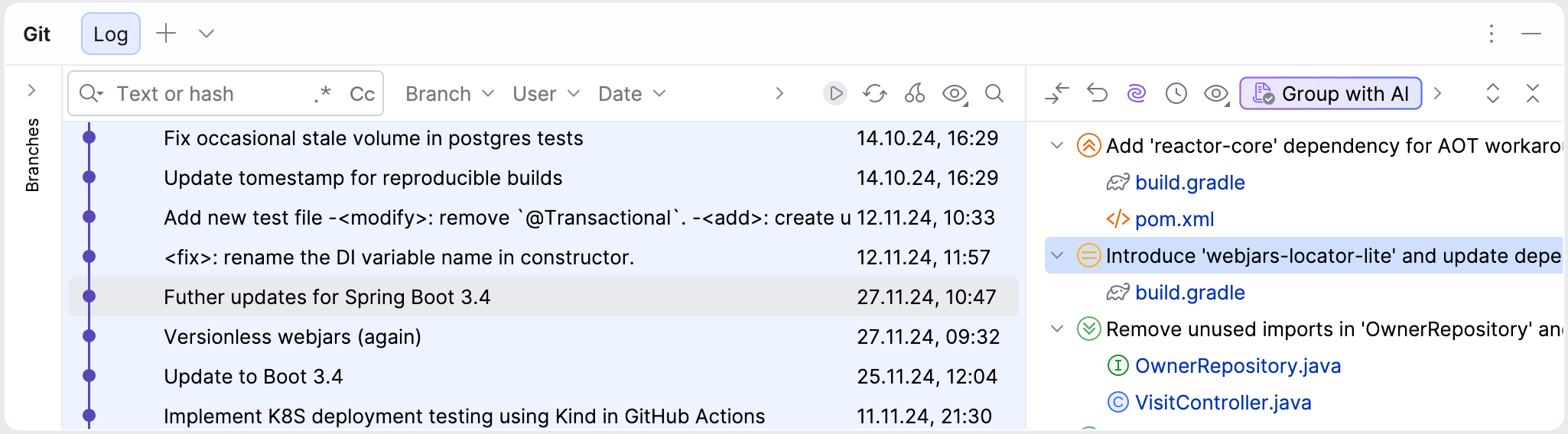
 – high-impact changes, such as large-scale refactorings, logic changes, and other major code updates.
 – medium-impact changes, such as removing unused imports, introducing small structural or organizational improvements, and other moderate adjustments.
 – low-impact changes, such as fixing typos, reformatting code, and other minor edits.
Each group represents a set of related changes, with a brief description and a list of modified files, making it easier to review.
Group and sort uncommitted changes
You can use the Group with AI feature to group introduced changes for review before committing them:
Press Alt+0 to open the Commit tool window.
Click
 Group with AI.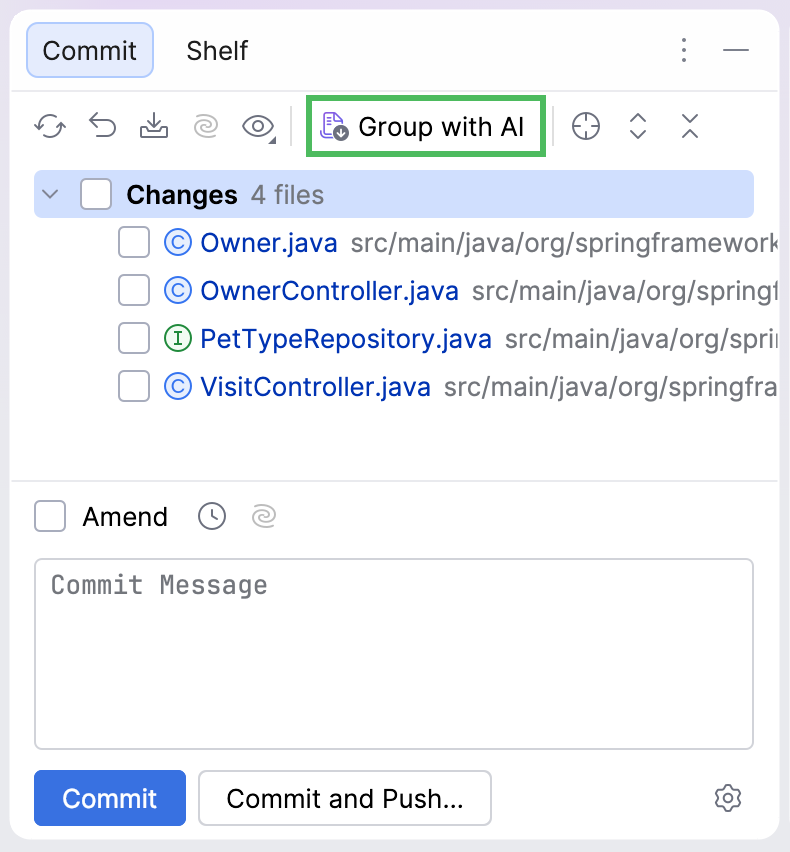
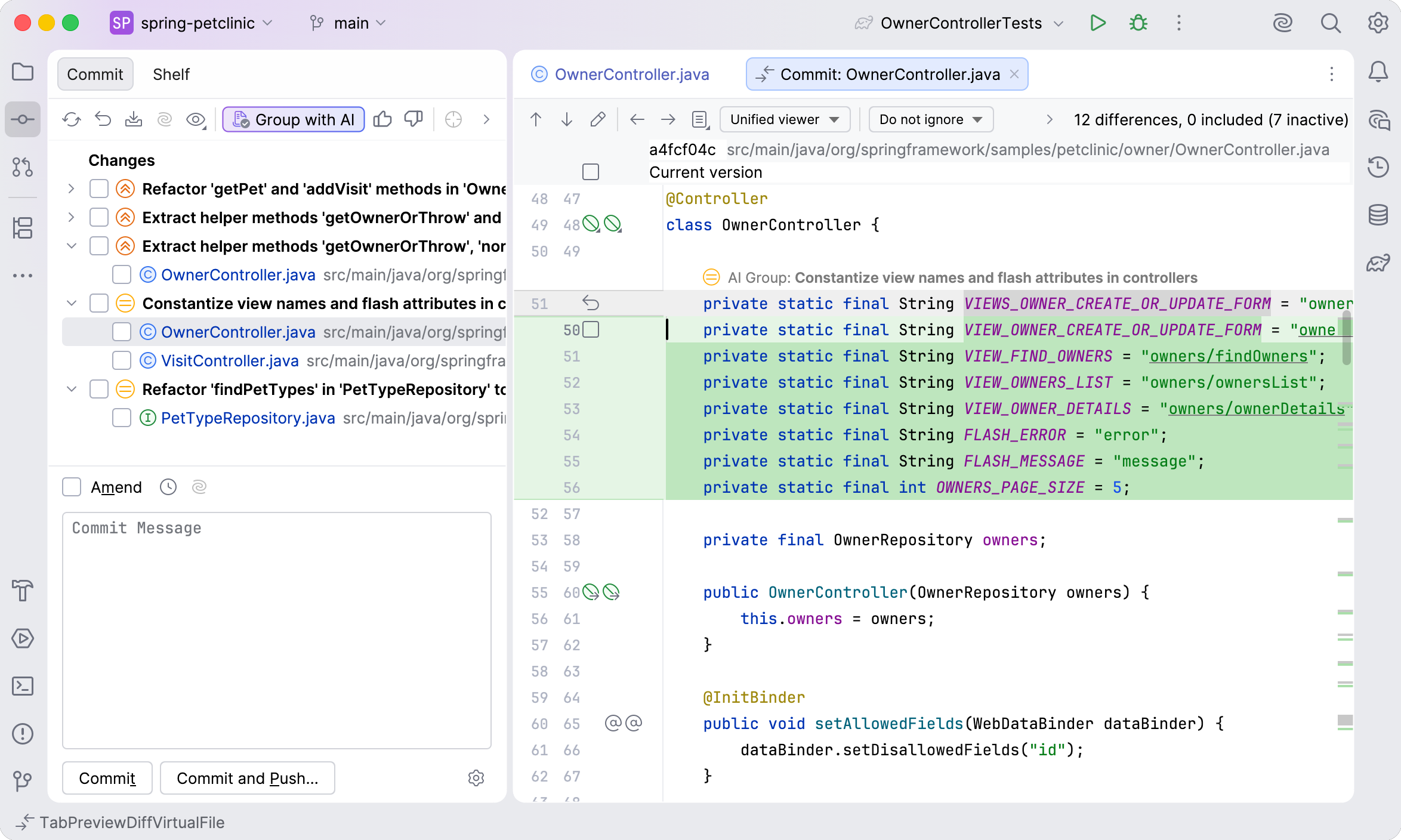
AI Assistant will group the changes into changelists and mark them based on their impact.
Once the changes are grouped, you can review them. Click an item in the changelist to open the diff in the editor.
Group and sort already committed changes
You can use the Group with AI feature to review already committed changes:
Press Alt+9 to open the version control tool window.
Select the commit for which you want to generate a diff.
Click the
Group with AI button in the pane on the right. 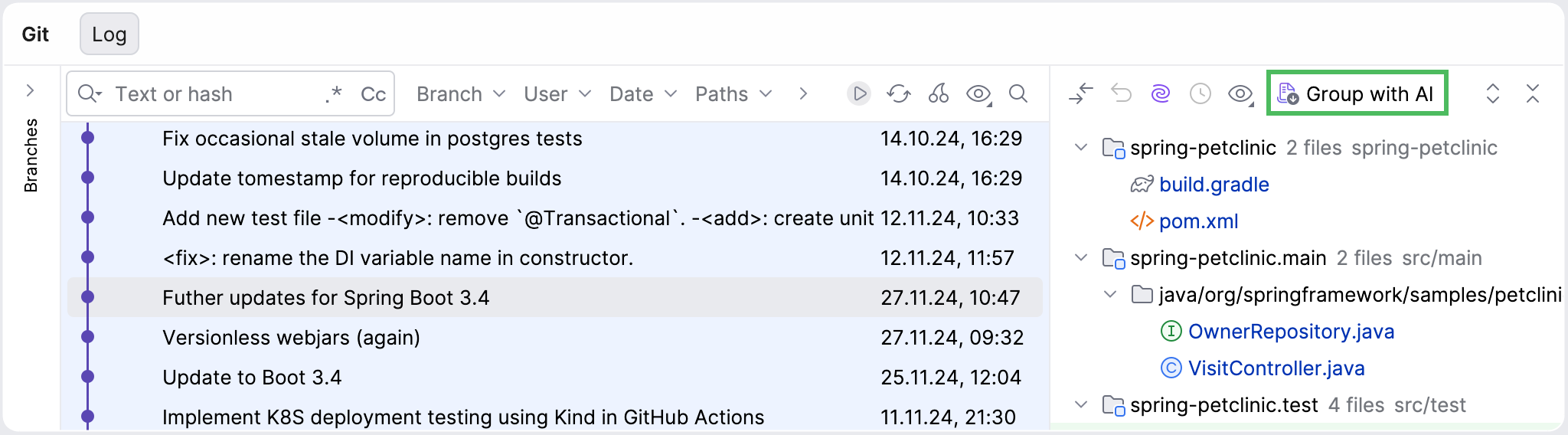
Review the changes in the pane. Double-click the grouping or item to open the diff in the editor.