Insights
Available in: IntelliJ IDEA, PyCharm, and IDEs with Python plugin
The Insights feature analyzes the currently opened file and generates brief and concise summaries for pieces of code that are hard to interpret at first glance. This helps to quickly understand the purpose and functionality of the code.
Process Insights
In the editor, hover over the Insight that you want to process. The Insights are marked with an
 icon.
icon.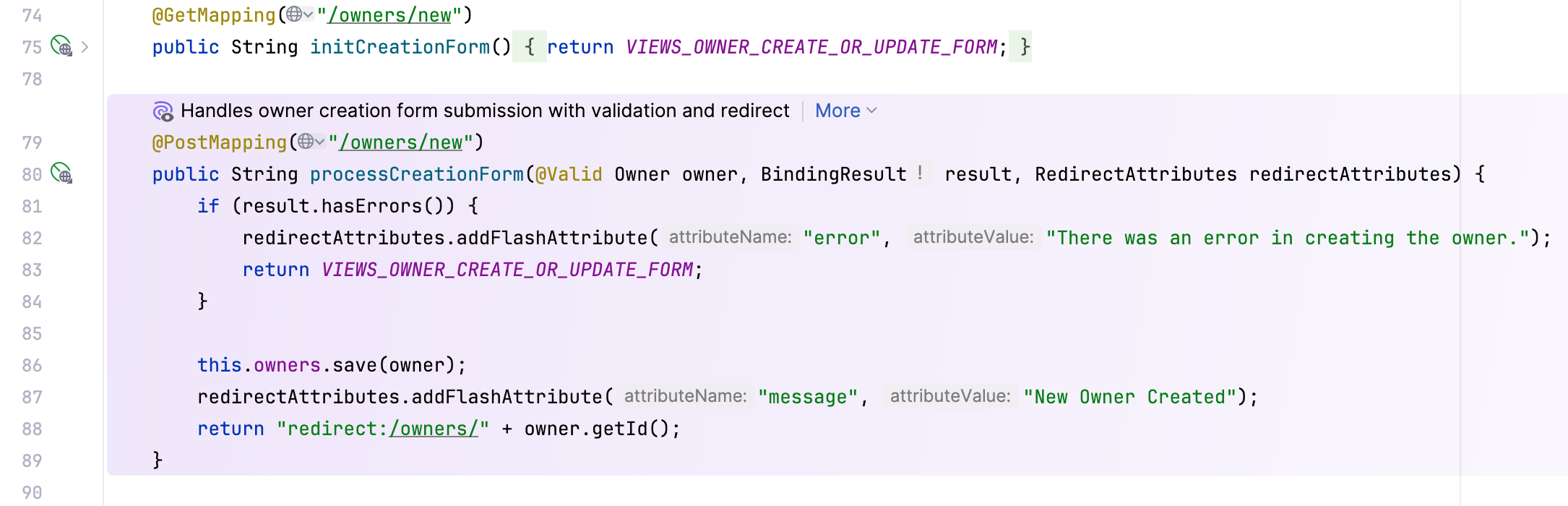
Click More and select what you want to do:
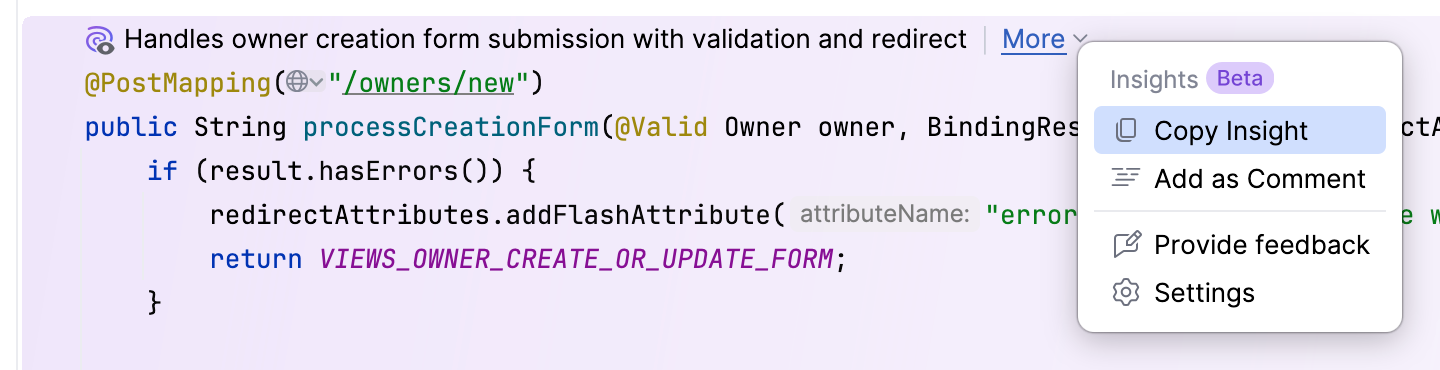
Copy Insight – copy the insight to the clipboard.
Add as Comment – add the insight to the line as a comment.
Settings – open the settings dialog where you can configure the frequency of suggested Insights.
26 February 2026