Customize AI Chat
You can customize how AI Chat behaves and looks.
Open a chat in the editor
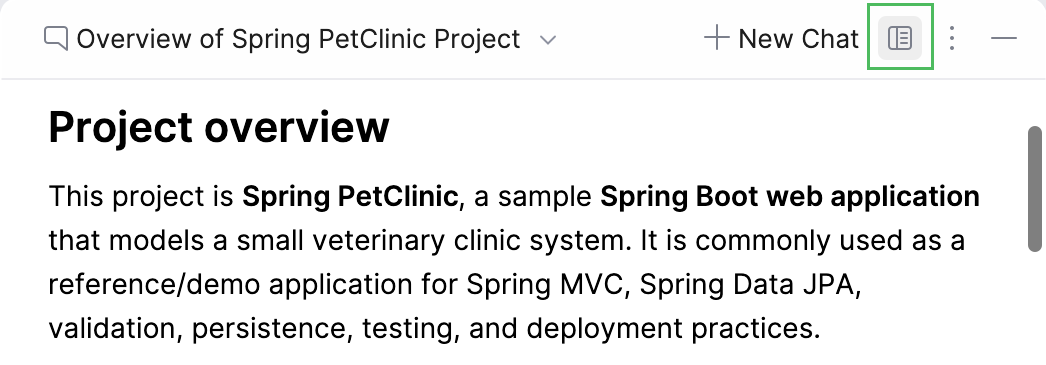
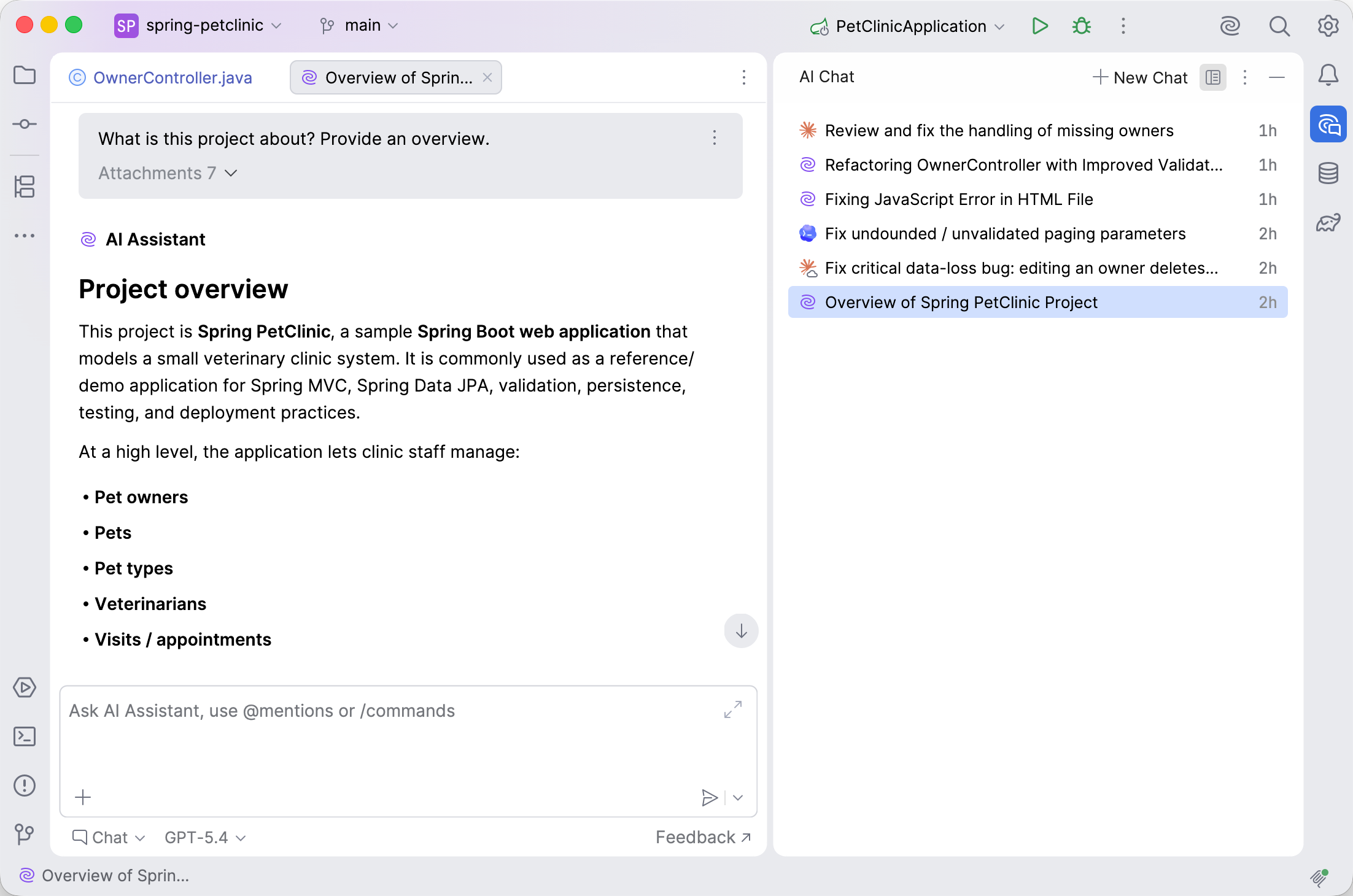
By default, chats are open in the AI Chat tool window, but you can also open a chat as an editor tab, which gives the conversation more space and lets you keep several chats open next to your code. To do this, click the Show Chats in Editor Tabs button.
As a result, the chat is opened in the editor tab, and the AI Chat tool window starts to display the chat history instead.
Change the chat response language
You can instruct AI Assistant to provide responses in a specific language.
Press Ctrl+Alt+S to open settings and then select .
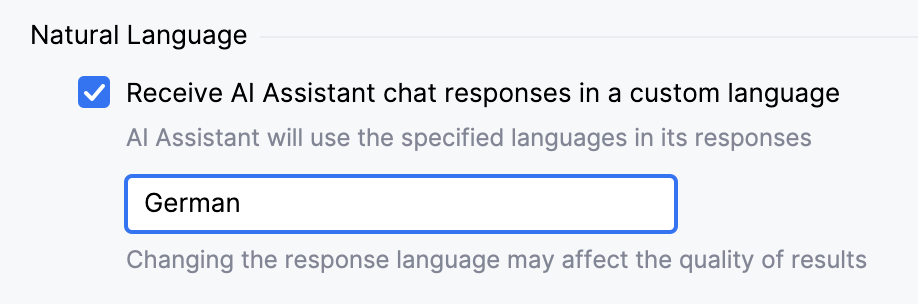
In the Natural Language section, enable the Receive AI Assistant chat responses in a custom language setting.
In the text field, specify the language in which you want to receive chat responses.
Click Apply.
After that, AI Assistant will use the specified language in its responses.