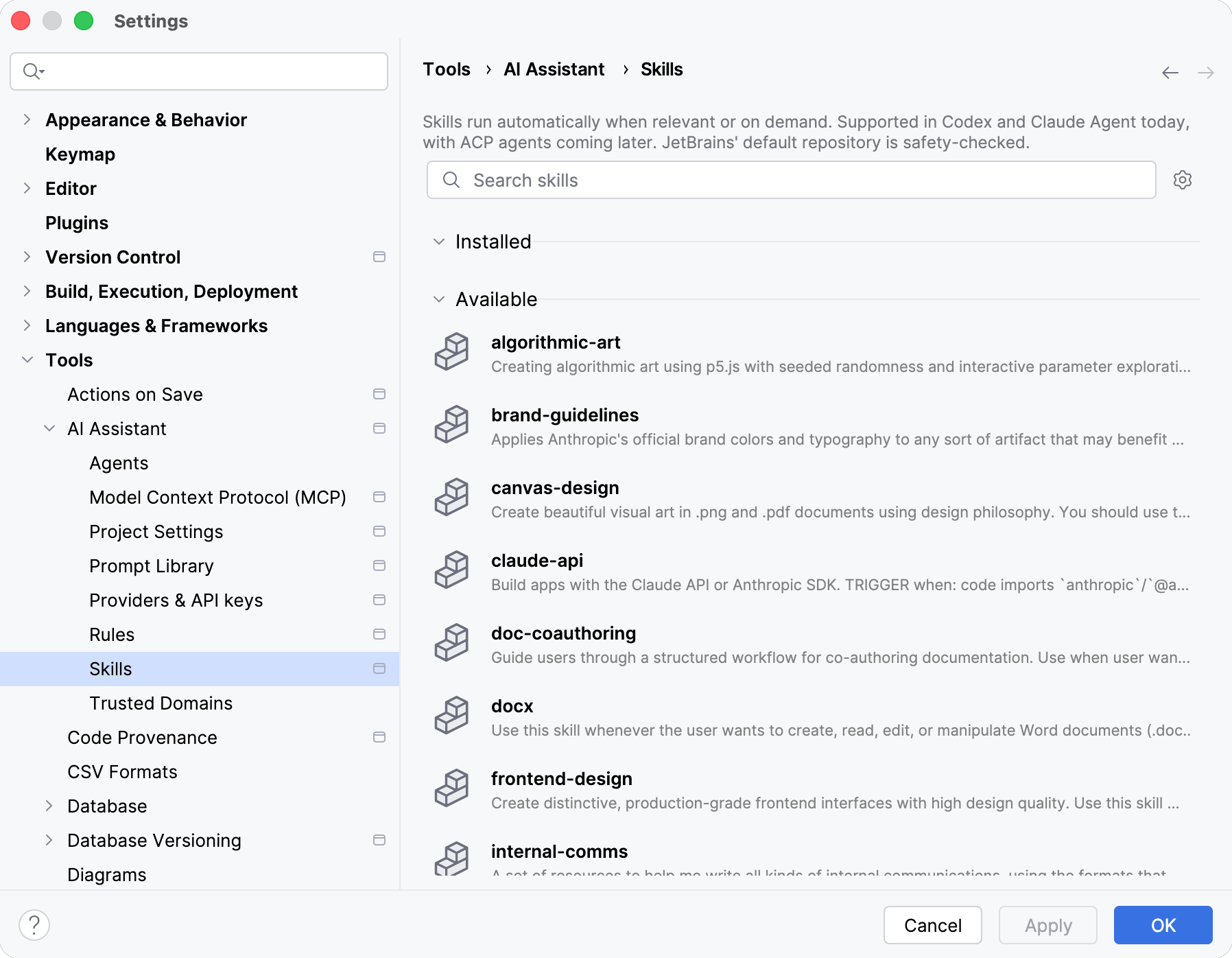
Skills
Use this page to configure skill sources and install skills for agents.
Actions
Item | Description |
|---|---|
| Click to select which skills source you want to configure:
|
| Click to install the selected skill and make it available for all projects in the current IDE. |
Install | Click the arrow button to select the level at which you want to install the skill:
|
Open | Depending on the state of the skill:
|
Disable | Disable a skill to prevent it from being used by the agent. |
Try | Click to test the selected skill in AI Chat. |


Manage Skill Directories dialog
Item | Tooltip | Description |
|---|---|---|
| Add Directory Alt+Insert | Add a new directory containing skills. |
| Remove Directory Alt+Delete | Remove the selected directory. |


Manage External Skill Registries dialog
Item | Tooltip | Description |
|---|---|---|
| Add Registry URL Alt+Insert | Add a new registry URL. |
| Remove Registry URL Alt+Delete | Remove the selected registry URL. |
| Edit Registry URL Enter | Edit the selected registry URL. |

For additional information, refer to Skills.