Review
When a task is finished, switch to the Changes tab to review the changes in the files. The diff panel shows the changes made by the agent.
You can provide feedback to the agent directly in the diff panel, similar to a regular code review. Use the  icon in the gutter to comment on a specific line or selection.
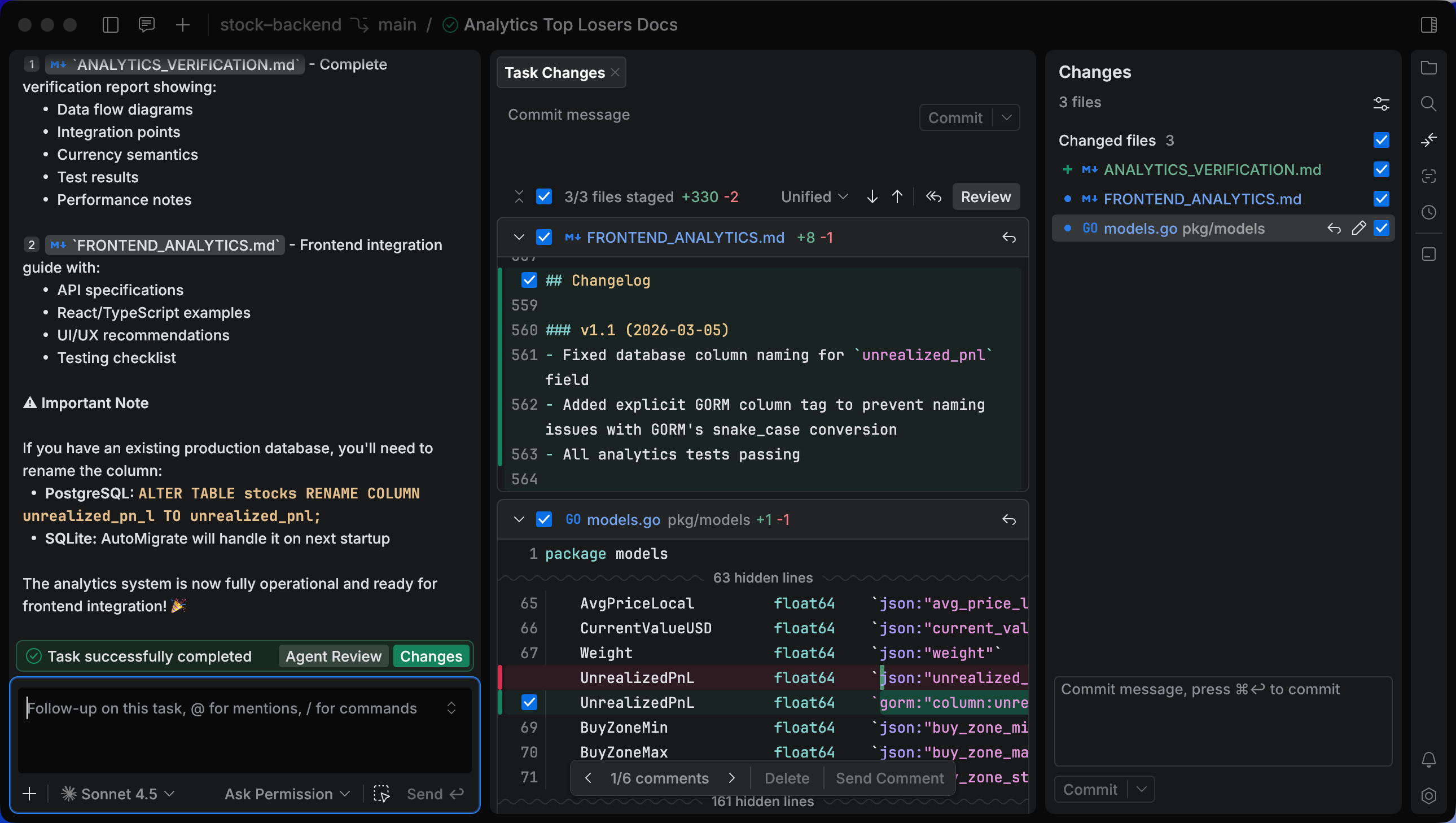
Provide feedback to an agent
Navigate to .
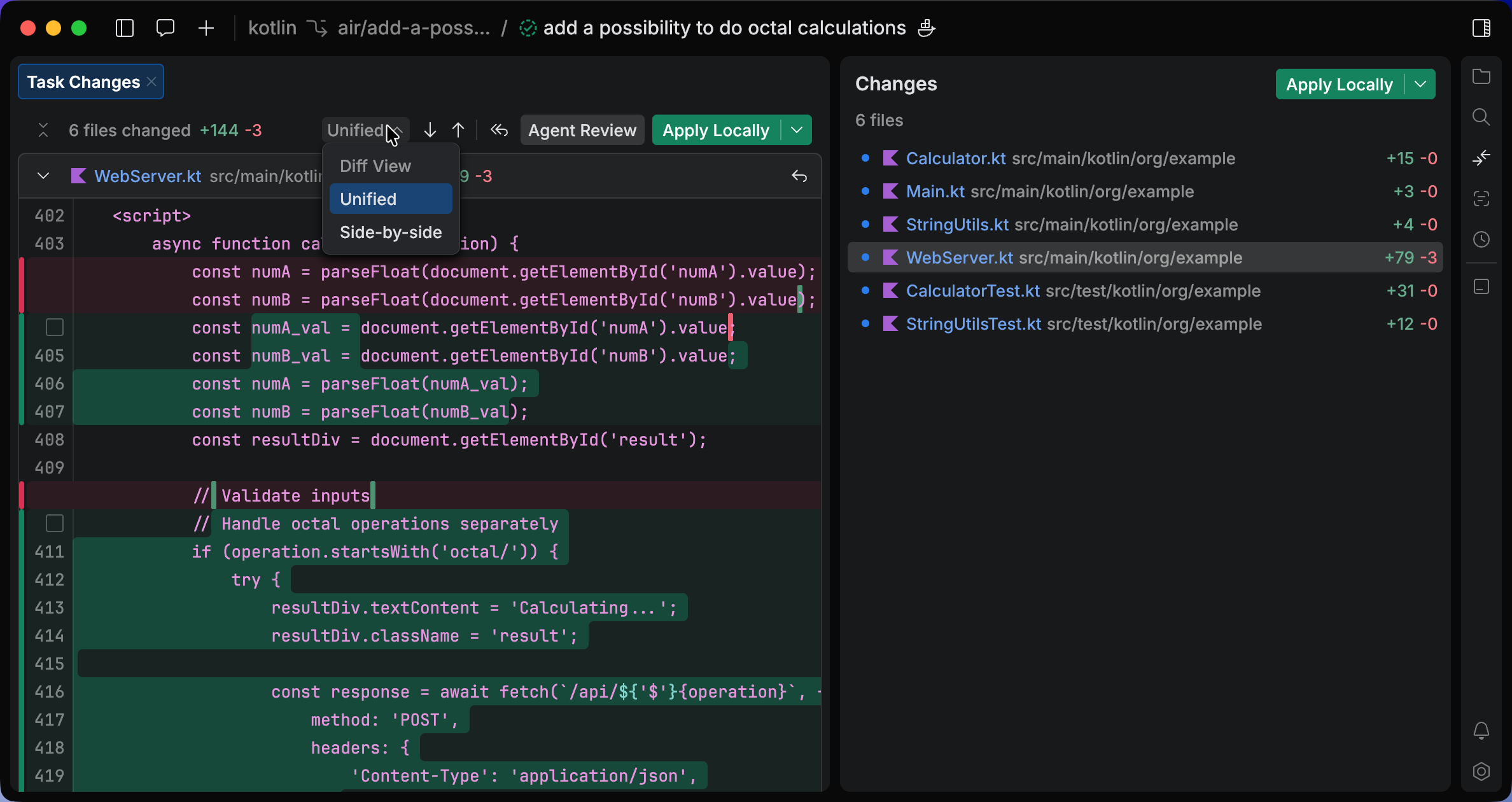
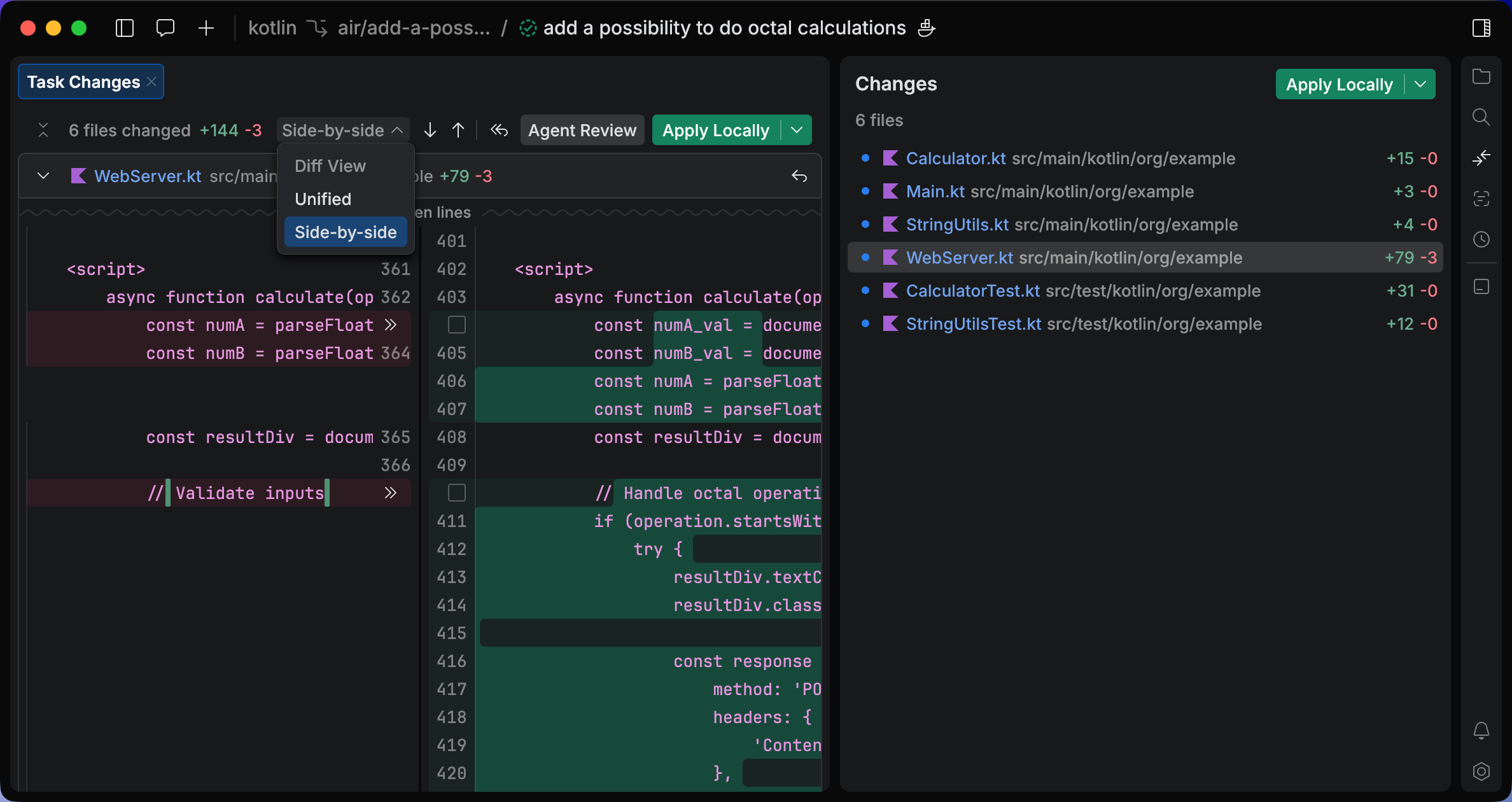
Select the type of diff to display. You can choose between:
Unified: the old and current versions of the file appear on a single page.
Side-by-side: the page shows the old version on the left panel and the current version on the right panel.
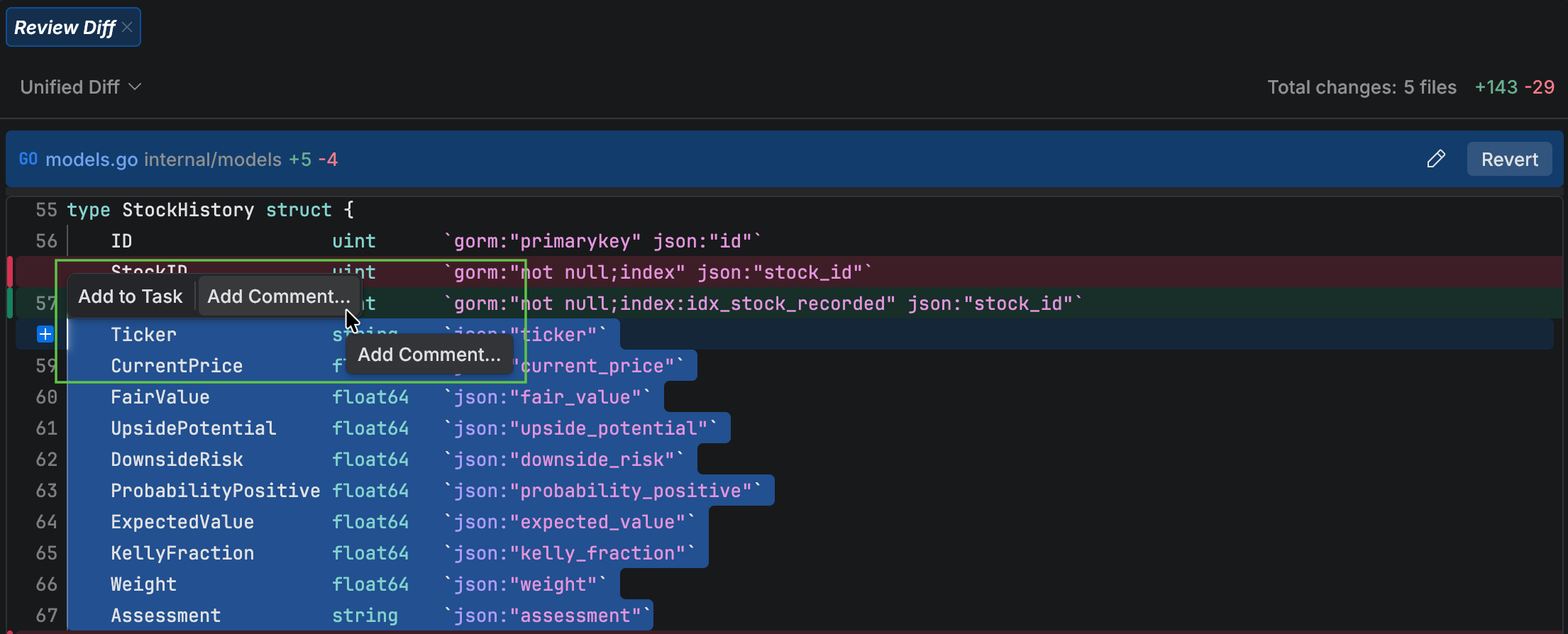
Select the code that you want to change and click Add comment in the popup.
Type your prompt for the agent. The comment is added to the chat as part of a future task.
25 February 2026