Release notes
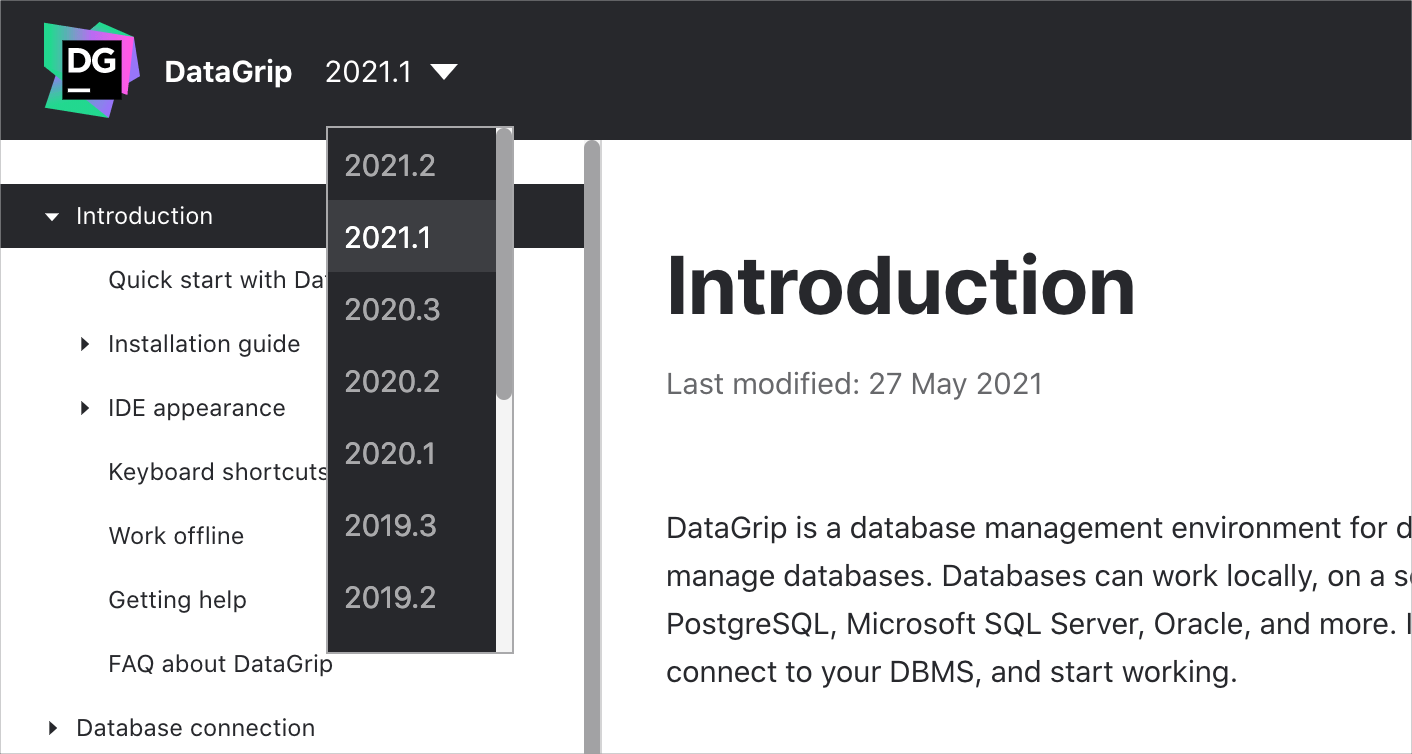
This section lists functionality added to DataGrip in the current release. To view release notes for other DataGrip versions, click the version switcher on the help site and select the version that you need.
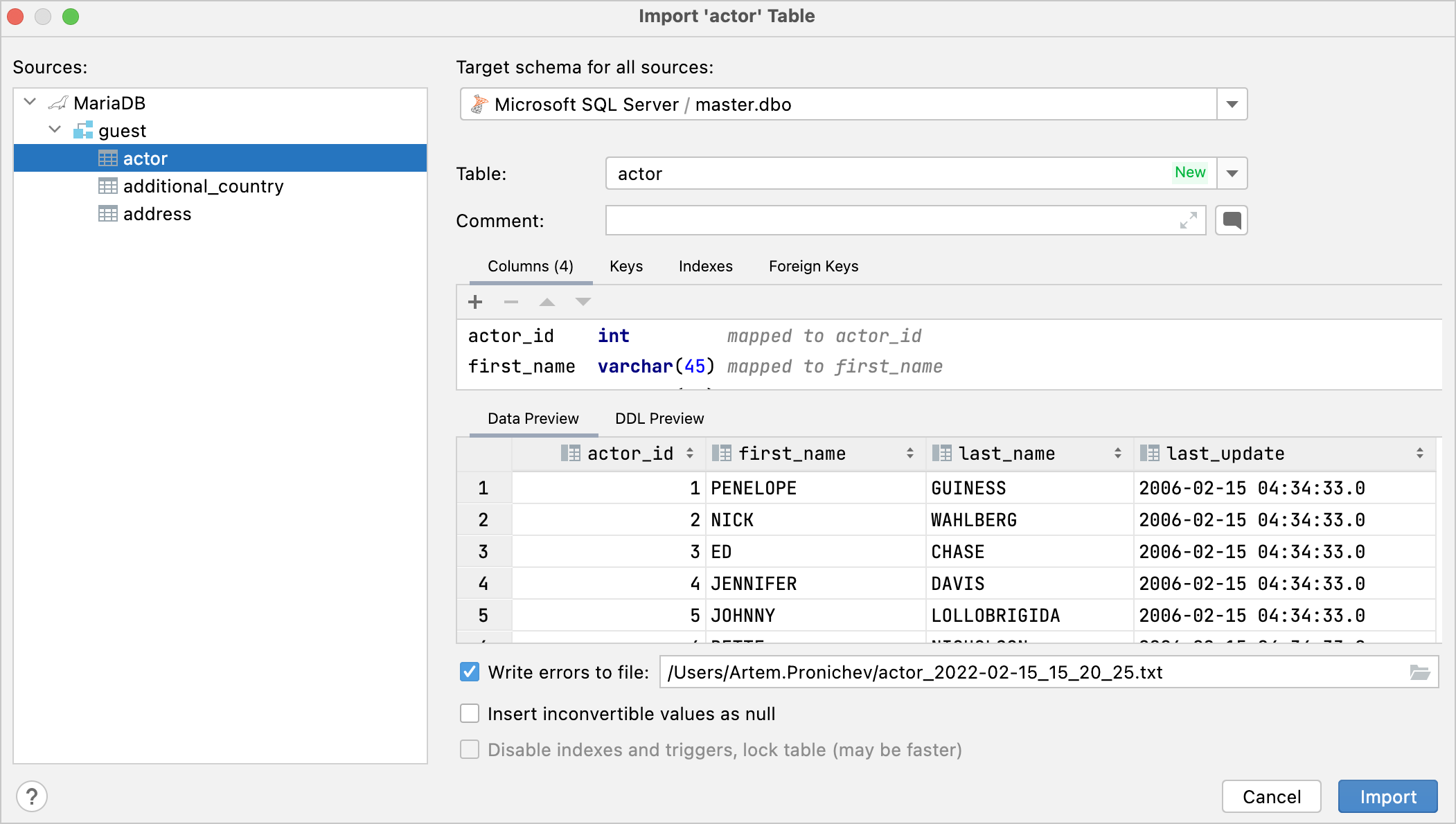
Import and export: copy multiple objects
You can select multiple tables and copy them to another schema. In the Database Explorer (), , select multiple tables and press F5. Configure the export settings and click Import.
Data editor: a default display format for binary cells
Automatically detect binary values has two options for UUID and Text. If you were annoyed by UUID detection, you can now disable it.
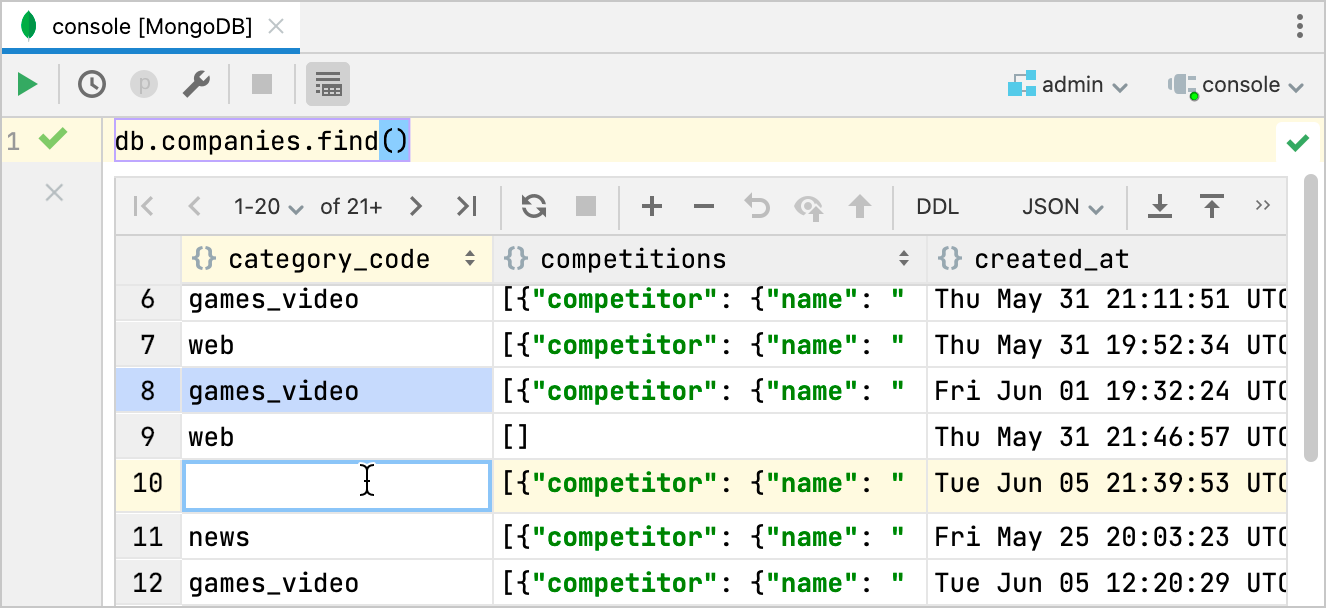
MongoDB: editing fields in results
You can now edit results in MongoDB collections. You can also edit result sets obtained by using .find(). Editing also works with cursor methods that modify the result (for example, sort() or limit()) if they were executed after .find(). For editing to work, the result set must contain only the fields from the database collection.
YugabyteDB: basic support
Basic support for YugabyteDB consists of JDBC introspection and PostgreSQL syntax highlighting.
ClickHouse: source code of materialized views
The source code of the materialized views is introspected.
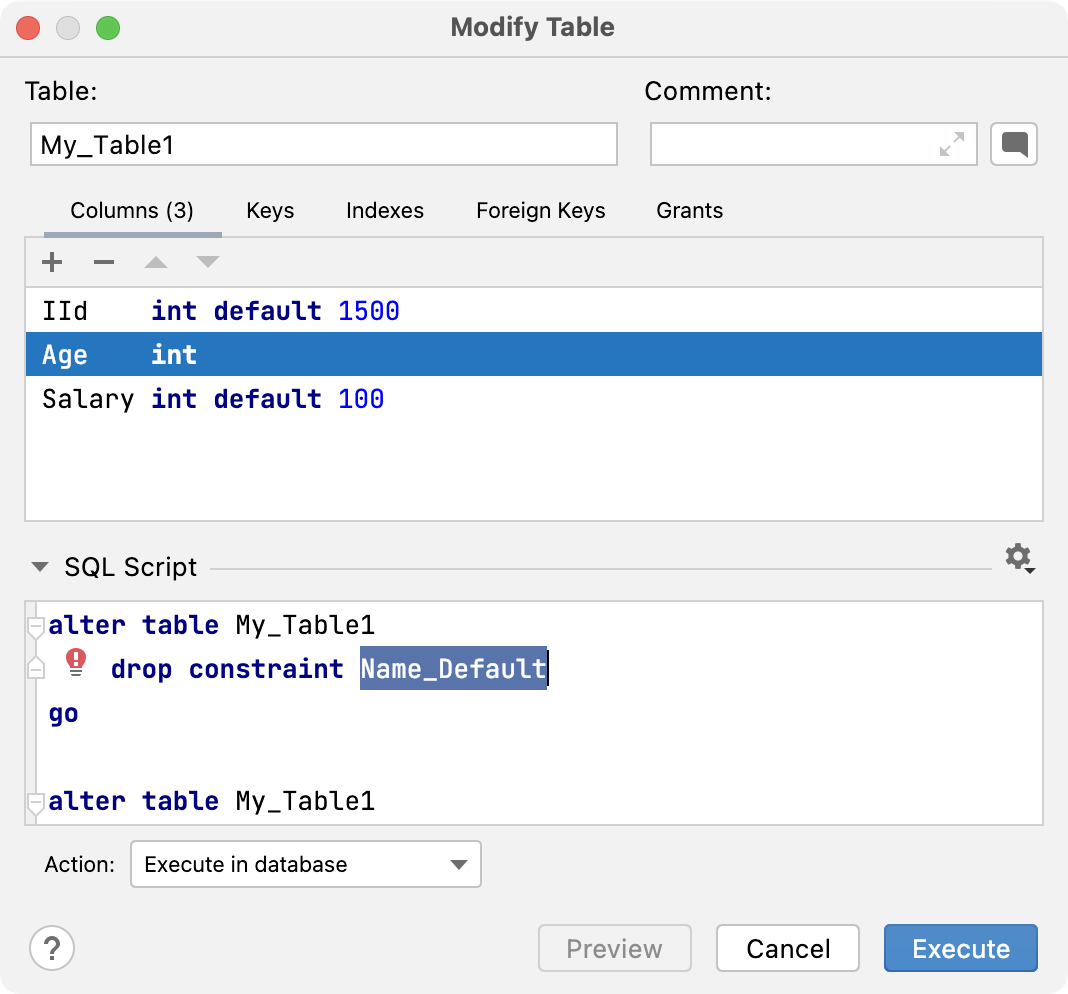
Microsoft SQL Server: valid script when removing columns with constraints
DataGrip generates a valid script when you remove columns with constraints.
Database diff viewer: quality improvements
The following improvements were implemented:
The Reformat generated code option is implemented correctly.
The diff viewer detects objects that are likely to be the same even if their names are different.
Fixed the Array index out of bounds exception in Oracle.
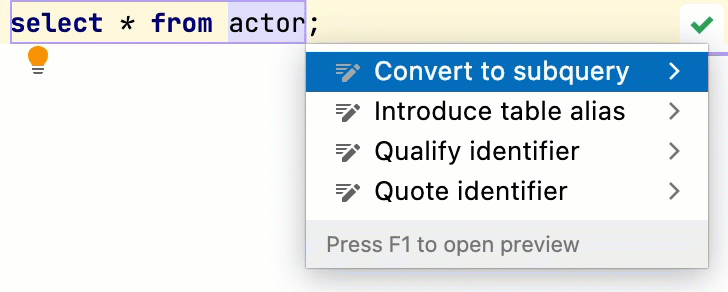
Quick-fixes: Convert to subquery
The Convert to subquery quick-fix converts the query where your caret is to a subquery.
Code style: new auto-indentation algorithms
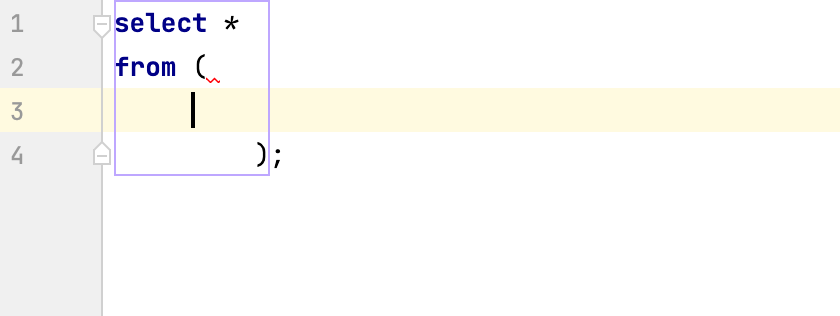
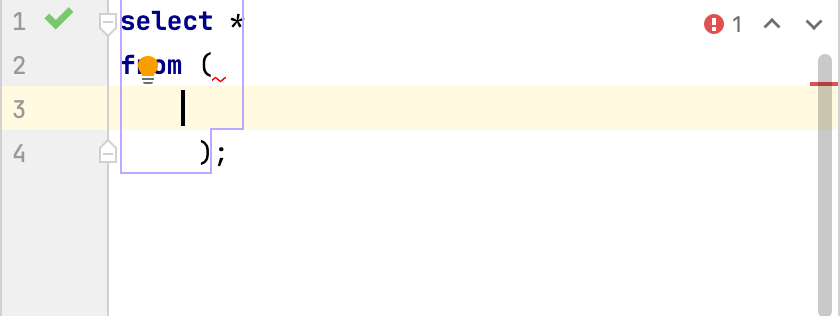
Improved auto-indentation algorithms were implemented. Consider the following examples.
Before | Now |
|---|---|
 |  |
Running code: canceling running statements
Previously, when you clicked the Cancel Statement button, it looked like the query was terminated, but in fact the request continued to be executed in the database.
On the first click, DataGrip sent a cancellation request to the database, while on the second click it canceled the JDBC Driver process to terminate all connections to the data source (data source deactivation). As a result, DataGrip received an error for the first cancellation request because the connection was lost, not because the cancellation was actually completed.
Starting with DataGrip 2022.1, the progress indicator on the gutter shows a red square while the request is being canceled. A canceling progress bar is shown, which clarifies the data source and the session.
Canceling connections
Before DataGrip 2022.1, when you attempted to abort a request at the stage of creating a connection, the data source was deactivated. Deactivation means that DataGrip canceled the JDBC Driver process to terminate all connections to the data source.
Starting with DataGrip 2022.1, you can interrupt not only the execution of a request, but also the creation of a connection. This is especially relevant for the very first query in the console, which also creates a connection.

Connectivity: session templates for introspection
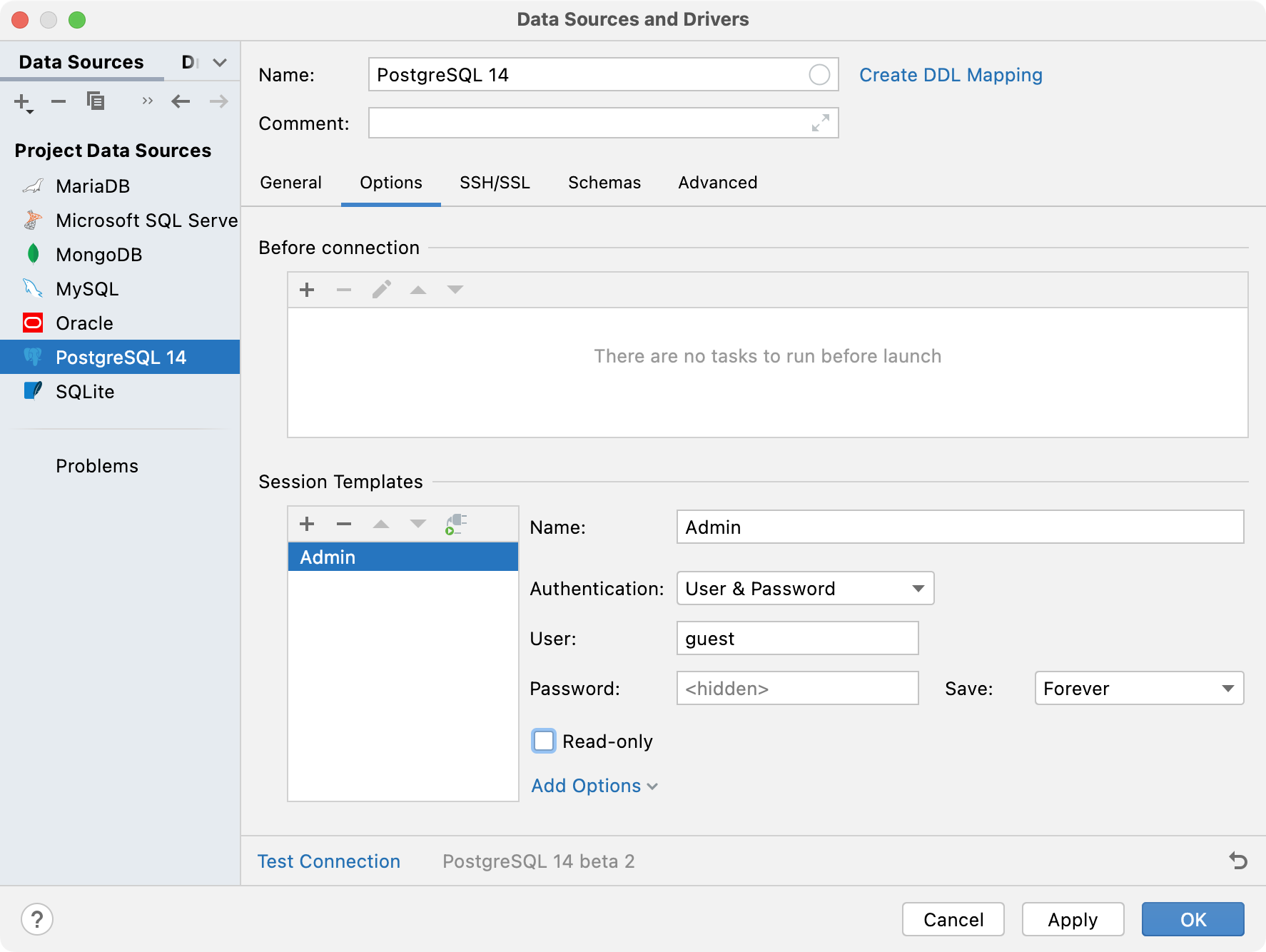
Sometimes introspection requires special permissions, which are given to special users. To use dedicated credentials for introspection, create a dedicated session template in the Options tab.
Oracle: fragmental introspection
Now you can refresh an object independently from all the other objects in the database.
Microsoft SQL Server: support for in-editor results in batch mode
When multiple statements are run at once in Transact SQL, they are executed in batch mode. Now DataGrip shows in-editor results for each query.
PostgreSQL: Multirange types supported
Support for the built-in multi-range types is added.
Editing: configure database-specific parameters of an object
Starting with DataGrip 2022.1, you can change database-specific parameters of an object. The IDE generates fields for the new Modify dialog automatically according to the properties received during the introspection. For example, by using this dialog in PostgreSQL, you can add and edit column check constraints.
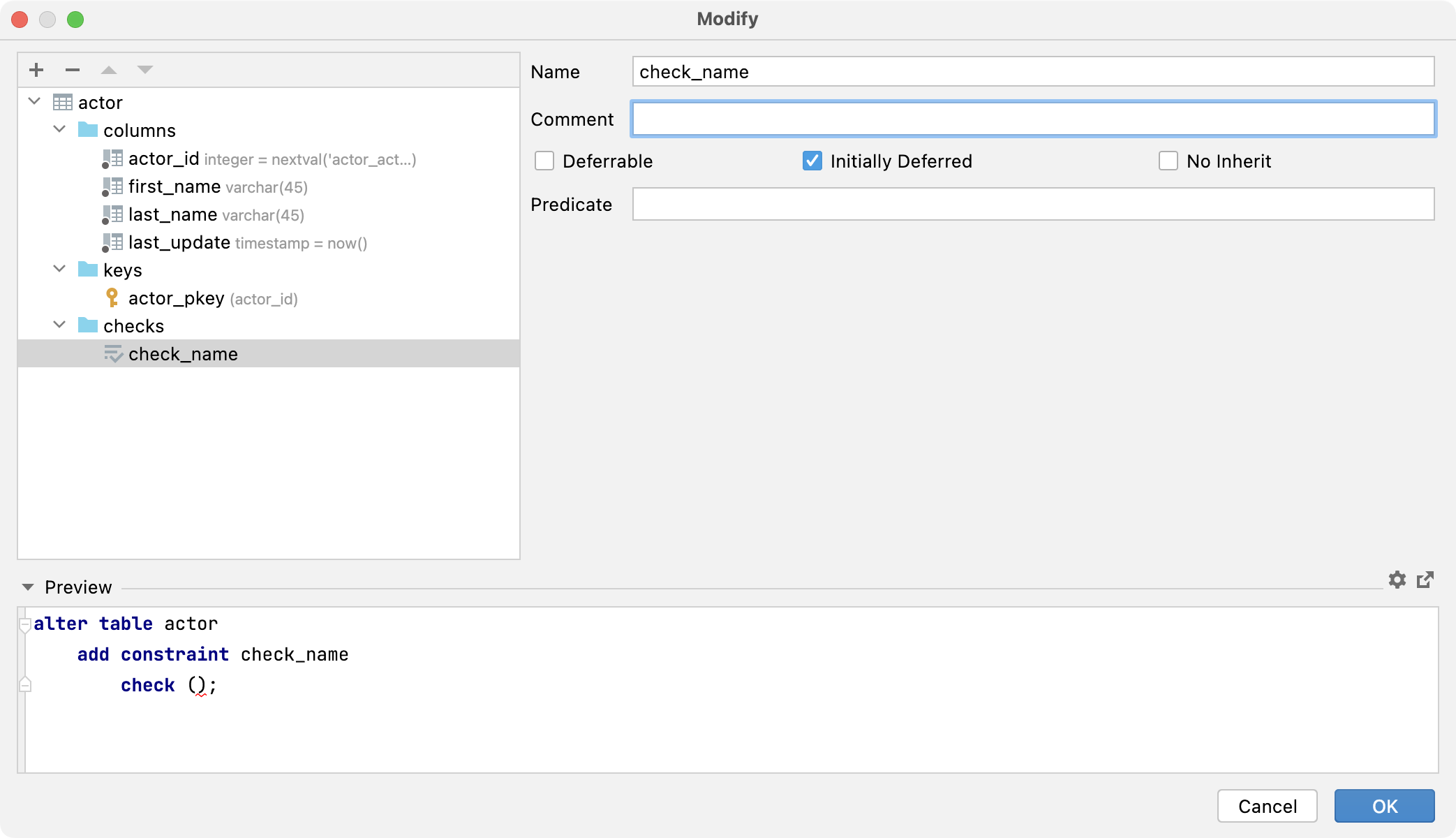
Usability: updated structure of the IDE settings
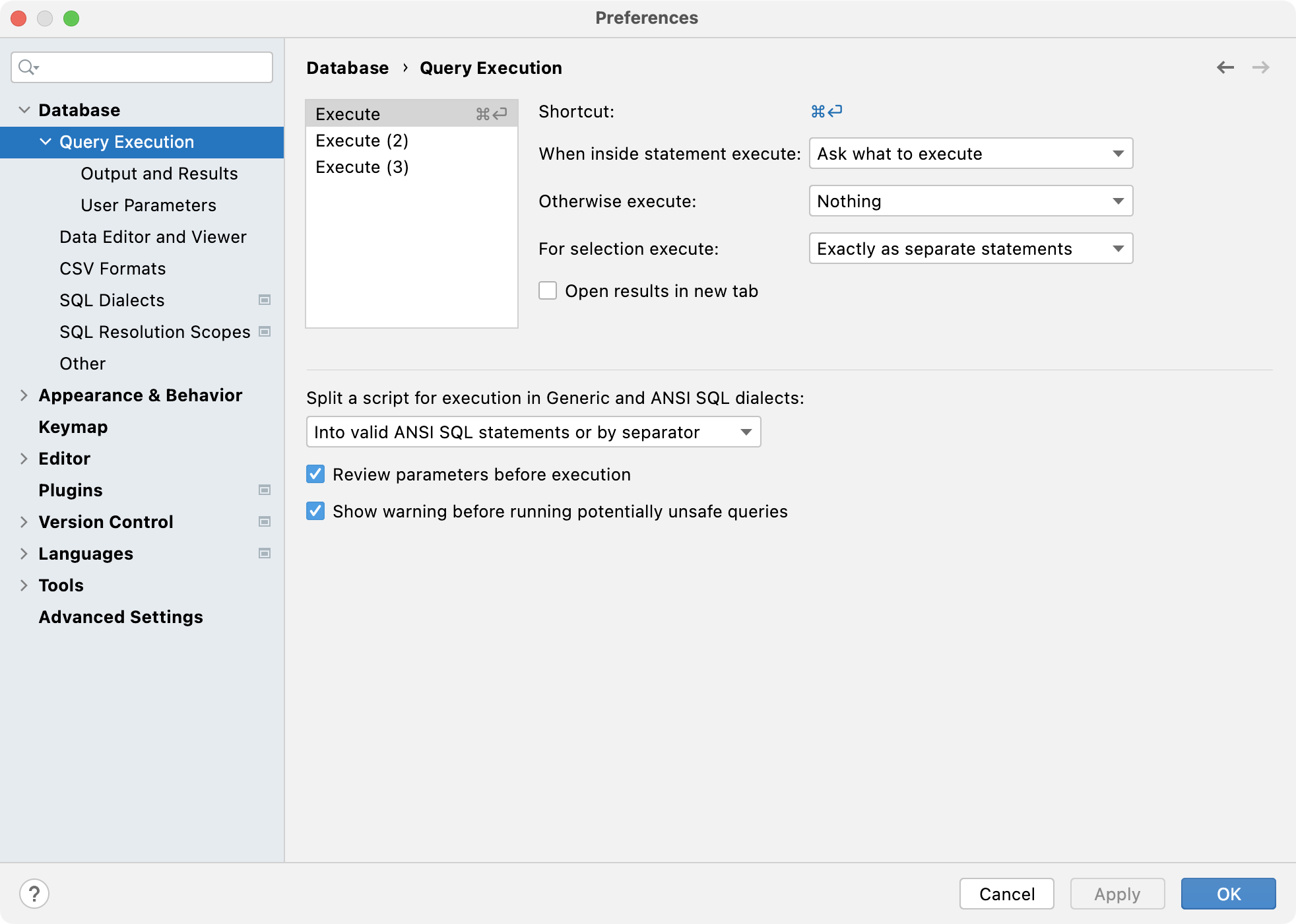
DataGrip has a new structure for database settings.
H2: support for H2 version 2.X
DataGrip now correctly introspects types including the composite types ARRAY and ROW.
Columns with built-in sequences (
AUTO_INCREMENT,GENERATED ALWAYS AS IDENTITY, and other) are now introspected correctly.Check constraints and foreign keys are no longer lost.
The sources are now loaded for views, triggers, and routines.
Information about check-predicates is now displayed for domains.