Use Query tab
In addition to using SQL cells, Datalore allows you to run SQL queries against connected databases outside the notebook environment. This provides a faster way to inspect data, validate access, and troubleshoot issues before launching a full workflow.
You can run queries only for existing database connections. The tab is not available when you are configuring a new connection.
Run database queries
In the sidebar on the Home page, select the workspace where you want to run a query.
In the workspace resources, select
 Data and switch to the Databases tab.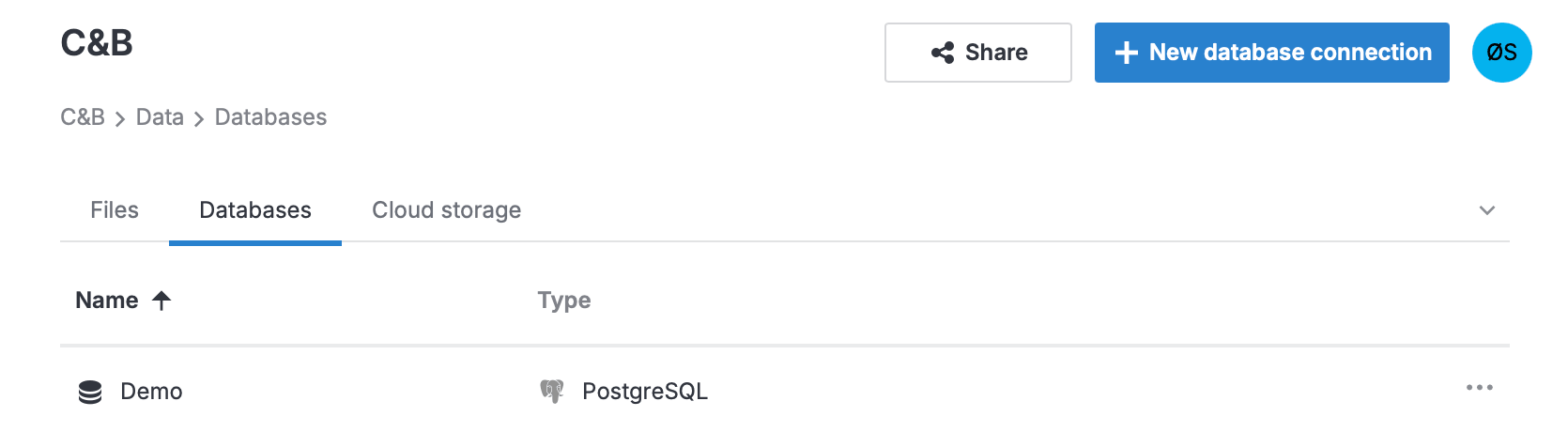
Select the database connection.
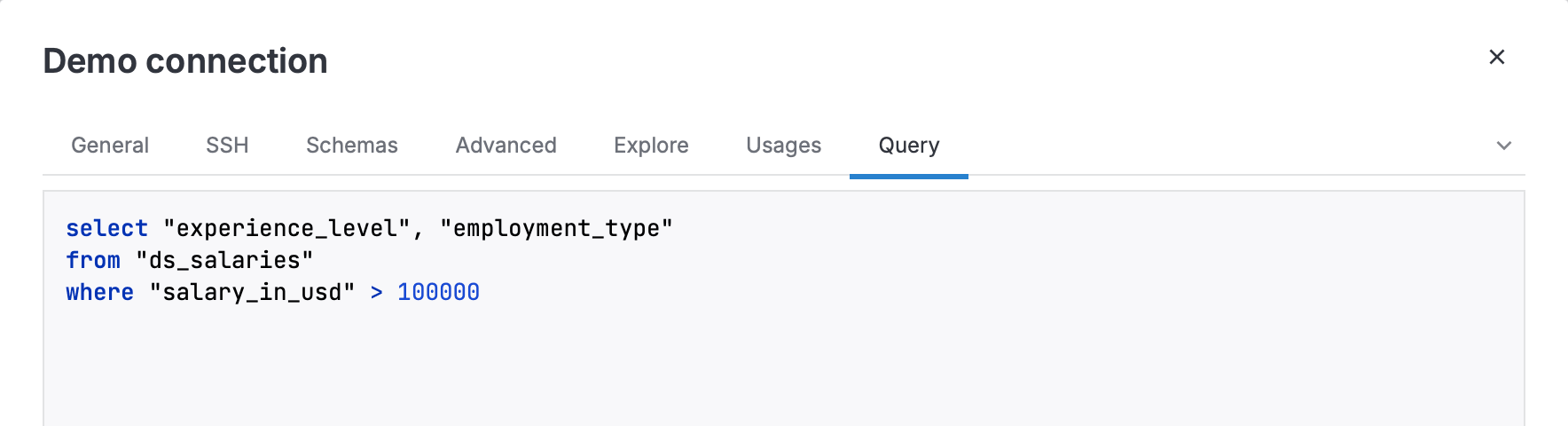
Switch to the Query tab.
Enter your query and click Execute query.
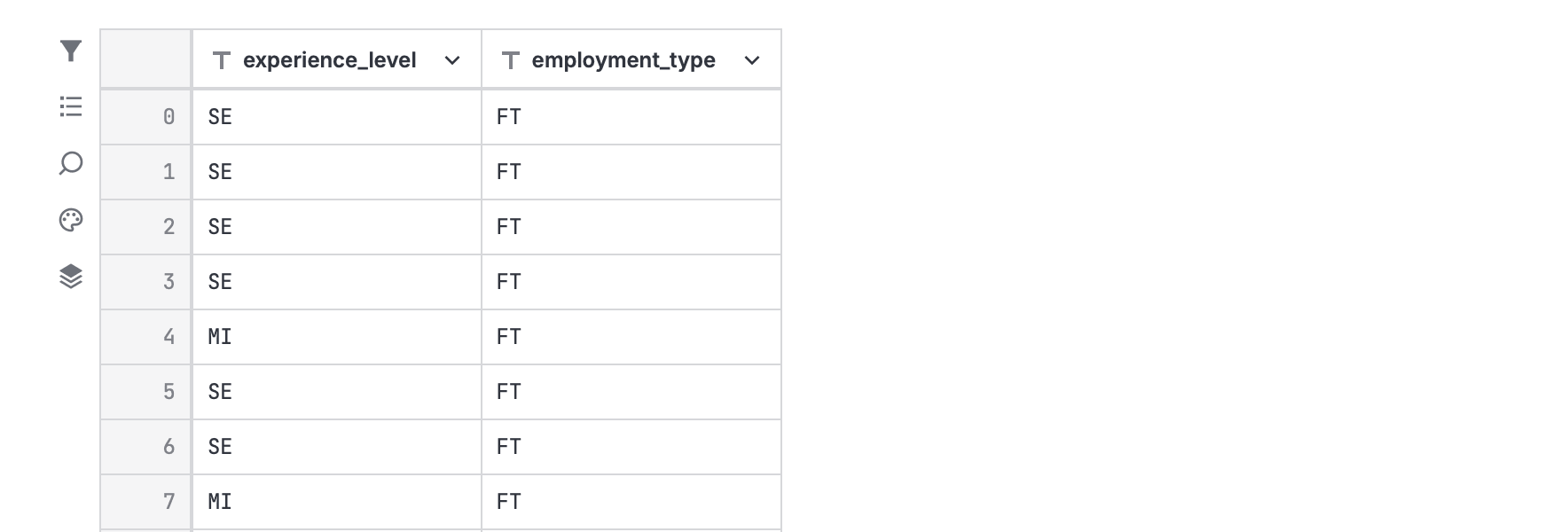
Explore the query results in Data explorer:
Use the table view to review data.
Switch to the visualization view to create charts and explore trends.