Share reports
When you publish a report, you choose whether it is visible only to those who can access the workspace or to anyone with the link.
You can also share reports with selected viewers by email without adding them to the workspace or making the report public. It is especially helpful for sharing reports from your private workspace privately because only you can access the workspace and its content.
Share a report by email
Open the dialog for invitation management:
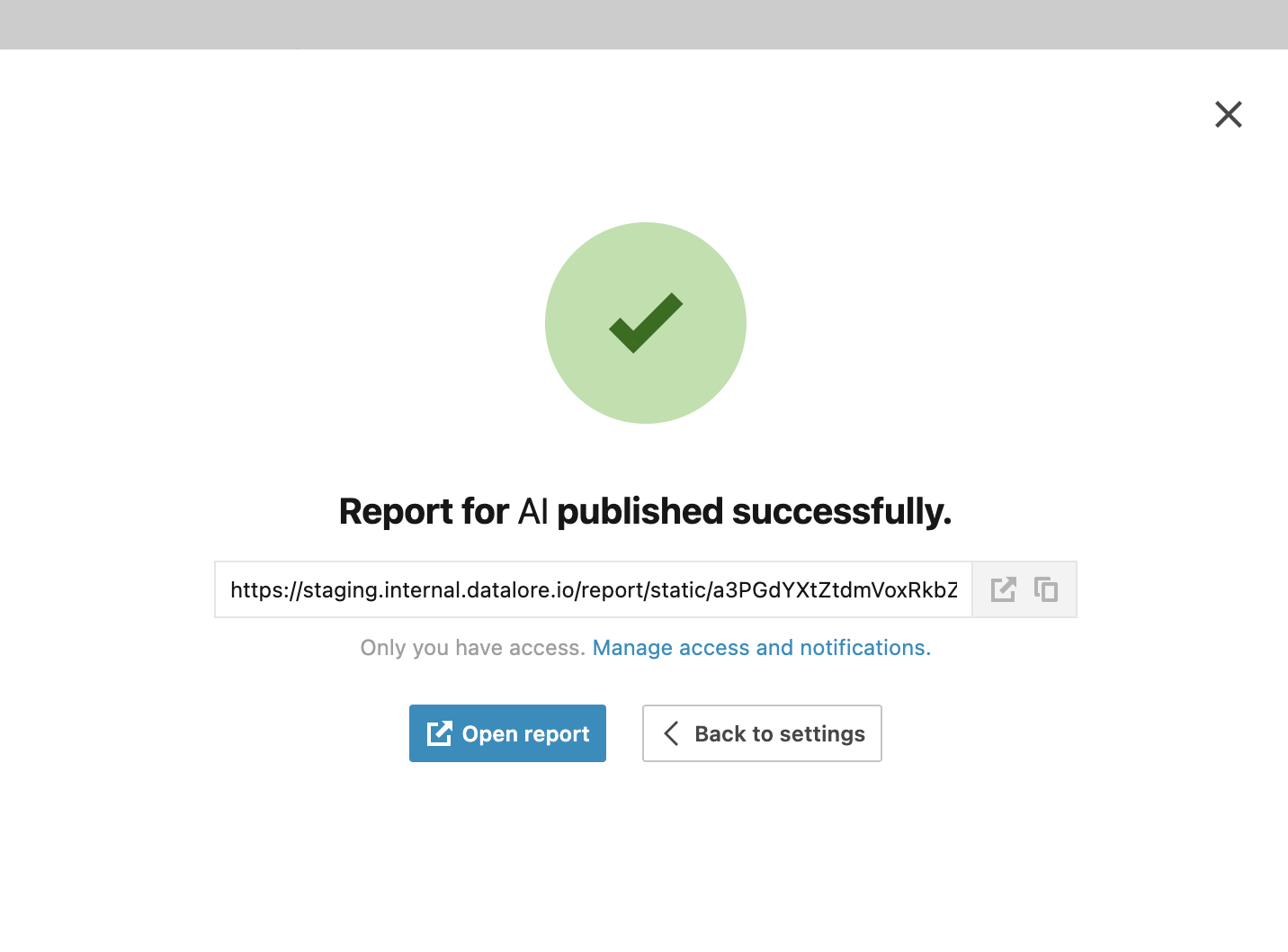
After publishing the report, click Manage access and notifications in the success window.
Open the report builder and click Update report in the lower left corner. In the publishing dialog, under Access settings click Manage access and notifications.
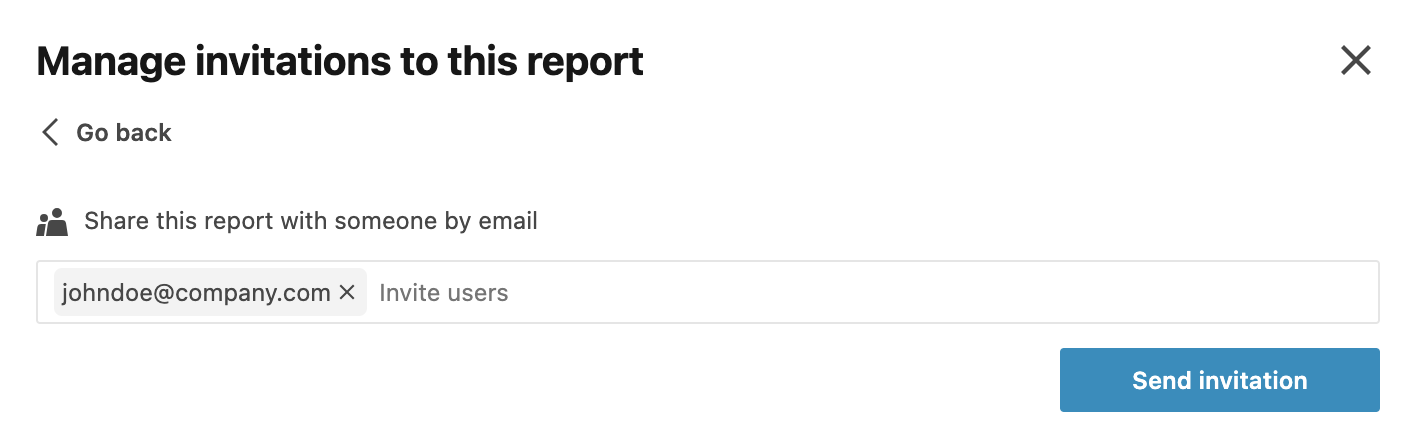
In the dialog, enter the emails of the users you want to share the report with. You can separate entries with Space or Enter.
Click Send invitation.